
Chatbox 1.24.4 brings AI chat back to the desktop
Summary
Chatbox 1.24.4 landed on 12 November: a GPLv3 desktop client that keeps GPT, Claude, Gemini and DeepSeek in one window, with a work mode that hands back files.
Recommend- Name
- Chatbox
- Version
- 1.24.4
- Open source
- Open source
- Operating system
- WindowsmacOSLinuxAndroidiOSWeb
- Website
- https://chatboxai.app/
- Updated
- 2026-11-19 16:42
Four or five AI tabs stay open on a desktop all day, each holding its own account, and the transcripts scatter across just as many back ends. Digging out an answer from last week turns into a memory test about which service you asked. Chatbox folds all of it into one client: supply your own API key, or buy credit from the vendor and never touch a key at all. Conversations, attachments and knowledge bases sit on the local disk. The build covered here is 1.24.4, dated 2026-11-12, and it ships for Windows, macOS and Linux alongside Android, iOS and a web version.
- Current build
- 1.24.4, 2026-11-12
- Licence
- GPLv3, client code in a public repository
- Platforms
- Windows, macOS, Linux, Android, iOS, plus a web version
One window, several providers
The published support list covers the mainstream names: GPT, Claude, Gemini, Grok and DeepSeek. Two ways lead in. You can paste your own key and settle each vendor's bill directly, or route through the hosted service and pay in credits. The interface is a chat pane with a session list down the left, and the model switcher sits at the bottom right of the input box. Switching mid-topic keeps the earlier context, so a thread does not have to restart when one model gets stuck.
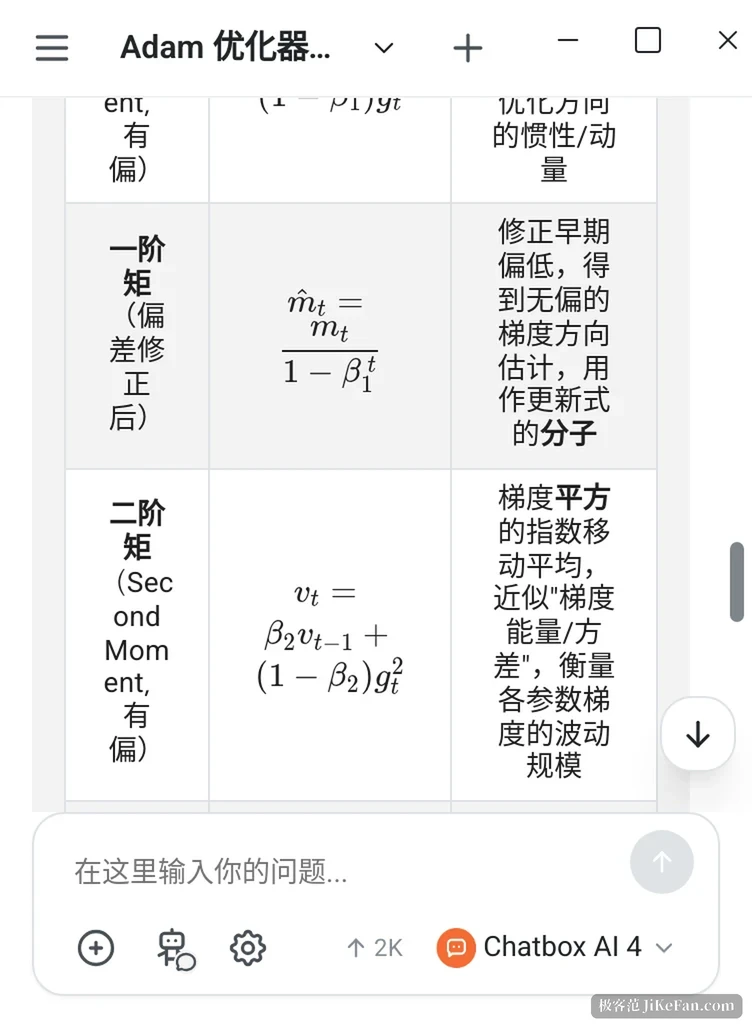
Installers split by architecture as well. macOS gets two builds, one for Apple silicon and one for Intel. Linux gets x64 and ARM64 deb packages, while Windows only sees an x64 build. Markdown, tables, Mermaid flowcharts and LaTeX formulas all render as finished layout inside the reply. Formulas arrive typeset rather than as raw source dumped out for you to read, which saves real time once a thread turns to technical ground.
Files, search and a local index
Drop a PDF, a Word file, an image or a code snippet into the box and Chatbox will read it, summarise it, or pull specific fields out on request. The more useful piece is the local knowledge base. Documents stored there get searched first when you ask something, and the index stays on your own machine instead of going up to a server. Web search runs as a separate path: the assistant looks things up before answering and lists the sources underneath.
Both paths stack, so a question can start in your own material and reach outward when the local answer runs thin. Each sentence comes back marked as drawn from the local index or from a web page, which matters when the two disagree.
Work mode: from answering to handing over
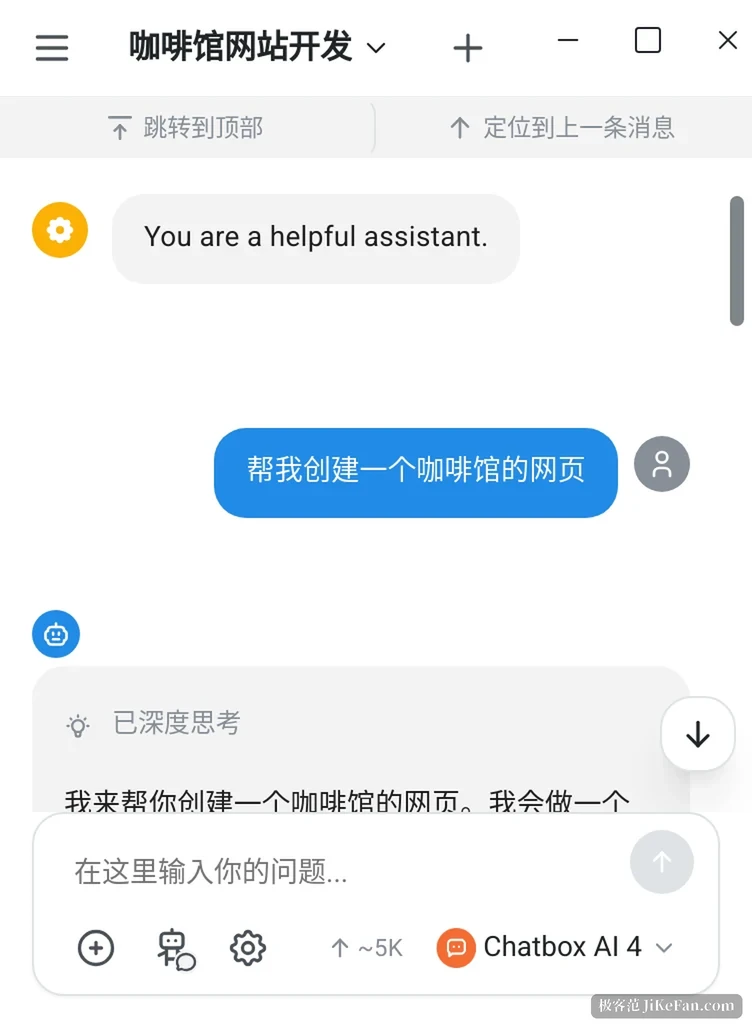
Work Mode has carried the weight of the last two years. Hand it a goal and the agent splits the task itself, reads files, searches the web, writes code and calls tools, then returns files instead of a paragraph. The screenshots here come from asking it to organise source material into a slide deck. While it runs, status lines report what is going on: a deep-thinking state, a count such as 5 web searches, and the working directory it is confined to. You can step in halfway and steer without starting over.
When it builds a web page, the right pane previews it live, so editing one line of the prompt changes the picture at once. Image generation sits behind a separate entry point and asks for three things: a model, an aspect ratio and a description. Outside tools come in over MCP, added from a link in one click, with the service address already filled in. One change is easy to miss. The closing paragraph of an assistant reply is now editable in place, and it can carry on from your revision instead of you resending the whole prompt.
Work mode also picked up several harder pieces in the 2026-11-04 update. The desktop client gained an embedded browser, so the agent can click and read pages while you take the controls back whenever you like. Work mode reached iOS and Android, which means code execution and Office or PDF reading on a phone. Long chains of tool calls collapse into a single line, keeping a heavy job from flooding the thread.
Conversations are now grouped by project too, and work-mode sessions file themselves under their working directory. Anyone running several jobs at once stops scrolling a single endless list. That sounds minor until a week of sessions has piled up.

The 1.24 line: add first, polish second
Feature work landed in a single build. The builds that followed came two or three days apart and touched almost nothing but feel. Dark theme colours were retuned, panels and pop-ups over a chat wallpaper picked up a frosted-glass treatment, and the message avatar and model label moved to better spots. Scrolling and history loading were rewritten outright, so the view holds its place when you switch branches or regenerate an answer. Long conversations that refused to open now load, and the row of retry, edit, copy and delete buttons came back on mobile.
Image generation gained reference images and support for OpenRouter plus custom compatible endpoints. Backups can export only the conversations you pick, and the knowledge base hooked up reranking through Alibaba Cloud's Bailian service. None of this makes headlines. For a client that stays open all day, though, one stutter or jump decides whether people keep using it far more than an extra feature does.
What it costs, and where it stops
The free tier gives 10,000 credits a day and five images a month, with work mode available as a trial only. Lite runs 3.99 dollars a month, Pro 19.99 and Pro+ 39.99, cheaper again on a yearly plan, and the difference sits in credit volume and the model tiers you can reach. Bringing your own key is a separate road: the client charges nothing, token bills go to the model vendor, and the invoices stay apart.
The gaps are just as visible. The knowledge base is single-machine, so a team that wants to share one has to build something else. Which models the hosted service offers follows the vendor's schedule, and trying a new one means waiting for it to be wired in. The Android and iOS builds trail the desktop by half a step, and mobile interface changes always arrive after the desktop version has settled.
Chatbox suits people who already pay for two or three providers and would rather not leave transcripts in each provider's web console. On features it is already substantial. The recent builds read more like smoothing what exists than piling on more.