
Grida 0.1 puts design, slides and vectors on one canvas
Summary
Grida 0.1 is an open-source canvas that puts design, slides and SVG editing on one endless board, with project files kept in a folder of your own.
Recommend- Name
- Grida
- Version
- 0.1
- Pricing
- Free
- Open source
- Open source
- Operating system
- WindowsmacOSLinux
- Website
- https://grida.co
- Updated
- 2026-11-19 16:42
Grida is an open-source canvas application for Windows, macOS and Linux, released as version 0.1 on 17 November 2026. Graphic design, slide layout, vector editing and generated imagery share one board without edges, project files sit in an ordinary folder in an open format, and the code is published under Apache-2.0.
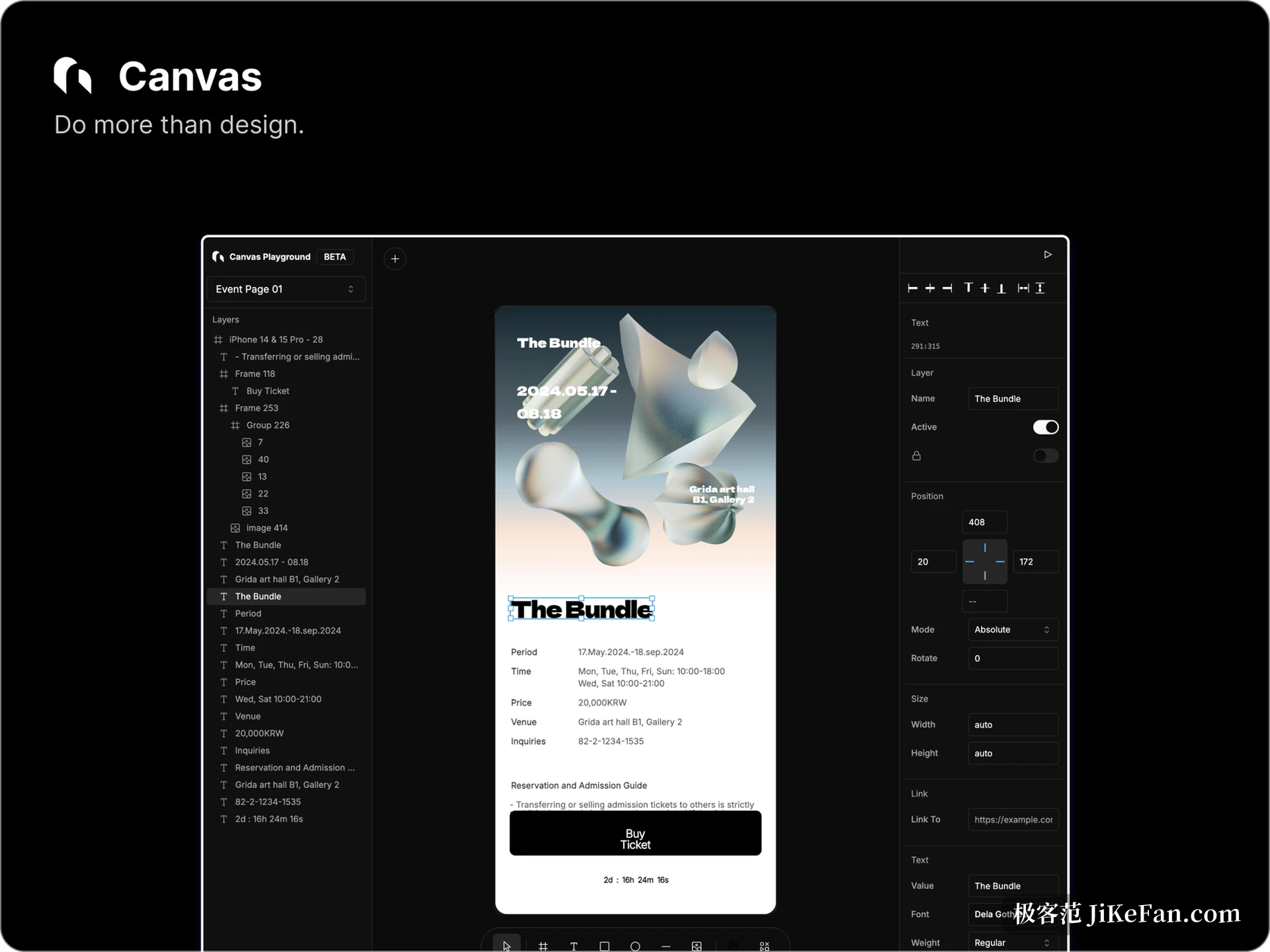
Before 0.1, the foundation was replaced
For more than a month the number sat still on an earlier build, and 0.1 put its weight on the desktop agent. The macOS and Linux builds gain a native chat panel with multi-turn persistent sessions, pause and resume, goal breakdown and branching conversations; the intermediate work of a sub-agent can be expanded, and a runaway process stops in place.
On Windows this round keeps only the file and media services, the native chat stays closed, and the release notes state that plainly before upgrading instead of hiding it.
The permission design deserves a second look. Every session starts restricted, and only a manual switch to full access lets the agent read and write ordinary files or reach the network; a new session always returns to restricted. That matters when assets are handed to a model: tight by default and opened when needed beats the reverse.
One canvas, three kinds of work
Opening the editor shows a layer tree on the left, boards in the middle and properties on the right, close to what vector tools usually offer. The difference is that the canvas itself has no border: a poster, a slide and a set of icons can lie in the same region, separated by zooming and box selection rather than by deciding in advance which file they belong to.
Slides are not a second program; boards on the canvas are chained in order and played back. The vector half is an SVG editor that writes only the bytes that actually changed when saving, so an exported file does not come back full of unrelated formatting differences after the tool re-serialises it. For anyone handing icons or marks to a front-end developer, that beats a few extra filters.
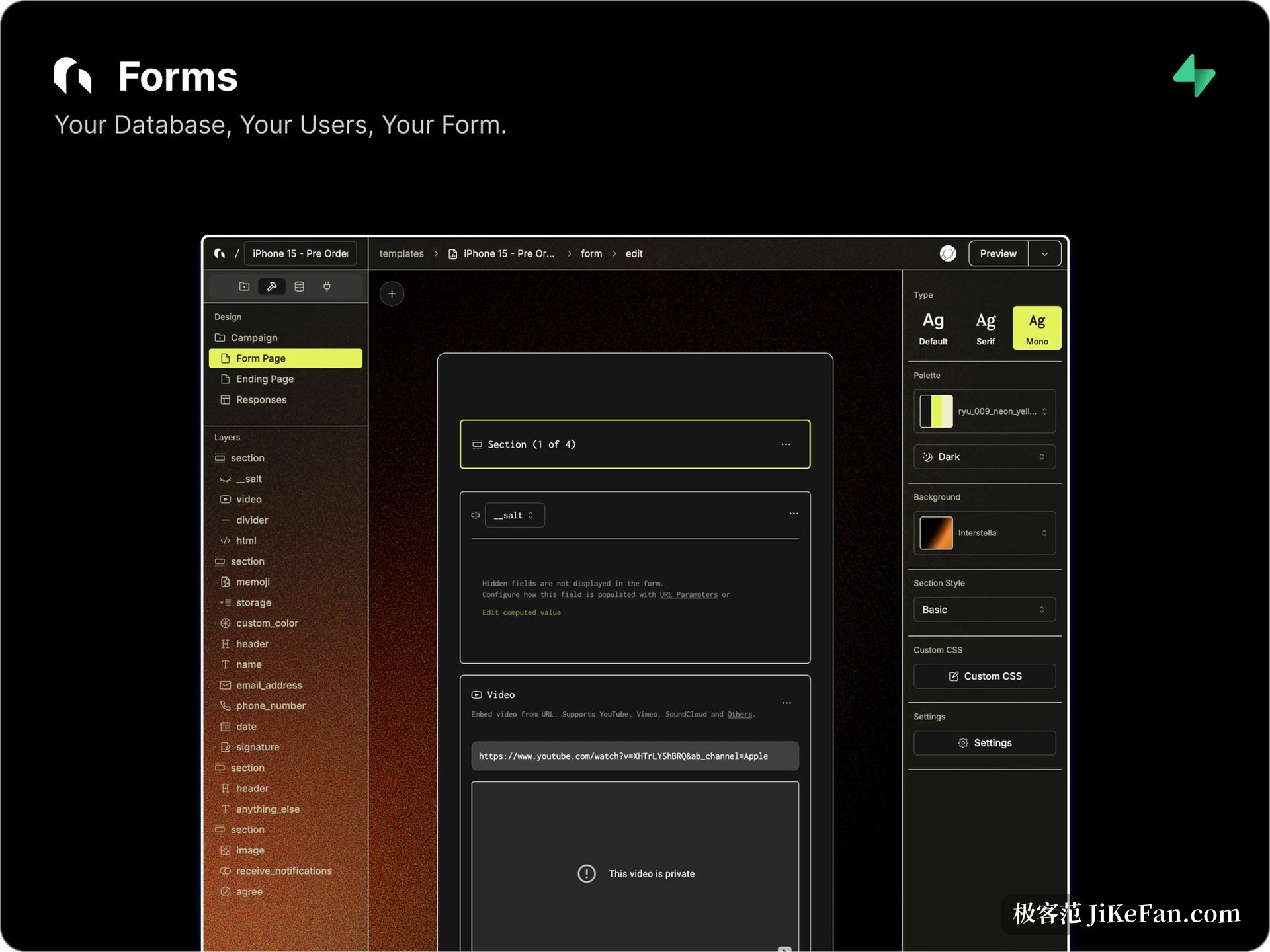
Files stay in your own folder
A Grida document is an ordinary file with a .grida suffix, kept in a directory you choose rather than locked behind a cloud account. Handing a project over means sending the file, and backing up means copying the folder.
That file-first habit costs something in collaboration: there is no live multi-user cursor, and two people editing one file overwrite each other. It suits a single person finishing the work and then passing it on.
Treating a design file as a normal file buys no particular feature; it buys the cost of leaving, since one day the work is still on the disk and still opens in other tools.
Generated assets, with your own key and model
The AI inside Grida is not a fixed bundle. You can paste a provider key and pay upstream by usage, run Ollama locally so text requests never leave the machine, or buy from the project's own pool by the call. Images, video, audio and 3D models share one entrance, and a poster, a social graphic or a vertical clip can be reissued at another ratio from the same material.
A command line opens the same door: a CLI generates assets and writes them back into the project directory without the desktop app, which suits teams that want the step inside an existing pipeline.
A separate project, Grida FX, chains models, tools and checks into reusable asset recipes and is still in preview.
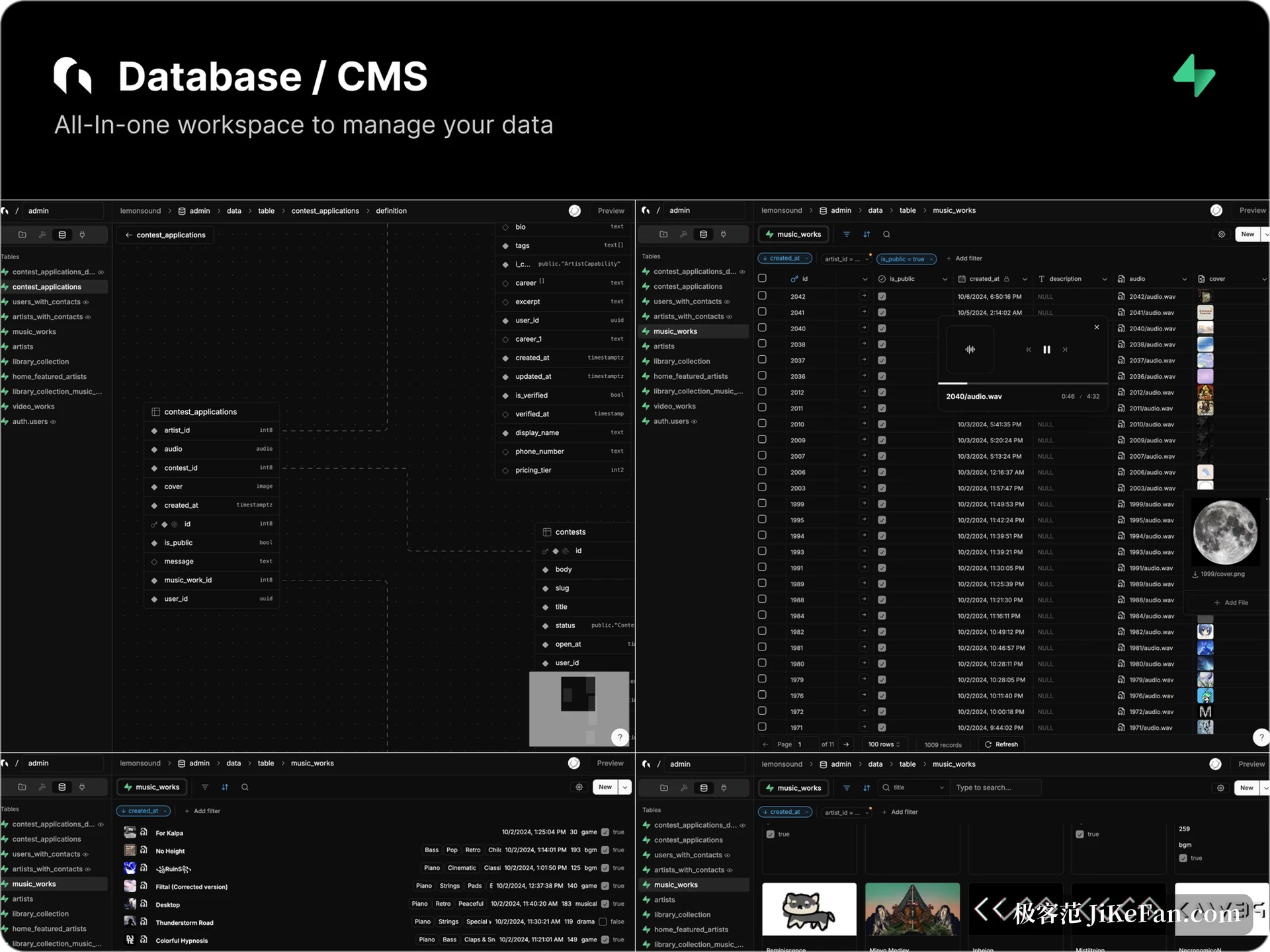
Two more blocks beyond the canvas
Forms and database views came along as well. A form publishes straight from a layout on the canvas into a fillable page and collected answers land in a table, while the database view flips records as a table, a gallery or cards.
Both depend on an external database service, so a project has to exist first; this is a feature to configure when needed rather than something that works on opening.
Rendering is the project's own. The engine is called nothing, written in Rust with Skia as the back end and compiled to WebAssembly for the canvas to call.
The price is maintenance across two repositories, where a change in graphics behaviour needs both sides to move, and the gain is one rendering path shared by browser and desktop, so exports do not drift between platforms.
What still has to wait
As of 0.1 the component and instance model is unfinished and nested variant states are not in place, which leaves a gap for anyone building a large design system; a WebGPU back end is on the list, and today's ceiling is set by WebAssembly and WebGL.
Five years of history brought more than 2700 stars and 18 contributors, with a steady rhythm of updates, though public adoption stories stay scarce. Before putting Grida into a critical path, run a real project of your own through it.
If what you want is a canvas where you control the files, attach your own model and make slides and vectors along the way, Grida 0.1 already works day to day; if you need mature team collaboration and a complete component system, it has not arrived there yet.