
Gopeed 1.9.3 puts every download in one queue
Summary
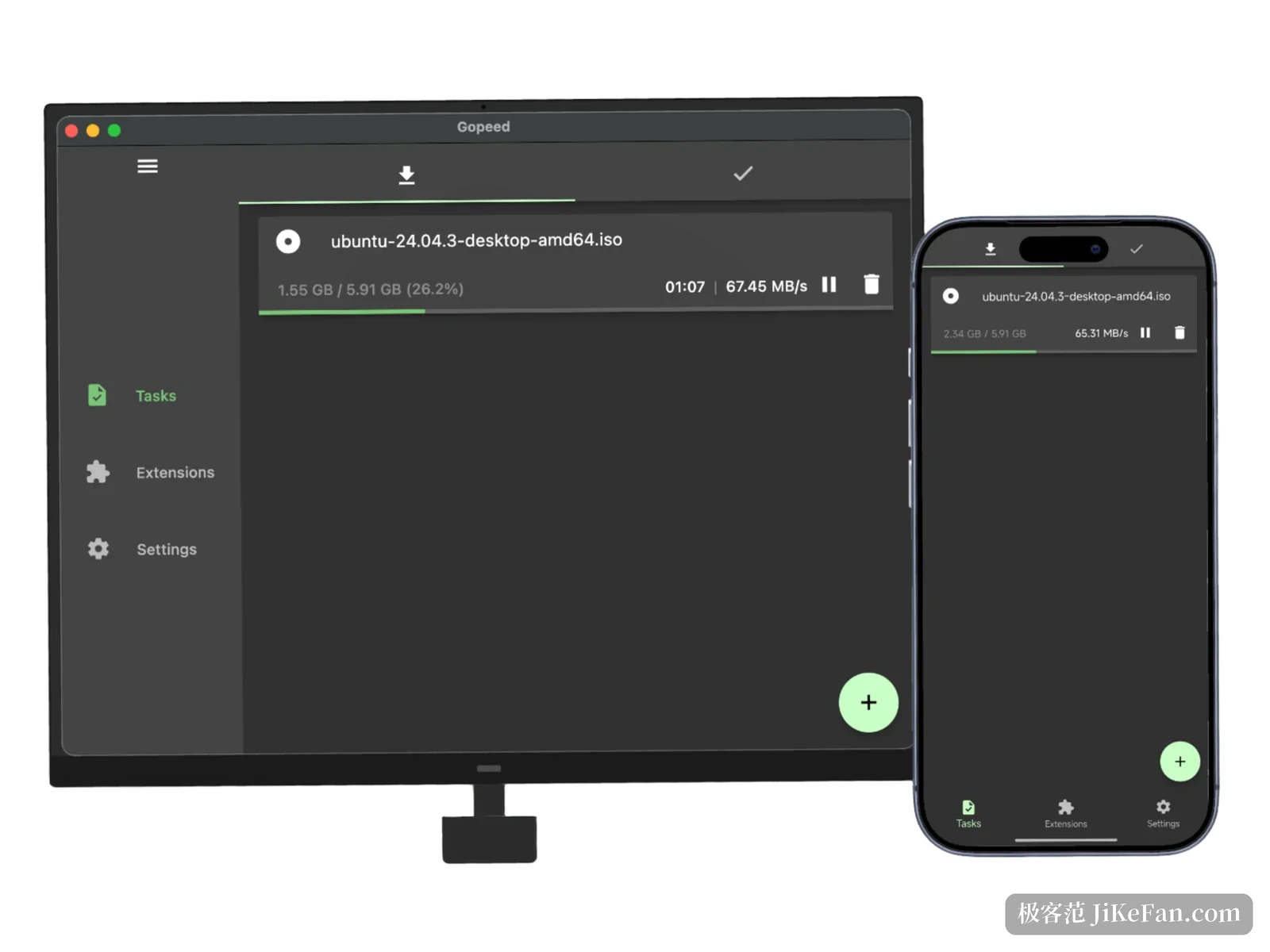
Gopeed 1.9.3 folds HTTP, BitTorrent, magnet and ed2k links into one task queue, and the desktop and the phone read progress from that same list.
Recommend- Name
- Gopeed
- Version
- 1.9.3
- Pricing
- Free
- Open source
- Open source
- Operating system
- WindowsmacOSLinuxAndroidiOSWeb
- Website
- https://gopeed.com/
- Updated
- 2026-11-19 16:42
Downloading rarely fails on speed. It fails on scatter: a plain file goes into the browser's queue, a magnet link needs another client, an ed2k link a third one, and afterwards the same file sits in three places at three different percentages. Gopeed is an open-source download tool written in Go and Flutter, and the 1.9.3 Windows installer weighs 25.2 MB. It pushes HTTP, BitTorrent, magnet and ed2k links into one task list, with the desktop and the phone reading the same progress.
One queue that catches several kinds of link
Paste a magnet link and Gopeed fetches the torrent metadata first, then asks which files you actually want this time, leaving the rest in the list untouched. On the torrent side it speaks DHT, PEX, uTP, WebTorrent and UPnP, refreshes its tracker list once a day, and lets you cap how much it seeds. A plain HTTP transfer splits into several connections when the server honours range requests, pulling different slices of one file at once, which uses more of the pipe when conditions allow.
Network settings stay practical. You can fill in an HTTP or SOCKS5 proxy, or let the app follow the system proxy, so a flaky direct route or a line that needs a particular exit does not call for a second tool. When a torrent crawls, Gopeed lays the likely causes out side by side: how many seeds are alive, whether the tracker answers, whether a firewall or port forwarding stands in the way, whether DHT is enabled. None of that is cured by pressing one button, but at least you know which row to check first.
Whatever the browser hands over
With the official extension installed, a download click in Chrome, Edge or Firefox goes straight to Gopeed, an entry appears in the right-click menu, and it sniffs out resources buried inside a page. Managing a pile of tasks works too: pause, resume, retry after a failure and search by name all sit on one page, and progress survives closing the window.
The extension is written in JavaScript and leaves a hook at every stage of a transfer. Its marketplace is a wall of cards showing stars, install count, author and version, sortable by most starred or most recently updated, and anything missing can be installed by hand from a repository address. Archives unpack themselves once they land, so that job needs no separate tool.
What feels good in daily use is the handoff. The extension catches a link without marching you through a wizard, and the save location can still be changed once before the transfer starts, a detail anyone who drops big files onto a second drive will notice. Installing it is a one-time job. From then on, as long as Gopeed runs in the background, Gopeed takes over an ordinary browser download automatically, with no links to copy and paste.
Managed from another machine
The interface is open. A RESTful API plus a web UI lets another device on the same network open a browser, read the queue, create a task or stop one. Run it in Docker, or simply use the web version, and you have a download box that never sleeps. Set up authentication before exposing it, and the project also suggests a dedicated token for the API. When a task finishes or fails, a webhook pushes the news to Gotify, Bark, WeCom or DingTalk, so nobody has to sit and watch the screen.
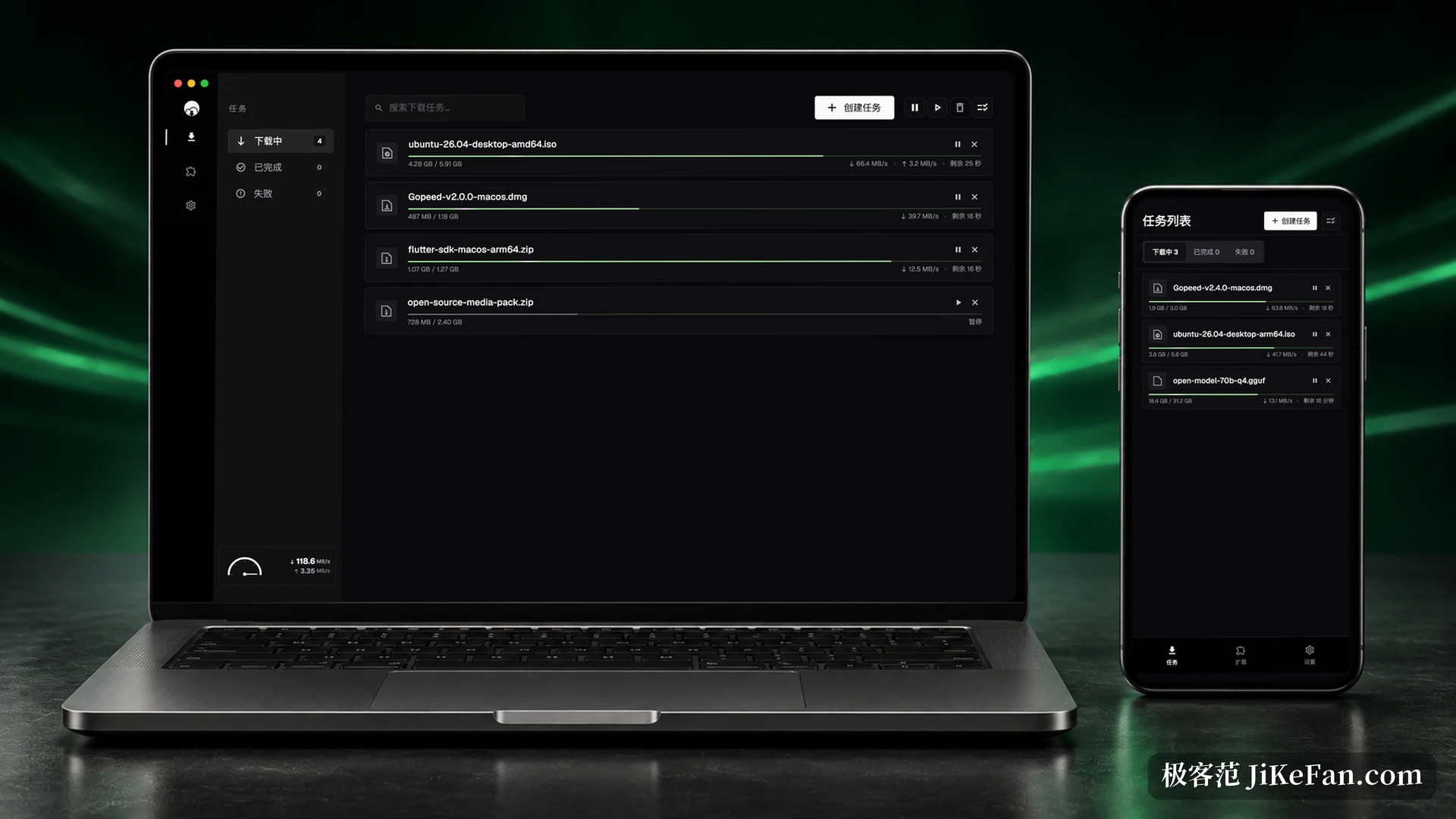
Platform coverage runs wide: macOS, Linux, Android, iOS, the web version, Docker, and packages for some rack-mounted storage. A few details are worth knowing first. The iOS build ships as an IPA because of App Store policy, which means signing it yourself. On Windows a few antivirus products may false-flag the daemon and the updater, and taking the installer from the official channel avoids most of that. The project is GPLv3, with no ads and no tracking.
Command-line and scripted use are not an afterthought. The same backend can be driven from a terminal, and with the API and SDK a weekly pull of a fixed set of files turns into a script that finishes by firing a webhook. Away from home, pointing the web version at the machine at home shows the same queue as the desktop, and no remote desktop session is involved.
It does not fix slow downloads. It fixes the way one job had been split across three or four entry points: one queue, one 25.2 MB window, and the same progress whether you look from the desktop or the phone.