
KiCad 10.0.8 adds design variants to the board suite
Summary
KiCad 10.0.8 is the maintenance build from the end of October: a GPLv3 board suite that now derives several product variants from a single schematic.
Recommend- Name
- KiCad
- Version
- 10.0.8
- Pricing
- Free
- Open source
- Open source
- Operating system
- WindowsmacOSLinux
- Website
- https://www.kicad.org/
- Updated
- 2026-11-19 16:42
Laying out a circuit board usually means carrying files between several programs: one for the schematic, one for routing, another for the 3D view, with export formats as the glue and a full rerun after every change. KiCad puts all of that inside one suite. Symbols, footprints, schematic, PCB, 3D preview and Gerber checking are modules of the same project file, so an edit on the drawing can be pushed straight onto the board. It is open source, ships installers for Windows, macOS and Linux, and the maintenance build reviewed here, 10.0.8, arrived at the end of October.
- Current build
- 10.0.8, end of October 2026
- Licence
- GPLv3, code and official libraries public
- Platforms
- Windows, macOS, Linux, undemanding on hardware
One suite, from symbol to Gerber
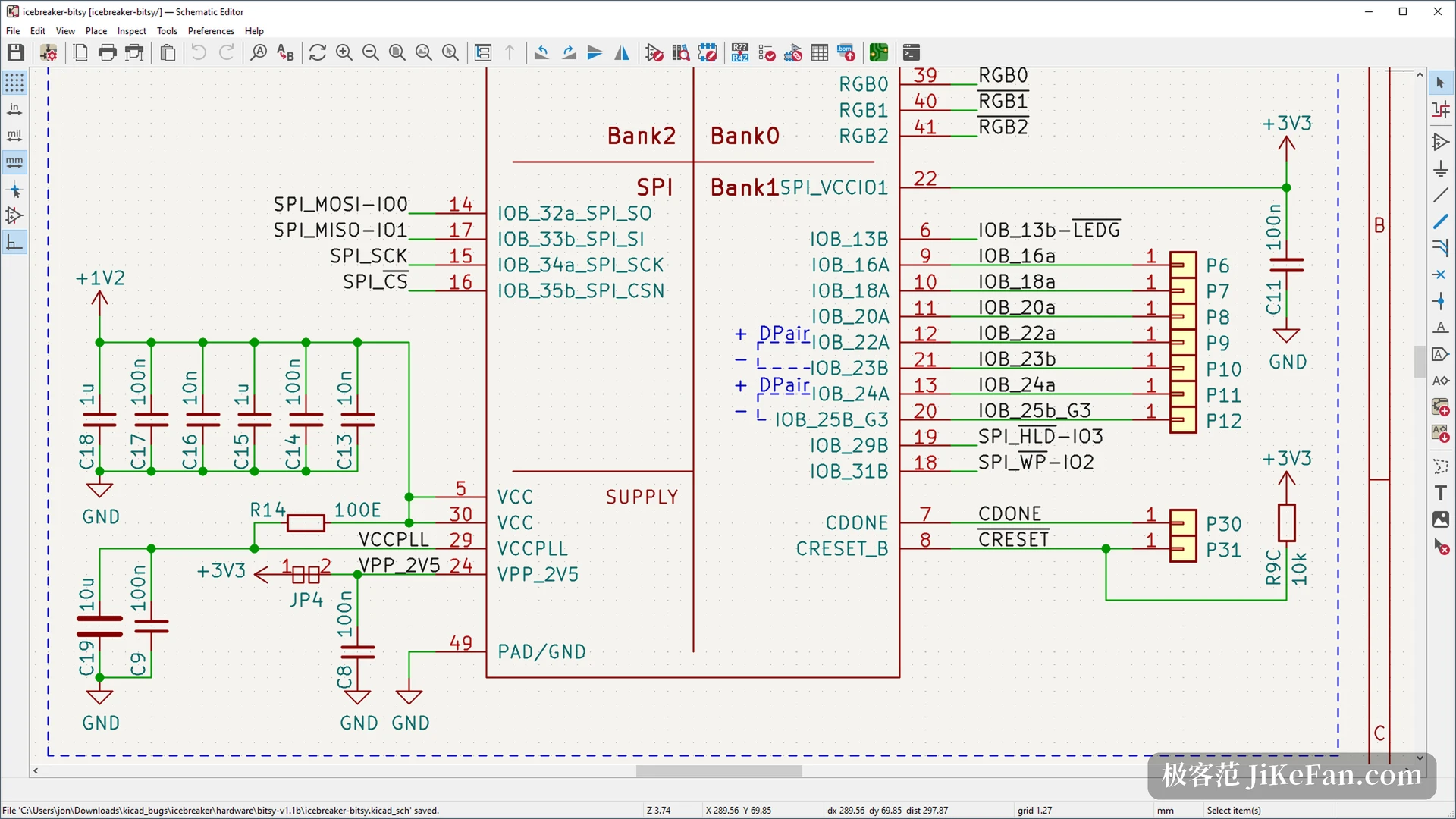
The mainline release shipped on 2026-03-20. The project's own figure for that development cycle is 7609 commits. What this version adds leans towards daily engineering work rather than headline features. One schematic can now spawn several design variants: swap a few parts or leave a chip unpopulated and you get a different product, with the bill of materials following the variant, so no second project has to be saved.
Wires that cross without connecting can be drawn as a hop, which makes the difference between crossing and joining obvious at a glance. Jumpers let several pins and pads be declared connected internally, and the extra air wire stops appearing on the board. The interface side also picked up fixes for complaints that had sat open for years. Dark mode follows the system setting on Windows, toolbars can be dragged and rearranged, edits inside a dialog can be undone before it closes, and lasso selection joins the box.
KiCad's importers now cover Allegro, PADS and gEDA, so older projects have a route in. The bundled simulator runs transient and AC analysis straight from the schematic, with the waveforms in the same window instead of an exported netlist and a second program. Every module exposes a Python interface, so bulk footprint edits or a bill of materials export can be scripted.
The layout side got the more solid work
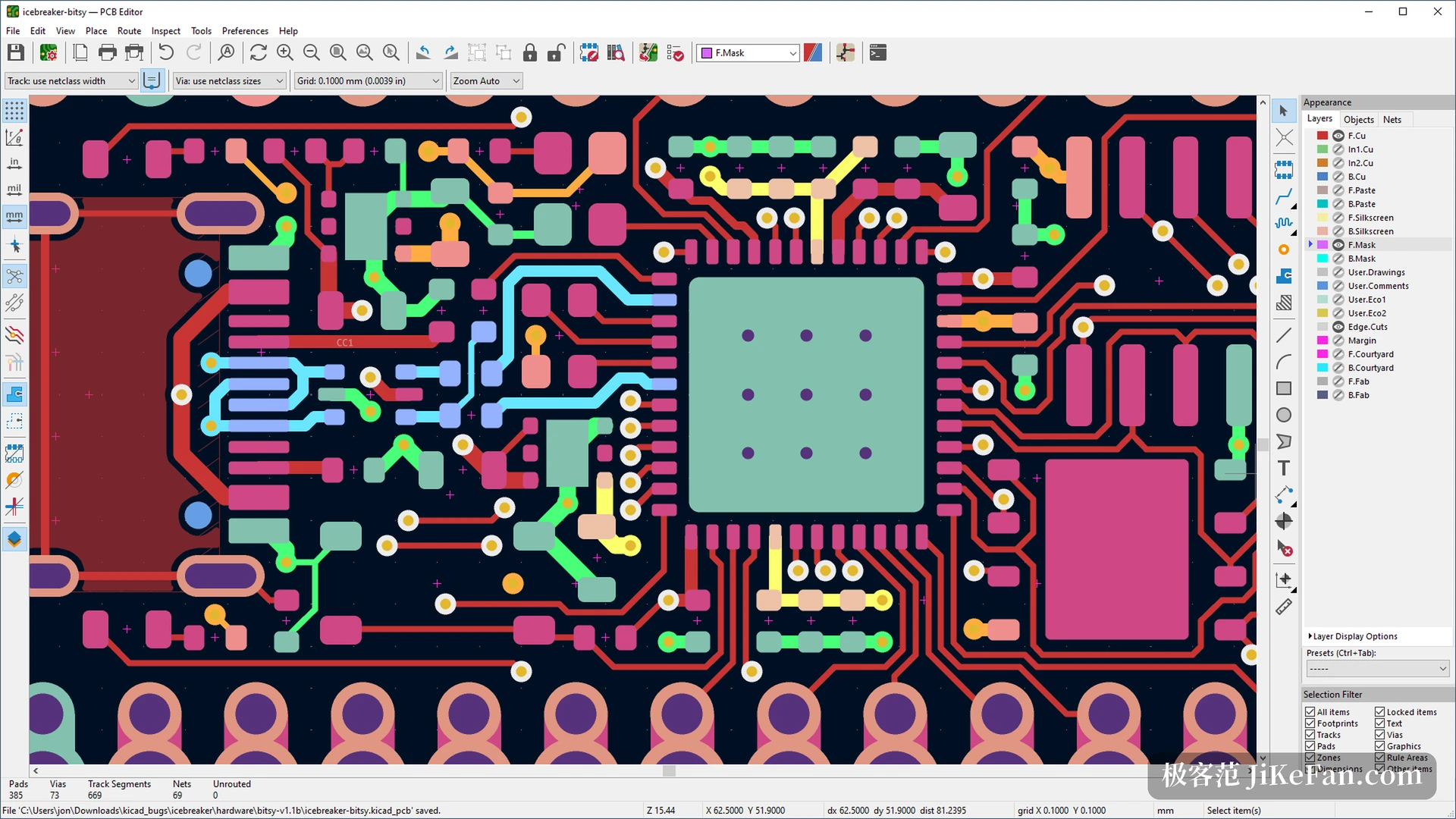
The project rebuilt track tuning from scratch. Constraints moved from length matching to the time domain, you can define tuning parameters per signal, and the rules for each layer can be saved as a profile and reused. Design blocks now reach from the schematic into the PCB, so a power stage or an interface circuit drops in as one unit. Footprints accept inner-layer objects, which means graphics and keepouts on those layers finally travel with the footprint.
The design rule check gained a graphical editor, so rules no longer have to be written as code, and a violation now comes with a suggested fix. On the output side there is 3D PDF and a barcode: the first for people who will never read a schematic, the second for tracing boards along the line.
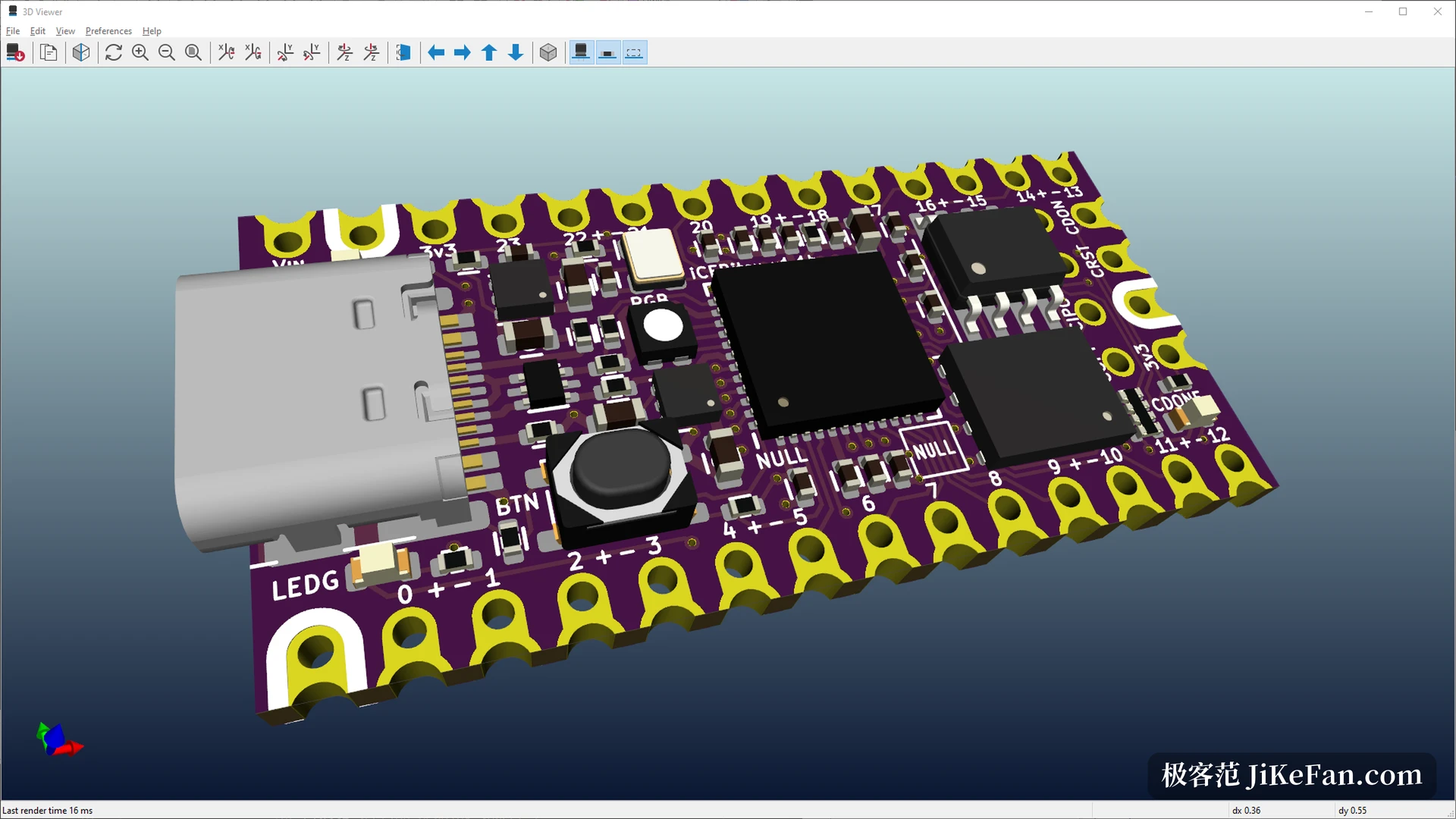
One library change looks minor and shows up in the installer size. 3D models now ship as STEP only, which carries higher geometric accuracy and narrows the gap between the preview and an export. The library added 952 symbols, 1216 footprints and 386 3D models this year, and more than three quarters of the footprints are now generated from data instead of drawn by hand.
What 10.0.8 actually fixes
Maintenance builds fix and do not add. The line moves roughly once a month: a build in July, one in August, one in early October, and this one at the end of October, each preceded by one or two release candidates for testing. That rhythm helps small teams, because a blocking bug no longer has to wait for the next major version. The project describes 10.0.8 as critical fixes plus small improvements, and no new features were listed for it.
Who it suits, and where the threshold sits
Students, hobbyists and teams building small batches make up the main users: nothing to pay, a library deep enough to work from, and Gerber output a board house accepts directly. The threshold is real as well. Learning it means understanding how symbols, footprints and nets relate, and the first board usually needs a tutorial within reach. The interface looks like a traditional desktop program, with deep menus and plenty of shortcuts, which is efficient once learned and dense in the first week.
The 3D preview and the simulator cover most verification. Deep analysis of high-speed signals still needs outside tools. Collaboration runs on files and version control, and several people editing one board at the same time is not its strength.
One community detail is worth noting. The Asian KiCad user meeting runs from 2026-11-05 to 2026-11-07 in Huaqiangbei, Shenzhen, with the main days on the 6 and 7, and members of the development team will be there. An open-source project holding its user meeting above an electronics market says something about who actually uses it.