
Genspark review: one workbench holding slides, sheets and mail
Summary
One prompt box in the middle, a ring of applications around it, and four layers underneath: a memory layer, an agent engine, three suites of tools and a collaboration surface. The breadth is real; the depth is the thing to test.
Recommend- Name
- Genspark
- Version
- 6
- Open source
- Proprietary
- Operating system
- WebiOSAndroid
- Website
- https://www.genspark.ai/
- Updated
- 2026-10-06 09:37
The product line behind this one is unusual. It started as an AI search engine and then folded search, a browser, agents and a whole office suite into a single interface. What exists now is a general workbench: open the front page and there is a prompt box in the middle inviting anything at all, with a ring of application icons around it — slides, sheets, documents, and on to images, video and music. A few separately named members sit alongside the main product, and there are localised sites for different markets.
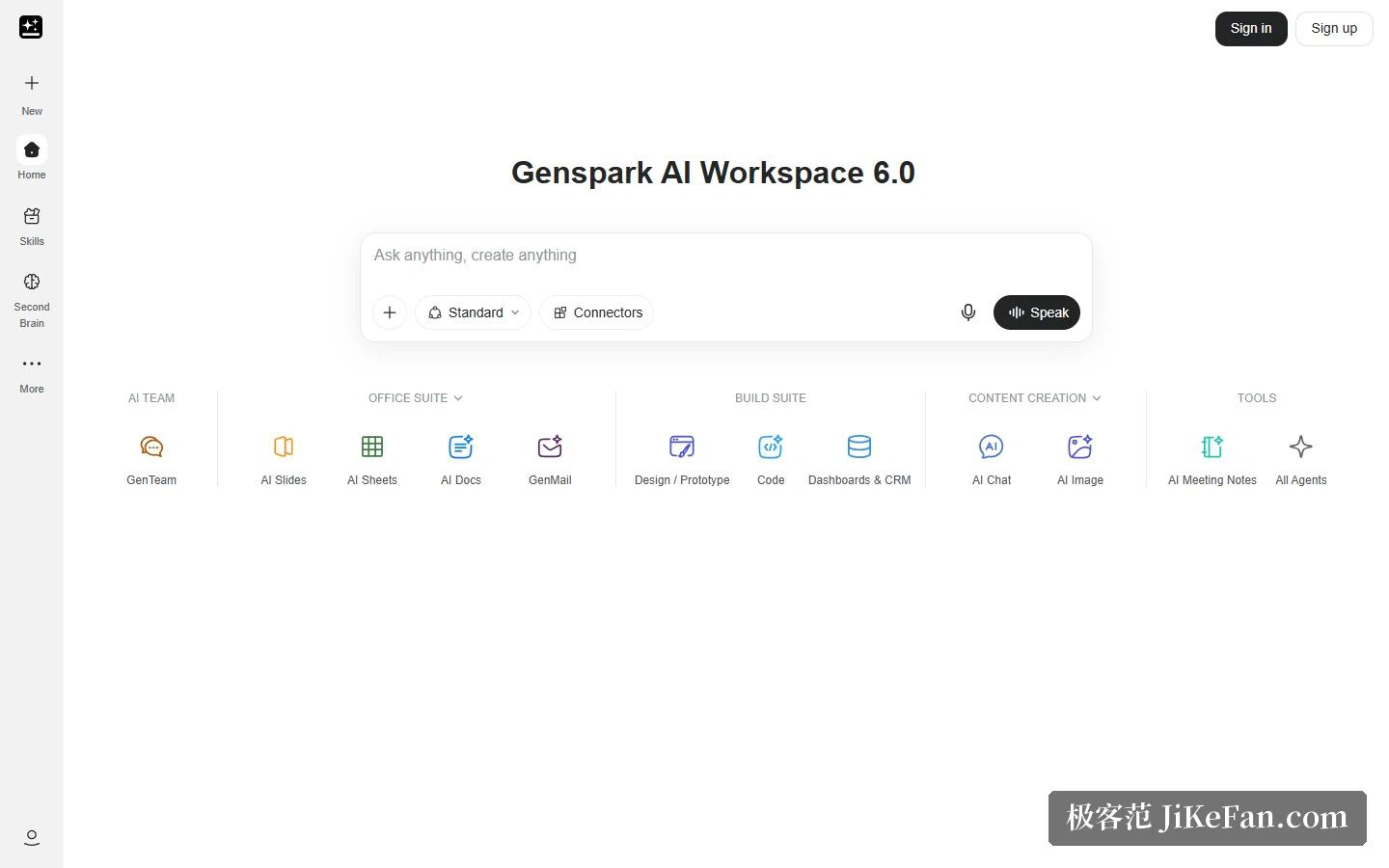
Four layers behind one prompt box
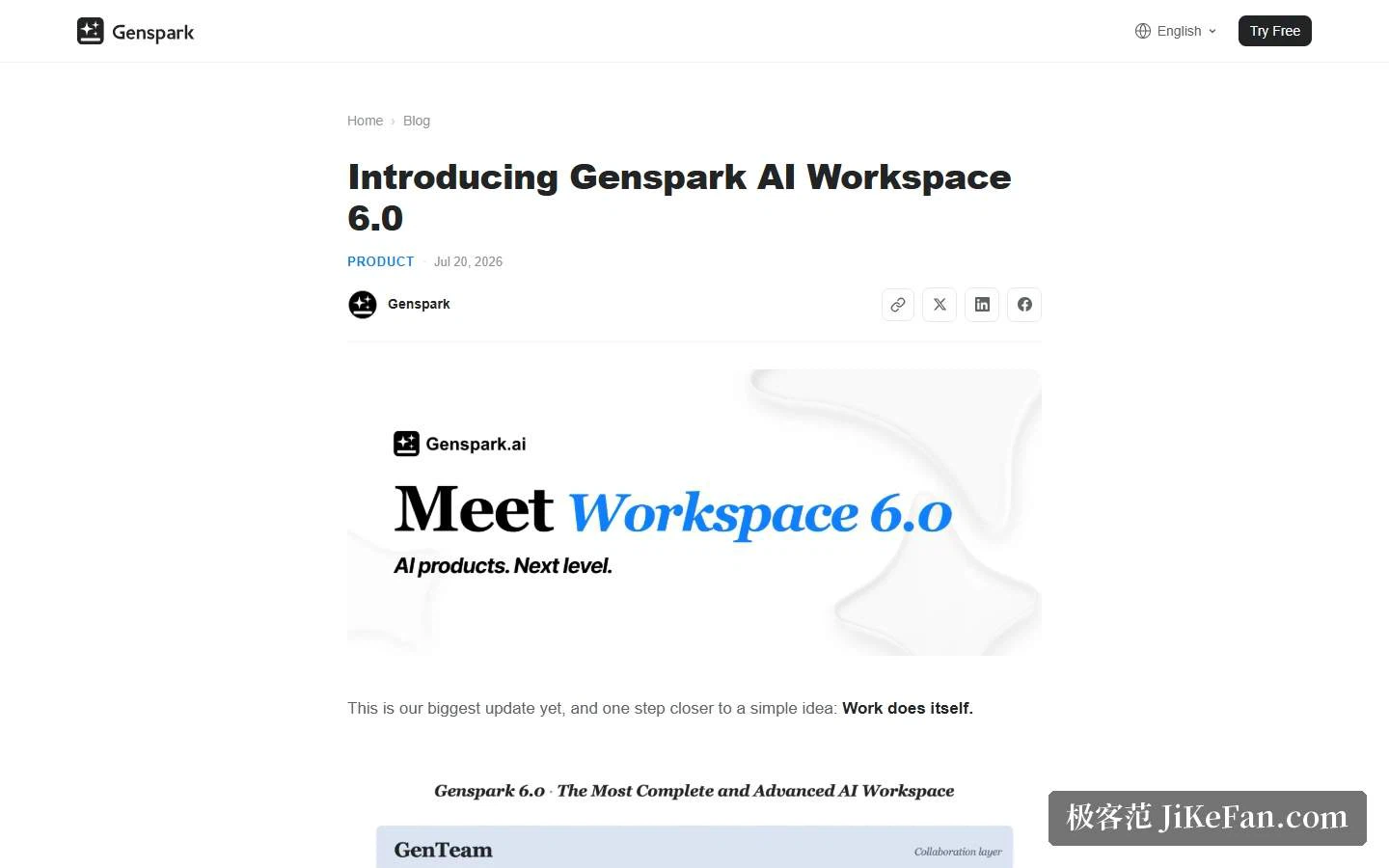
The official introduction for version 6 splits the workbench into four layers, which says more than a feature list would. At the bottom is SecondBrain, used as the memory layer. Above it sits Super Agent as the intelligence engine. Above that come three suites for getting work done: a build suite for making things such as designs and code, an office suite for slides, sheets, documents and mail, and a content suite for chat, images, video and music. On top is GenTeam, where people and agents collaborate inside the same chat. The stated claim for this version is that the work finishes itself, and the four-layer answer is really about something else: before work can finish itself, the system has to stop forgetting, know how to reach for tools, and have somewhere to put what it produces.
Why memory became its own layer
The official write-up uses a fair comparison: the models are strong now, but their memory behaves like a goldfish, so you repeat yourself, re-explain who you are and paste the same background again. SecondBrain exists to compile mail, meetings, chats, documents, applications and the projects in the workbench into one durable context, so the agent knows both the person and the job in front of them. A piece of hardware ships alongside it: SecondBrain Note, a card-thin voice recorder meant for meetings in real rooms, turning spoken discussion into notes and feeding them into that memory layer. The pairing betrays a judgement — the parts of real work that happen online have largely been captured already, and the conference room is where the gap remains.
What is worth looking at inside the suites
In the build suite, a design tool turns a rough idea into a deliverable design, prototype, poster or video, while AgentBase builds dashboards, customer databases and internal systems on top of your own data. The second is the practical one for a small team, since it hands the job of making internal tools to description-based generation. The office suite adds a mail product that the company says clears a day of email in minutes: drafts in your own tone, puts the urgent items first, and hands over a morning briefing before you open the inbox. Underneath it, a mail brain learns how you think, who you talk to and how you write, with agents for research and meeting preparation built in. The content suite covers chat, images, video and music. The collaboration layer's pitch is deploying an agent, or building one, in a single step, with people and agents working in the same chat, frontier models, tools and skills all included.
Stretching the timeline out explains how it got here. In the company's own product history, version 2 was about voice control with the slogan of speaking instead of typing, version 3 proposed the idea of an AI employee, version 4 emphasised being available anywhere, and only version 6 pulled memory, intelligence, tools and collaboration into one workbench. Behind that sit release notes for individual abilities — slides, sheets, documents, audio, a clip tool, an AI browser — plus a recent open-source office suite and an in-house slides model. The present integration, in other words, rearranges modules built over two years rather than introducing an architecture designed from scratch.
Who it fits
Three kinds of user. Roles that produce content and presentations constantly — marketing, consulting, training — where dropping material in and getting a draft out saves the layout and image-hunting hours. Small teams looking for tooling for internal processes, where the agent-building layer covers dashboards and customer databases without a separate project. And people already running several AI tools, for whom the value of a workbench is gathering those entrances in one place and threading them through one context, so background stops being carried by hand between products.
A few cautions belong here. A workbench that does everything rarely matches a focused product on depth, so try a real task of your own before choosing. Pricing deserves care: the official pricing page blocks automated access and could not be checked for this review, so confirm on the site rather than ordering on a third-party summary. And data boundaries matter, because the memory layer gathers mail, meetings and documents into one place — settle permissions and retention inside the team first. The surface really is wide: slides, sheets, documents, images, video, music and meeting notes all have entry points, with an AI browser, a mobile client and localised sites alongside, and the product history is documented in unusual detail. Assess it as one desk where the tools can call each other, rather than as ten separate products compared feature by feature — that is closer to how it is actually used.
Piling tools into one interface is easy. Making them talk to each other in the same context is the hard part — and that is the line between a workbench and a bookmark page.