
Yandex Browser: Turbo mode, built-in translation and page summaries
Summary
Yandex Browser is a free Chromium based browser from Yandex that adds Turbo data saving on weak networks, instant page translation and AI summaries of long articles.
Recommend- Name
- Yandex Browser
- Version
- 26.8.2
- Pricing
- Free
- Open source
- Proprietary
- Operating system
- WindowsmacOSAndroidiOS
- Website
- https://browser.yandex.com/
- Updated
- 2026-10-06 19:20
A pragmatist inside the Chromium family
There is no shortage of browsers built on Chromium, so the fair question is why anyone would try this one. The answer Yandex Browser gives is that it takes the ordinary irritations of browsing and deals with them one at a time. Sitting on Chromium means page compatibility and the extension ecosystem come along for free. The interface follows a simple idea in which the new tab page is the whole product, with the search field, shortcuts and a news feed arranged in a way that needs no explanation.
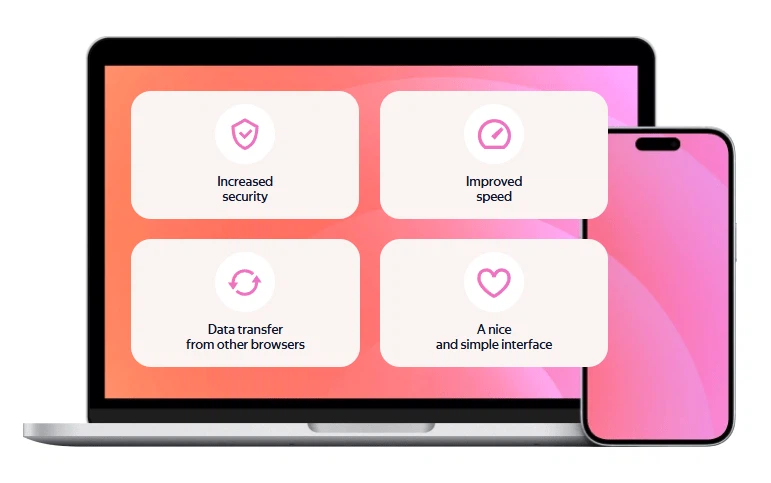
It is one of the most used browsers in Russia and Eastern Europe, it is free to download, and it runs on Windows, macOS, Android and iOS with the same account behind all four. For someone who wants familiar behaviour and a few extras on top, that combination is the entire pitch.
Turbo mode on a weak connection
The signature feature is called Turbo. When the network is poor, traffic is compressed by a server before it reaches the browser, so pages load noticeably faster and the data bill comes down with them. The arrangement suits mobile networks and hotel wireless in particular, where the connection is shared, distant or simply tired.
Translation is built in rather than bolted on. A page in a foreign language offers a full translation as soon as it opens, and a voice assistant accepts spoken questions about the page or about the weather. Newer versions add another layer: articles and video pages can be summarised, so a long text can be checked at a glance before deciding whether the whole thing deserves attention.
Protection and sync, without a subscription
A background protection layer watches for the standard problems. Phishing and fraudulent pages are blocked as they appear, login details are guarded on public wireless networks, and downloaded files are checked automatically. None of this needs to be configured before it does something useful.
The account ties the platforms together. Bookmarks, history and open tabs move between phone and computer without any visible step, which is the same experience people already expect from the largest browser. The desktop build currently sits in the 26 line, updated frequently through 2026, with builds as recently as 2026-09, and kept close to the Chromium security patches.
Where it makes sense, and where it does not
The case for trying it is straightforward if the browser is a working tool. Somebody who reads across languages gains a translation that requires no extension, somebody who travels gains a mode for bad connections, and somebody who reads long material gains a summary that saves a decision. The cost is small: the same extensions work, the same pages render, and nothing has to be relearned.
The case is weaker for anyone who has already settled their habits elsewhere and does not want a second account layer. Nothing here is compelling enough to move a whole workflow, and adding a browser is not free of maintenance even when the software is.
One practical note before installing anything new: decide what the browser is for. As a second browser kept for reading in other languages and for travel, it earns its place quickly. As the only browser on a machine that already has a settled setup, it has to justify a migration, and the honest answer is that the features here are conveniences rather than necessities.
This browser did not set out to reinvent anything. It took a Chromium foundation and polished each daily detail: acceleration on weak networks, instant translation, summaries, active blocking. It is not radical, but it is considerate, and that kind of pragmatist is what most people actually need.