
-
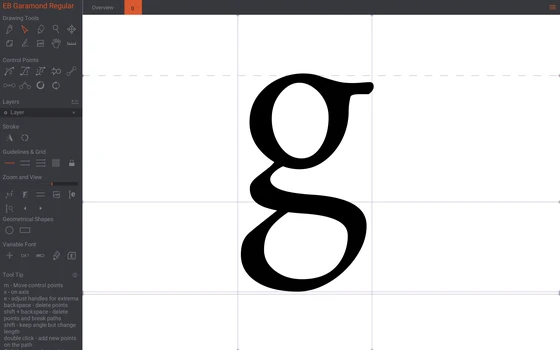
Birdfont: an open source font editor whose four editions split on commercial use and colour
Birdfont is an open source font editor that exports TTF and single colour SVG. The website splits distribution into four editions, two of them free, with colour fonts and variable fonts reserved for Plus. Paid editions start at 9.99 dollars.
-
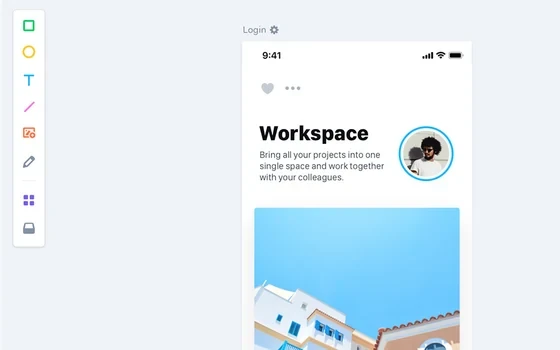
Marvel: free prototyping and team collaboration inside the browser
Marvel is an online design and prototyping platform that runs in a browser, keeping wireframes, clickable prototypes, user testing and developer handoff in one place, with team collaboration alongside. The free plan has no time limit, and paid tiers differ by project count and parallel testing slots.
-
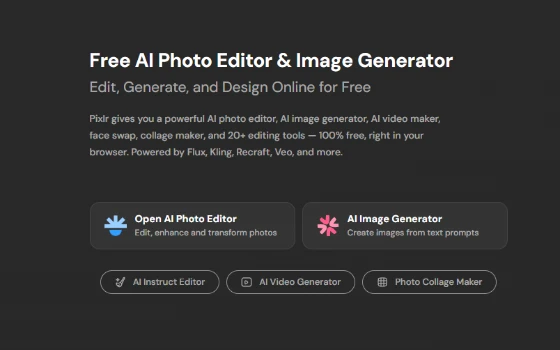
Pixlr: photo editing in a browser tab plus a suite of AI tools
An editing and design workspace that opens in a tab, split into an Editor line and an Express line, with background removal, generative fill and a deep stack of filters and templates. The free tier asks for no account at all.
-
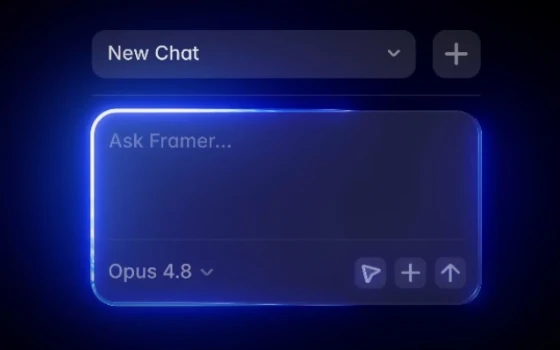
Framer: from design canvas to a live site, with agents on the canvas in 3.0
An online platform that carries a page from the design canvas through to publication, with hosting handled by the service. The 3.0 generation brings an agent into the canvas to help design, write and analyse, and adds branches so a redesign can happen without touching the live site.
-
Penpot: an open source design platform on open standards, with design variables in 2.18
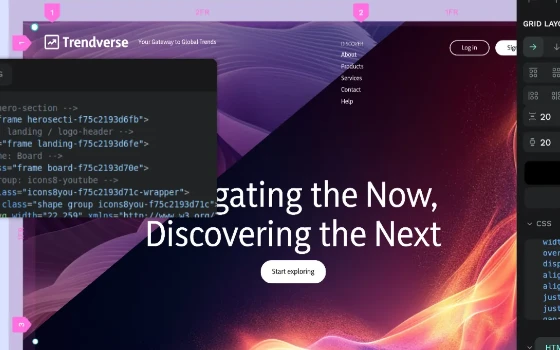
An open source online design platform built on open standards. The interface opens in a browser and layout uses the native grid and flex model of the web, with components, design variables and shared libraries, or a deployment on a server you control. The free tier is complete.
-
Mural: a shared canvas for teams, three editable boards free with unlimited members
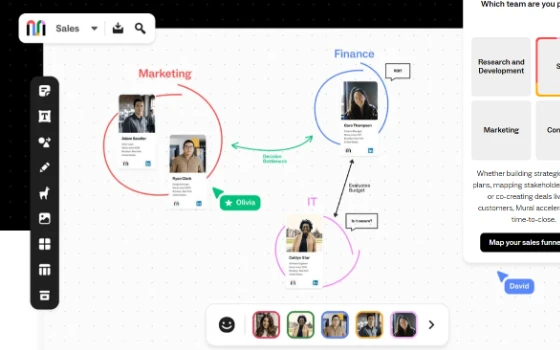
A visual collaboration workspace built around a shared infinite canvas, with facilitation tools for timers, voting and a private mode. The free plan allows three boards at once with no limit on members.
-
Infinite Painter: over a hundred brush settings and thirty layer blend modes
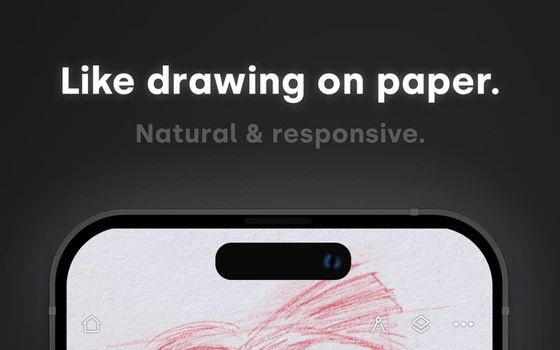
Infinite Painter is a painting app for tablets and phones with hundreds of brushes and more than a hundred adjustable brush settings, full pressure and tilt support, thirty blend modes across layers, and export to layered PSD files.
-
LiYing automates the ID photo darkroom, from background swap to sheet layout, offline
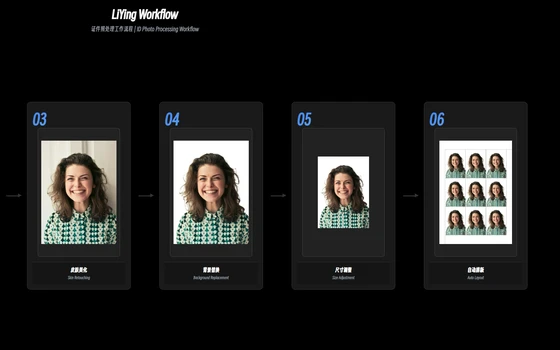
An automation program for studios that shoot ID photos: it finds the face, corrects the angle, replaces the background with red, blue or white, crops to standard sizes and lays the shots out on photo paper, all offline on the local machine.
-
PhotoCraft: an open source image editor rewritten in pure Rust that opens layered PSD files
An image editor rewritten from scratch in pure Rust: layers, masks and adjustment layers are all there, layered PSD files open directly, and a command line plus an MCP server hand the work to scripts.
-
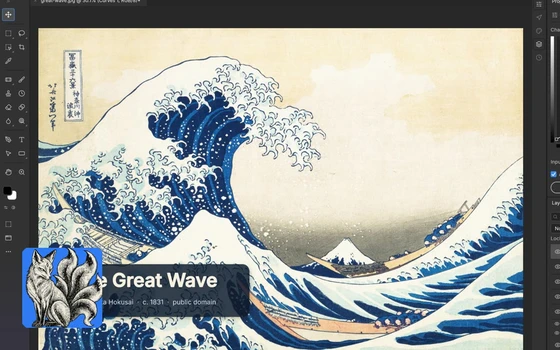
darktable Review: A Complete Darkroom That Costs Nothing
Library on the left, darkroom on the right, and every adjustment stored as history rather than baked in. Raw support for new cameras arrives quickly, and the licence is whatever you can afford.
-
Rive Review: Animation That Answers the Cursor
Rive puts the playback logic inside the file: a state machine decides what happens on hover, click or drag, and the same lightweight asset runs on web and mobile with no frame by frame handoff.
-
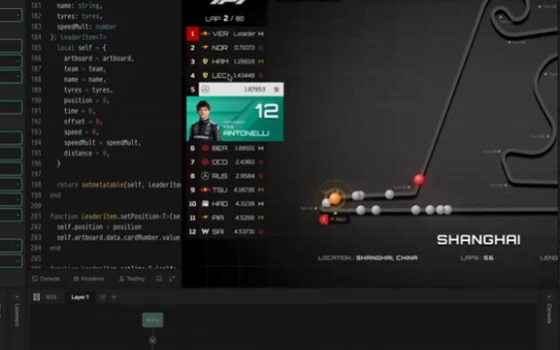
Concepts Review: An Infinite Canvas Where Every Stroke Stays Editable
Concepts treats each line as a separate object, so a stroke can be re-weighted or recoloured long after it was drawn. Perspective grids, object libraries and a canvas with no edges make it a serious ideation tool.
-
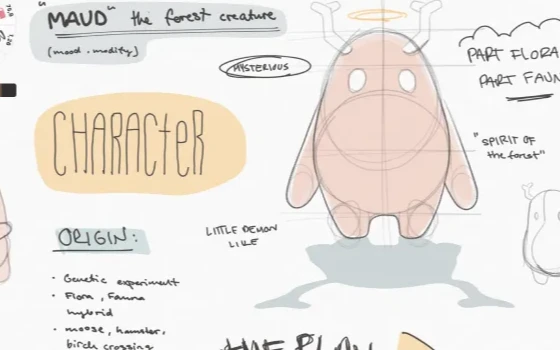
SVGOMG: shrink an icon without opening a terminal
Files exported from design software are often bloated: editor metadata, comments and redundant path points make up most of the weight. SVGOMG puts the optimiser in a web page, with a toggle for every option and a live size figure.
-
Adobe Color Review: Turning Palette Choice Into Rules You Can Break
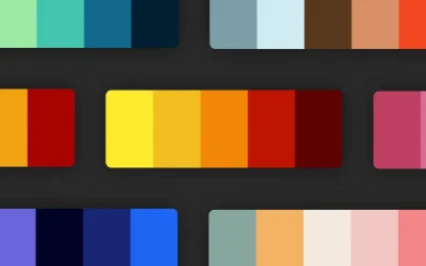
Choosing colours is where beginners lose the plot: every shade looks fine alone and muddy together. Adobe Color makes it a procedure, with a wheel, harmony rules that generate a five colour theme instantly, extraction from any photo, and a contrast checker for text against background.
-
ProtoPie makes a prototype feel like the product
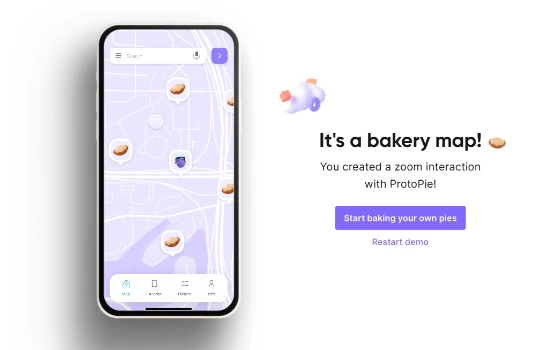
A wireframe rarely persuades anyone. Something you can tap, swipe and feel does. ProtoPie sits between a static mockup and a line of code: triggers and responses build the logic, variables and conditions handle the branches, and gyroscope, microphone or fingerprint can be simulated so the prototype feels close to the finished thing.
-
第 1 / 4 页