
Draw.io 31.4.6: A Free Diagram Tool With No Account and No Limits
Summary
Draw.io draws flowcharts, mind maps, org charts, network and UML diagrams, runs in a browser or as a desktop application, needs no account, and imports and exports the formats other tools leave behind.
Recommend- Name
- Draw.io
- Version
- 31.4.6
- Pricing
- Free
- Open source
- Open source
- Website
- https://www.diagrams.net/
- Updated
- 2026-10-05 15:43
A drawing tool that does not ask who you are
This is a diagramming program that is free in the sense people usually doubt: no paid tier, no feature held back for subscribers, and no account required before the first line is drawn. The version described here is 31.4.6. It runs in a browser tab or as a desktop application on Windows, Mac and Linux, and both forms open the same files.
That last point is the one that matters after the novelty wears off. A diagram is rarely finished in one sitting, and it is rarely drawn by only one person on one machine. Being able to open the same file in a browser on a borrowed laptop and in the desktop copy on your own is worth more than any single feature in the toolbar.
Ten kinds of diagram, one canvas
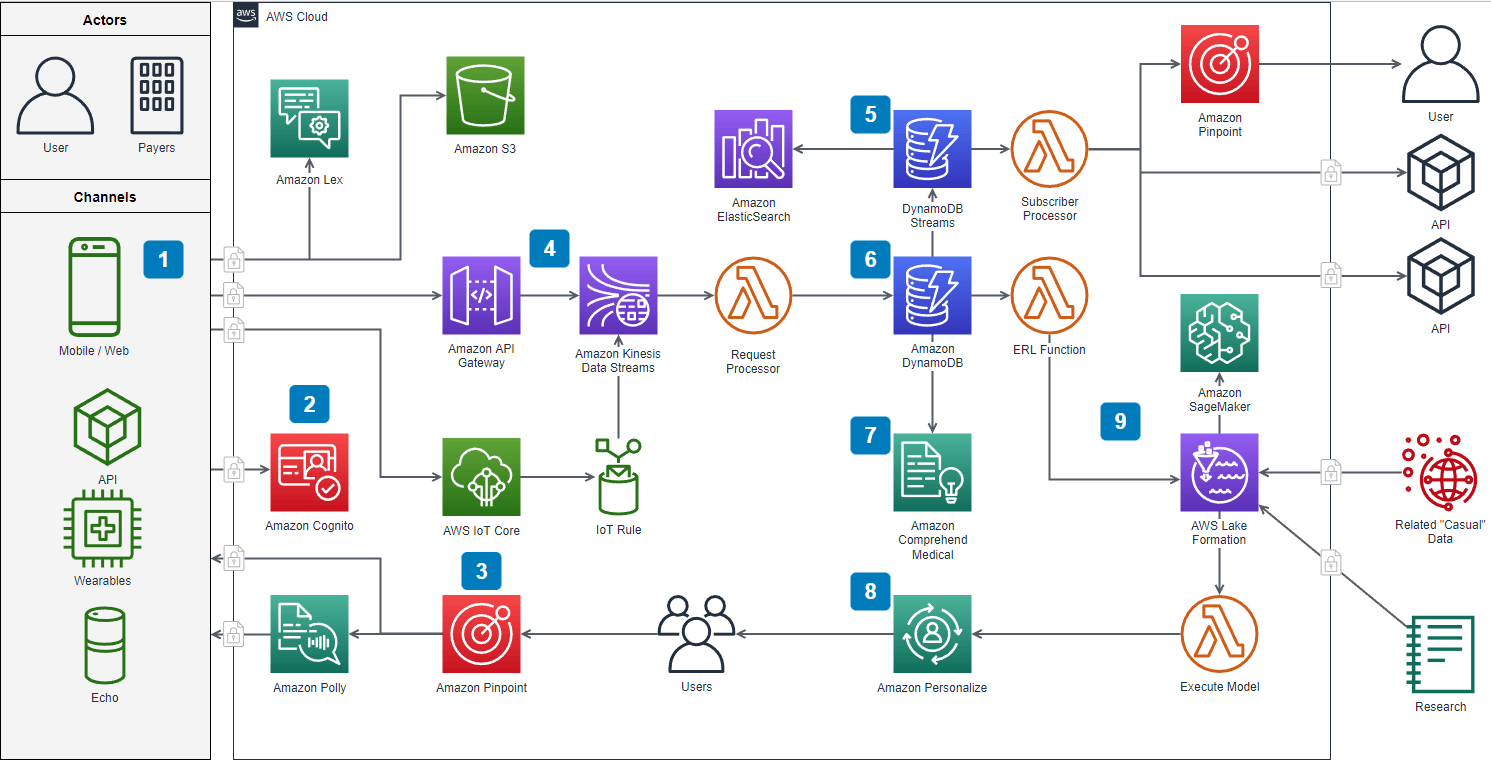
The program is usually filed under flowcharts, but the list of things it draws is longer: flowcharts, mind maps, organisation charts, Venn diagrams, infographics, floor plans, network diagrams, architecture diagrams, electrical engineering diagrams and UML. The catalogue matters less than the fact that it is one catalogue. A project that starts as a mind map, turns into an architecture diagram and ends as an org chart of who owns which service does not need three programs, three sets of habits and three export dialogues.
For a technical team the practical consequence is that the diagram can be edited by whoever is in the room. Not everyone who understands a deployment can operate a specialised modelling tool; almost everyone can move a box and draw an arrow.
Reading and writing other people's files
A diagram tool is judged by what it can open. It imports the files left behind by Gliffy, VSSX, VSDX and Lucidchart, which covers most of the cases where a diagram already exists and the tool that made it is no longer around, no longer licensed, or no longer wanted.
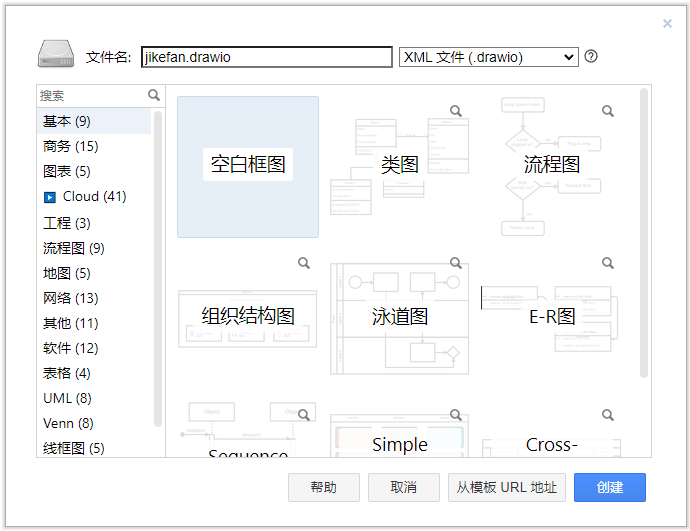
The other direction is handled just as broadly: PNG, JPEG, SVG, PDF, VSDX, HTML, XML and a shareable link. The choice is not cosmetic. A PNG goes into a slide, an SVG goes into a web page without going soft at any zoom level, a PDF goes to somebody who will print it, and the link goes to somebody who is expected to change the diagram rather than look at it.
Putting the diagram where the work happens
Embedding is the part that decides whether a diagram gets looked at. Rather than only handing out an image, the tool can place the diagram as an image, as SVG, as HTML, as an iframe, or inside Google Docs, Slides and Sheets, and inside Microsoft Office documents. The difference between a picture of an architecture and a live diagram sitting in the document that describes the architecture is the difference between a diagram that stays current and one that is quietly two years old.
What it is not
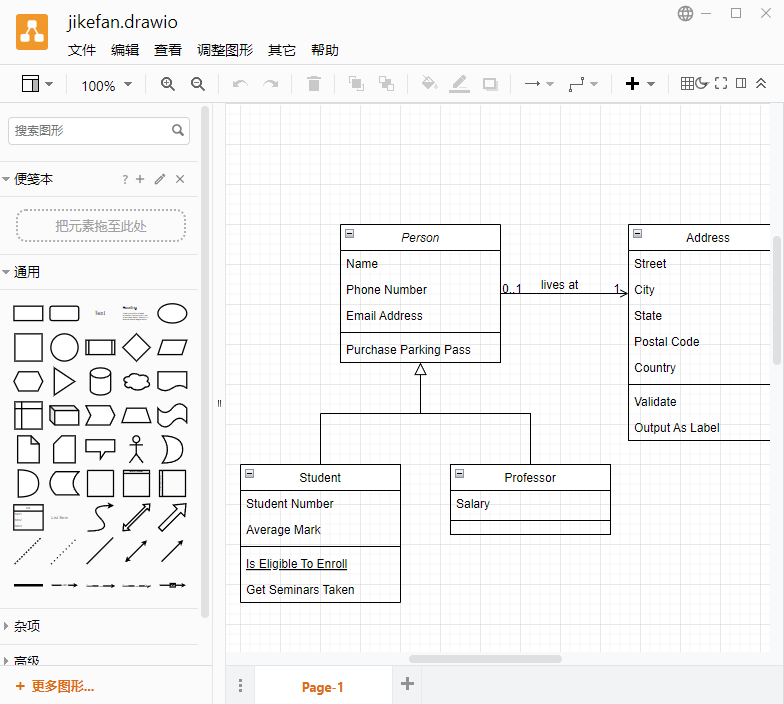
It is a drawing tool, not a modelling environment: it will not check that a UML diagram is valid, generate code from it, or keep a repository of reusable components in sync with anything. The library of shapes is large and the canvas is fast, which is what most work actually needs. For the rest — a formal model, a simulation, a specification that has to compile — a different class of tool is the right answer, and this one will still be the place where the picture for the slide gets made.
The honest summary is short: free, no account, ten diagram families, the formats that other tools produce, and a link you can send. This is the diagram tool most people should try before buying a subscription to one.