
Onshape: browser based CAD and product data management, version 1.222
Summary
A CAD platform that lives in the browser. Models are not saved as local files but kept as a version chain by the service, several designers can work on the same model at once, and drawings stay linked to parts and bills of materials. The free tier targets personal non commercial use, and documents are public by default.
- Name
- Onshape
- Version
- 1.222
- Pricing
- Free
- Open source
- Proprietary
- Operating system
- WindowsmacOSLinuxAndroidiOS
- Website
- https://www.onshape.com/
- Updated
- 2026-10-12 11:07
When a model stops being a file, the most tiring part of working together disappears with it.
The model is not on a hard drive
Onshape is a platform that puts three dimensional modelling into a browser. The official positioning describes professional grade CAD delivered through a modern fileless architecture. Fileless here means the model is not stored as a local document per revision, but maintained by the service as a chain of versions. What a user stops doing is the whole manual routine of naming, copying and merging files, and that is the deepest difference from a traditional desktop modeller.
The first consequence is how updates arrive. The project states that new capabilities reach every user every three weeks without a transition. Because there is no local installation step, everyone in a team sees the same version, and nobody has to coordinate who upgrades when. Across time zones that alone removes a class of small daily friction.
The second consequence is where the machine stops mattering. A heavy assembly is processed on the service side, so an older laptop can open work that a desktop workstation would struggle with. The trade is equally clear: when the connection drops, so does access, and a team that works in places with unreliable networks needs to think about that before committing.
Collaboration and data management are built in
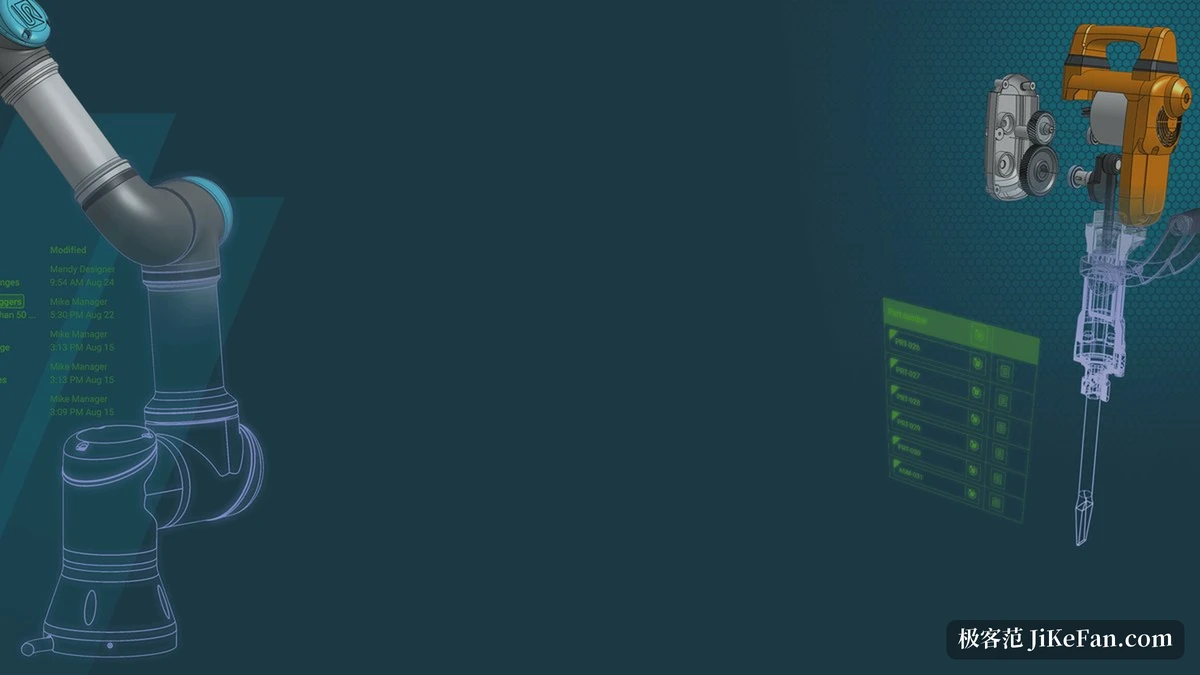
Several people editing at once is a direct result of the architecture. The project states that multiple designers can edit the same model simultaneously, with changes landing on one main line instead of being split across copies and merged later. The data management beside it is not an add on: the official description covers full edit history, version control and release management, so a team can organise, search and share design data from the same place it edits.
Drawings stay linked as well. The project describes creating, collaborating on and sharing drawings with full dimensioning, synchronised automatically with cloud parts, assemblies and the bill of materials. Changing one thing does not leave two inconsistent versions behind, which is exactly the trouble that shows up during a week of repeated revisions.
Mobile is native rather than a viewer. Applications exist for iOS and Android, so measuring a part on site or checking a drawing away from a desk does not require a laptop. For anyone who spends part of the week away from the office, that closes a gap that desktop CAD leaves open.
Item | Official notes |
|---|---|
Form | cloud CAD reached through a browser, no local files |
Data management | built in edit history, version control and release management |
Collaboration | several designers editing one model at the same time |
Drawings | synchronised with parts, assemblies and bill of materials |
Update rhythm | new capabilities pushed to every user every three weeks |
Mobile | native applications for iOS and Android |

The free tier needs its limits spelled out
There is a free tier at a price of zero, and it is not a stub. The official list covers unlimited public storage, the CAD tools, real time collaboration, version control, the mobile applications and online training. Judged only on the modelling and collaboration chain, the free tier is unusually complete.
Two conditions come with it and both matter. The project states that the free tier is for non commercial use only, and that all documents are visible to the public by default. Personal practice and classroom demonstrations fit without trouble. Anything confidential, or anything delivered to a client, does not, and pretending otherwise after the fact is expensive because the material has already been uploaded.
Paid tiers start at 1500 US dollars per user per year, with a higher tier above it and an enterprise arrangement that is quoted individually. Put against a desktop licence bought once, a subscription looks costly; put against a desktop licence plus the file server, the backup routine and the person who maintains both, the comparison is less one sided than it first appears.
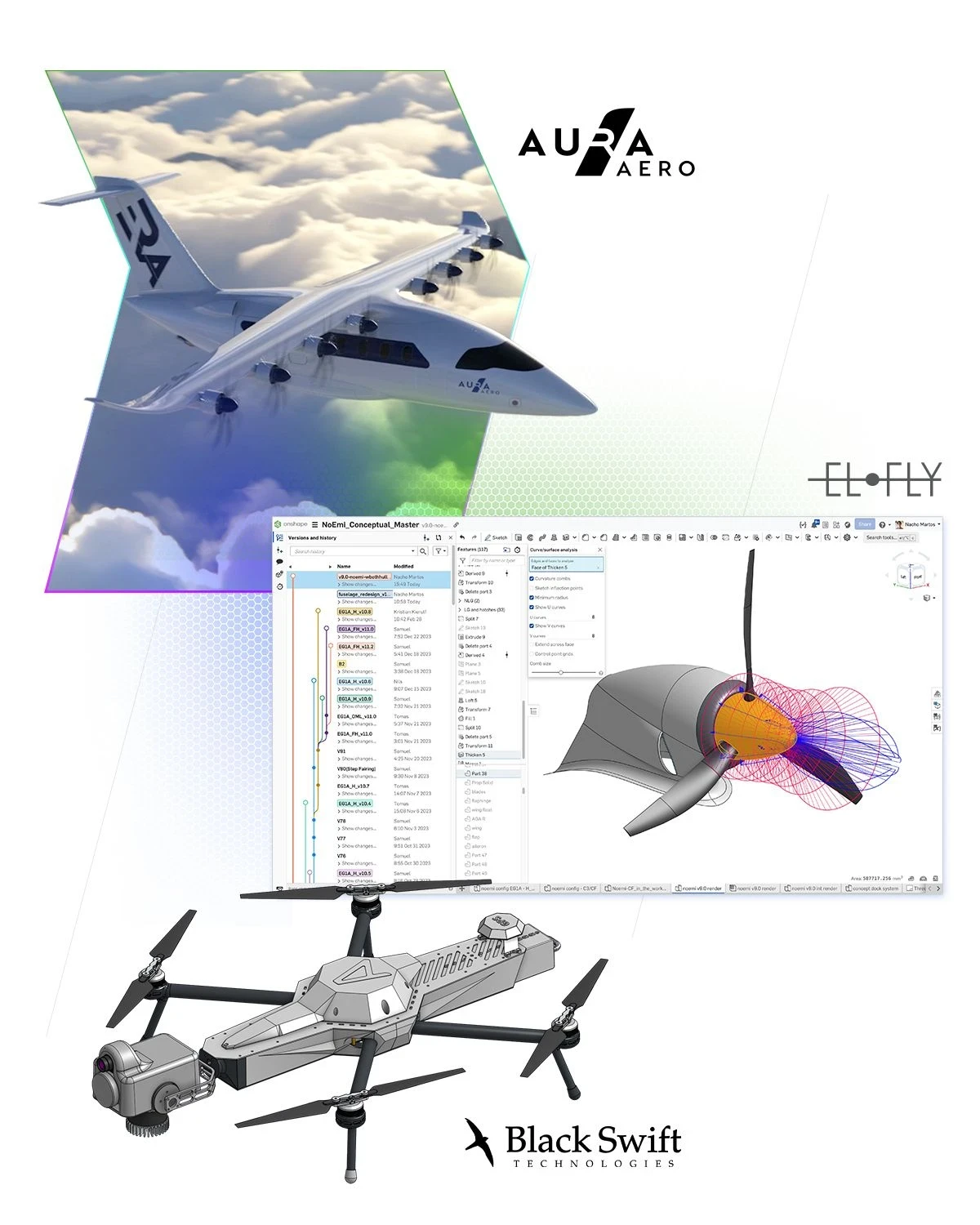
Handing files and versions to a platform is reasonable, provided you decide first which material is fit to sit in public view.
A few suggestions. Use the free tier to walk a personal project end to end and see whether browser modelling suits your hands before paying for anything. When a team trials it, pick one non critical project to test collaboration and permissions rather than migrating the main product line. And if commercial content is involved, take the paid tier from the first day, because moving a library of documents after the fact costs far more than the licence would have.