
Trilium Notes 0.107.0 turns a note into a set of blocks
Summary
Trilium Notes 0.107.0 shipped on 8 November: notes become blocks that embed and reference each other, tables sort, and everything stays in a local file.
Recommend- Name
- Trilium Notes
- Version
- 0.107
- Pricing
- Free
- Open source
- Open source
- Operating system
- WindowsmacOSLinux
- Website
- https://triliumnotes.org/
- Updated
- 2026-11-19 16:42
Notes rarely fail because you cannot find them. They fail because the same material ends up in three places: a project summary quotes a meeting note, a reading note pastes the same excerpt, and once one of them changes the other two go stale. Trilium Notes is an open-source note tool with desktop builds for Windows, macOS and Linux, plus a server you can host yourself and open in a browser. The 0.107.0 release on 2026-11-08 goes after exactly that problem: a text note stops being one solid document and becomes a set of blocks.
- Current build
- 0.107.0, 2026-11-08
- Licence
- AGPL-3.0, source and development discussion public
- Platforms
- Windows, macOS, Linux desktop, plus a server image
- Data
- One local SQLite file; sync across devices needs your own server
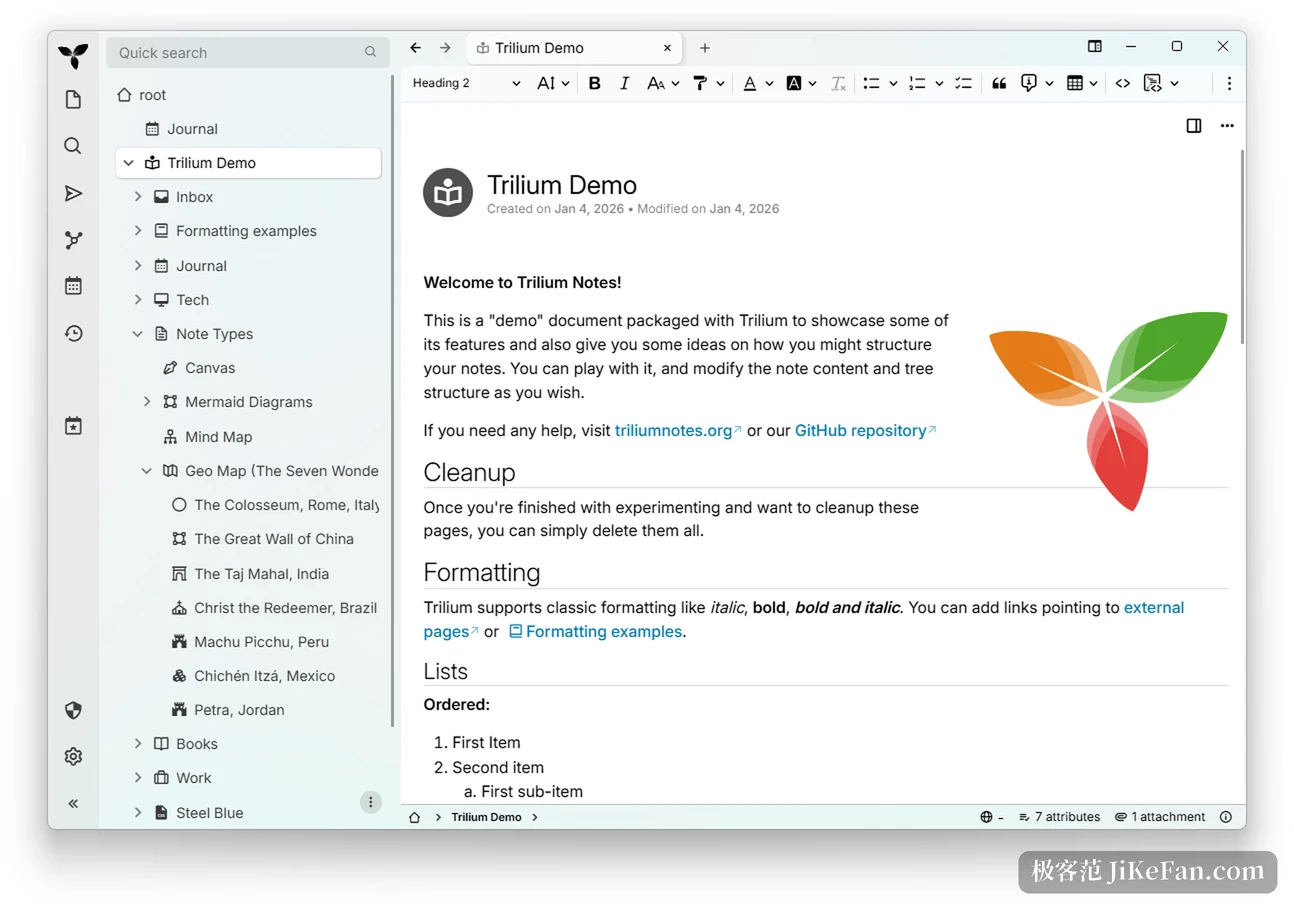
A note can live inside another note
Until now a note was a stretch of rich text, and quoting another note meant dropping a link and jumping away. Version 0.107.0 lets one note be embedded directly in another, edited in place with the full editor, with the undo history shared between the two. An excerpt can take only a few blocks from the source, and when the source changes the excerpt follows. A block reference points at a paragraph, a table or a run of blocks, and opening it scrolls to that spot and highlights it. On a shared page every block also carries its own public link.
Layout gained multi-column blocks, two to four columns side by side that stack into one column on a narrow screen. A canvas opens inside the note itself, so an Excalidraw sketch is saved along with the text. Files drop into the body in a single step, PDFs and tables preview in place, and video or web audio plays inside the note. The embed frame was rebuilt too: title row, fullscreen, jumping back and forth, and a switch between Markdown source and rendered view all sit in one place now.
Tables finally merge cells and sort
Tables inside a text note were the weak spot; past a few rows you had to move to a spreadsheet note. The context menu now merges and splits cells, evens out column widths, and inserts or deletes several rows or columns at once.
Clicking a column header sorts by that column, with dates, times, numbers and text all recognised, and the ordering follows the language of the note. The header row stays put while a wide table scrolls sideways. On a touch screen, column handles resize and a patch of cells can be selected, and a single insert can run to a thousand rows by a hundred columns.
Everything sits in one database on your own disk
All notes live in a single SQLite file. There is no cloud account to bind, and writing works with the network off. The official capacity claim is that nothing slows noticeably up to a hundred thousand notes.
Choosing a database over plain text files is what lets one note hang in several places on the tree at once, which directories handle badly. The cost is stated just as plainly: keep that file off shared network drives, where locking is unreliable and a corrupted library is easy to end up with.
Sensitive material can be encrypted per note, stored as AES-128-CBC once marked, and opening it needs one pass through a password session. Version history is kept in the background on a schedule, and a restore point can be taken by hand. Should you want another tool later, the whole tree exports to Markdown, standalone HTML or an outline format, and prints as a PDF with a table of contents.
The same set of notes, seen another way
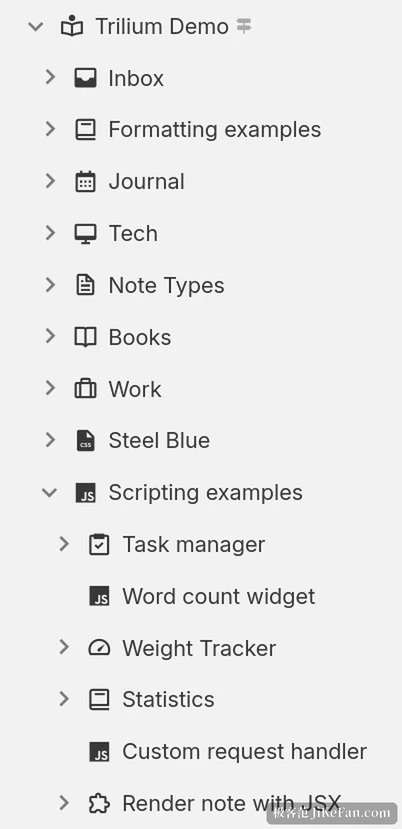
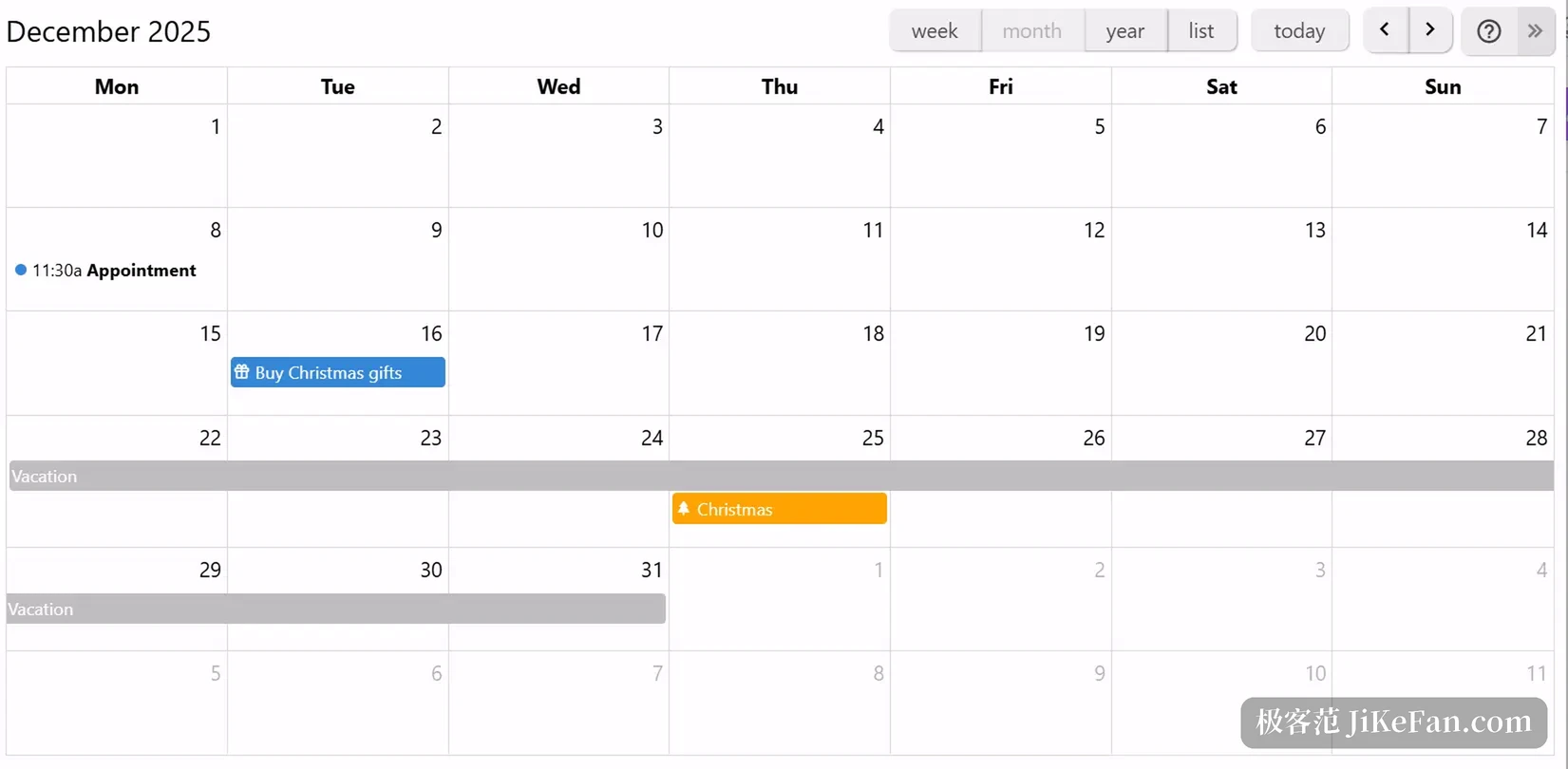
Nothing says written material has to be browsed as a tree. Collections spread one group of notes across a calendar, a table, a board, a map or a slide deck, and switching the view leaves the notes untouched.
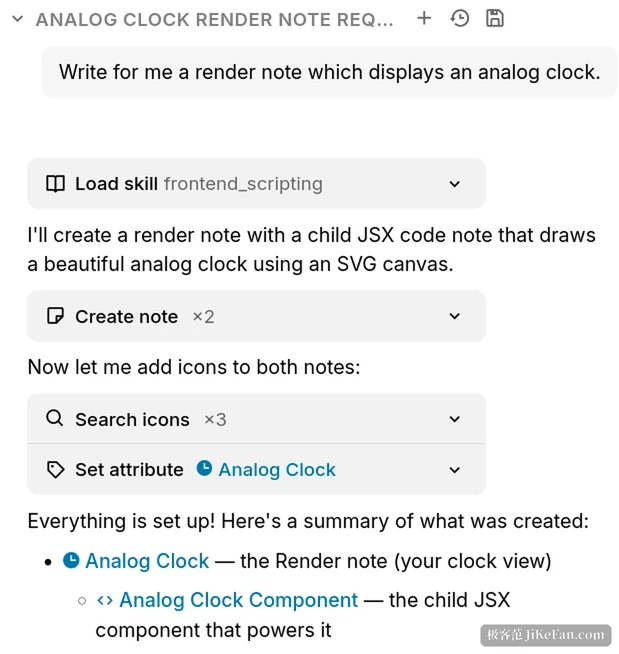
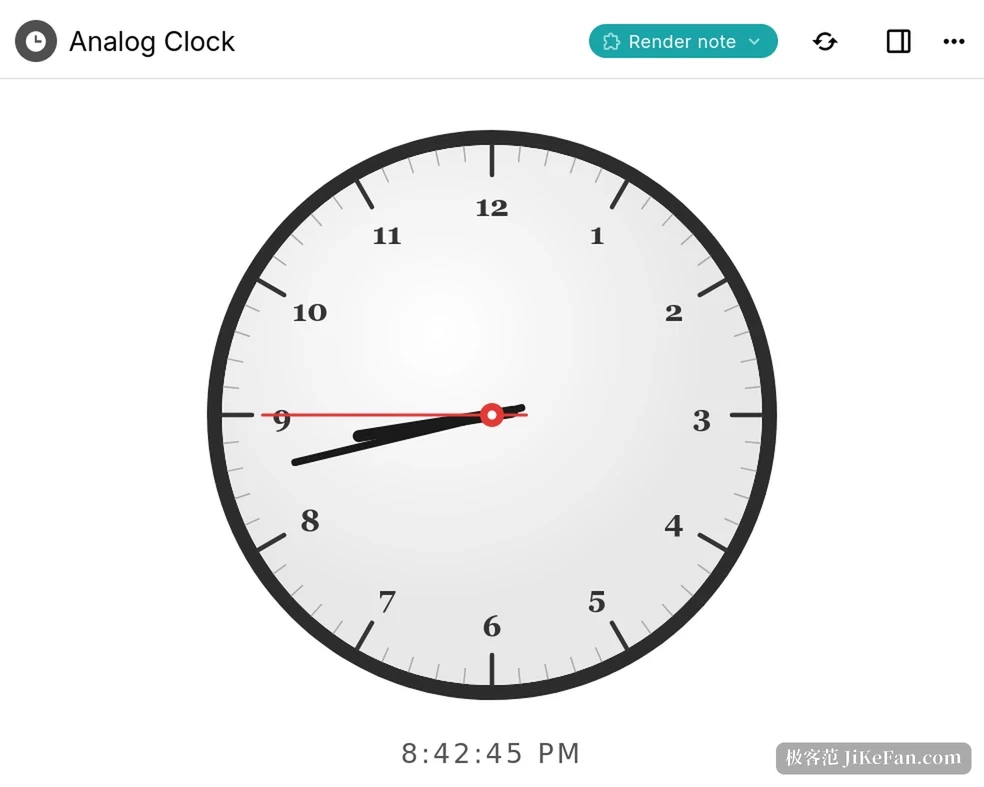
The calendar handles all-day and multi-day items and moves between week, month and year at a click. A board changes a status when a card is dragged. A map takes markers and draws GPX tracks. Rendered notes go further still, because a script can paint a small interface inside the page, like that clock that keeps ticking.
AI asks before it touches your notes
Version 0.107.0 turns the AI integration into something you can point at a real database. Every tool call stops and asks first, so reading a note and changing a note each need a nod before anything happens. A ChatGPT Codex subscription works as the credential when there is no API key at hand. Local models used to sit offline; they can now attach a search service of your choosing and carry the results into the conversation.
Who it suits, and where the threshold is
Trilium Notes is licensed under AGPL-3.0, and the desktop side covers Windows, macOS and Linux. Open the program and you can write; an account and a network connection are both optional.
There is no official phone app. Mobile access means the self-hosted server in a browser, or installed as a PWA. Full offline sync across devices means running that server yourself. Anyone willing to write JavaScript will find more room here than in most note tools, with front-end widgets, scheduled backend scripts and a REST API that reads and writes notes. Going the other way, real-time collaboration with other people, or quick capture on a phone, runs straight into the threshold.
One last detail. Version 0.107.0 raises the sync protocol to 41 and the database version to 242. Server and client should be updated together, because once the library has migrated, an older build will not open it.