
CPU-Z 3.01: what is actually inside the machine
Version 3.01
Summary
CPU-Z 3.01 is a free hardware check for Windows that reports processor name, codename, process and cache levels, motherboard and chipset, memory type, capacity and timings, and live per-core clocks.
Recommend- Name
- CPU-Z
- Version
- 3.01
- Pricing
- Free
- Open source
- Proprietary
- Operating system
- Windows
- Updated
- 2026-10-05 10:47
CPU-Z is a free hardware check for Windows, currently at 3.01 with a date of 2026-08-20. What it does is collect the identifying details of the main devices in a system: the processor, the board, the memory. A newly assembled machine wants its configuration confirmed, a second-hand part wants its identity verified, an overclock wants proof that the frequency actually held. All three cases start the same way, by running this and reading the answer.
What it can report
The published list covers four blocks. On the processor side there is the name and the model number, the internal codename, the manufacturing process, the package, and the cache levels. On the board side there is the motherboard and the chipset driving it. On the memory side there is the type, the capacity, the timings, and the module specification, which is to say the contents of the SPD area on the stick itself.
The fourth block is the live reading: the internal frequency of each core and the memory frequency, measured rather than assumed. In daily use this is the part that earns its place. Putting a load on the machine and then watching whether the frequency falls away tells you more than any nominal figure printed on a box. On platform support, the documentation states plainly that full support is in place for Windows 11.
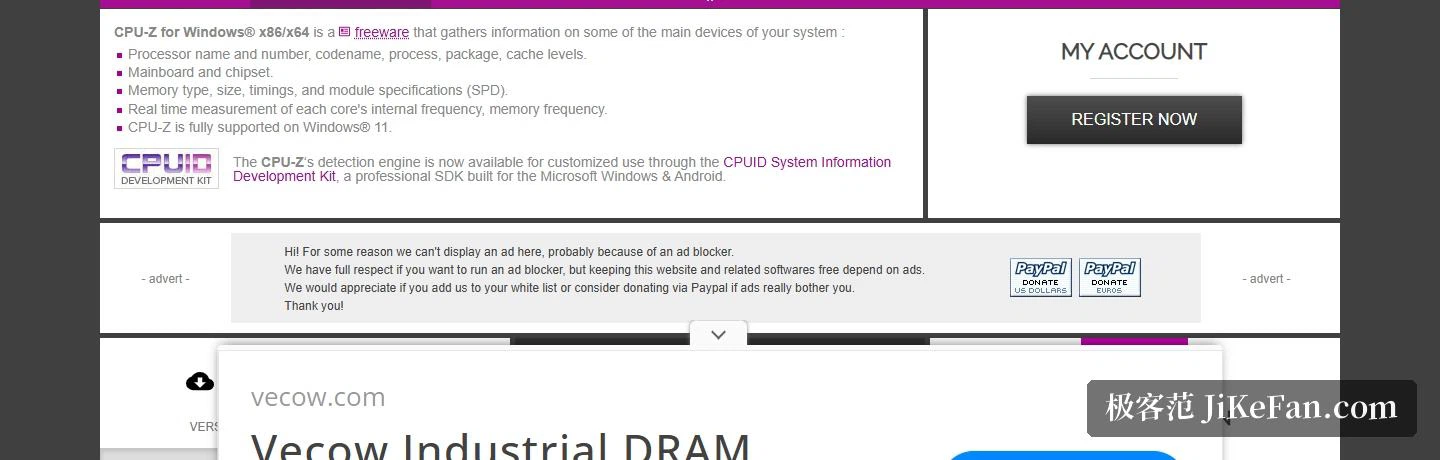
The detection engine can be licensed separately
The engine underneath is not confined to this small utility. The documentation says it can now be used in customised form through a system information development kit, a professional kit aimed at the desktop systems described here and at Android. A developer who needs hardware identification built into their own program can start from there.
Worth noting in passing: the site navigation carries an Android entry of its own, and the same kit is built for Android as well, so processor and system level information is reachable from a phone too. There is also an account entry on the site, used for managing online validation and for services tied to customised builds.
Versions and downloads
The classic version is currently 3.01. The download entries are split by language and by installation method: English and Chinese each come as an installer and as a portable archive, and both cover a 32-bit and a 64-bit build. Two side branches exist as well. The first is a nostalgia release, 1.04, for Windows 95 and 98, which still covers chipsets from the late 1990s that have long left the market. The second is a set of vendor-specific builds, based on 2.19 or 2.20.2, for people using machines from those vendors.
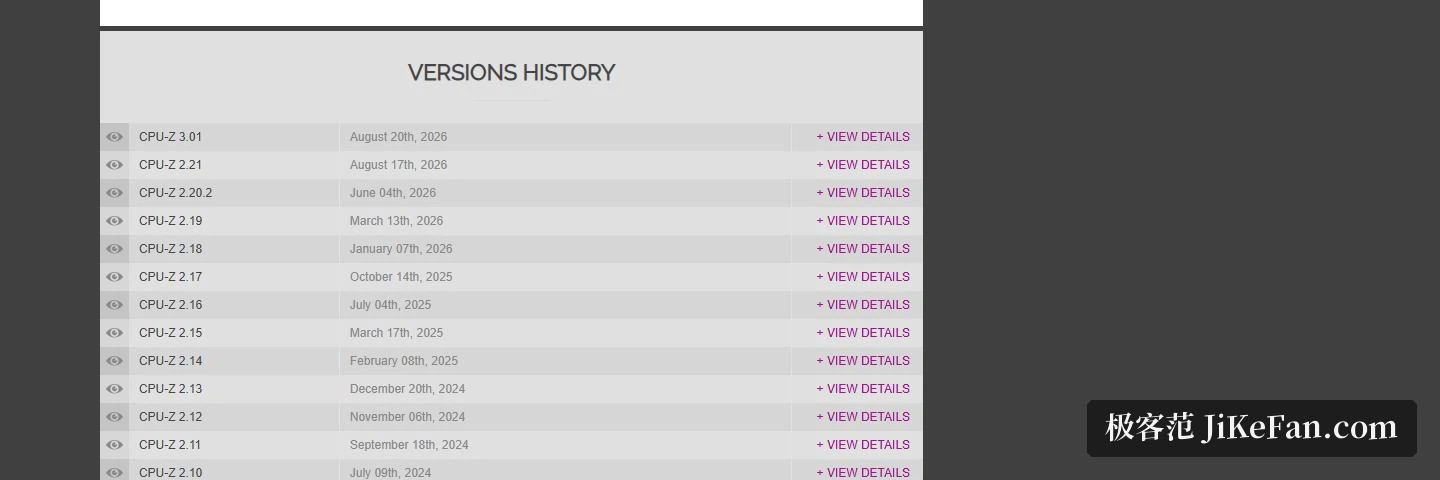
An online validation service is offered too: a reading can be turned into a shareable record page, and the site shows a rolling display of recent validations. The version history lists a date and a set of changes for every release, and the date attached to 3.01 is 2026-08-20.
A question that comes up often
The FAQ contains a good one: why does the module specification get reported one step lower than the label claims. The explanation is that theoretical bandwidth is calculated from the access time information in the SPD area, evaluated at the maximum CAS latency. If the calculated figure comes out below the advertised one, that usually means the SPD information on the module was not written correctly, or that the advertised bandwidth holds at the voltage defined by an extended profile such as EPP or XMP rather than at the default voltage. Put another way: when the number reads high or low, suspect the information on the stick and the extended profile before suspecting the tool.
One detail that gets overlooked is the number of version lines. Classic, nostalgia and vendor-specific builds run in parallel and serve different people: the classic build for a machine being assembled now, the nostalgia build for maintaining something much older, the vendor builds for people with those machines. An entry for finding older versions is kept as well, which is what you need when a problem has to be reproduced on a particular historical build.
What CPU-Z does is plain: gather processor, motherboard, memory and live frequency into one small utility, free, portable, small in size, ready to read the moment it runs. Its value is not in flourish but in this, that whenever you need to confirm a machine matches its description, opening it gives you the answer.