
SIV reads out the hardware and sensors inside a Windows machine for free
Summary
A hardware and system information viewer for Windows that lays processor, buses and sensor readings on one screen, free for home use, running from the early NT days to the newest Windows on a steady release rhythm.
Recommend- Name
- SIV
- Version
- 5.87
- Pricing
- Free
- Open source
- Proprietary
- Operating system
- Windows
- Website
- http://rh-software.com/
- Updated
- 2026-10-10 21:43
Wanting to know what a machine actually contains and whether it runs hot has one blunt answer: lay the information out at once. That is roughly why a tool like this exists.
The innards of a machine, spread on the desk
When building a system, chasing a fault or checking a second hand purchase, the slowest part is usually confirming what the hardware really is. The interface that ships with the system gives one vague name and leaves the rest to be guessed at with tool after tool. This kind of program goes the other way: processor model and cache, mainboard and chipset, the timings of each memory module and the device list on every bus are laid out at once, and a separate view shows hardware sensor readings where temperature, voltage and fan speed keep refreshing. It also reports detailed information about networked computers and the operating system, and for anyone keeping an equipment register or hunting compatibility trouble, one install per machine settles the question of what is inside.
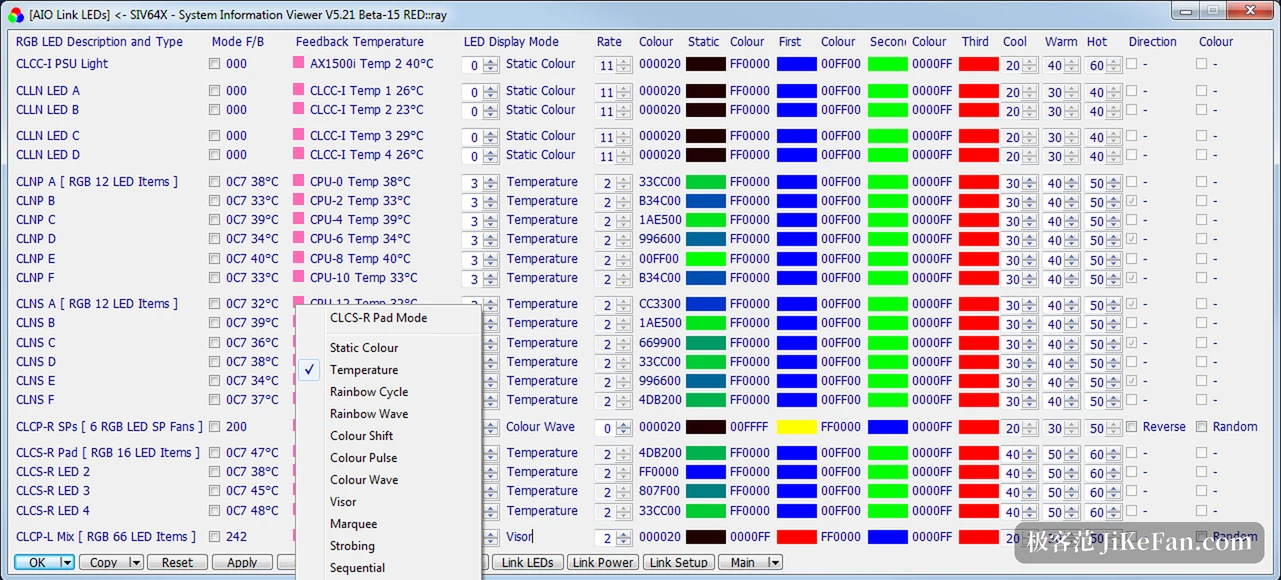
Looking after old systems right up to today
What is rarest in a veteran tool is the width of its compatibility: the official list runs from the newest Windows 11 back to NT 3.51 from more than twenty years ago, includes the server generations in between, and even the earlier consumer releases are still usable. Separate executables are provided for different processor architectures, and the download unpacks and runs, which for anyone sorting out a mixed pile of old and new machines is worth more than any single feature. On licensing it is free for home use, with commercial use to be confirmed with the author, and releases keep a steady rhythm, one recent update adding support for new system builds and recognition of several mainboard models.
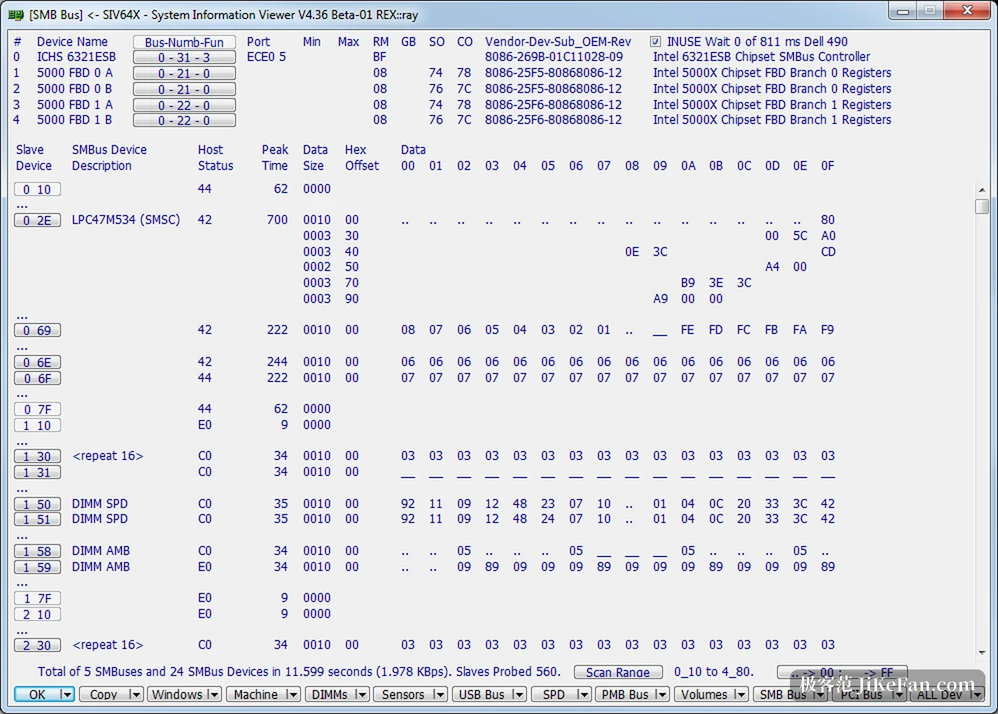
An equipment record that keeps being maintained
The value of a hardware tool is not only the glance you take when you need it but the ledger it leaves behind. Export the processor, mainboard, memory and per bus device lists after a build and they can be compared directly at the next upgrade, repair or resale, saving the trouble of opening the case to identify parts again; the sensor view puts the movement of temperature, voltage and fan speed in front of you, so whether cooling holds up under a long load or the power supply stays steady can be judged from a trend rather than a feeling. Free at home with commercial use to be confirmed is a plain arrangement, and it explains why one person can keep maintaining it for years.
The interface is not elegant, but the density of information is high and it becomes quicker with familiarity. Two things are worth knowing: how complete the sensor readings are depends on the mainboard's sensor chip, so a missing channel on some models is normal, and different processor architectures need different executables, so check the architecture before picking one.
It makes no bid for a fashionable interface and instead finishes one old fashioned job properly: everything a computer can report should have somewhere to be looked up, and someone willing to keep looking after it.
A practical note: when checking a machine, work through the bus device list item by item, which is far more reliable than judging by appearance; missing sensor channels are normal and depend on the mainboard chip; and export the configuration once it is tidy, so a later upgrade or repair saves opening the case.