
FBReader 3.8.32 hands the e ink screen to a separate app called DinoReader
Summary
FBReader shipped 3.8.32 on 3 August, improving Android 16 support and adding page turn animations tuned for e ink. DinoReader, rebuilt for e ink panels, appeared the following month and costs nothing.
Recommend- Name
- FBReader
- Version
- 3.8.32
- Open source
- Proprietary
- Operating system
- AndroidiOSWindowsmacOSLinux
- Website
- https://fbreader.org/
- Updated
- 2026-10-23 21:31
FBReader is an ebook reader old enough to have a history: it reached the Android market in 2009, and the site now claims more than thirty million installs. The Android stable build moved to 3.8.32 on 3 August 2026, and the same stretch of weeks produced a second app, DinoReader, aimed squarely at e ink panels.
Six systems, one engine
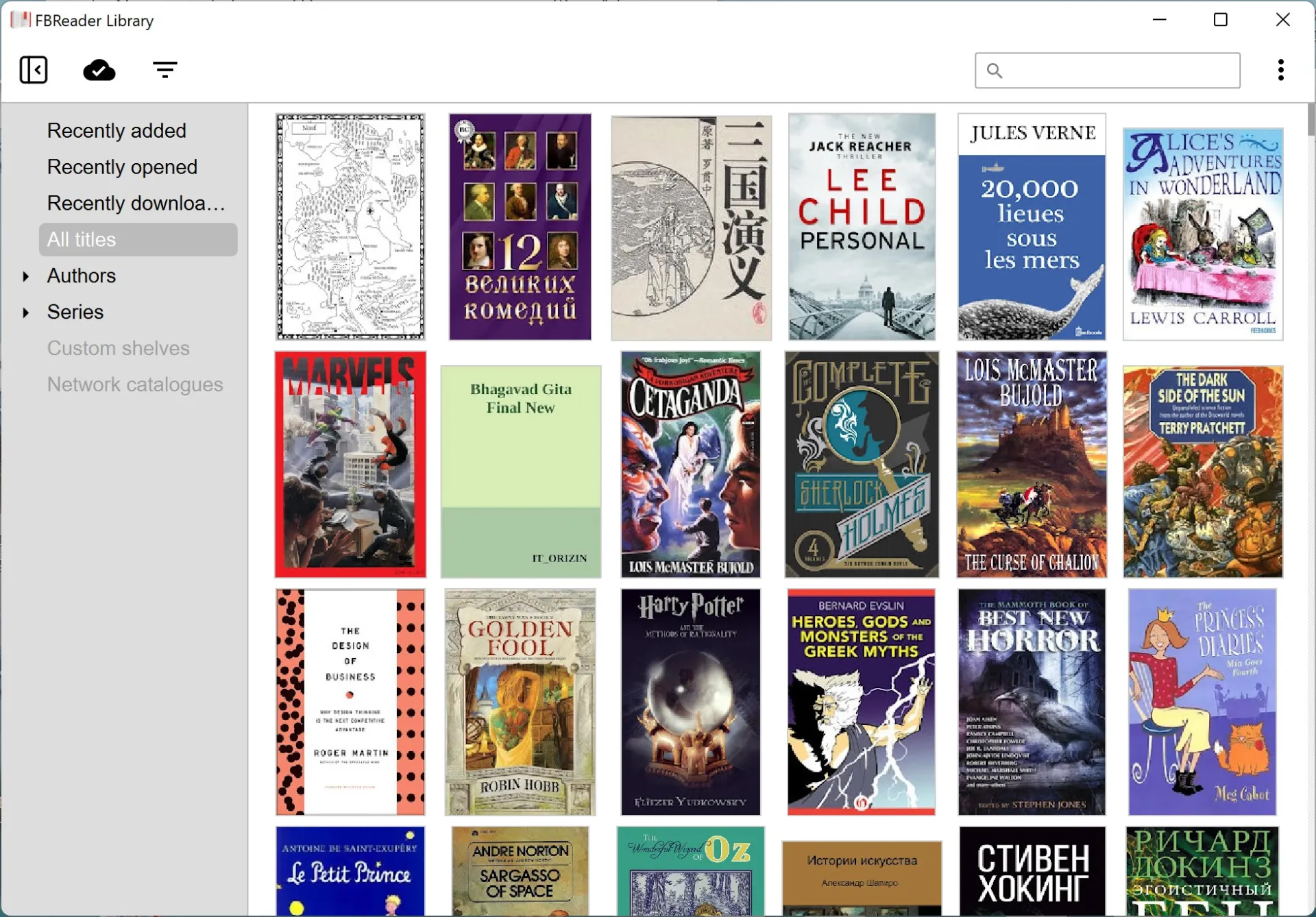
The site lists iOS, Android, Windows, Mac OS, Linux and Chrome OS, and all six have a usable build, with Chrome OS running the Android one rather than a separate package. The Android app has been in the store since 2009, longer than most of its rivals have existed.
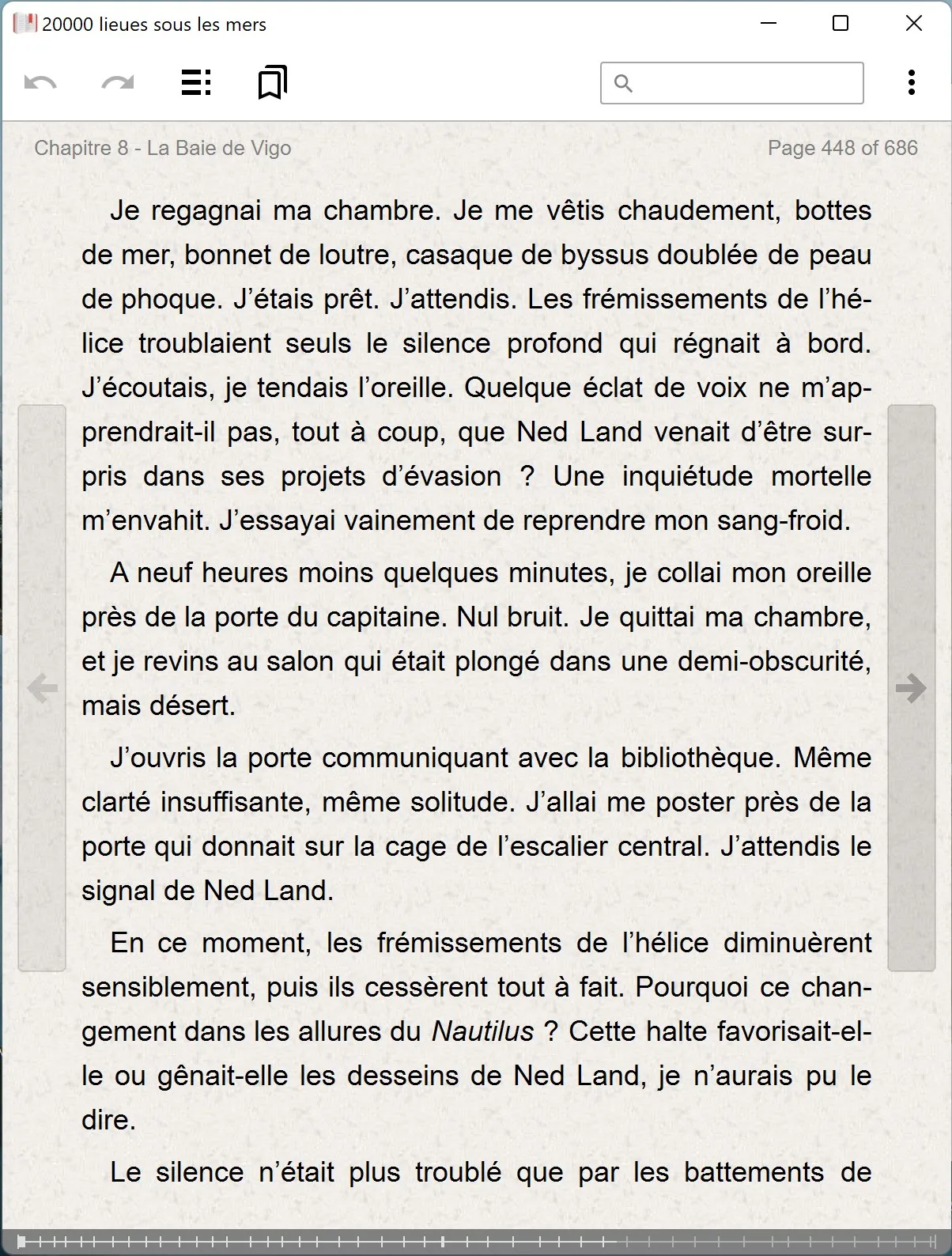
That reach is possible because the layout does not lean on components the system provides. FBReader carries its own book parsing and rendering engine, described by its maker as light, fast and customisable. The description matters more than it sounds: a layout engine decides line breaking, hyphenation and margins, and with the system renderer in charge the type and the page can only follow what the system offers.
The desktop requirements are stated precisely. Windows asks for Windows 10 version 17763 or newer, or Windows 11, and the free build comes from the Microsoft store or the maker's own site; macOS starts at 10.14 with separate packages for Intel and Apple Silicon. On iOS it runs from 9.3, so older hardware still installs it.
Format support with clear edges
The format table on the site is more honest than the marketing above it. ePub, fb2 and fb2.zip, mobi, plain text, doc and RTF form the base that all three platforms handle. ePub protected by Readium LCP is also covered, which matters for anything beyond free texts, since library loans and books bought in a shop arrive locked that way. ePub3 is only partly supported, and docx opens on none of the three.
PDF, DjVu, cbz and cbr live on Android alone and will not open on the desktop. In other words, it suits novels and cleanly typeset ebooks, and it does not suit anyone wanting a PDF reader.
3.8.32 concentrates on e ink
The main line of this release is compatibility and feel: better behaviour on Android 16 and above, two new page turn animations called Wave and Reverse Wave tuned for the refresh behaviour of e ink, and a round of fixes for the interface on e ink devices and for footer spacing on screens with rounded corners. The June batch rebuilt ZIP parsing for ePub and fb2.zip and fixed covers that failed to appear along with paragraphs missing from the body.
The 4.0 beta branch restarted in June with PDF rendering moved to PDFium, and that beta opens password protected PDFs. Shipping stable and beta side by side is how this project has always worked. A late June build, 3.8.29, added recognition of e ink devices: the system now identifies machines such as InkBook and hands out Premium free on them. For anyone who already owns an e ink reader, that is worth more than a new animation.
E ink gets an app of its own
On 1 September 2026 the first public build of DinoReader appeared. It reuses the FBReader reading engine with an interface rebuilt around modern e ink hardware, and adds several things the main app lacks: fuller PDF handling including LCP protected files and read aloud, support for OPDS 2.0 catalogues, a door into the maker's own Readino bookshop, transparent synchronisation with the FBReader Book Network, and bulk operations inside the library. The app is free.
The reason for the split is easy to see. Refresh rate, grey levels and ghosting on e ink follow a different logic from a liquid crystal panel, and forcing both into one interface makes each side give something up. Handing e ink to a separate app lets the main one stop compromising on refresh.
One payment, closed source, and platform differences
Premium on Android is a separate paid app, and the FAQ says plainly that it is paid once and then usable indefinitely, not a subscription. iOS upgrades to the full version through a purchase inside the app, with the free tier capped at ten books in the library and online translation closed. The Mac App Store build has been adjusted to Apple's rules, and the entry for buying books in the shop has been removed.
FBReader stopped being open source in 2015, a sentence the site states prominently; the Linux build has kept its source closed since 2.0, which is why the packages in most distribution repositories are old, and the maker recommends the AppImage instead. Anyone wanting this layout inside their own product can turn to the FBReader SDK offered to developers.
A reader lasting twenty years rarely does it through new features; it does it by keeping the small matter of typesetting in repair. Version 3.8.32 touches footer spacing and e ink page turns both, which says the line has not been dropped.