
Razer Synapse 4 review: the layer that decides how your hardware feels
Summary
Buying the mouse is half the job. This is where sensitivity curves, per-key programming and lighting are set, and where a rebuild finally made the whole thing feel quick instead of merely capable.
Recommend- Name
- Razer Synapse 4
- Version
- 20260923
- Pricing
- Free
- Open source
- Proprietary
- Operating system
- Windows
- Website
- https://www.razer.com/synapse-4
- Updated
- 2026-10-08 20:25
Hardware is the floor, software is the ceiling
A mouse leaves the factory with a sensor, a shape and a default sensitivity, and none of those tell you how it will feel in your hand after a month. What decides that is the software layer: the curve that maps physical movement to pointer movement, the assignment of each button, the polling behaviour under load, and whether the settings survive when you plug the device into a different machine. Two people with the same mouse can have entirely different experiences, and the difference is entirely in the configuration.
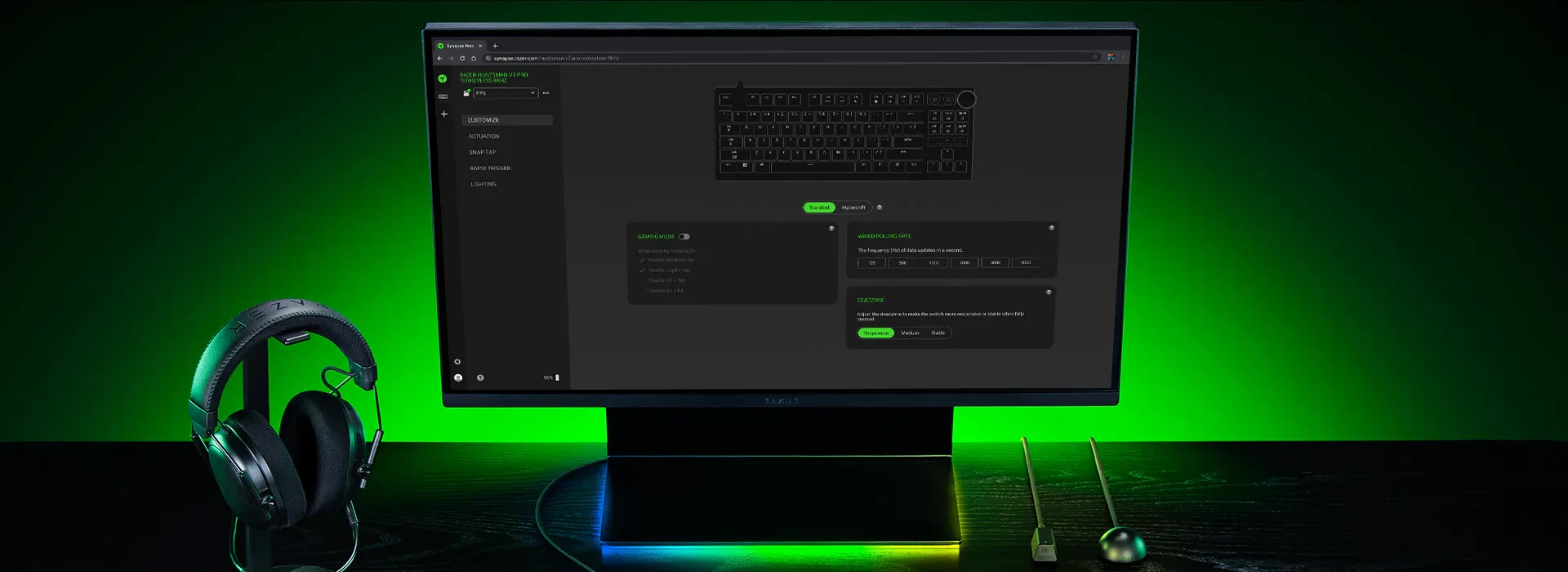
Synapse 4 is that layer for one manufacturer's devices, and this version is a rebuild rather than a reskin. The interface is modular, resource use is noticeably lower than the previous generation, and the response when switching between tabs is the kind of thing you only notice when it stops being slow.
What the performance side offers
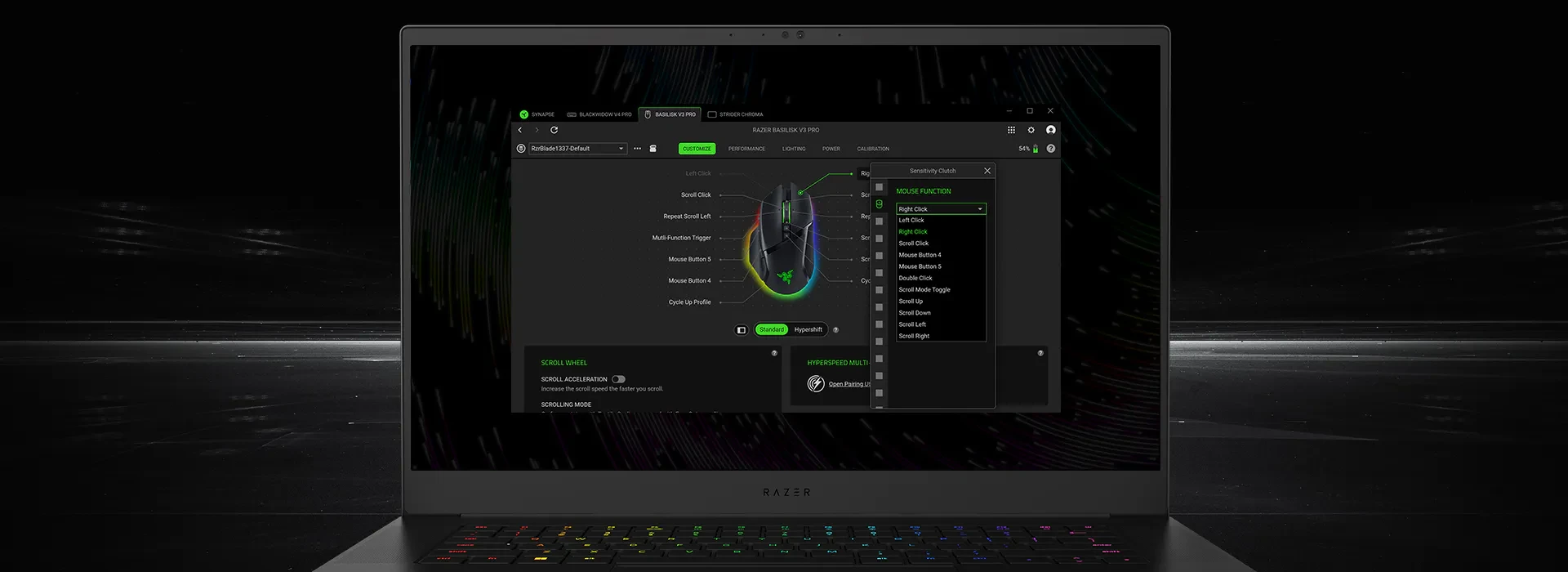
The sensitivity controls are the part that competitive players care about, and they are properly detailed. Instead of a single number you get multiple stages that can be bound to a button and cycled during play, plus a curve editor that changes the relationship between hand speed and pointer speed. That curve is where a mouse stops feeling either sluggish or twitchy and starts feeling like an extension of the arm: a slightly flatter response at low speed for precision, a steeper rise for fast turns.
Button assignment goes beyond remapping. Each button can hold a macro with timing resolved to the millisecond, and macros can be attached to a profile so that switching games switches behaviour. Whether that is fair depends on the game and its rules, and it is worth saying plainly: using macros in competitive multiplayer is usually prohibited, and the software being capable does not make it allowed.
The lighting side, and profiles that travel
Lighting is where the software becomes decorative, and that is fine. Multiple devices can be synchronised into one effect, patterns can respond to audio or to in-game events, and the result is a desk that looks intentional rather than assembled. The settings are granular enough to matter and the presets are good enough that you do not have to be.
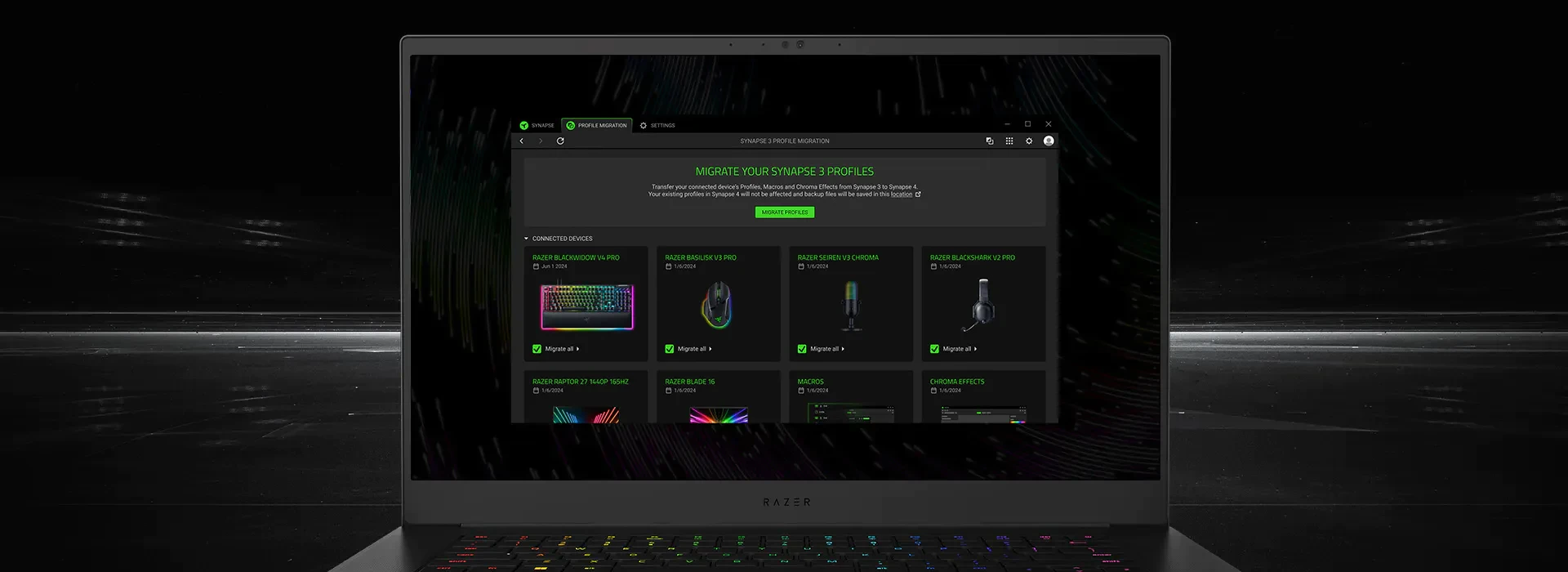
Cloud profiles are the practical feature hiding behind the flashy ones. Sign in and the configuration follows you: the same sensitivity, the same macros, the same lighting on a machine you have never used before. For anyone who plays on more than one computer, or who has lost a carefully tuned setup to a reinstall, that alone justifies the install.
One thing worth checking before installing: the previous generation of this software had a reputation for leaving things behind after uninstall, and the rebuild has addressed the worst of it without becoming invisible. If you keep a clean system, note which services it registers, so that removing it later is a deliberate act rather than an archaeology project. Compatibility with older devices is broad, which is more than several competitors manage.
The interesting thing about peripheral software is that it is where two identical mice stop being identical. The hardware sets the floor; everything above it is configuration, and configuration is what you actually live with.
Practical advice. Build one profile per game rather than one global setup, and bind the switch to a button so the change happens without leaving the keyboard. Keep macros out of anything competitive, and check the rules of whatever you play before assuming a convenient macro is acceptable. Tune the sensitivity curve slowly over several sessions instead of chasing a perfect number in one sitting, because hand memory takes days to settle. And export the profiles to the cloud, since a configuration you cannot restore is a configuration you will eventually lose.