
Clate: zero-code embedded interfaces that hand over QML instead of a mockup
Summary
The costly step in embedded interface work is redrawing the design in code. Clate maps canvas elements to QML as you work, exports files an engineer can open, and keeps generated output editable rather than flattened.
Recommend- Name
- Clate
- Version
- 0.6
- Pricing
- Free
- Open source
- Proprietary
- Operating system
- WindowsmacOSLinux
- Website
- https://www.qt.io/design/clate
- Updated
- 2026-11-05 23:00
The worst stretch of embedded interface design is the part where the design is handed to an engineer and rewritten. Clate wants to delete that step.
Design and code happen at the same time
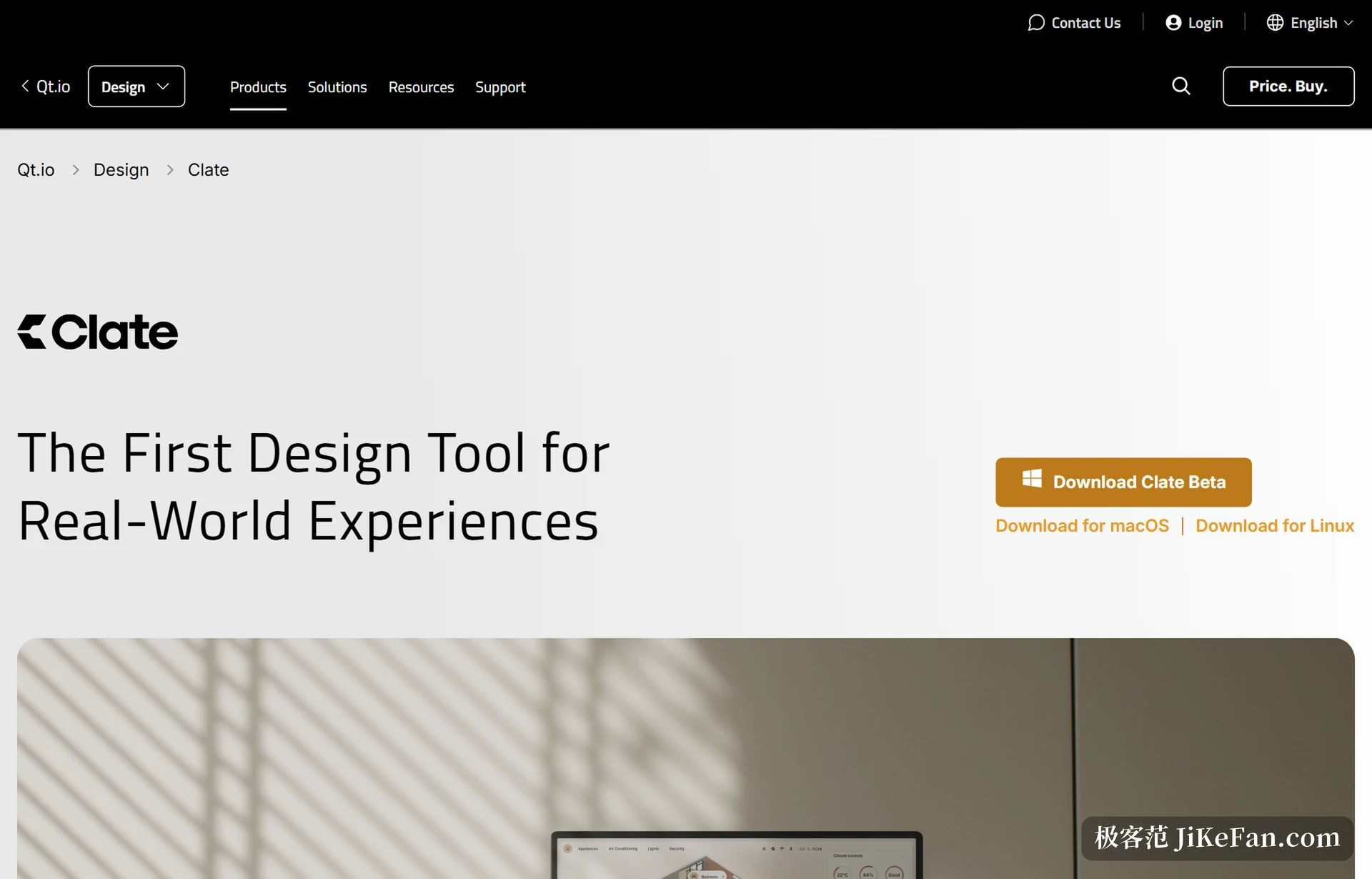
Clate is an embedded interface design tool from Qt, currently in beta at version 0.6, aimed at products that need a human-machine interface: industrial equipment, medical instruments, consumer electronics. Its position is unusual: no code is written, and the output is code. The designer places shapes, text and images on the canvas, and the tool maps those elements to QML in the background, the declarative language Qt uses to describe interfaces, which the company says runs on more than a billion devices.
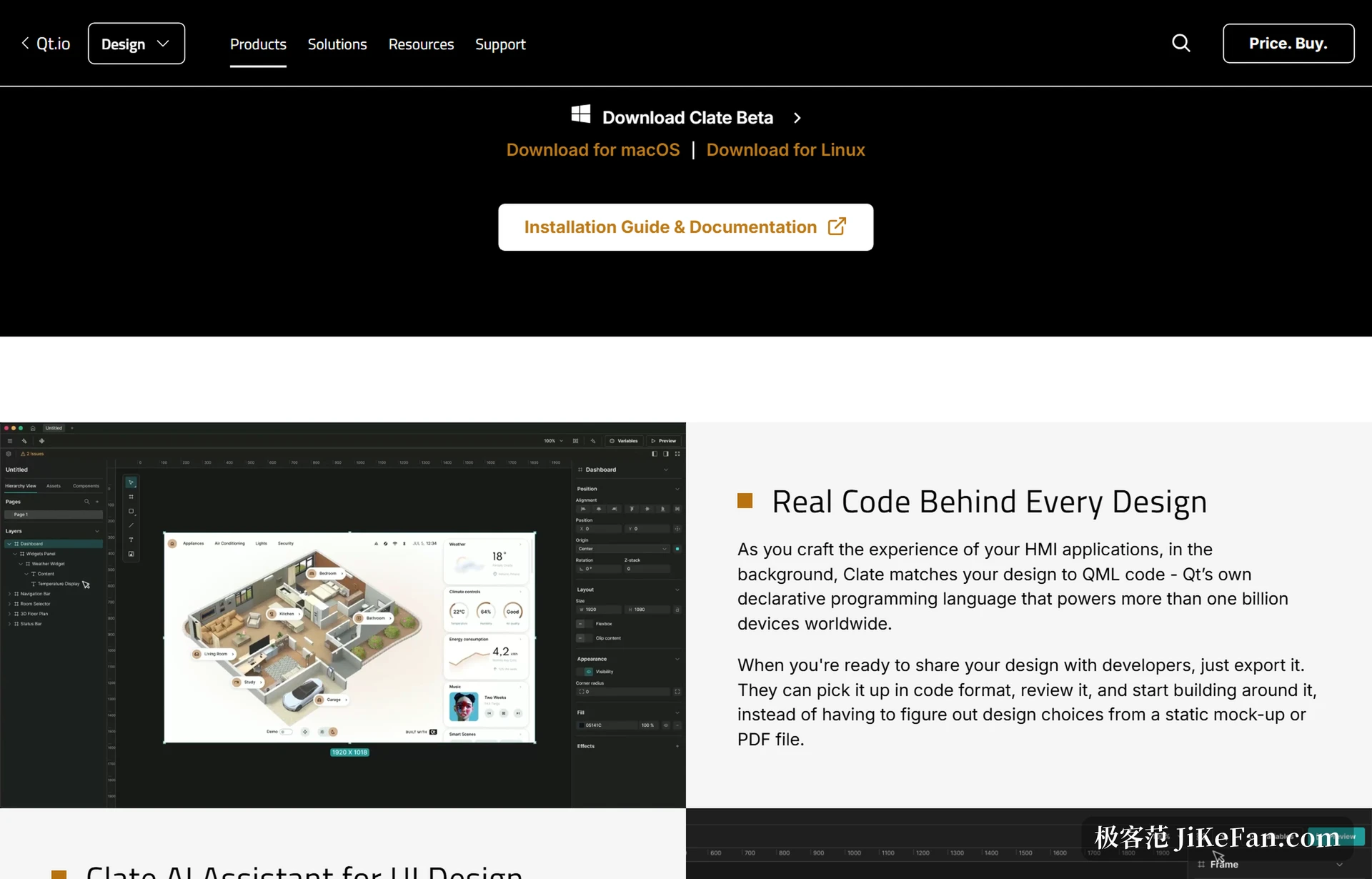
Handover is where it parts company with ordinary design tools. Export the project and the engineer receives not a mockup annotated with sizes and colours but a set of QML files that open and accept logic. The old job of redrawing the design is compressed away, and the engineer gets back the time spent reproducing it while the designer gets back the round of questions about spacing and type size.
What the canvas actually does
The workspace is an infinite canvas on which several project files can be created and objects moved between them. Layers and pages sit on the left, properties on the right, where position, size, fill, stroke, gradient, font, corner radius and opacity are edited item by item, with values in exact pixels rather than eyeballed. A selected element can be pulled into its own window to preview, so a change shows immediately without rendering the whole page.
Assets can be uploaded to a local library and reused across design files. An imported component exposes its inner layers, so you can open it and change what is inside instead of receiving a sealed black box.
The AI assistant lives in the workspace, not in a side dialog
Open the assistant from the top bar, describe what you want in ordinary language, and it generates elements and interfaces on the canvas or in the chat pane, and the result stays editable by hand. The official interface is ACP, the first model wired in is Claude, using the user's own account, and more providers are to follow. A local MCP server is built in as well, so habitual agents can be plugged into the workspace.
That approach differs from generating a picture with one press: the generation is the starting point, the output has to stay editable and undoable, and in the end it has to land in a deliverable project file.
Today's edges and the roadmap
What exists in beta is the full canvas plus export, which is still short of the whole flow. The roadmap is fairly clear: component reuse and an asset library, along with variables and data binding, are planned within 2026; design system management, motion and interaction editing, and real-time collaboration sit in spring 2027. Variables and data binding deserve a sentence of their own, because they decide whether an interface can follow live data: a temperature dial with a range of 10 to 35 degrees that turns red above 27 still needs an engineer to write that behaviour in code.
The motion plan is interesting too: a node graph plus keyframe recording, where moving an object generates keyframes automatically, or holding a record key and performing the motion once turns it into animation, so what reaches the engineer is the animation itself rather than a description to reinterpret. None of it has shipped, so it is a matter of waiting.
Who should try it now
The beta is free to download, with installers for Windows, macOS and Linux on the official site. For teams already building embedded interfaces on a Qt stack, this version covers the stretch from design to runnable code and is worth a real project. For people who only design for the web and mobile, it is of little use, since it targets device screens rather than browsers.
One caution: it does not produce a finished product. Interface logic, data connections and state management still pass to an engineer, and what Clate solves is the translation from how an interface looks to how it is described.
Clate has taken down half of the wall between design tools and code: designers do not have to learn QML, engineers do not have to reproduce a mockup. The other half depends on whether those features land on schedule across 2026 and 2027.