
UPDF version 3 puts AI questions, translation, OCR and batch splitting on one path
Summary
The cost of a PDF tool is no longer editing but how many windows a file crosses. UPDF version 3 folds AI questions, translation, OCR and batch work into one entrance, runs jobs in parallel, and retries a failed task without rerunning the batch.
Recommend- Name
- UPDF
- Version
- 3
- Open source
- Proprietary
- Operating system
- WindowsmacOSiOSAndroidWeb
- Website
- https://www.updf.cn/
- Updated
- 2026-11-05 23:00
The difference between PDF tools is no longer whether they can edit, but how many windows a file passes through between opening and delivery. UPDF version 3 redraws that line.
No pile of features, a resequenced order
On 11/3/2026 UPDF released version 3. The official account is blunt: rather than adding isolated features, it reworks the four stages of understanding, processing, organising and output around the whole document flow.
Behind that sits a concrete scene. A research report may need translating first and then distilling; a stack of scanned contracts needs OCR before splitting, review and filing; a set of project files needs searching, marking and printing. The trouble is rarely a missing feature, it is that these actions live in different tools, and every switch means importing again, locating again, and losing the thread once more.
One AI entrance, with scenario assistants split out
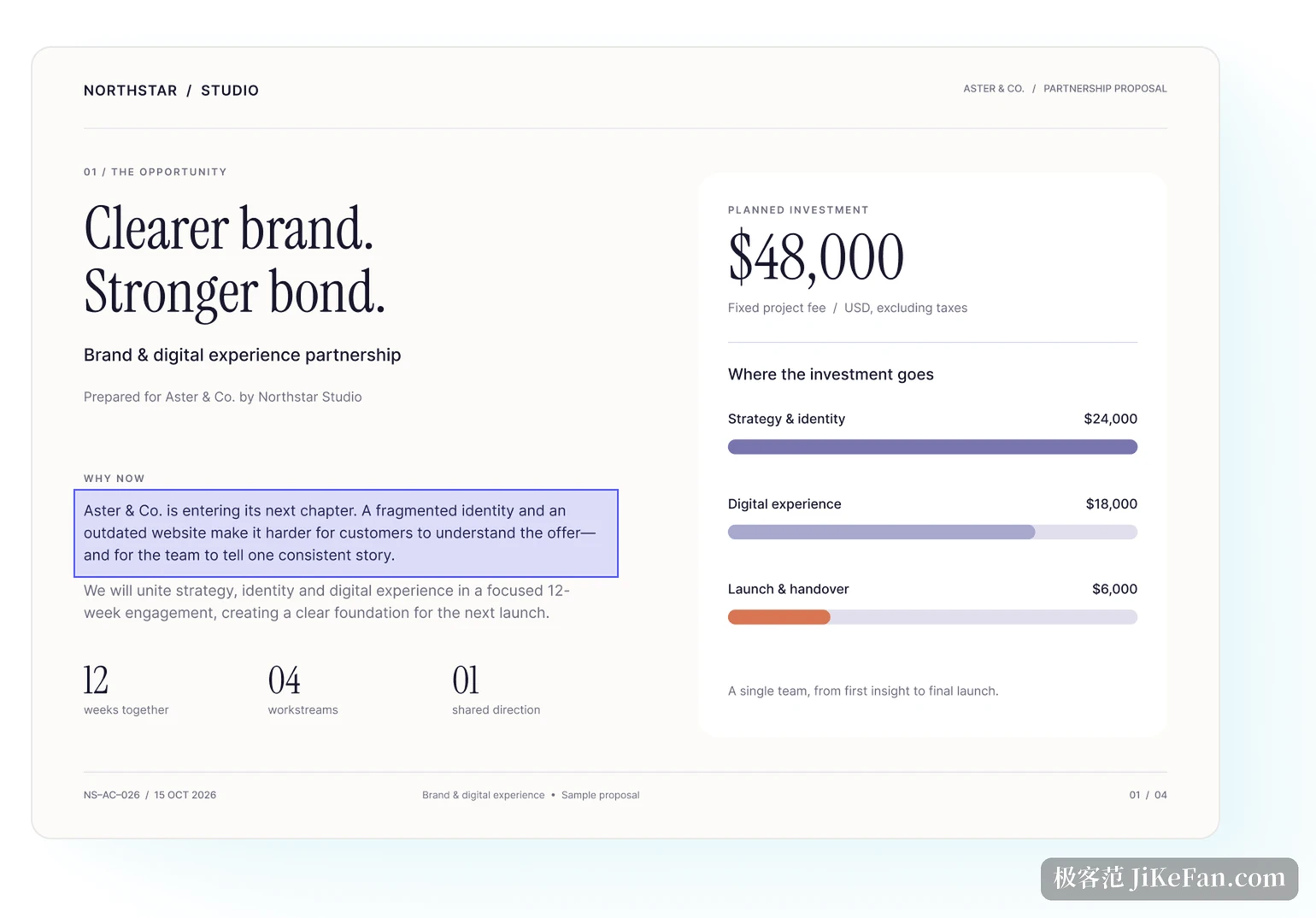
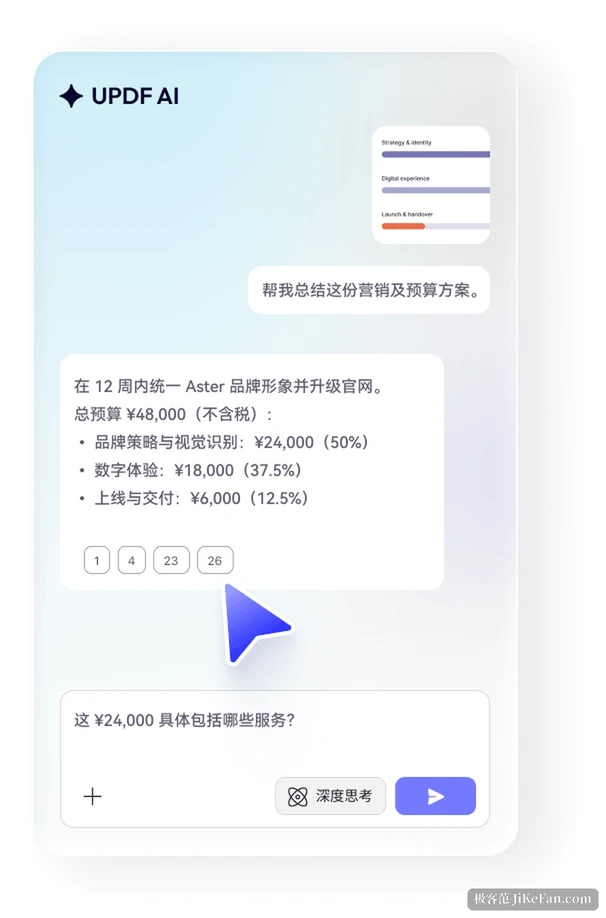
Version 3 gathers asking, translating, summarising and explaining into a single AI entrance. Those abilities used to sit in different places, so wanting a translation halfway through meant jumping out and then back to follow up; now you switch as needed while reading, and a question can target the whole document, the current page or a chosen page range, with images accepted directly as input. Frequently used page ranges can be saved, and the model can be chosen per task.
Below the entrance the scenarios split out. UPDF AI becomes Nomostar in this release, with built-in assistants for academic work, contracts, finance and resumes, plus custom quick tasks. The academic direction maps out research content, contributions and limitations, method and technical route; the contract direction gives key clauses and potential risks first, then suggested revisions; the resume direction analyses the content and tightens the wording, and prepares the interview questions that may follow. The value of these presets is not flowery prompts but that the user no longer starts from how should I ask this every single time.
The housekeeping around it is filled in too: new conversation, history, reply language, pinned tools. The assistant is no longer a one-shot window that vanishes on close, since conversations can be revisited and frequent entries stay.
Waiting time removed by running in parallel
With long documents the queue costs more time than the operation. Version 3 runs several OCR jobs and full-text translation jobs at once, without waiting for one to finish before adding the next. While the system recognises or translates in the background, the user keeps reading, judging and planning the next step.
Batch handling moves forward as well, adding batch translation and batch splitting, and giving failed jobs a more direct retry. A group of contracts, reports or study material can be added to the task list and started at once, instead of opening, setting up and confirming one by one; splitting by chapter, project or filing rule happens in one place too. When an individual job goes wrong, retry from there rather than restarting the whole batch.
Small changes to everyday actions
Version 3 also adjusts a set of frequent operations. Settings open in a new window, recent files and reading position are remembered so reopening a document picks up where you stopped; page gaps can be shown or hidden as needed, letting you choose between the classic paged feel and continuous scrolling; a search result can be marked directly, merging locate and record into one step; printing picks pages from thumbnails, so a scattered set of page numbers does not mean flipping back and forth. The toolbar can be customised, so anyone who annotates a lot can bring highlight and text marking within reach.
The basics remain: text and image editing, format conversion, page management, form filling, e-signature, compression, encryption, redaction and document comparison. OCR covers 38 languages, and scanned or image-based PDFs become searchable, copyable, editable and translatable once recognised. Conversion covers Word, Excel, PPT, images, text, CSV, RTF, XML and HTML, and runs the other way too, turning images, Word files and CAJ into PDF.
Who will find this update useful
Students and researchers get reading position memory, page-range questions and search marking straight away, which lowers the cost of digging through papers, textbooks and long reports; anyone handling material from abroad gets batch translation plus parallel jobs, making reading across languages more continuous; teams with many contracts, archives and project files get OCR, batch splitting, quick retry and thumbnail printing as a smoother path from tidying to delivery.
UPDF covers Windows, macOS, iOS, Android and the web, one account can sign in on up to 4 devices, and documents and AI workflows stay in sync across desktop, mobile and browser. The free version covers reading, annotation and some basics, while editing, conversion, batch processing and the advanced AI abilities need a subscription. Version 3 went live on 11/3, and the full changelog is on the official site.
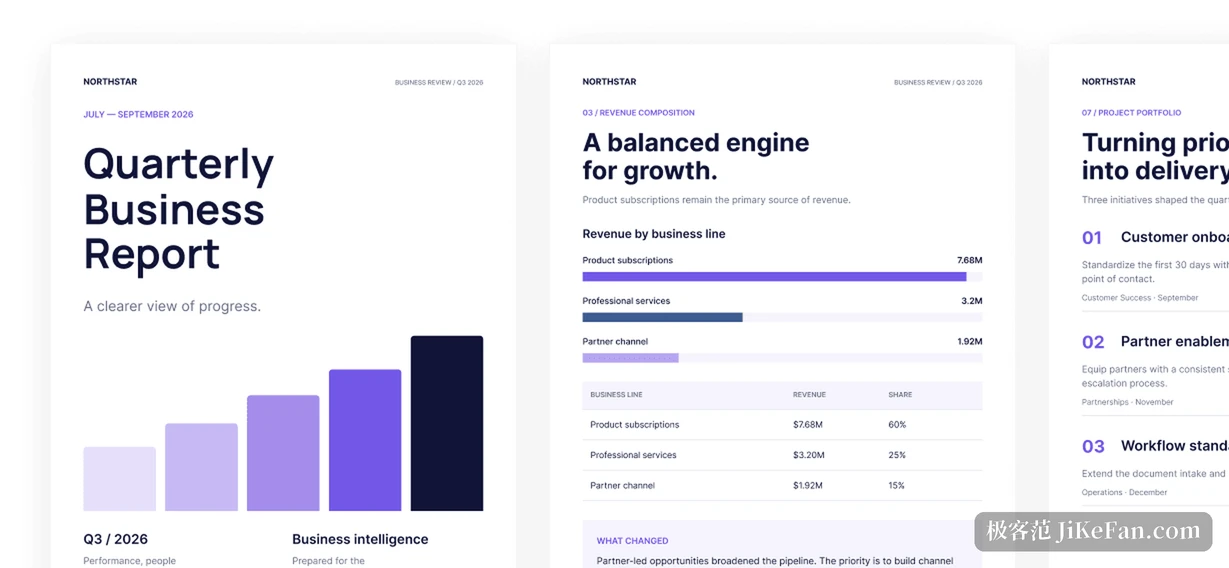
What version 3 means is not a few more AI buttons, but that three separate roads, of not understanding, not being able to edit and not being able to deliver, now join on the same document.