
Mural: a shared canvas for teams, three editable boards free with unlimited members
Summary
A visual collaboration workspace built around a shared infinite canvas, with facilitation tools for timers, voting and a private mode. The free plan allows three boards at once with no limit on members.
Recommend- Name
- Mural
- Version
- 20261011
- Pricing
- Free
- Open source
- Proprietary
- Operating system
- Web
- Website
- https://www.mural.co/
- Updated
- 2026-10-11 20:10
The hard part of a meeting is rarely a shortage of ideas. It is that the ideas cannot all sit in front of everyone at the same time.
Carrying one large canvas onto the web
Mural is a visual workspace for team collaboration. The main line on the official front page calls it a visual AI platform, and explains the job as turning team alignment into a lasting way of working, connecting strategy with execution so that results happen in one shared space. Its basic form is a shared infinite canvas; the official product section states that teams can reach their goals faster with that canvas.
Three supporting capabilities sit alongside it: lean workflows and templates, AI meant to speed up insight and decisions, and smart integrations. The integrations reach Microsoft Teams, Webex, Zoom, Jira Cloud, Google Workspace, Slack and Adobe Creative Cloud Library, with Microsoft Azure Active Directory and Okta added on the enterprise tier. That output no longer has to be carried by hand into those tools is the most practical thing about the set.
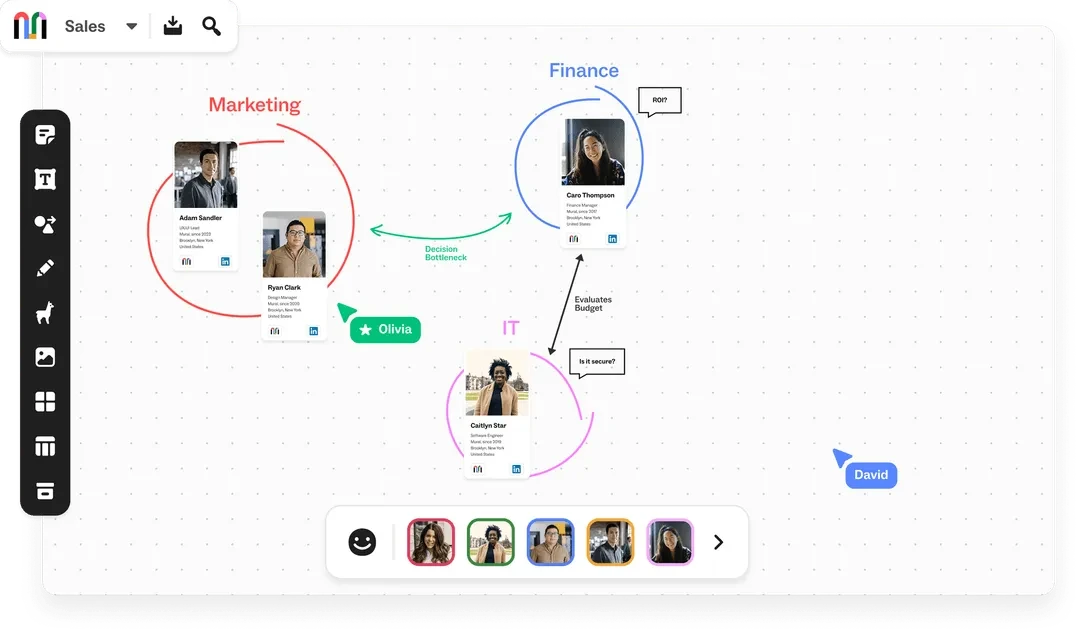
The kit prepared for whoever runs the room
Whether a workshop gets off the ground depends a great deal on whether the person leading it can hold the rhythm. Mural gathers these abilities in a block it calls facilitation superpowers and notes that every plan level gets them. The list holds eight: bringing participants back and holding the pace, a timer, voting, private mode, outline and instructions, a laser pointer, hiding and revealing content, and a closing celebration.
Two of them aim at the two most common ways a meeting slips. Voting settles the case of too many opinions and no way to converge, and the official note says the vote is anonymous; that detail matters, because a signed vote lets the senior voice steer the result. Private mode settles the case of the first speaker pulling everyone else along: it hides each person input while ideas are being collected and shows them together once the set is complete. The timer and the outline carry the pace, the laser pointer and the content controls carry the explanation, and the celebration closes the loop. Almost every move a workshop needs from start to finish is in there.
Item | Official note |
|---|---|
Positioning | A visual workspace for team collaboration |
Base form | A shared infinite canvas with real-time collaboration |
Facilitation | Timer, anonymous voting, private mode, laser pointer and four more, on every plan |
Templates | More than 250 expert templates, with your own as well |
Free plan | 0 dollars, unlimited members, three boards editable at once |
The line between free and paid runs somewhere else
Most collaboration tools charge per seat. Mural puts the limit on boards instead. The official pricing page states that the free plan costs nothing and does not limit members, and the capability column reads, in its own words, that the number of boards is unlimited while three can be edited at the same time. A team of a dozen people can therefore run its collaboration on the free plan from day one, as long as it does not push more than three projects forward at once.
Paid plans begin with Team+, at 9.99 dollars per member per month billed yearly or 12 dollars billed monthly, which brings unlimited editable boards, external visitors with edit rights, private rooms for members, Mural AI and the basic integrations. Above it, Business costs 17.99 dollars per member per month billed yearly and adds single sign-on together with unlimited external visitors; Enterprise is quoted to order and brings multiple workspaces, SCIM user and group management, audit logs, data residency and enforced two-factor authentication. The official page also says more than half of the Fortune 100 use Mural, and this kind of compliance ability is aimed at exactly that sort of organisation.
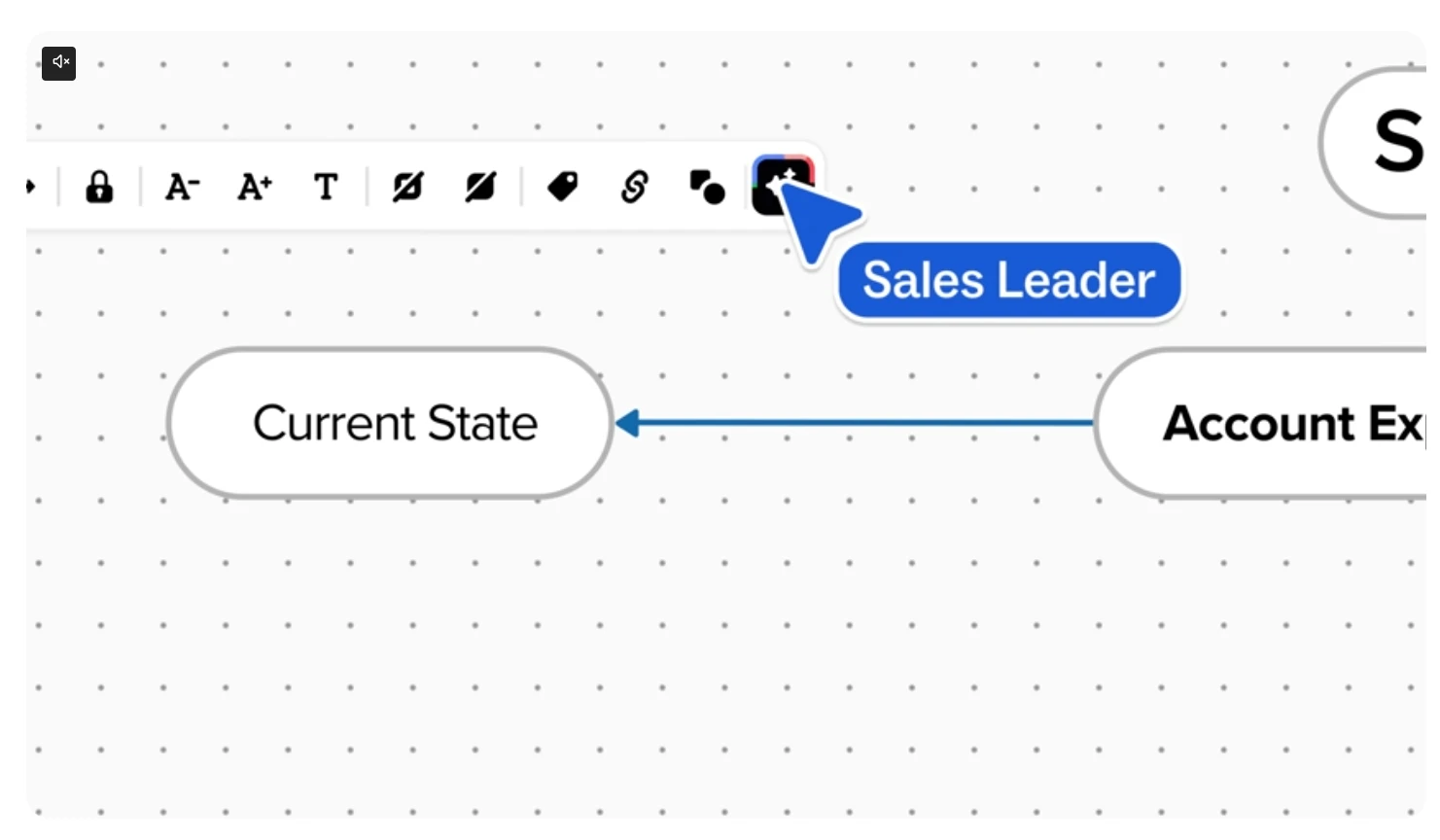
A canvas that everyone can see and touch at the same moment is itself the least troublesome tool for agreement.
For use: run one complete workshop on the three free boards first, and only think about upgrading once the team has accepted the way of working. Pick templates by scenario rather than paging through all 250 at the start. And switch on anonymous voting and private mode in the very first meeting, because the habit is easier to build early.