
QwenWork 1.5 hands back a deck and a web page you can still edit
Summary
Most generators stop at a block of text you paste and reformat. QwenWork 1.5 delivers files that open and keep editing, keeps charts as native objects with embedded data, and pulls context straight out of the office chat.
Recommend- Name
- QwenWork
- Version
- 1.5
- Open source
- Proprietary
- Operating system
- WindowsmacOSWeb
- Website
- https://qwenwork.cn
- Updated
- 2026-11-05 23:00
Describe the task properly and get back a file you can keep editing: that stretch after generation is what QwenWork 1.5 sets out to close.
QwenWork is an office agent from Alibaba, and the desktop build is at 1.5. The usage is blunt: state the matter clearly, and it reads back and forth across local files, spreadsheets and reference material, then hands over a document, a sheet, a presentation, or a web page that opens straight away. The difference from a pure chat tool sits in the deliverable, not a block of text you copy, paste and lay out again, but a formatted file that opens.
The work happens on two levels. On top sits task orchestration: a complex request is split into steps that run in parallel, and the interface shows how far each has gone and where one is stuck, so you can add requirements or change direction midway. Underneath sits delivery: the generated PPTX, Word, Excel and HTML files can be previewed and edited inside the platform, then exported.
Why the deck can be edited, not merely look right
This is where 1.5 spent most of its effort. The team built a dedicated skill for presentations, and its first constraint is that generated text, shapes and charts stay as native Office objects inside the file instead of being flattened into a single image. A native text box can be clicked into and reworded, and a native chart carries an embedded data table behind it, so changing a number changes the shape.
Faced with a corporate template it measures capacity first: it reads the layouts and placeholder boxes inside the template, judges how many pages of body text that template can actually hold, and when it cannot hold them it keeps the brand colours, fonts and logo and re-lays the content by structure instead. Before delivery comes a check in layers, first the file structure, then whether the layout overflows, and finally whether the rhythm repeats across pages. The limits are stated too: geometry is estimated, structural errors must be fixed, and whether a page looks good still needs human eyes.
The context inside the chat app comes along
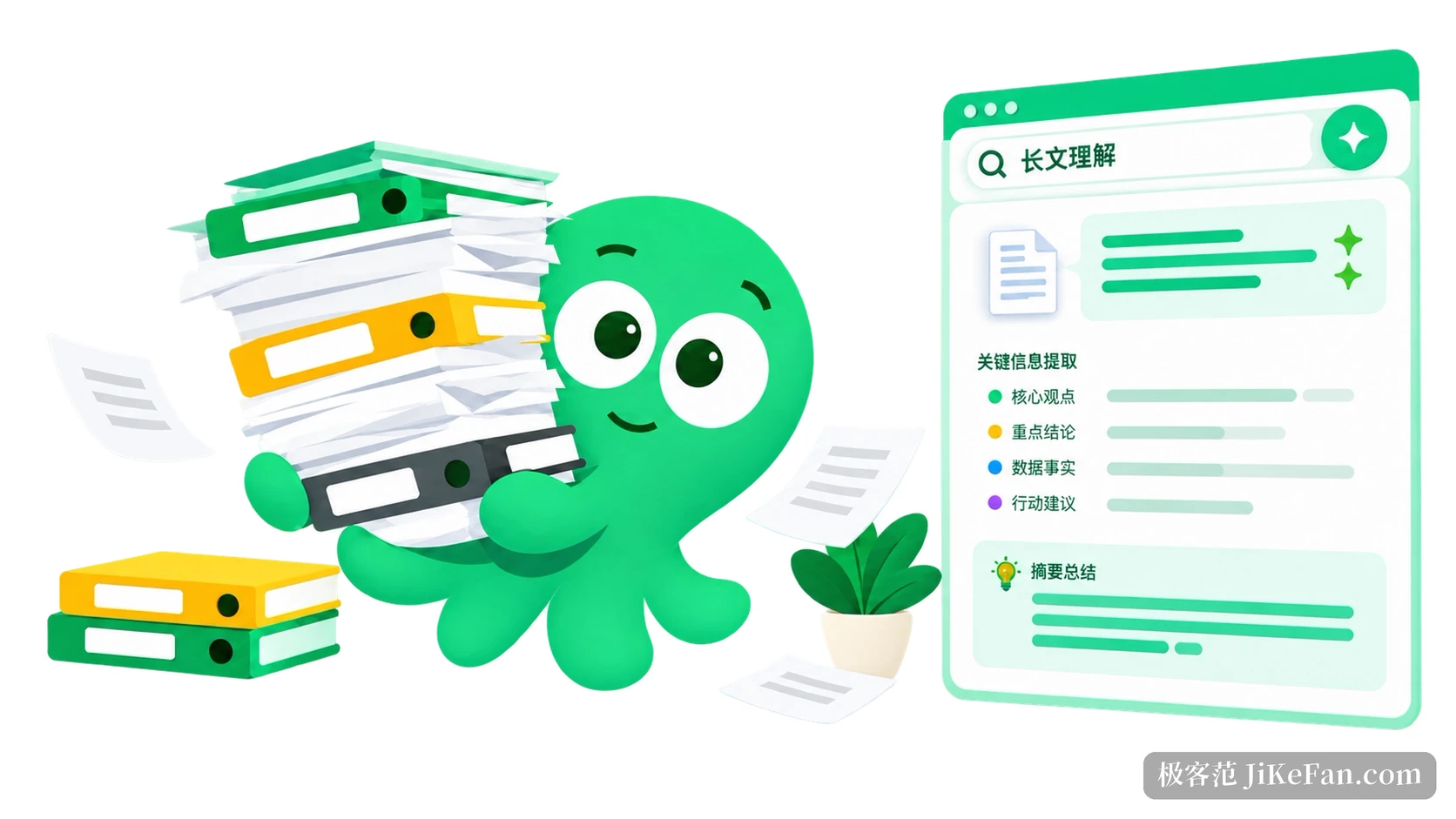
QwenWork and DingTalk are connected in both directions, and the official figure covers 25 enterprise messaging capabilities, including reading group messages, appointments and to-do items, AI meeting notes, document knowledge bases, attendance and approvals, and mail. After a meeting you can have the notes split up, filed into the knowledge base and the schedule updated in passing; writing a weekly report, it works through recent appointments, to-dos and the discussion in the group and assembles a structured document. These jobs used to mean switching windows and pasting.
On the enterprise side there is a harder layer: an agent identity, its permissions and which data it may touch have to be controllable, and its execution has to leave a trail, otherwise no amount of efficiency gets it into critical business. At the Wuzhen summit in November the company said digital-employee capability would arrive with the next generation of its smart office suite, letting enterprises assign an organisational identity, duties, permissions and applicable processes to an agent. That part has not rolled out yet and belongs on the watch list.

Three clients, so the task is not tied to a desk
The desktop client is useful because it reads and writes local files directly, with drag and drop and context menus that behave like local software, which is handier when processing batches of documents and assets. The web client needs no install, so progress can be picked up after switching machines or on a business trip. Inside DingTalk it is summoned from the left-hand entry and available in chats, documents and appointments. Periodic work can be scheduled in the cloud and keeps going with the browser closed.
The skill market is the other piece: save a usual processing flow as a skill, reuse it next time and share it with colleagues. The official packs cover roles such as recruiting, legal, finance and tax, marketing, investment research and teaching. In essence they turn the fixed moves of a trade into reusable steps instead of explaining them from zero every time.
The 11/11 pricing is worth a look
The Alibaba Cloud campaign page advertises a limited-time discount starting at about a third of list price, a personal plan as low as 29.9 yuan a month with continuous billing cheaper still, and frontier-model quota opened up during the promotion. On the evening of 11/2 the QwenWork chief executive went into a livestream to sell memberships, and the basic monthly card dropped to 0.01 yuan at one point, moving nearly 100000 of them in half an hour. That level does not stay up for long, and anyone already planning to try an AI office tool faces a genuinely low entry cost right now.
One caveat: prices and entitlements are whatever the official campaign page shows at the time. How credits are counted, which models draw on the quota, and whether the enterprise and personal pools are shared differ quite a bit between tiers, so read the detail before buying.
What QwenWork 1.5 needed to answer was not whether it can generate, but whether the output is still usable afterwards. Editable deliverables, office context that does not have to be carried over, and a task that continues across clients, with those three in place AI has actually entered the office workflow.