
Pixelmator Pro adds generative fill: select an area, describe the change
Summary
The November update lets you select part of a picture and describe what should be there instead; the fill matches the surrounding light and perspective, arrives as a layer, and your original pixels stay untouched.
Recommend- Name
- Pixelmator Pro
- Version
- 20261103
- Pricing
- Paid
- Open source
- Proprietary
- Operating system
- macOSiPadOS
- Updated
- 2026-11-03 23:00
The slowest part of retouching is rarely colour work. It is taking that cable out of the frame. Pixelmator Pro now offers another way in: circle the part you do not want, say in one sentence what should be there, and leave the rest to it.
The update plugs a description into the fill
Apple announced a round of updates to Apple Creator Studio in late October, and the feature Pixelmator Pro received is called Generate Fill. The workflow is direct. Select the area to change, using the built in freehand, quick or magnetic selection to get the outline right, then write the change you want in the prompt: move the badly parked car out of the background, patch a stretch of brick into a bare wall, swap an overcast sky for a sunset. The app generates new content from the description and drops it into the area you marked.

The hard part is not drawing it, it is blending it in
Generated content fails less often by looking wrong than by not belonging. Light comes from the left and the patch is lit from the right; the ground is seen from above and the added object faces the camera. Apple says the feature analyses the picture around the selection and aligns the direction of light, the perspective and the surface texture, so the addition reads as part of the photograph. A super resolution pass follows, raising the generated area to the pixel density of its surroundings instead of leaving a soft little patch.
The result is not made disposable
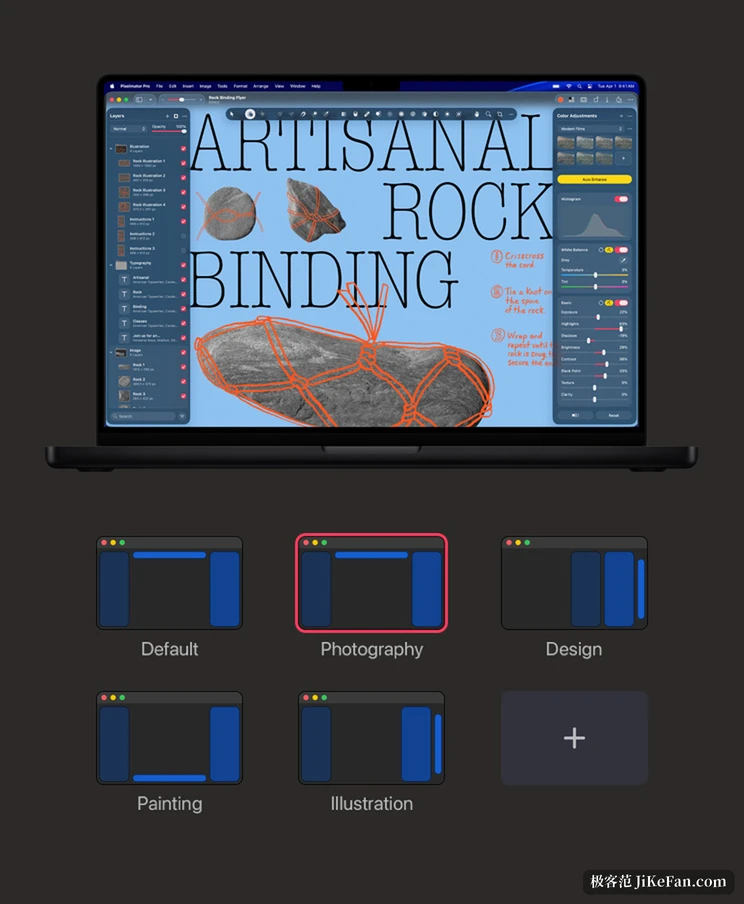
Plenty of generative tools flatten the result into a single image, and a bad one means starting over. Pixelmator Pro stays with its own layer logic: the generated content can be merged into an existing layer, or inserted as a new layer with a smart mask, after which its position and opacity remain adjustable and the layer can simply be deleted. The whole edit stays non-destructive, with effects, fills, strokes and shadows sitting on layers, so a change of mind goes back without touching the original pixels. That matters when output is produced in rounds, because one generation is seldom the final answer.
What really saves time is the base underneath
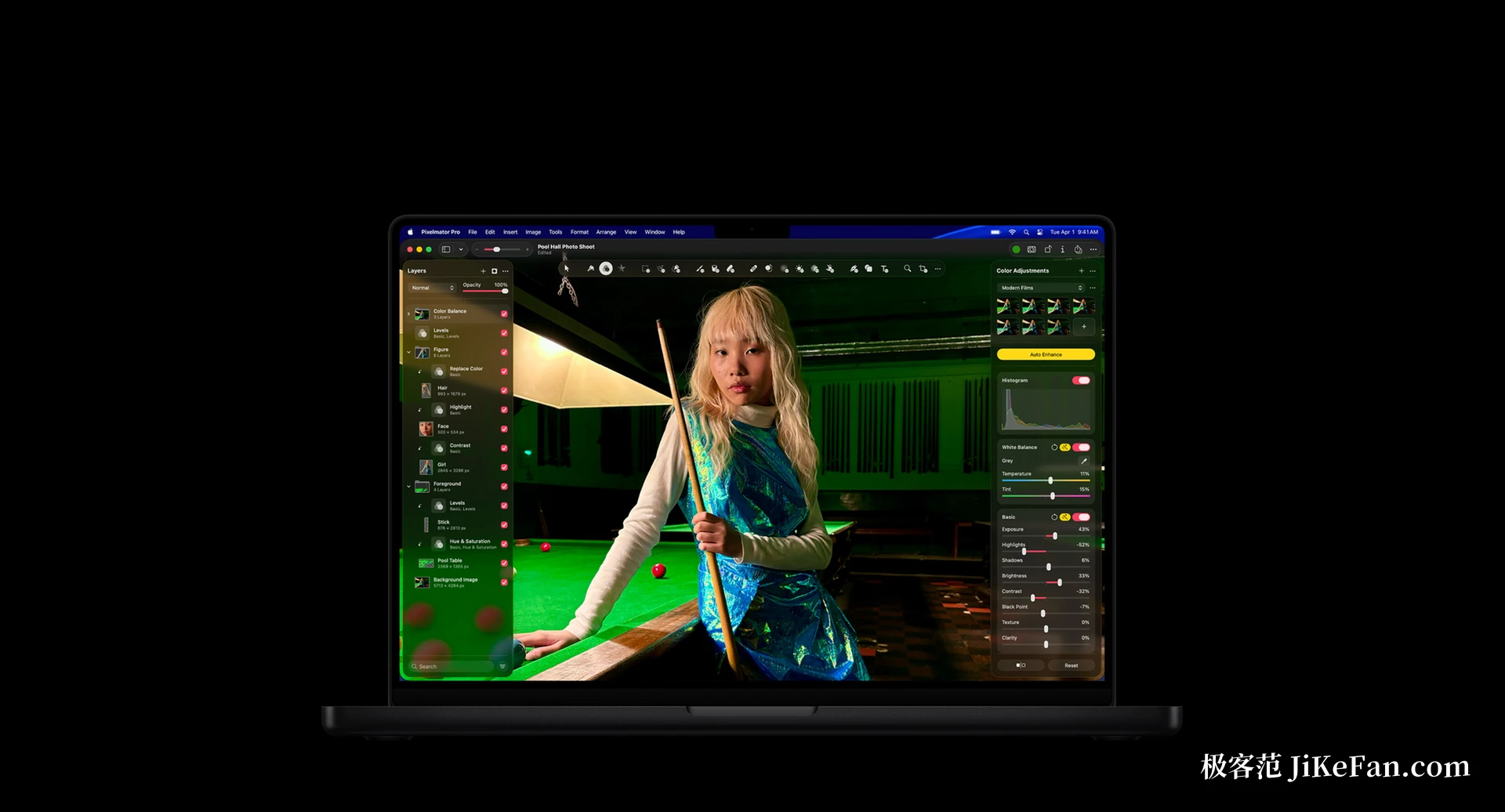
Turn every intelligent feature off and it is still a working editor. A repair tool clears dust and blemishes, a clone stamp copies pixels to rebuild texture, and brush based local adjustment can lift or darken one area alone. Selection and masking recognise fine detail such as hair and fur, which saves hand tracing. Super resolution, one step background removal, banding removal, auto enhance, auto crop and auto straighten sit there permanently and handle the most repeated steps of producing images in batches.
On formats it reads more than seven hundred and fifty kinds of RAW and can treat a RAW file as a layer without converting first; on the vector side it reads and writes PSD, SVG and PDF and keeps vector data on export. Video can be handled as a layer too, masked, cropped and graded with the same logic as a still. None of this arrived with the update, but it is what makes generative fill worth having, since what gets filled in has to survive professional retouching afterwards.
Two ways to pay
Pixelmator Pro now sits inside the Apple Creator Studio subscription, which also covers video editing and music work among other creative apps: 38 yuan a month or 380 a year for new users, 18 yuan a month or 180 a year for students and educators, plus a thirty day trial. Anyone who prefers not to subscribe can buy the Mac version outright at 328 yuan, with one feature missing, a warp tool that stays exclusive to the subscription. The iPad version has no outright purchase and only comes with the subscription.
When it arrives
Apple says the update ships through the App Store during November without naming a date, and existing subscribers get it at no extra cost. The requirement is macOS 26 or iPadOS 26; on iPad it needs an M1 chip or later, or a recent model such as the iPad (A16) or the iPad mini (A17 Pro). The generative work runs on the device, which is why the system floor is set where it is.

If your retouching is mostly taking things out of a frame and filling in what is missing, and that happens many times a week, this update is worth a look. It compresses a path that used to need several tools and a lot of layer switching into a selection and a sentence. The judgement is still yours: whether the generated part belongs and whether it should stay comes down to the eyes in front of the screen.