
ArtCraft: build the scene first, let the model render it
Summary
An AI image and video tool that swaps prompt roulette for stage building: layer compositing, three dimensional scenes, character poses, and more than sixty models in one canvas.
Recommend- Name
- ArtCraft
- Version
- 0.41
- Open source
- Proprietary
- Operating system
- WindowsmacOSWeb
- Website
- https://getartcraft.com
- Updated
- 2026-10-10 16:50
An AI image and video tool that replaces prompt roulette with a different order: build the scene first, then let the model render it.
The most frustrating moment in AI image work is not a bad picture. It is a picture that is almost right: the hand is raised when it should be lowered, the background belongs to a different room than the previous three shots, and moving the camera down ten degrees means rewriting the prompt and drawing again. ArtCraft attacks that gap. It calls itself an IDE for artists, and the method is to move generation to the last step: you arrange composition, camera and pose on a canvas or in a three dimensional scene, and the model turns that skeleton into a finished frame.
Trading prompt tuning for stage building
The two dimensional side behaves like a layer workbench. Images, cutout results, layers and simple drawing tools sit in one place, so the layout is settled before any generation begins. The difference from a prompt only tool is a question of when control is handed over. A prompt surrenders composition to the model and accepts whatever comes back; ArtCraft fixes the layout first and asks the model only for surface and detail. That matters most when a job needs many images: with one arrangement, repeated renders keep the composition identical.
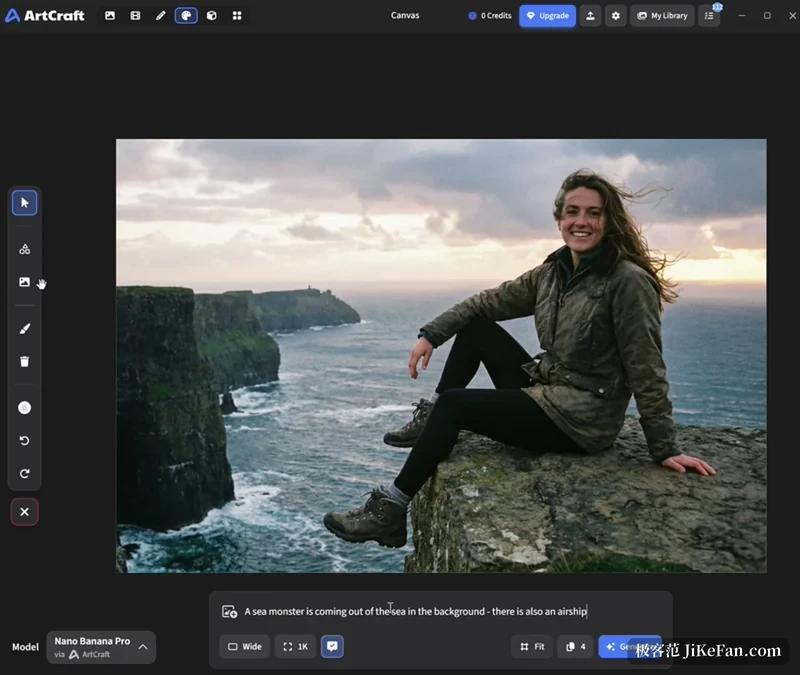
Framing, posing and depth in three dimensions
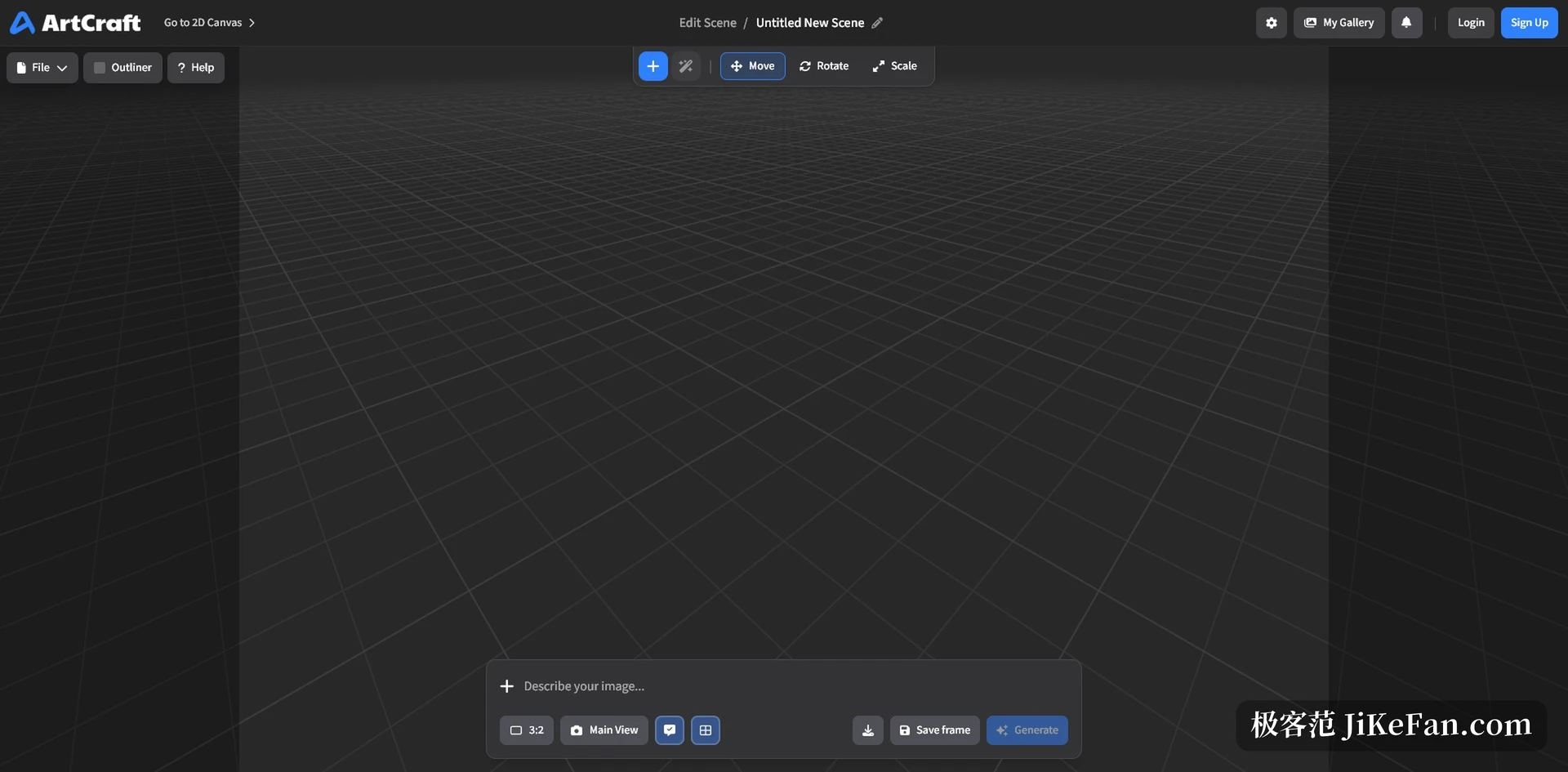
Three dimensions are where the weight actually sits. Scene compositing lets background, foreground and props be placed in a space with real depth, and the documentation claims that one or two images often merge into a single convincing composition. Image to mesh turns a picture into an object that can be placed, rotated and framed precisely, so a complex scene can be blocked out with geometry instead of argued into existence with words.
Character posing is the other thread. Before generating, you can move the character and the camera, settling the relation between figure, scene and shot. Identity transfer follows: a posed mannequin guides the position and stance of a character. Cutout pulls a subject out of its background so it can continue as a prop, a layer or a backdrop.
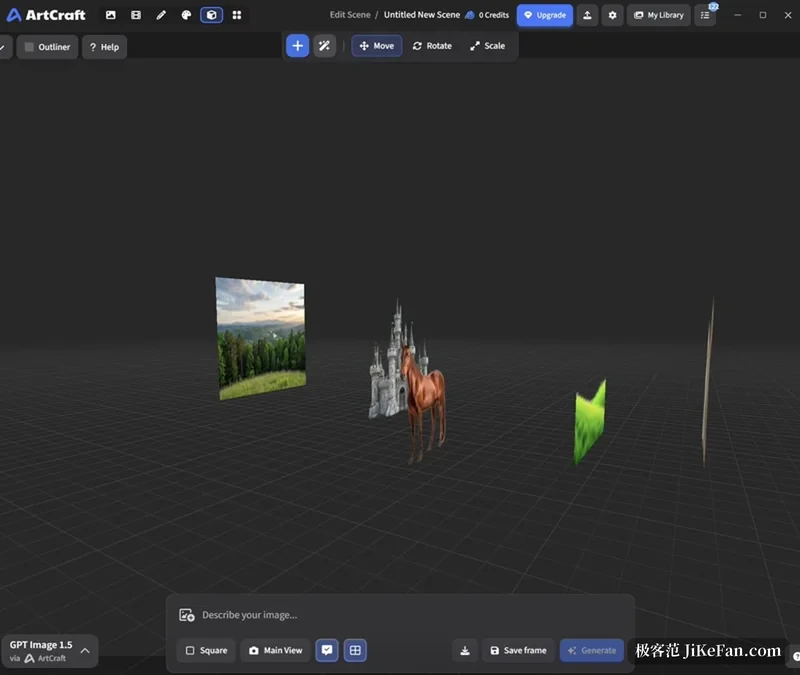
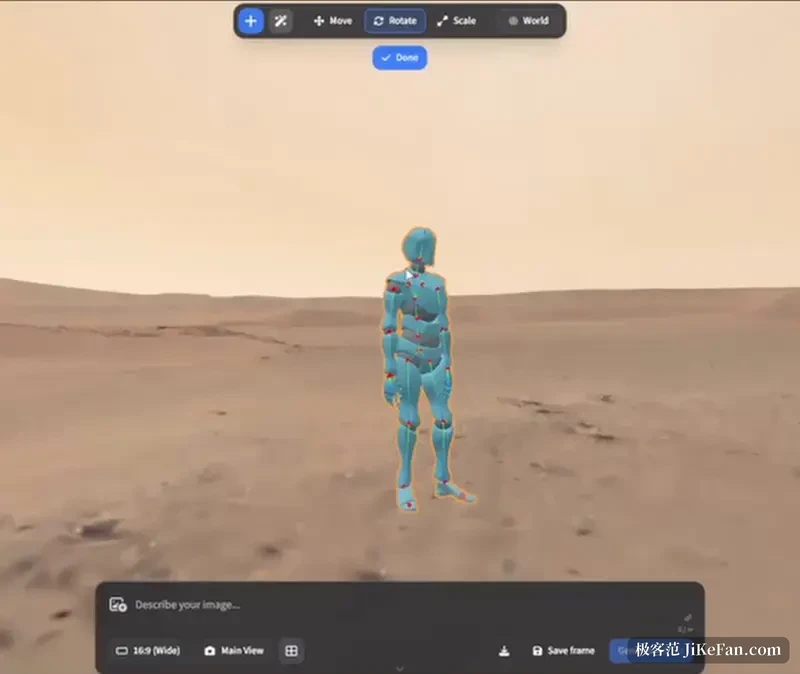
One canvas, sixty odd models
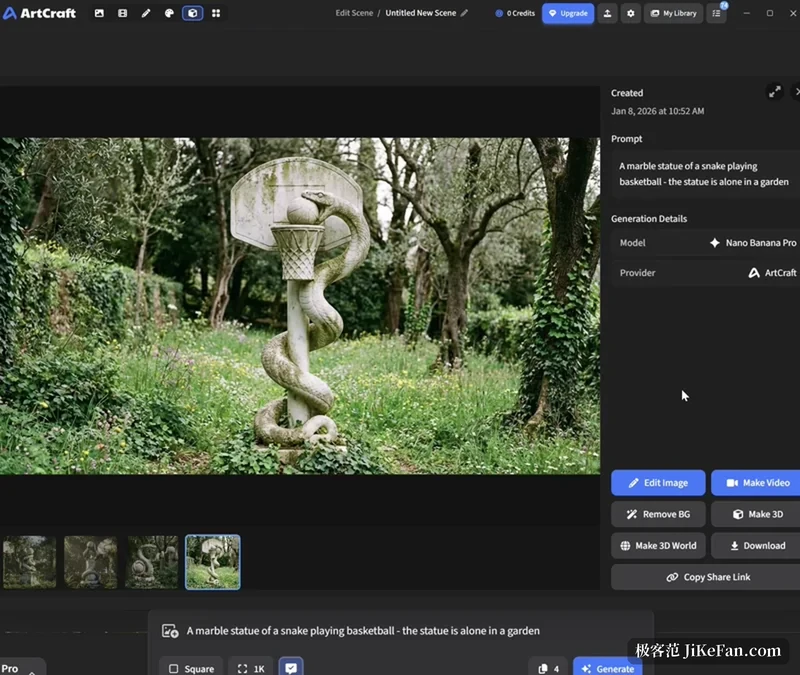
ArtCraft does not train every model itself; it gathers outside generation capacity into one interface. The catalogue in the project readme lists sixty two entries split into image, video, music and sound, mesh, and world models related to gaussian splatting, with a fair number marked as currently disabled or unavailable on the desktop build. Outside providers include Grok, Midjourney, Sora and World Labs.
The cost structure deserves plain language. The desktop application is free and described as owned forever without a subscription, but most generation is not free. You can buy credits from the vendor, or connect a third party account or API key you already pay for and spend your own quota. Published pricing starts around eight dollars a month on an annual plan for a thousand credits.
Three places to work
The desktop build covers Windows and macOS. The stated baseline is 64 bit Windows 10 or newer, or macOS 12 and above, with 8 GB of memory and 2 GB of free storage suggested. Without the desktop build there is a browser version with the same feature set. Linux has no official package and can only be built from source. The current version is 0.41.0, the desktop app is written in Rust with Tauri, and the team behind it is called storytold.
Source available, but not open source in the usual sense
This part deserves its own paragraph. All the code is public on GitHub and the website calls the project open source, yet the first line of the licence file says ArtCraft is fair source software. What it allows: free use, backup, copying, modification and compilation for personal purposes, and ownership of the media you create. What it forbids: selling ArtCraft as your own product, using the code for a competing business, or forking it and stripping out the community links, donation links and paid model services that ship with the project. GitHub classifies the licence as NOASSERTION, outside the recognised open source set.
The author explains at length why an OSI approved licence was not chosen: the team wants to make this a full time business, and intends to train its own models that work with the interface. It also promises that if the business ends, the software will move to an OSI approved licence. For an individual creator those limits barely matter. For anyone planning redistribution, a hosted service, or embedding it in a commercial product, the terms have to be read rather than assumed from the phrase source available.
How far it has actually got
It is not finished, and the project says so. The readme marks scene placement, canvas editing and scene relighting as preview coming soon, which means not yet fully usable. A third party build from source stalled on a crate called sqlite_tasks and failed after nineteen compile errors; the same review points out that the sixty two models in the readme describe what can be integrated, not weights downloaded with the code. The roadmap lists removing the dependency on the vendor hosted service as an open item, which confirms that a fully local pipeline is not there yet.
Who it fits
If you generate the same set of images repeatedly, need a character and a scene to stay stable across many renders, or if your frustration comes from composition ignoring instructions rather than from image quality, putting the scene first will save a lot of trial and error. If you need a fully local pipeline with no remote service, or a licence that permits free redistribution, it does not fit today.
It behaves more like a canvas underneath AI generation: you decide what the picture looks like, and the model is responsible for making it beautiful.