
Real-ESRGAN review: the algorithm underneath a shelf of enlargement apps
Summary
Not an application but a paper and its reference implementation, trained purely on synthetic degradations and loosely licensed enough that a whole shelf of GUI products wraps it. Three ways in, with different costs.
Recommend- Name
- Real-ESRGAN
- Version
- v0.3
- Pricing
- Free
- Open source
- Open source
- Operating system
- LinuxmacOSWindows
- Updated
- 2026-10-06 17:57
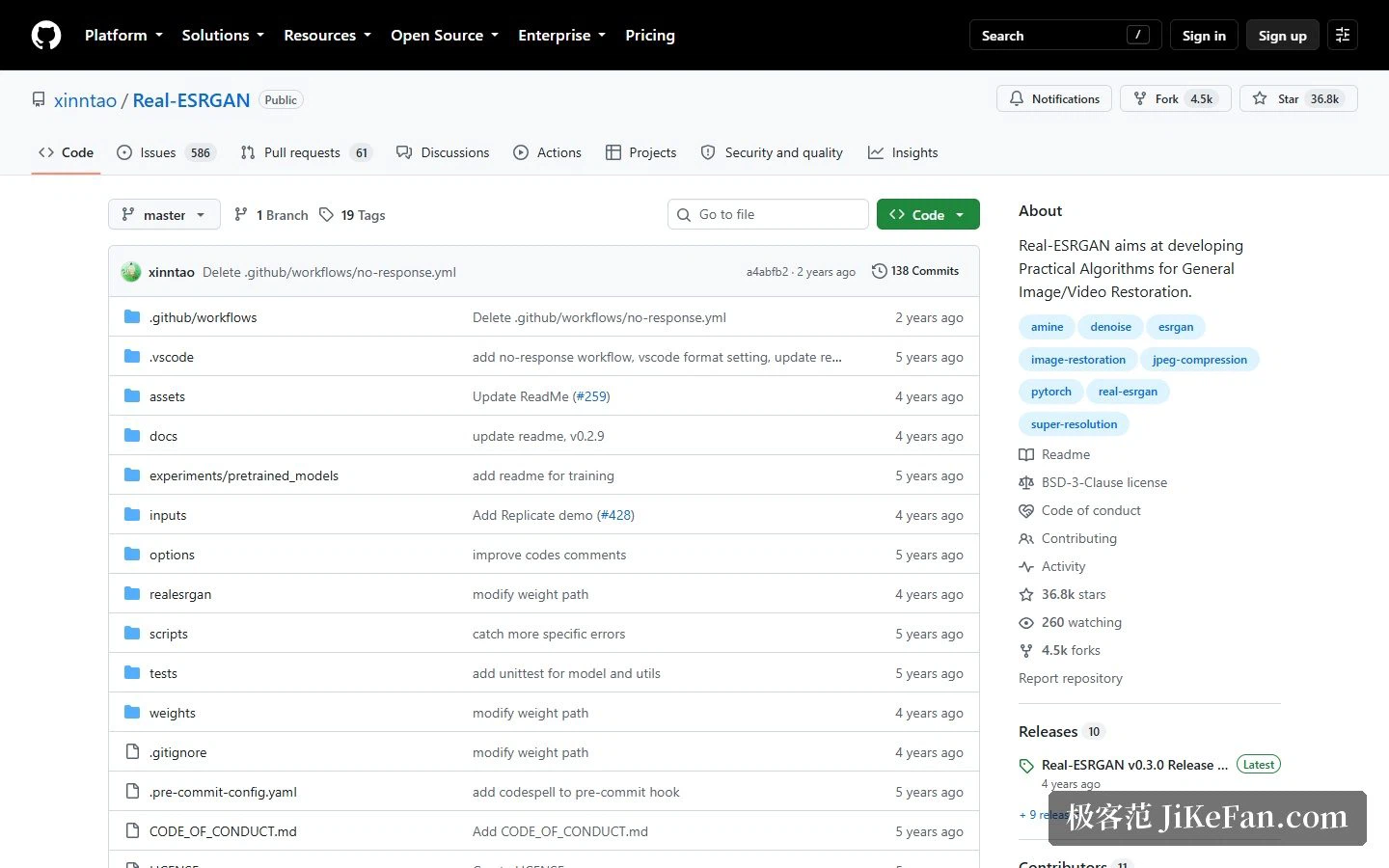
The desktop tool reviewed just before this one runs on the algorithm described here. The project is not an application: it is a paper plus its reference implementation, whose own description says the aim is practical algorithms for general image and video restoration, achieved by extending an earlier generative approach into a version that copes with real-world degradation, with training data generated entirely by synthesis. It is used exactly that way — a crowd of graphical products wraps it into something ready to run, and the people writing code against it directly are probably not the majority.
Three routes, chosen by appetite for fiddling
The official options are three. The first needs nothing at all: hosted demonstrations, with two entries linked from the repository, so the result can be judged before installing anything — an official demo site also existed in the early days. The second is a portable executable built on ncnn, available for Windows, Linux and macOS and covering graphics cards from all three major vendors, with every dependency and model packed inside so no accelerator toolkit and no Python environment is required: download, double-click, done, at the cost of fewer features than the script route. The third is the Python route, for anyone integrating it into their own pipeline: Python 3.7 or newer, a deep-learning framework of version 1.7 or newer, plus a few supporting packages, and then the command line is available with arbitrary output scale — the model produces an image and a second resize follows — and a switch for face enhancement that calls face restoration directly.
Models and parameters: more knobs than expected
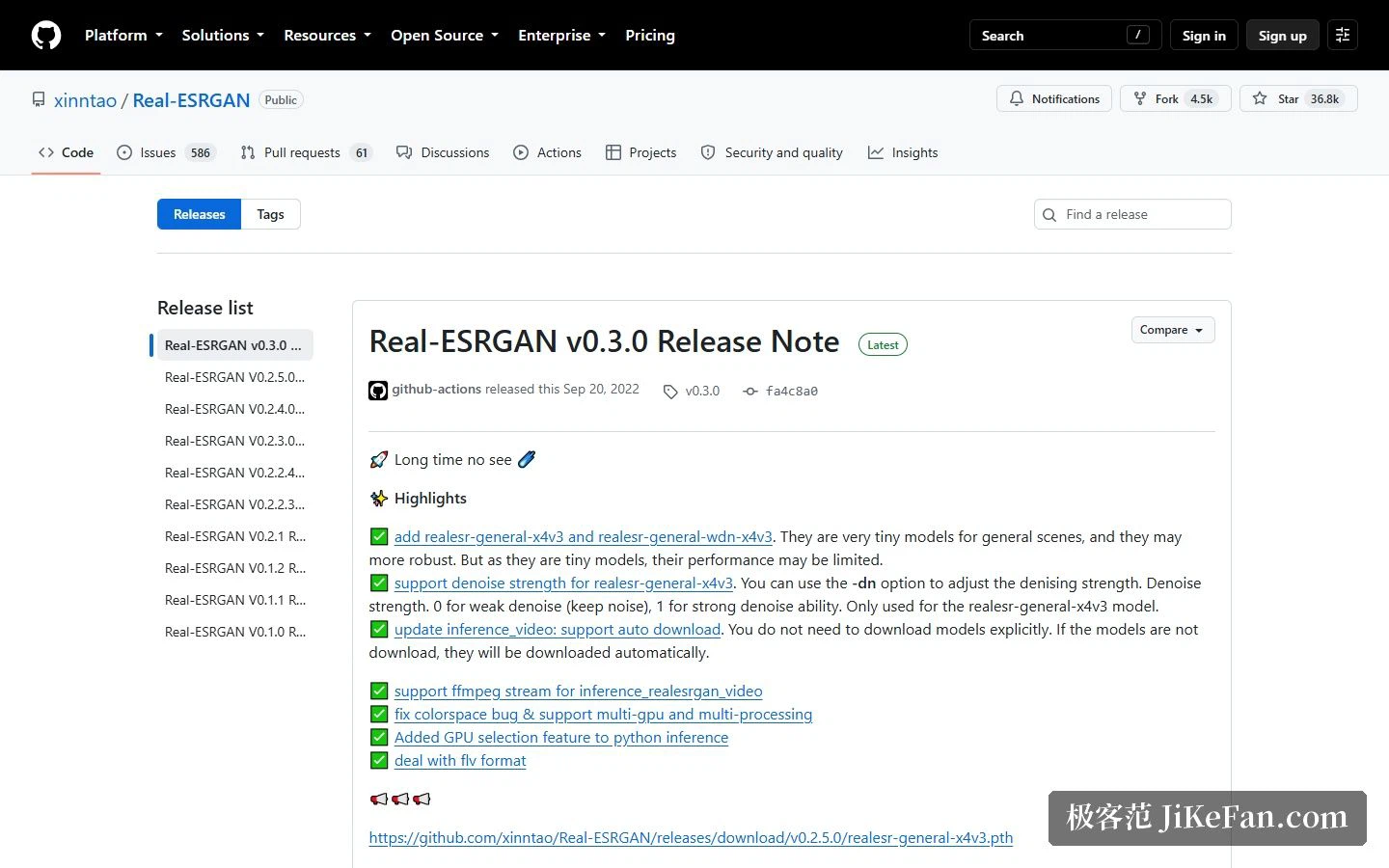
The portable build carries several models behind one name parameter. The general x4plus is the default; there are also a variant trained with a different loss, a model aimed at anime illustration, and one aimed at anime video. Beyond model choice, several parameters deserve attention: the scale factor can be 2, 3 or 4; tile size controls memory use, so a struggling machine cuts smaller blocks; with several cards you can pick which one works; thread allocation across load, process and save can be tuned, which speeds up batches of small images; a test-time augmentation mode raises quality further at the cost of speed; and output can be jpg, png or webp. The official notes flag one trade-off: the portable build crops the input into blocks, processes them separately and stitches them back, so seams can appear between blocks and results differ slightly from the framework version — in which case the advice is simply to use the script route. The script route additionally handles images with an alpha channel, greyscale, 16-bit images, and the face enhancement mentioned above.
Where it sits in the ecosystem: an algorithm layer others absorb
The repository keeps a section listing downstream projects, and that list explains the positioning better than any description: an Android implementation, a video-processing plugin, the ncnn port itself, and a string of graphical tools — including the desktop product reviewed before this. Many users are therefore running this algorithm indirectly, through some interface they never think about. Current figures read about 36.8k stars, 4.5k forks and eleven releases, at version v0.3.0, written in pure Python under a BSD-3-Clause licence — permissive enough that commercial use and redistribution carry little friction, which is one reason so many products chose it as a foundation. The method has a formal origin too: a paper published in 2021 at a computer-vision workshop, by four authors, from a corporate vision lab and a national research institute.
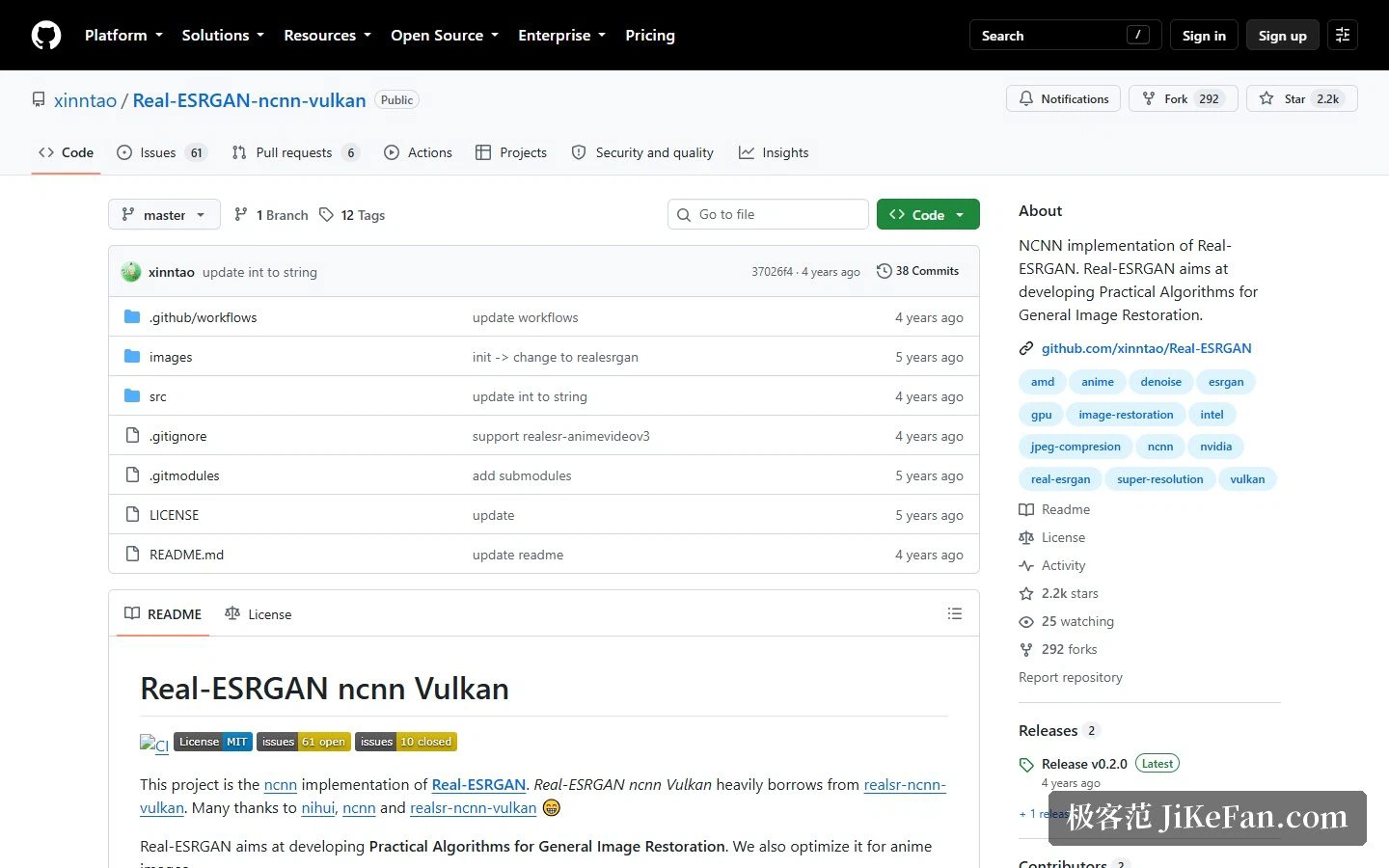
The portable line is maintained in a separate repository, smaller than the main one at roughly 2.2k stars and 292 forks, and it admits borrowing heavily from an earlier command-line implementation of the same idea. Its to-do list is refreshingly concrete: support cheaper scaling algorithms, fix a black-image problem on some machines, add guidance for converting models, and support face restoration. That last item matters — the portable and script routes are not equal in ability, and face enhancement currently exists only on the script side, so pick according to need.
Who it fits
Three groups. People who want to batch-process material without assembling an environment: the portable build runs on download, one command covers a directory, and the tile parameter keeps it viable on a mid-range machine. Creators working with anime or illustration: there are dedicated models for anime stills and anime video, and because this kind of content has more regular texture, the models behave more predictably than on realistic photographs. And developers and researchers: the permissive licence removes friction, the training code is published, and anyone wanting to build super-resolution into their own product or rework the synthetic-data idea starts from a low base and can follow the paper directly.
Three cautions. The boundary first: its strength is repairing insufficient resolution, and it does not address optical problems such as motion blur or missed focus in the source — the official notes add a denoise strength parameter to soften the over-smoothing that enlargement introduces, which tells you the balance between cleanliness and retained detail is yours to strike. Second, the pace: the main repository sits at v0.3.0 with infrequent releases, which reads as stable rather than actively evolving, and the portable repository still carries open issues, so read its to-do list before relying on it. Third, hardware: the portable build goes through ncnn and Vulkan, which means it wants a graphics card, and a pure processor setup will be very slow — worth confirming before planning a large batch. If all you want is a usable interface, a finished desktop product is less trouble; if you want this inside your own pipeline, this repository is the correct starting point.
The worth of an open algorithm layer is rarely its own download count. It is how many products are willing to hide it inside their shell.