
VanceAI review: a whole shelf of enhancement tools behind one credit balance
Summary
Instead of one trick per site, this puts upscaling, sharpening, denoising, restoration, colourisation and a video line under one account and one credit balance. There is also a desktop build that keeps files on your own machine and does not spend credits at all.
Recommend- Name
- VanceAI
- Version
- 20260918
- Open source
- Proprietary
- Operating system
- WebWindows
- Website
- https://vanceai.com/
- Updated
- 2026-10-06 12:59
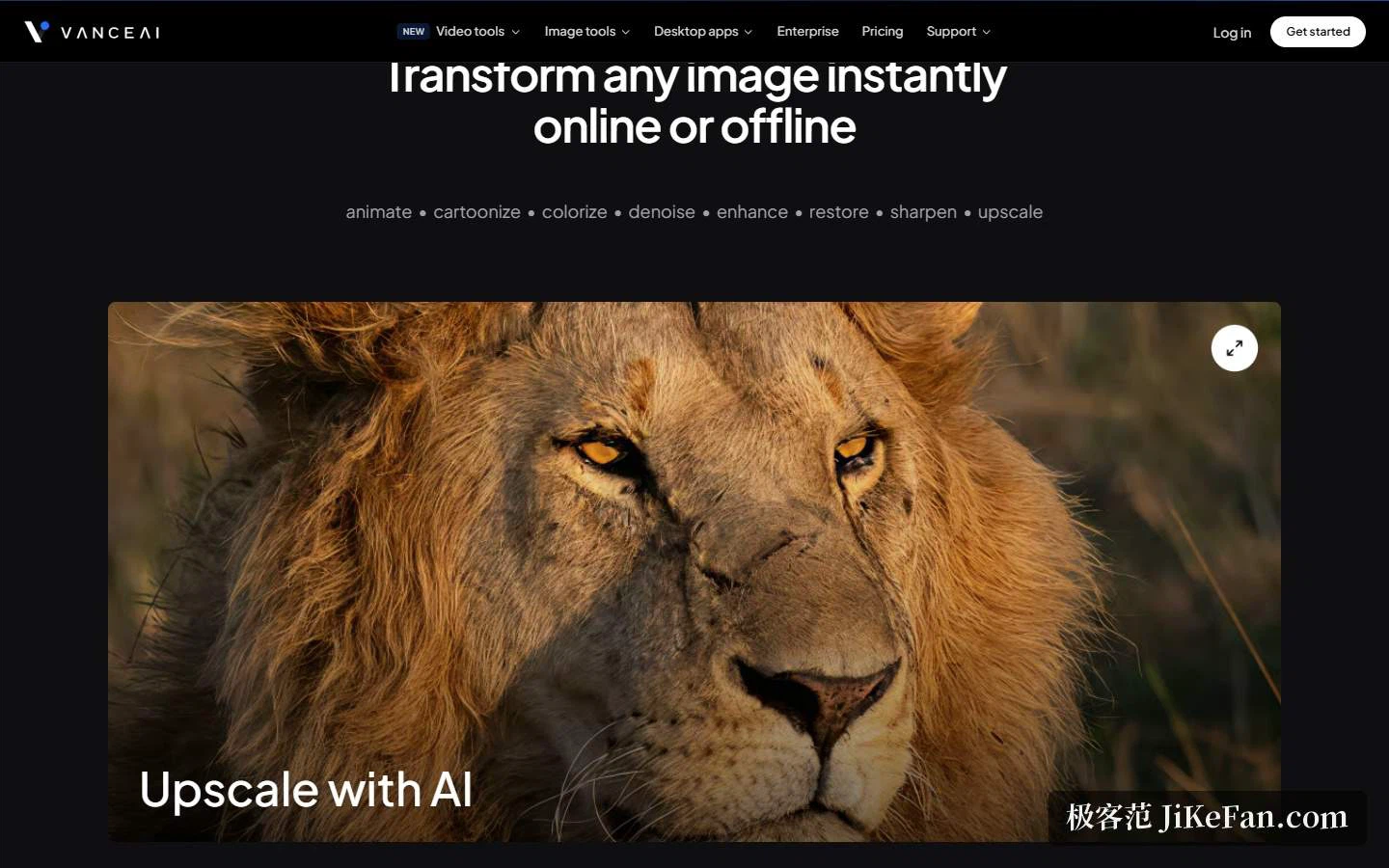
On the image and video line, most products reviewed so far do one thing: one specialises in restoration, another in cut-outs. VanceAI takes a different route. It gathers a whole set of quality tools onto one site, from enlargement and sharpening through denoising and on into video enhancement, then strings them together on a single credit balance. The homepage states it as putting every video and image tool into one workflow, and the navigation follows the same logic, split into video tools, image tools, desktop app, enterprise, pricing and support.
How full the matrix actually is
The image side listed on the homepage covers upscaling, sharpening, cartoonising, denoising, background removal, restoration, enhancement, retouching, ID photo processing, colourisation, anime upscaling, photo to sketch and photo to cartoon. The video side covers automatic processing, upscaling, SDR to HDR, colourisation, denoising, smoothing and subtitle generation. A row of keywords scrolls under the headline, stringing animation, cartoonising, colourisation, denoising, enhancement, restoration, sharpening and upscaling into a single chain. In other words it reads as a toolbox rather than the site of a single-purpose tool.
Why it claims to repair well
According to the company, the in-house models rest on deep convolutional networks trained on millions of photographs and a large body of cinema-grade video. Processing judges pixel by pixel what the content is, skin, fabric, vegetation or metal, then applies the correction appropriate to each class. Splitting the work by content type is considerably more sensible than one setting applied to the whole frame. The about page lists restoring rather than inventing among its principles, stressing that a repaired photo should still be the same photo and that fidelity outranks imagination. Speed is filed as a selling point in its own right, with processing of the various image and video formats described as clearly faster than the industry norm.
Privacy and local processing
The company says uploaded files are encrypted in transit and permanently deleted within 24 hours. The desktop build instead keeps files on the local machine, where processing consumes no credits, involves no queue and imposes no limit on image size. Protecting privacy by default is presented as a commitment at the model level rather than a footnote buried in the terms. For anyone handling client material or family photographs, this is probably the main line dividing it from a purely online tool.
Scale and origins
The homepage gives roughly 9.8 million users worldwide and quotes a handful of reviewers and industry people. The about page fills in the story: the company was founded in July 2020 by a deep-learning research team in Hong Kong, China, now keeps offices there and in Japan, grew from nothing to 9.8 million cumulative users, turned profitable in 2022 and has built more than 18 AI tools of its own. The origin is not complicated either. At the time, professional-grade enhancement meant either knowing Photoshop or paying around 50 dollars per image for a restoration service, and the about page frames it as nobody with a damaged family photo having a good option. The same models now reach the public three ways: web app, desktop app and API.

Pricing: one credit pool for everything
The pricing page states the pitch in one line: a single credit balance covers every image and video tool, and paying yearly saves half. The four tiers are Starter at 200 credits a month for 9 dollars, Popular at 500 credits for 17 dollars, Creator at 1000 credits for 26 dollars and Studio at 2000 credits for 42 dollars, with the unit price falling from 0.045 dollars down to 0.021. The page marks annual billing with a fifty-percent tag and also keeps a pay-as-you-go option, where purchased credits stay valid for a year, giving anyone with uneven volume a third way to buy.
Billing is fine-grained enough to be per tool. A credit is deducted each time a result is produced, and reprocessing or re-downloading the same file costs nothing extra. On the image side, enlargement takes 1 credit at 2x, 2 credits at 4x and 3 credits at 8x; sharpening, denoising and background removal take 1 each; restoration, colourisation and photo to sketch take 4 up to 4K and 8 for 4K output. On the video side the charge follows measured duration, resolution and frame rate, and the workspace shows an estimate before the job starts. The pricing page turns all of this into a comparison table, so the cost is known before the button is pressed.
Three things actually change with a subscription. Jobs skip the free-tier queue and run in the background. Uploads may reach 10MB and 34,000,000 pixels with a long edge of 8000 at most, with anything larger compressed or scaled down automatically. And exports carry no watermark. The free allowance is 10 credits, enough to try before deciding. Enterprise and team plans are quoted individually and include batch automation and engineering support.
The desktop build: keeping files on your own machine
Desktop is priced separately: 39.90 dollars monthly, 99.90 yearly, 129.90 for a lifetime licence against a list price of 199.90. All three include unlimited local processing, every feature, a licence for one computer and priority support, plus 100, 200 and 300 web credits respectively. The company stresses that later desktop updates cost nothing extra, so a one-time purchase carries no further fees. For heavy long-term use with material that should not leave the machine, the arithmetic on that tier works out better.
Payment and after-sales
The page is unusually specific here. Payment runs through a third-party processor, no card data is stored, and the major card networks plus common international payment accounts are accepted. A 7-day money-back guarantee applies. Subscriptions can be cancelled at any time from the dashboard, credits remain usable until the end of the paid period, unused subscription credits roll over month by month, and pay-as-you-go credits stay valid for a year. One easily missed rule: web credits and API credits are not interchangeable, the API needs its own subscription, so sort out the intended use first.

Who it suits
Put together, this fits three kinds of people. Anyone with a box of old photographs to rescue can go from restoration through colourisation to enlargement in one pass instead of shuttling material between sites. Teams producing e-commerce and product imagery get background removal, enlargement and batch automation in one place, which removes the repetitive clicking. And anyone uneasy about material leaving the building gets a desktop build with unlimited local processing that spends no credits, at the price of a one-time purchase. Conversely, for an occasional single image, taking the 10 free credits first and deciding afterwards is steadier than committing to an annual plan.
Two things to keep in mind. A large tool count does not mean every tool is strong, and with more than 18 in-house tools the coverage is wide, so for a specific niche such as very large anime upscaling or denoising on a particular kind of video, run one of your own files on free credits before judging. And although credits are a comparatively transparent way to price a subscription, video is charged by measured duration and frame rate, which makes a long clip markedly more expensive than a short one, so check the estimate the workspace offers before starting.
The worth of a toolbox is not the depth of any single tool. It is that you do not have to open a separate site for each need, or learn a separate interface for each site.