
Topaz Photo review: the rescue step before a photo is finished
Summary
Tools are organised by what went wrong with the frame, not by the order of a workflow. Rendering runs locally by default so files stay on the machine, with unlimited cloud rendering when the graphics card is the bottleneck.
Recommend- Name
- Topaz Photo
- Version
- 20260918
- Pricing
- Paid
- Open source
- Proprietary
- Operating system
- macOSWindowsWeb
- Updated
- 2026-10-06 08:03
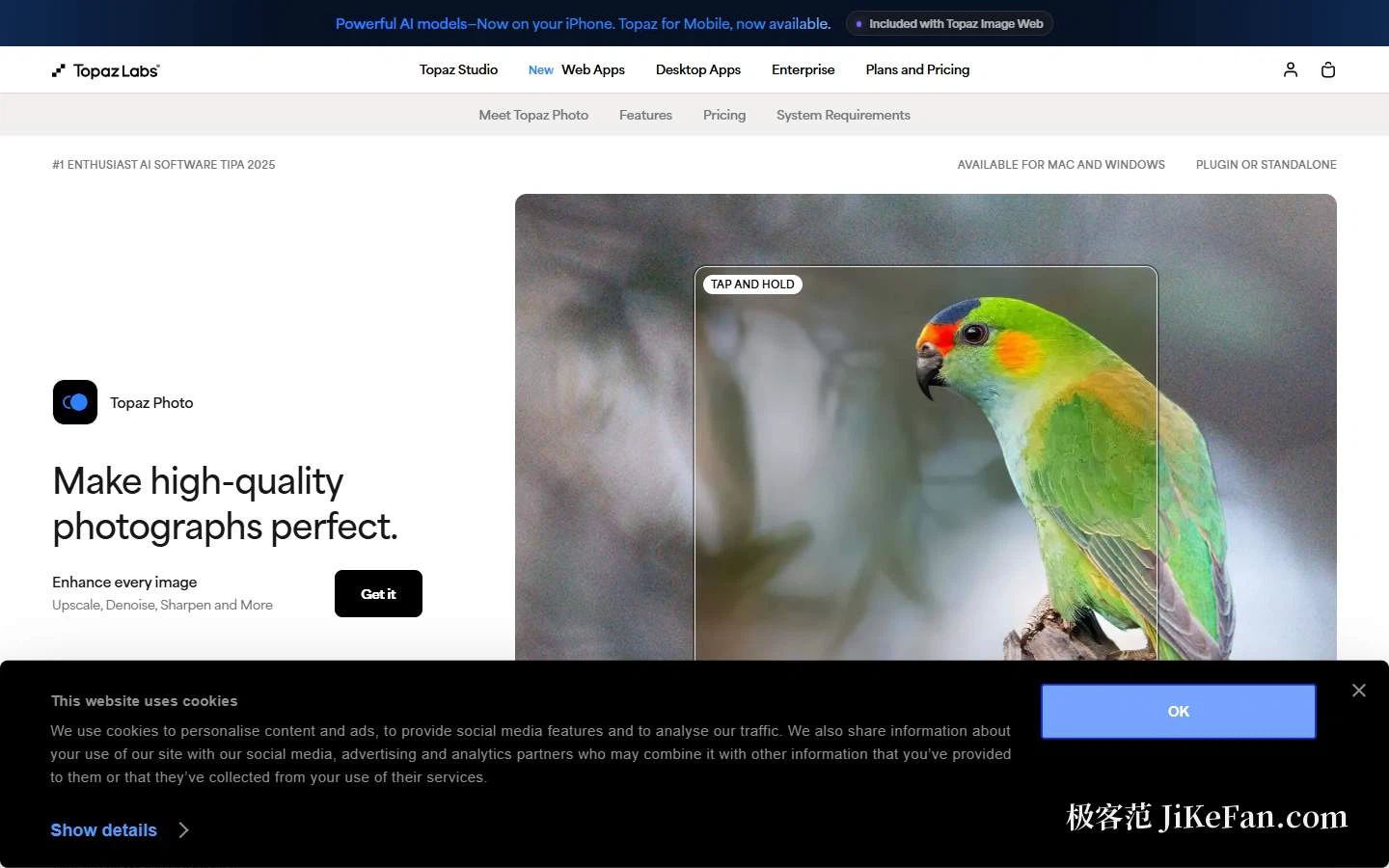
Photo editing has a step that gets overlooked: the rescue work before a frame is delivered. Exposure can be adjusted and composition cropped, but noise, motion blur, missed focus and scratches are the kind of defect that ordinary editing software handles with a lot of hand labour. This product sits exactly there. It describes itself as the finishing step before completion, and its purpose is pulling a flawed frame back to usable rather than doing creative grading and compositing.
Tools split by problem, not by workflow order
The feature list is organised around what went wrong in the picture. Noise maps to denoising, blur to sharpening and a focus-recovery mode, a face that missed focus to face recovery, exposure and colour cast to lighting adjustment and colour balance, the speckles on an old print to dust and scratch removal, insufficient resolution to upscaling, unwanted objects to a removal and healing brush. There is even a dedicated entry for preserving text, which says the product has thought about photographed documents and frames containing lettering. One detail is worth mentioning: the page states eleven AI tools in the body and twelve further down, and the two numbers do not agree — a small flaw that does not affect use, but it does show the copy is maintained in blocks, so treat the list inside the application as authoritative. For automation there is an automatic mode that produces a first pass, after which you adjust by hand.
Local and cloud rendering: privacy against compute
This is the more unusual part of the design. Rendering is local by default, and the company states plainly that files never leave the user's computer — which matters more than a few extra filters to anyone handling client material, unreleased work or confidential projects. Alongside it sits unlimited cloud rendering on newer models, useful because it does not consume your own graphics card and processor and therefore moves faster on large batches or high-resolution files. Both renderers switch inside one interface, which hands the decision of whether data leaves the machine to the user. That combination is uncommon among comparable products, most of which are either purely local or purely cloud.

Pricing: a subscription, and a commercial threshold
Pricing is by subscription with no perpetual option. The individual tier costs 39 dollars a month and includes the photo models, unlimited local rendering and unlimited cloud image rendering, with billing movable between annual, annual paid monthly, and monthly — the annual route being cheaper over time. The bundle tier costs 69 dollars a month and adds every application including the video ones, 300 video cloud credits a month, two concurrent cloud image streams, and a 32MP cloud export ceiling, which the company notes applies only to some products. Commercial terms are stated just as plainly: both tiers carry limited commercial use for organisations with annual revenue under one million dollars, and anything larger needs a separate licence.
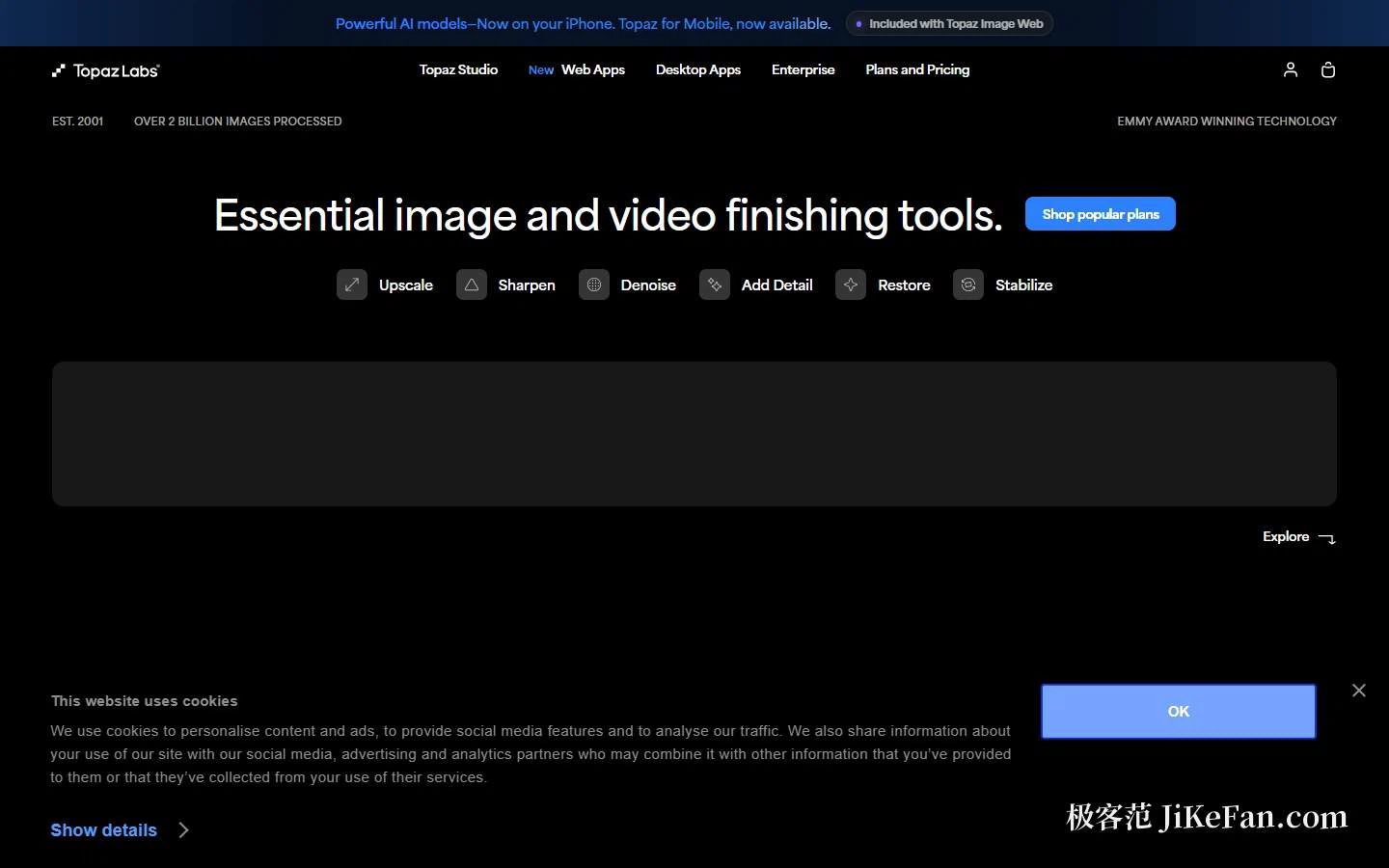
Zooming out to the company makes the technical footing easier to judge. Its front page says the business started in 2001, has processed more than two billion images, holds an Emmy award for technology, and covers desktop and browser products. Beyond this one there are desktop tools for video and for upscaling, browser-based image and video enhancement, and mobile apps. The other prices on that page serve as reference points: browser image enhancement from 12 dollars a month against a list price of 19, browser video enhancement from 19 against 29, and desktop video enhancement from 59 a month. On the model side, the newest releases are given prominent placement.
Who it fits
Three groups. Working photographers, especially in portrait, wedding and event work, where low-light denoising, face recovery and motion-blur sharpening match their frequent complaints — and the plugin form slots into the editing and photo-management applications they already use, so nothing has to be replaced. People doing archival restoration and reprography, where dust and scratch removal, lighting and colour repair and text preservation together suit old photographs and old documents. And teams with heavy material and thin local compute, for whom unlimited cloud rendering converts hardware cost into subscription cost.
Three cautions. The subscription has no perpetual option, so long-term spending has to be calculated annually and light use may not pay off. The commercial threshold is real: organisations above a million dollars in annual revenue cannot simply use the individual licence and need the licensing question settled, which is worth confirming before a team purchase. And the boundary of the product matters — it is good at repair and enhancement, not at creative compositing and grading, so expect more accurate results by treating it as one stage of an editing pipeline rather than a replacement for the whole thing. The documentation's own structure confirms that positioning: account and sales, this product, the upscaler, the video tool and the browser applications each get their own chapter, and under this one sit system requirements, a quick start, plugins, supported cameras and files, cloud rendering and troubleshooting — the kind of product whose edges you can map before buying.
To judge whether a repair tool is worth it, do not count the effects it can add. Ask whether it can bring back the frame you were about to delete.