
Upscayl review: free desktop upscaling that never uploads your files
Summary
A desktop application that enlarges images on your own graphics card and touches no network. The catch is stated early: it needs a Vulkan-capable GPU, and a cloud tier handles the jobs your hardware cannot.
Recommend- Name
- Upscayl
- Version
- v2.15
- Open source
- Open source
- Operating system
- LinuxmacOSWindows
- Website
- https://upscayl.org/
- Updated
- 2026-10-05 13:29
The need to enlarge an image never goes away, but the tools have long split in two. On one side sit commercial cloud services: good results, paid per image or per month, and the material has to be uploaded. On the other sit free options that usually require assembling an environment yourself. This one aims at the space between — a free, open-source desktop application that enlarges low-resolution images with AI models, entirely on the local machine, without a network connection. The front page states the desktop promise plainly: free and open source, obtain it once and it stays yours.

Check one thing before starting: the graphics card
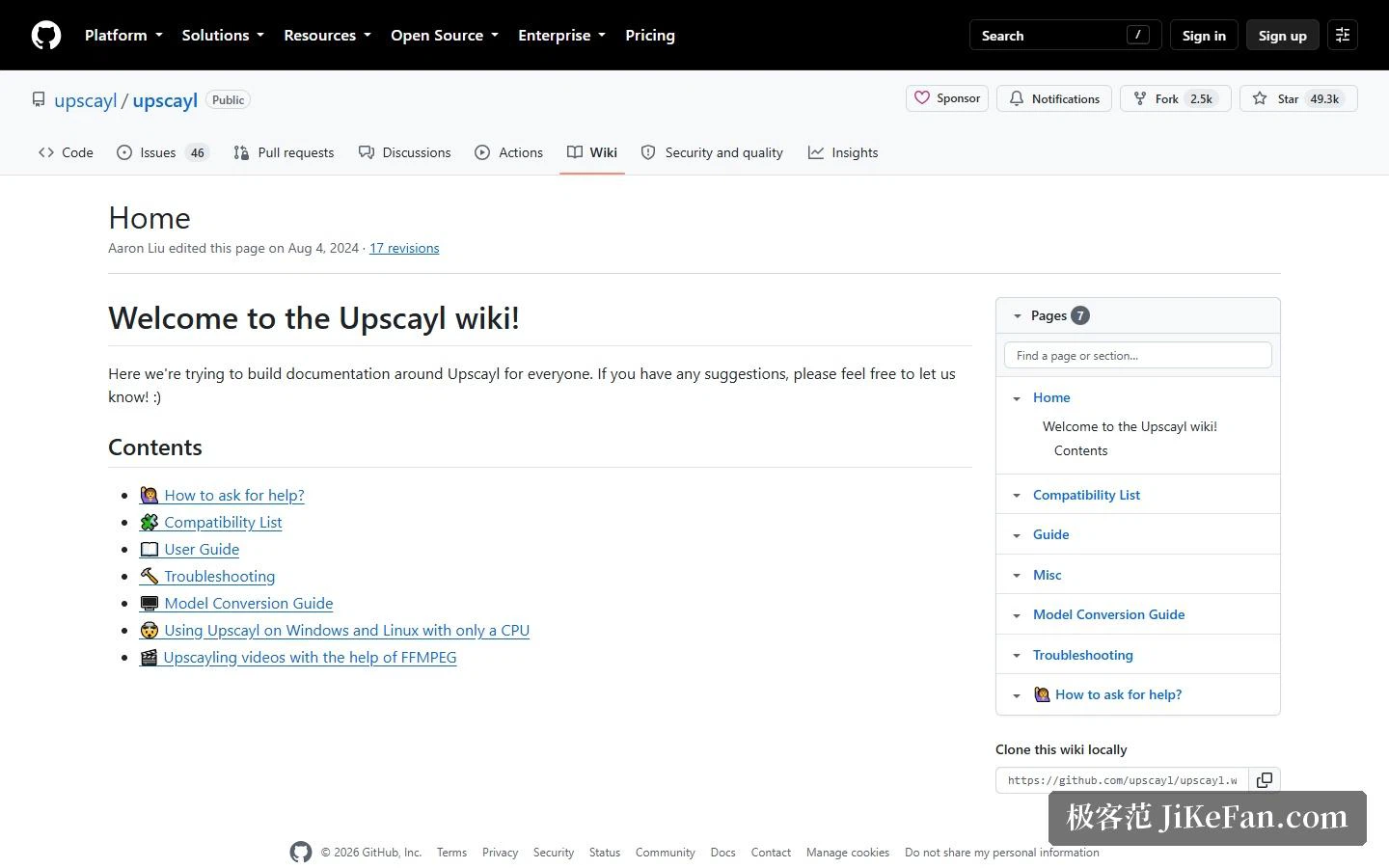
This is the precondition worth knowing in advance. The technical route is the Real-ESRGAN family of models driven through Vulkan, meaning inference runs on the graphics card through that interface, so a discrete GPU with Vulkan support is required. Most integrated graphics and pure processor setups cannot carry it — the installation chapter opens with that warning, and the official FAQ admits it plainly while adding that it is worth a try anyway. The community wiki does document a processor-only workaround on Windows and Linux, so no discrete card is not the end of the world, only the end of any expectation about speed. A command-line tool ships alongside for anyone wiring upscaling into a script or batch flow.
Beyond free, there is a second line in the cloud
Cloud is flagged as a new feature in the navigation, which says the recent emphasis sits there. The desktop build covers local, free and controlled; the cloud build moves the heavy work elsewhere: upscaling up to 16 times, a choice of models, a claimed speed ten times faster than before, unlimited cloud storage, batch editing with face enhancement and detail recovery, and image generation from a description with a choice of artistic style. The two overlap in ability but the trade-off is clean — the local build wins on data that never leaves the machine, the cloud build wins on not consuming your own hardware. The pricing shapes differ accordingly: the desktop build is obtained once and keeps working, the cloud runs by subscription, and the exact tiers are best confirmed on the site.
Where it stops: resolution, not blur
The official FAQ is unusually honest about the boundary. It suits low-resolution, pixelated material, guessing detail back and enlarging to a higher resolution; but a photograph that is out of focus or uniformly soft gets nothing from it, because it does not deblur or refocus, and such material needs another tool. The distinction matters, since many people assume AI upscaling rescues every ruined photo when what it actually repairs is insufficient resolution, not an optical defect. Beyond single images it handles batches, and it also offers a double pass that enlarges the same image twice, trading more compute for better quality. There is a warning worth knowing: in a batch, if the chosen model does not map onto one of the steps, it enlarges everything first and only then runs the remaining work, so a screen that looks frozen mid-batch is not a reason to restart. Models are pluggable — several are built in, a separate model repository offers more, and the wiki documents converting your own, which makes this an open layer for people who like tinkering.
Who it fits
Three groups. Creators with a lot of material and an eye on cost, for whom batch upscaling plus local gratuity means hundreds of images without thinking about quota — and where material is sensitive enough that uploading it to a third party is awkward, running locally matters even more. Linux users, because the Linux support here is more serious than in most comparable products: AppImage, RPM, DEB and ZIP packages, with the generic package formats also carried by most distribution stores, plus an install image and a command-line route on macOS, an installer on Windows, and nothing to compile on any of the three. And people happy to fiddle with models, since beyond the built-ins there are downloadable and convertible ones, and the command-line tool slots into automation.
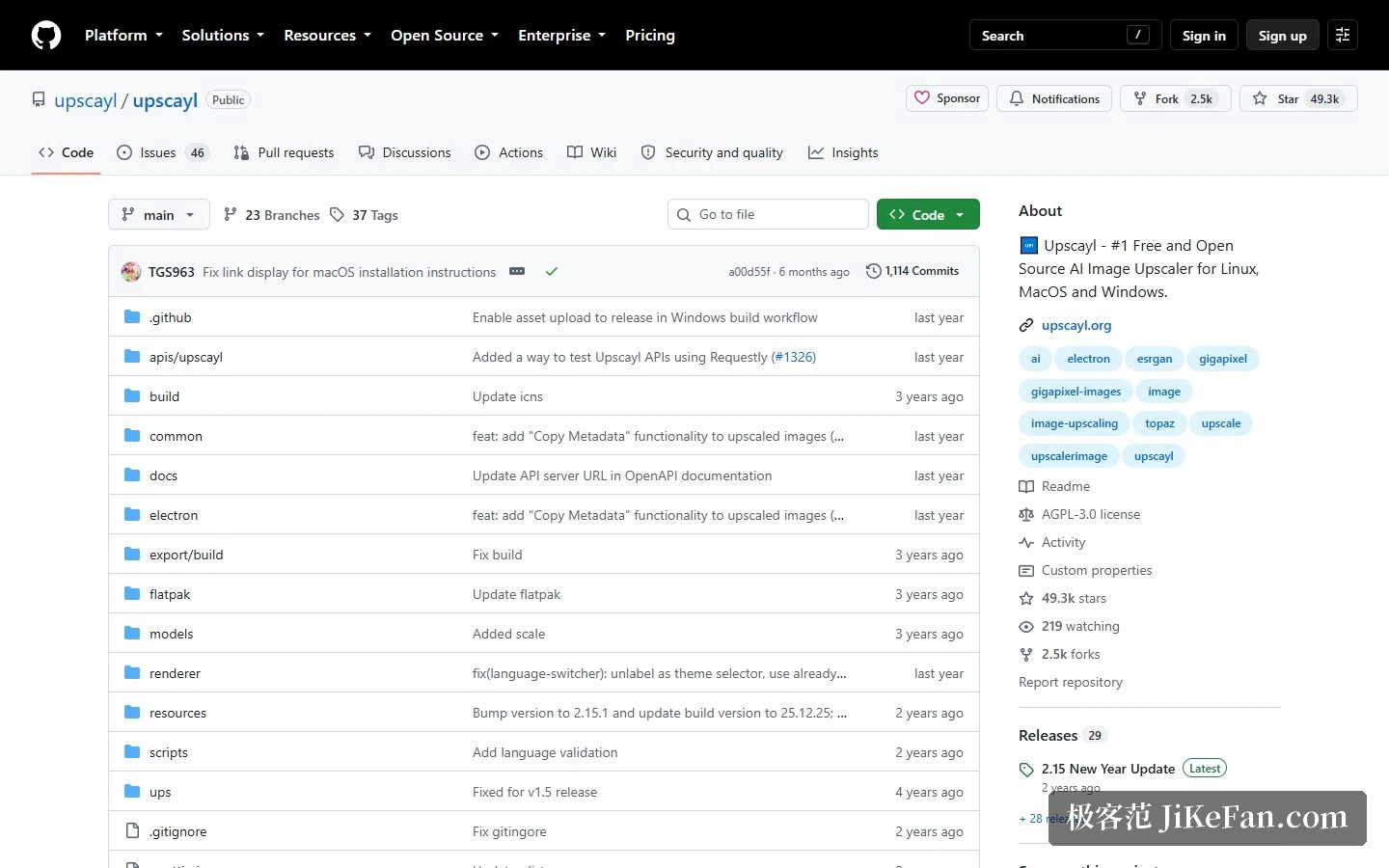
The trade-offs deserve listing too. The hardware threshold is real: without a Vulkan-capable discrete card the experience degrades sharply, and even the processor workaround is pure waiting. The licence matters: the project is AGPL-3.0, so anyone planning to embed it in their own product and redistribute needs to read those obligations first, while personal and internal use is unaffected. And expectations need managing: it enlarges images whose resolution is too low, and takes no responsibility for images that were shot out of focus — keeping those two apart saves disappointment. On repository figures it currently sits at roughly 49.3k stars, 2.5k forks, 29 releases and 48 contributors, written mainly in TypeScript with JavaScript, CSS, Python and Shell alongside, which tells you it is a desktop application built on a front-end stack, with a sizeable community and a steady release rhythm.
The real value of a free tool is not the subscription it saves. It is that the switch deciding whether your data leaves the machine goes back into your hand.