
Fotor puts photo editing, design and collage in one browser workbench
Summary
One workbench for retouching, design and collage, running in a browser and as a desktop program. One tap enhancement, portrait tools, template driven posters and social images, and batch adjustments. The basics are free; advanced features and watermark removal need a subscription.
Recommend- Name
- Fotor
- Version
- 7.9.1
- Open source
- Proprietary
- Operating system
- WindowsmacOSWeb
- Website
- https://www.fotor.com
- Updated
- 2026-10-05 15:20
Three jobs in one workbench
Fotor takes the three things most people actually need from image software, retouching a photo, laying out a design and putting several pictures together, and puts them behind one interface. It runs in a browser, as a program on Windows and macOS, and on phones, and as of September 2026 all of those see roughly the same editor. A project saved in the cloud can be carried from one device to another, which is what makes the arrangement more than a convenience: starting on a phone and finishing on a laptop stops being an exercise in exporting and re-importing. The current version is 7.9.1. The lightness of the thing is deliberate as well, since it means an older laptop with no graphics card can still be used for a quick edit without the whole machine slowing to a crawl.
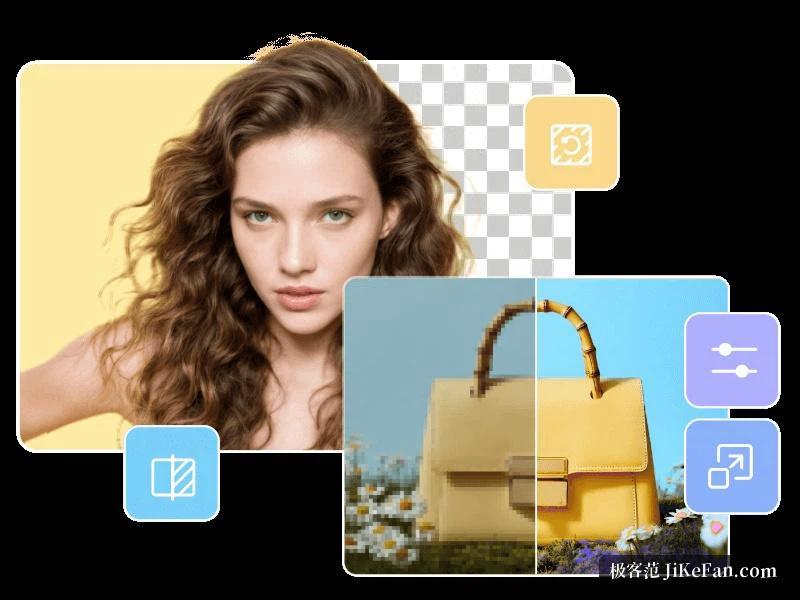
Photo editing
For photographs there is one click enhancement, a set of beauty tools, portrait retouching and ordinary colour work. Exposure, brightness, contrast, saturation and colour temperature can all be adjusted with some precision, or a built in filter and an artistic effect can be applied to change the mood of a picture in a second. The everyday jobs are covered directly: cropping an identity photo, cutting a background away, taking a blemish out of a portrait, preparing a picture for a social profile. That is the argument for a tool like this, that the small jobs no longer require installing and learning something built for large ones.
For anyone who wants to go further, curves, levels and local adjustments are still there, and several layers can be stacked and blended, so a simple composite can be assembled in a browser. On a phone the same abilities are reduced to shortcuts, which is the right shape for editing a snapshot during a commute.
Design and templates
Design is the second half. A library of templates covers the things people are asked to produce: images for social media, posters, a CV, an invitation, a product shot for a shop, the cover of a presentation. Starting from a template and replacing the words and the pictures is enough for a finished piece, and it is what lowers the barrier for someone who is not a designer. The library keeps growing, and a number of helpers built on machine learning have been added, among them automatic cutting out, restoration of old photographs and improvement of a poor quality image, each of which used to be a sequence of manual steps.
Batch work is covered by batch colour adjustment and batch cropping, which suits anyone holding a set of similar photographs. Exporting covers the usual formats, projects live in the cloud, and a team can divide the work around one template instead of repeating it. Brand colours and typefaces can be saved as presets, which is how a series of pieces stays visually consistent without anybody policing it.
Collage and the assisted features
The collage module has free layout and a set of ready made arrangements, turning a group of photographs into a long strip, a card or a grid: travel records, product displays, a review of an event. Export comes out at the usual resolutions, so a result can go straight onto a social platform. Alongside cutting out and restoration there are stylised filters and background replacement, which let somebody with no art training produce something that looks deliberate.
The pricing is the familiar kind: personal use of the basic editor and part of the template library is free, while advanced features, premium material and the removal of the watermark require a subscription. The desktop program keeps an offline mode, so local photographs can be dealt with on a bad connection, and cloud projects keep the work going across devices, which suits freelancers who create in several places.
For a beginner the help centre and the preview of each template lower the cost of trying: look at the arrangement and colours of a similar case first, then replace the material with your own. That is usually faster than starting from an empty canvas. Frequent actions sit in plain sight and the advanced options are folded into a second level of panels, which serves the occasional user and leaves room to go deeper.