
Cleanup.pictures review: paint it out, and a page in the browser is enough
Summary
A photo cleanup tool that lives entirely in a browser tab: brush over the thing you do not want and the algorithm invents what was behind it. Free use has no image cap at all, and the limit that does exist is measured in pixels rather than in attempts.
Recommend- Name
- Cleanup.pictures
- Version
- 20260918
- Open source
- Proprietary
- Operating system
- WebiOSAndroid
- Website
- https://cleanup.pictures/
- Updated
- 2026-10-06 17:16
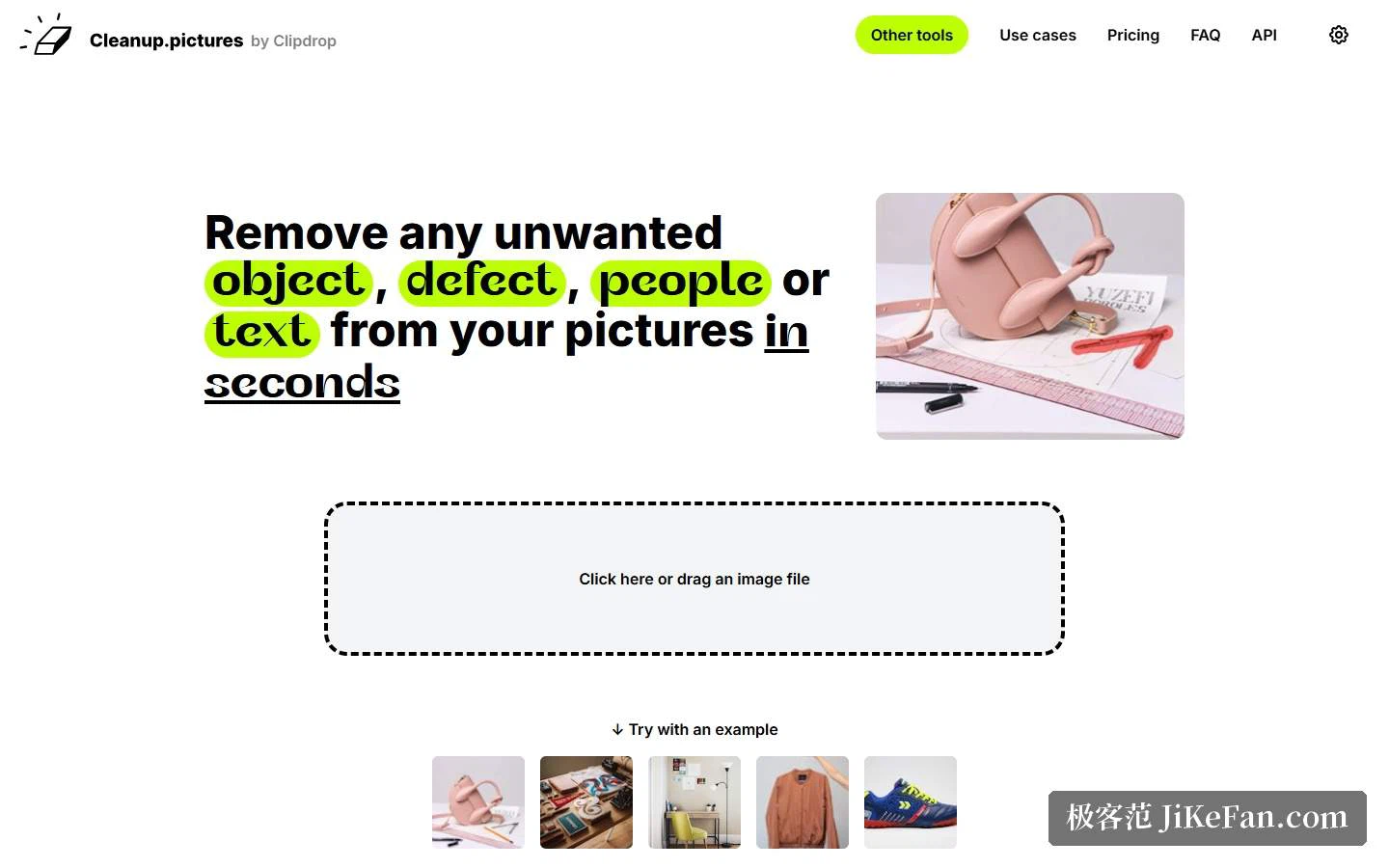
Every image tool in this series has its own door. Some sit installed on a computer, some live on a phone. Cleanup.pictures is lighter than either. Open a page, drop a photo in, brush over the thing you do not want, and a few seconds later the frame has been repaired. The self-description is blunt: remove any unwanted object, defect, person or text from a picture in seconds. Sample images sit on the page, so anyone without material of their own can click one and start.
What problem it actually solves
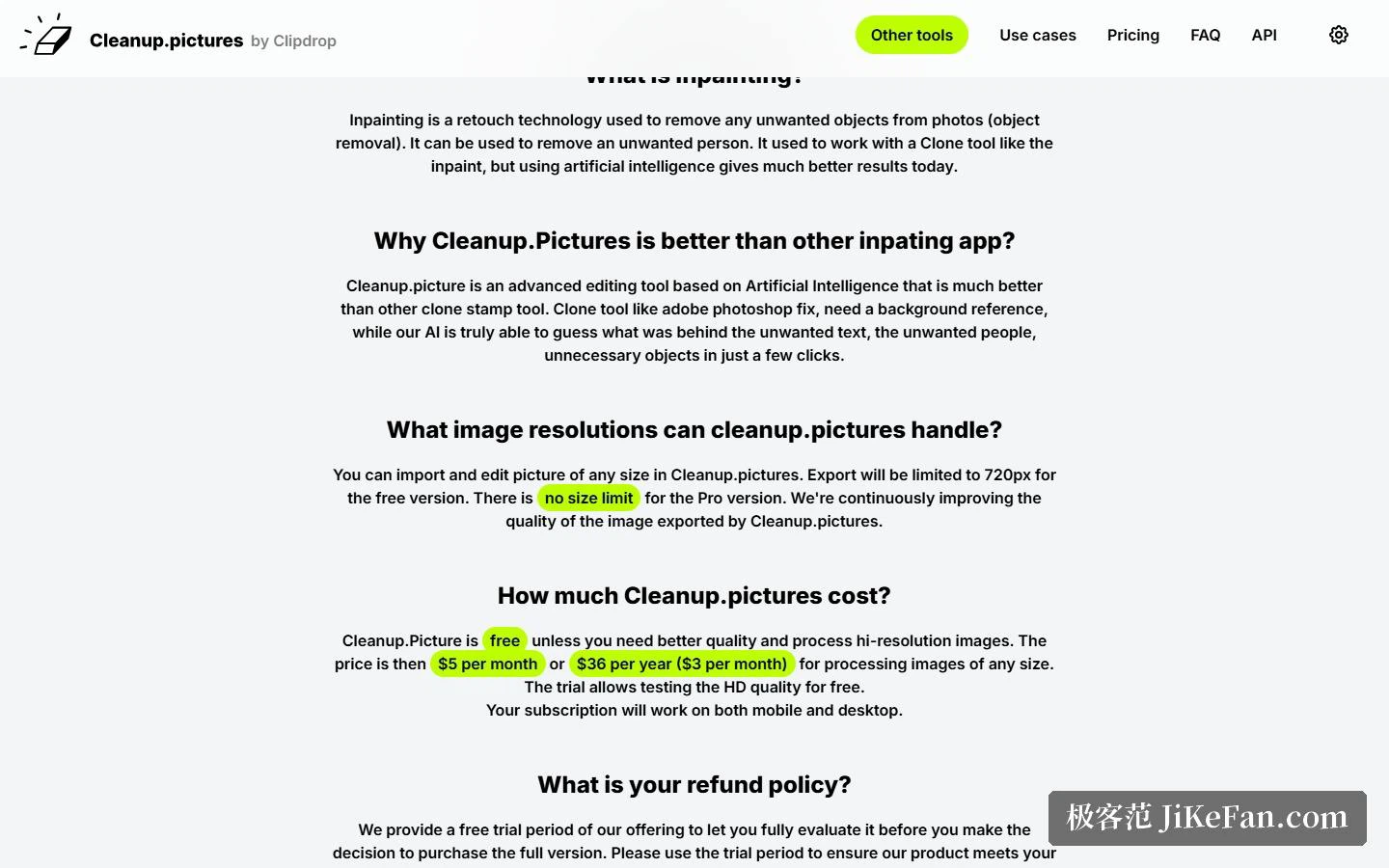
In image processing the capability is called inpainting. The explanation offered is a comparison. Doing this by hand used to mean a clone stamp, a tool that requires finding a usable patch of background somewhere in the frame and copying it across piece by piece. Here the algorithm infers what the covered area probably looked like, which removes the step of finding a reference altogether. The page quotes a marketing lead who says her attempts with comparable tools always left odd smears and streaks, and that after switching she finished inside half a minute with no trace remaining.
Operation is genuinely simple: load the picture, brush out whatever should go, wait for the result. Two tips on the page are practical rather than decorative. Make the brush larger and paint slightly beyond the area you actually want gone, especially to swallow any shadow it throws. And cover the target completely, because a sliver of unpainted edge is exactly how a repair gives itself away. Both sound like small details, and both decide whether the output holds up.
Where it gets used
The scenarios listed run through photographers, creative agencies, real estate and e-commerce, and they share one shape: the photograph is fine overall with one irritating thing in it. A cable crossing a room, a watermark on a product shot, a stranger walking into a street scene. It also gets used to take text, logos and date stamps off pictures. One boundary the page states itself deserves its own sentence. A watermark usually means the image is under copyright restriction, so removal should be limited to pictures you hold clear rights to. That a tool can do something and that a user is entitled to do it are two different questions.
Free tier and subscription: the difference is resolution
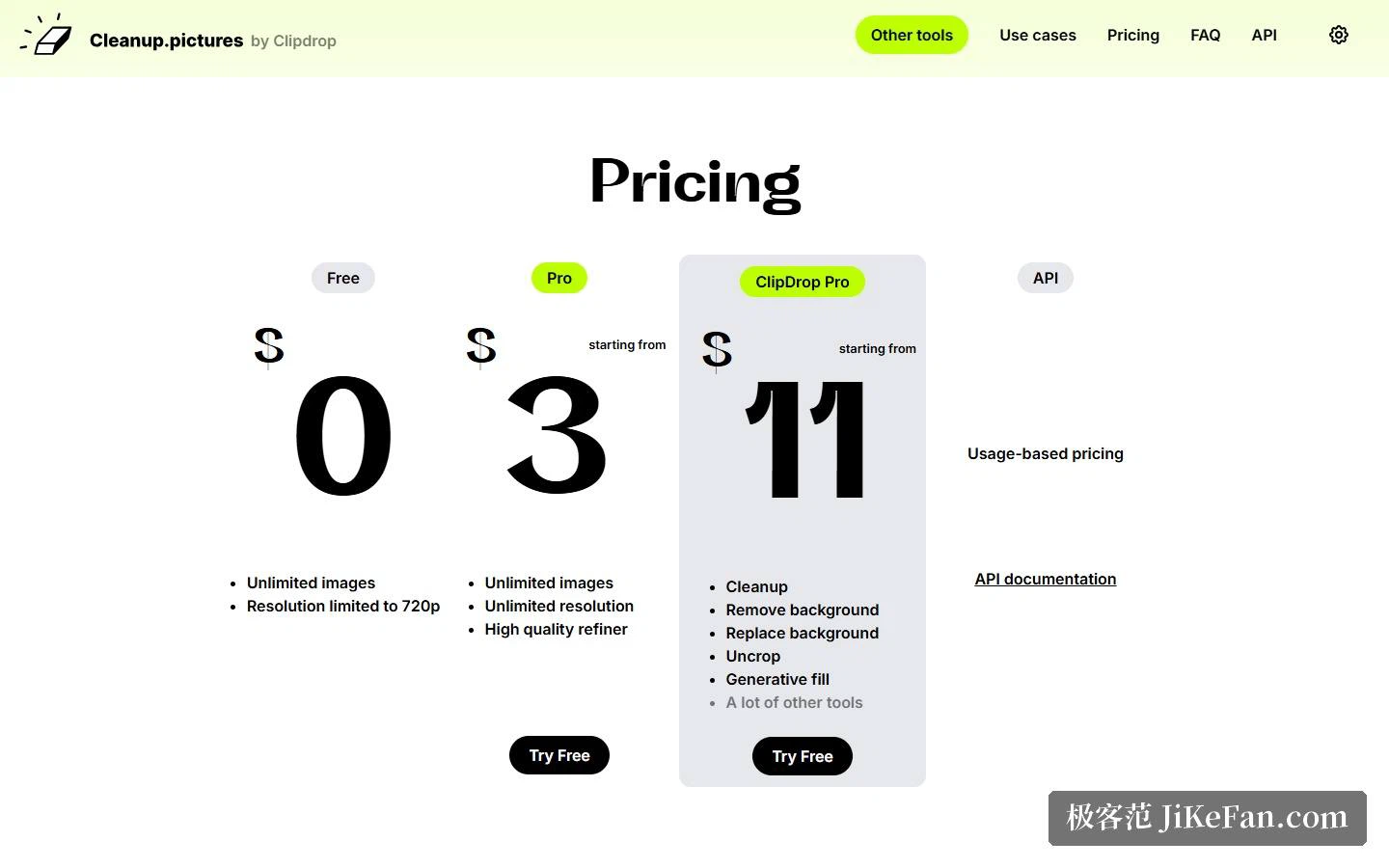
The pricing block lays out four columns. The free tier costs nothing and does not limit the number of images, but export resolution is capped at 720p, a detail the FAQ repeats: the free version exports at 720 pixels at most. There is therefore almost no count anxiety while using it free, paint, try, repaint, and the only cost lands on the sharpness of the finished file. Fine for social posting, tight for print or a product detail page.
The Pro subscription starts at 3 dollars a month, lifting the count and resolution limits and adding a high-quality refinement pass. The FAQ states the numbers more precisely: 5 dollars monthly, 36 dollars yearly, which works out to 3 a month, with the trial period allowing high-definition output at no charge. A further tier starts at 11 dollars a month and bundles a set of sibling capabilities alongside this one: background removal, background replacement, canvas expansion and generative fill. If the need goes past brushing things out, that tier is the better value.
Several rules are worth knowing in advance. Each subscription belongs to an individual and covers one user. It works across phone and desktop. A trial period exists, described as a free observation window, with the advice to test fully before buying. Refunds are conservative: after purchase they are granted only in a few situations such as technical difficulty or platform incompatibility, in full if the subscription is under 14 days old and prorated by days used beyond that. To keep it simple, use the whole trial before deciding.
The API, and who it suits
For anyone wanting this inside their own product, the page keeps a separate section for an API. Billing is by usage, documentation, a live demo and examples are provided, and calls work from several language environments, with Node.js, SwiftUI and Kotlin among the examples given. For an individual who retouches a picture now and then, the web version is enough. For a team with a standing backlog of photos, the API path removes the part where a person sits clicking a mouse.
Three things to watch. First, the ceiling on quality: inpainting asks the algorithm to guess, and how well it guesses depends on whether the surrounding picture is orderly, so busy textures, repeating patterns and strongly perspective walls all tend to show the seam, and anything important is worth painting twice and comparing. Second, the resolution wall: the free tier exports at 720 pixels at most, so if a clean file is needed, work out how often you will use it in a month before choosing between a subscription and an occasional one-off. Third, the copyright line mentioned earlier deserves to be treated as hard, because taking someone else's watermark off and using the picture puts the risk on the user.
A word on positioning. Within the same brand family it is filed as a single-purpose tool, and the cut-out job is handed to a sibling product: when the page answers how to remove a background, it points straight at that one. The division helps users, since each tool does one thing and the learning cost is one drag plus one brush stroke.
One judgement from using it. The value of a tool like this is not the length of its feature list but whether you will open it to fix a single image. When the threshold drops to nothing but a brush stroke, the need actually gets met.
Much of retouching time goes into finding a patch of background usable as reference. Hand that step to an algorithm and all that is left is a stroke.