
Remini review: one tap to a cleaner portrait, on a phone or in a browser
Summary
An enhancement app that pushes the whole job down to a single tap and points it at phones rather than desktops. Both storefronts carry the numbers, the free tier carries advertising, and the question worth asking is what it does to a face that is too far gone.
Recommend- Name
- Remini
- Version
- 2.10.215
- Open source
- Proprietary
- Operating system
- WebiOSAndroid
- Website
- https://app.remini.ai/
- Updated
- 2026-10-06 20:27
Most of the photo-enhancement tools covered in this series are desktop programs built for creators and designers. Remini takes the other road: it squeezes the job of making a blurry photo legible again into a single tap, and points the result at phone users. The company's own figure is that more than 100 million photos have been restored so far, a claim that appears in both the marketing site and the store listing, worded the same way in each.
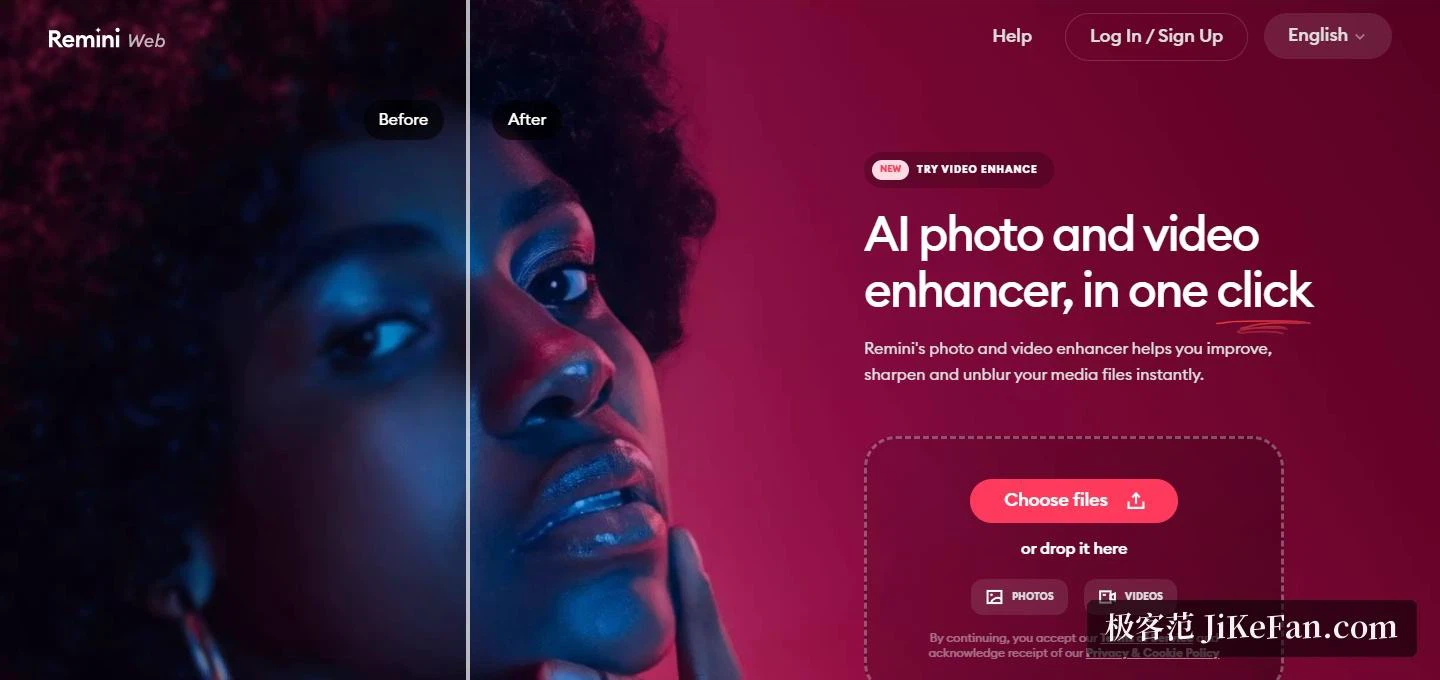
The web side is a single page. The top bar carries only help, sign-in and a language switch, and the body is one positioning line, an AI enhancer that handles photos and videos in a tap, with the upload area sitting directly underneath: files can be dragged in, the input splits into a photo button and a video button, and a third entry marked NEW covers video enhancement. Down the left side runs a set of before-and-after pairs, the same portrait with the original on one side and the result on the other. That kind of demonstration barely needs words; a glance tells you what the thing does.
Four uses the company itself lists
The store description is unusually specific about purpose. Turn a face photo into a high-definition one. Push everyday portraits and selfies toward a more polished, influencer-adjacent look. Repair old, blurry or scratched pictures. And build shareable before-and-after content. Three of those four circle faces and portraits, which is where the strength sits: facial detail with regular texture is the easiest thing in an image to make look dramatically clearer. The description also names a scene, helping an older relative digitise an old album and then going through the results together. That need is common enough anywhere, and the scanned or re-photographed family photos tend to stall on exactly one point, sharpness.
The pipeline deserves a note as well. Per the documentation, photos are uploaded and handled by a cloud model, and the web and mobile versions run the same capability, so nothing has to be installed on a laptop: the file goes into the browser. The wording used is improve, sharpen, deblur, which puts the claim at the level of appearance rather than reconstruction. Reviewers have also reported that heavily degraded old photos can come back with facial features rebuilt slightly off from the person, so it is worth going in with a measured expectation rather than an eager one.
Scale: both storefronts carry the reputation
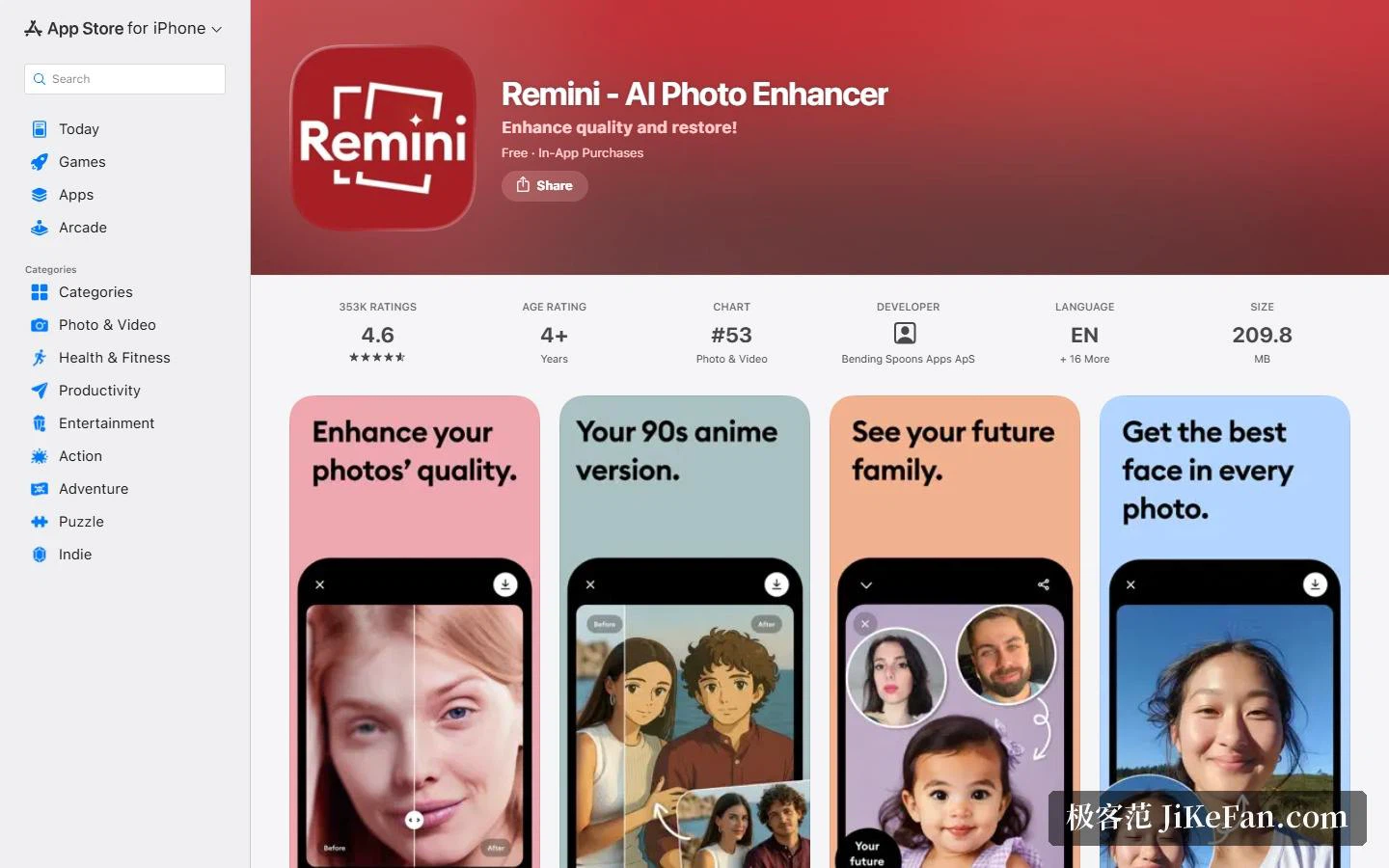
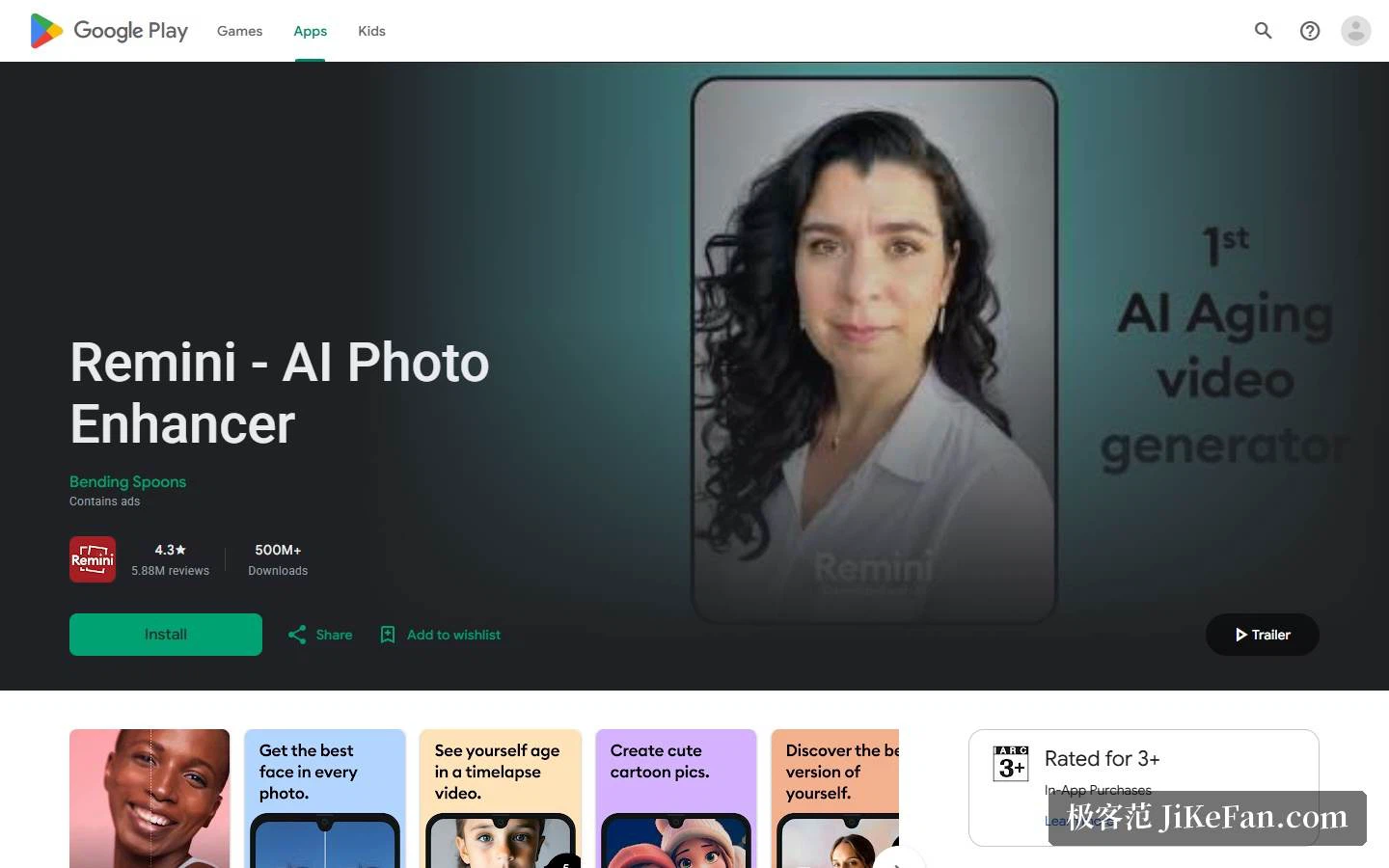
On iOS the listing shows 353,000 ratings at an average of 4.6 out of 5, an age rating of 4 and up, and a place at 53rd in the photo and video category. The current version is 2.10.215, updated on 4 September, requiring iOS 15.0 or later, a 209.8 MB package, and support reaching iPhone, iPad and iMessage. Android is larger by an order of magnitude: 5,880,000 reviews averaging 4.3, more than 500,000,000 downloads, third place in the free photography chart, a listing updated on 14 September 2026, and a warning that older Android versions may not receive the newest updates.
One item is better known in advance. The Android listing puts contains ads straight into its metadata. Free use means meeting advertising, and reviewers on both platforms note that the load is heavy enough to demand several dismissals per edit. There is no reason to dodge that detail, but it does shape the day-to-day feel, and anyone it grates on will find the subscription the cleaner path.
Subscription, versions and privacy
Billing is a free download plus a subscription that unlocks the rest. On iOS the periods offered are weekly, monthly and yearly; on Android, weekly and yearly, so the two sides differ slightly. The store copy spells out the mechanics: payment is charged at confirmation of purchase, auto-renewal can be switched off in account settings, and it has to be off at least 24 hours before the current period ends for that to take effect. After cancelling, access runs to the end of the paid period, subscriptions already billed are not refunded, and any unused portion of a trial is forfeited once a subscription is bought.
On languages the listing says English plus another 16, and the published list covers English, Hindi, Japanese, Korean, Portuguese, Russian, Simplified and Traditional Chinese, Spanish and Thai, so a Chinese-reading user will not hit a wall in the interface. Privacy deserves two minutes of scrolling. The iOS notes list possible cross-app tracking via identifiers and contact information linked to identity, while user content, identifiers, usage data and diagnostics appear as not linked to identity. The Android notes say data travels encrypted and that deletion can be requested, and also list possible sharing of personal information with third parties along with app information and performance data. Photos are sensitive material, so before feeding in anything private, read both of those screens to the end.
Who it suits, and what to watch
Three groups have a reason to try it. Anyone with a drawer of family photos to rescue can put the re-photographed copies into the camera roll and work through them one at a time, which is less trouble than opening a laptop and fighting with software. Anyone who posts portraits regularly gets the headline feature directly, and a before-and-after pair is ready-made material. And anyone who needs to salvage a single image now and then faces close to zero cost in trying: free download, a browser version with nothing to install, and no reason to buy a desktop licence for one picture.
Three cautions. First, expectations: it is good at making facial detail crisp again, but motion blur, missed focus and serious physical damage are optical problems the published description never promises to solve, so judge by real samples. Second, subscription rhythm: a weekly tier exists, so short-term use means keeping an eye on when auto-renewal has to be switched off. Third, data scope: uploaded photos pass through a cloud service, so for anything private, decide whether you are comfortable before uploading rather than after.
One last note on positioning. Desktop tools tend to hand you the parameters and let you tune; Remini does the opposite, takes the judgement away and leaves one button. For an ordinary user that trade is friendly: you do not need to know what noise reduction or sharpening means, only which of two pictures looks better.
The barrier to restoring an old photo was never only the algorithm. It was whether someone would open a computer for a single picture. Drop the entry to one tap and the demand turns up on its own.