
Octop: a self hosted AI assistant that keeps the data at home
Summary
An AI assistant platform from Tencent Cloud, MIT licensed, where conversations, workspaces and keys stay on your own machine and nine chat platforms route into the same set of experts.
Recommend- Name
- Octop
- Version
- 1.0.2b6
- Pricing
- Free
- Open source
- Open source
- Operating system
- WindowsmacOSLinuxWeb
- Website
- https://octop.cloud
- Updated
- 2026-10-09 20:23
One machine of your own, running a set of AI assistant services. Conversations, workspaces and keys all stay local: Tencent Cloud has published Octop under the MIT licence, currently at version 1.0.2b6.
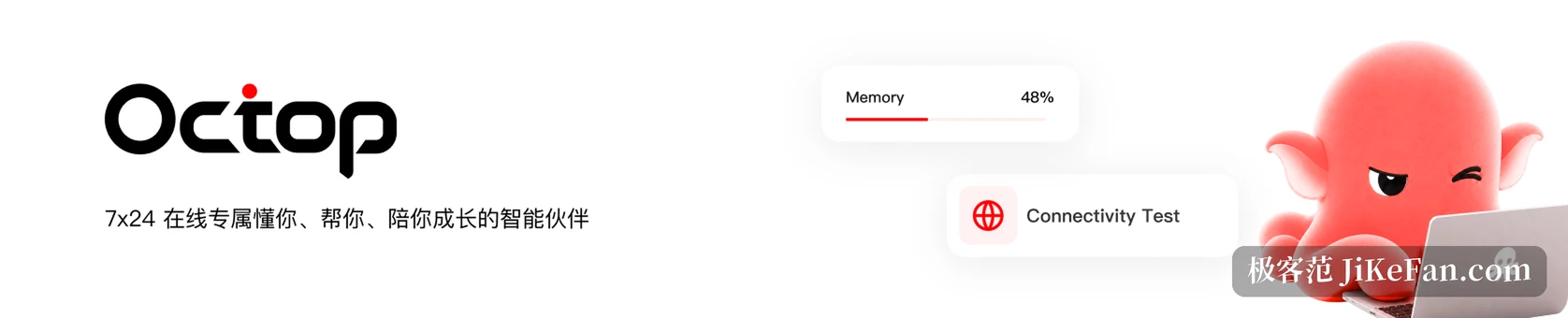
Most assistants work the other way round. You go to them: open a page, sign in, type into somebody else server. Octop inverts that. It installs on your machine and then connects to the chat window you already use every day. The project comes from Tencent Cloud, started life as an internal tool called LightClaw ACE, was opened in July 2026, and had gathered more than eight thousand stars by early October.
One process holds the whole thing
The deployment shape is restrained to the point of being counterintuitive: the web console, the command line, the messaging connections and the scheduled tasks all run inside a single process. There is no message queue and no middleware. Every entry point is routed through an in-process component, and runtime state is rebuilt from the control plane database at startup, which is why restarts are safe rather than destructive.
All data lands under a single directory in the home folder: configuration, the control database, keys, a workspace per expert, logs. The control plane uses SQLite in write ahead logging mode by default and can be moved to PostgreSQL when more people join. The stack is written in Python 3.12, with FastAPI and uvicorn at the back end and APScheduler handling the calendar.
Every person gets their own experts
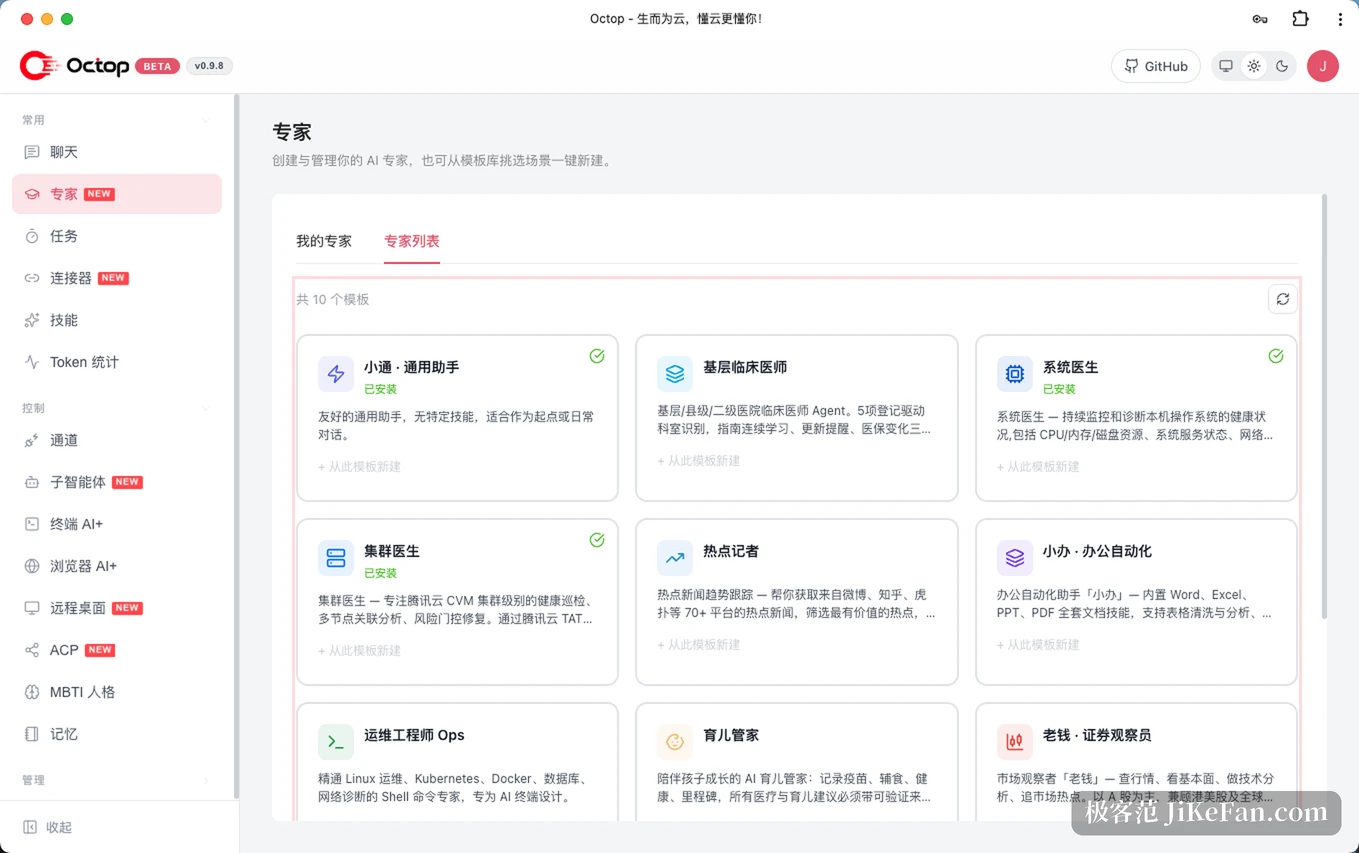
The core unit is not a conversation but an expert. You can build one for weekly reports, another for debugging, and each carries its own model provider, workspace, skill set and persona. The writing expert learns your habits of phrasing; the retrieval expert only touches your document library. They do not bleed into each other.
Multi-user support is taken seriously rather than bolted on. After creating one administrator account you can give family members or colleagues their own accounts, each with their own experts and workspace, with JWT handling sign-in and the administrator role kept separate from ordinary users. There is an expert library with a sharing mechanism, so a configuration you build can be published for somebody else to reuse. Sixteen personality templates and an interactive assessment are included for people who want to tune tone deliberately.
Into the chat software you already use
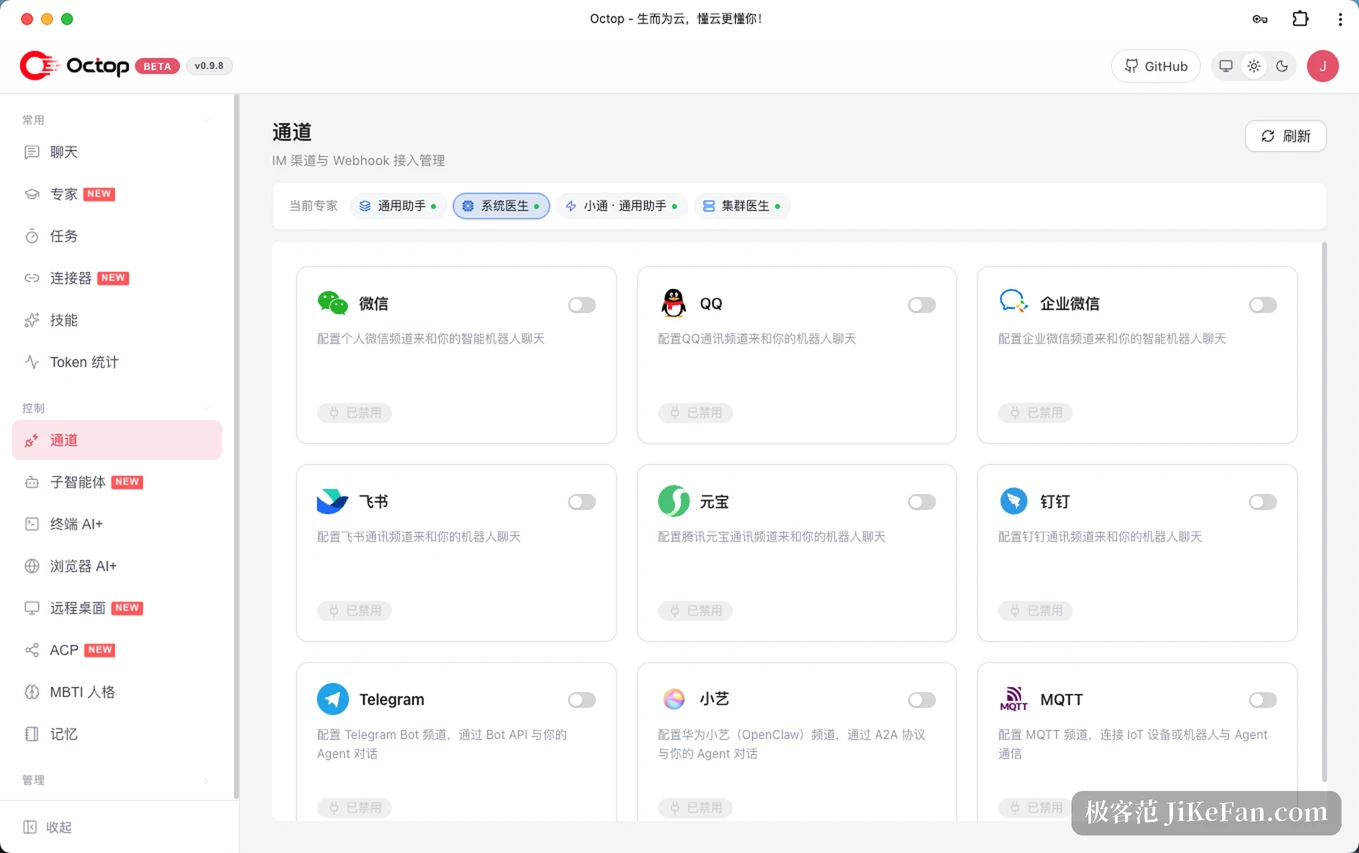
Octop connects natively to nine messaging platforms, among them Feishu, DingTalk, WeCom, QQ, WeChat, Telegram and Discord. The same set of experts can hang off several channels at once, so a question asked in one place and a question asked by a family member in another route into the same body of knowledge.
Outbound connections go through connectors and an MCP gateway: document suites, meeting services, note tools and mail can be authorised once and then called.
It actually operates the computer
Chatting is the easy part. On the terminal side there is an interactive shell inside the browser that recommends commands, explains output and helps trace an error. On the browser side there is a headless session that opens pages, fills forms and takes screenshots on instruction. Beyond that, a remote desktop view lets you watch the screen and take over keyboard and mouse, covering Linux, Windows and macOS, including servers with no graphical session at all.
Capability at that level needs guardrails, and they are present: allow and deny rules for shell commands, approval for tool calls, redaction of sensitive content on the way out. Workspace storage is pluggable too, from local disk to a container sandbox, a PostgreSQL instance or S3 compatible object storage.
Bidirectional ACP, so it can be called and can delegate
Support for the agent client protocol runs in both directions. Inbound, Octop exposes itself as a standard service that editors can use as a coding back end. Outbound, it can hand a coding task to an external programming agent, with a permission check in between. The role it plays is the resident console that remembers your context and passes the specific job to a more specialised tool.
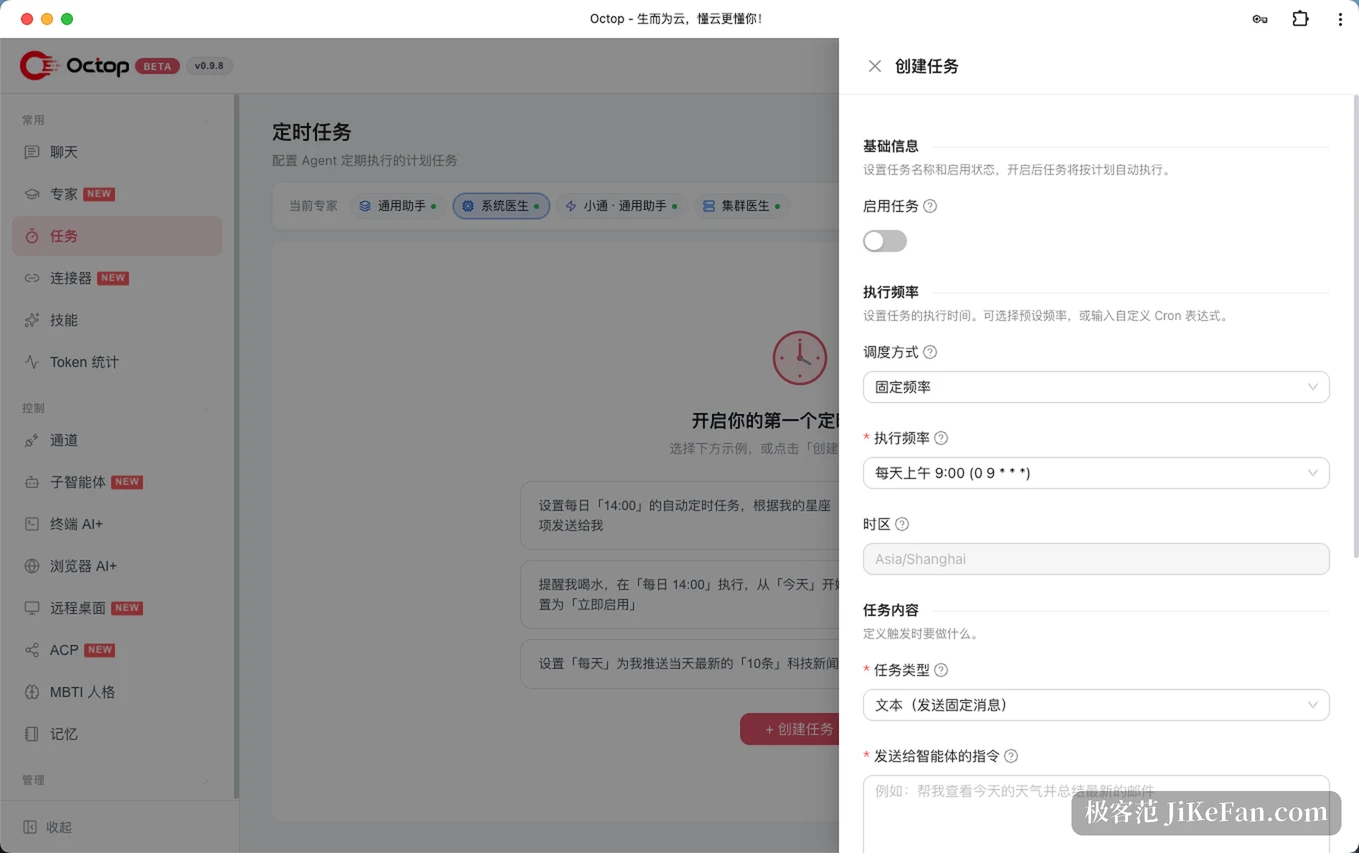
Memory is the other thread. Each expert has layered recall and full text search, and the preferences and task history accumulate with the workspace, so changing model or machine does not mean starting from zero. The knowledge base is standard retrieval with clickable citations, and scheduled tasks accept plain language descriptions.
Three things to understand before starting
First, as of October 2026 the latest release is 1.0.2b6, and the letter in the number says it still sits on the beta line. The multi-expert collaboration feature carries the same label.
Second, a single process cuts both ways. Deployment is simple, but it also means a single fault domain and a ceiling on horizontal scaling: you cannot put the message gateway on one machine and the agent runtime on another. A household or a team of five never reaches that ceiling; several dozen concurrent users would.
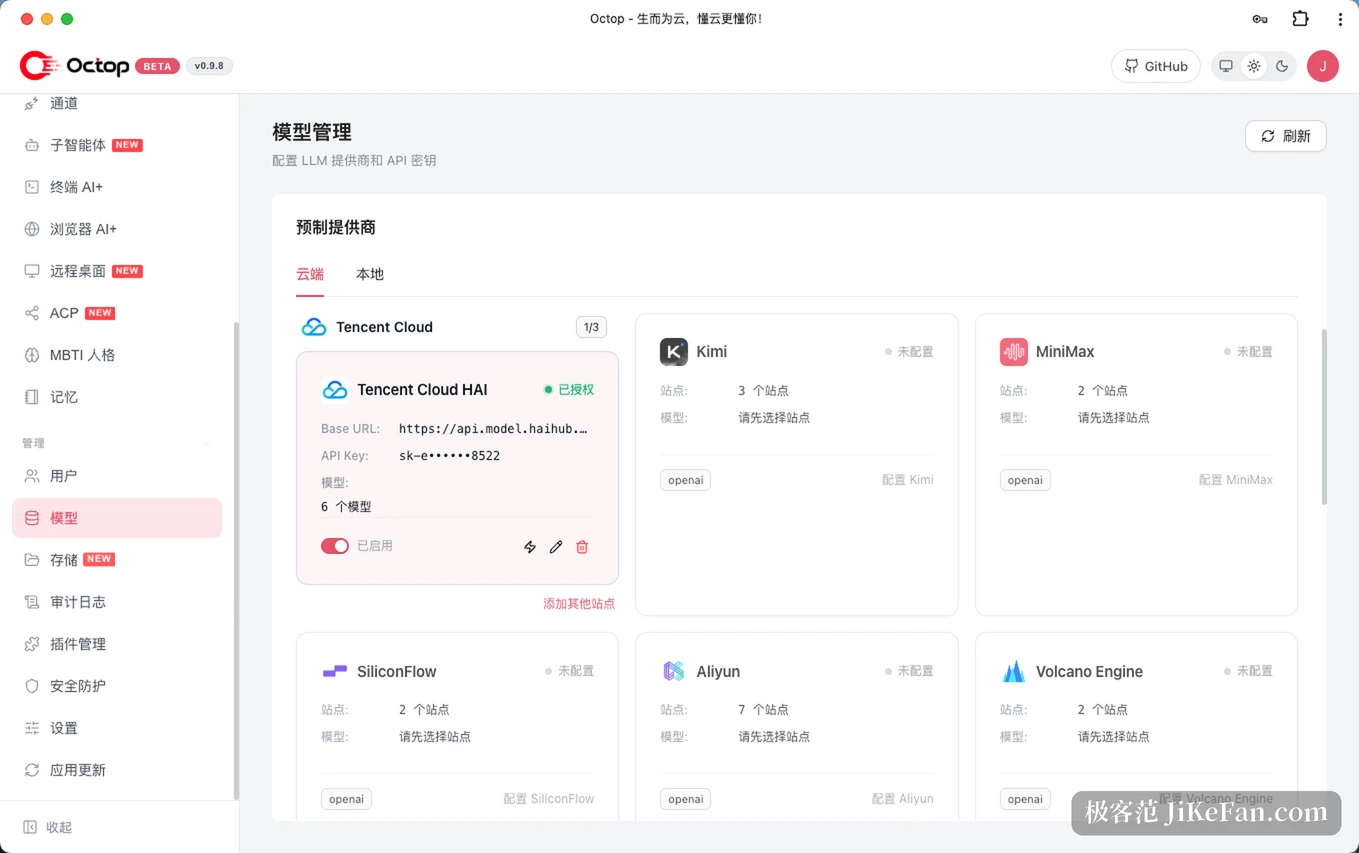
Third, self hosting does not mean fully local. If an expert is pointed at a cloud model, the prompts you send still leave the machine. A truly closed loop needs a local model service. On a shared host, every agent carries a terminal and a browser, so the permission rules deserve tightening rather than trusting defaults.
The value of Octop is not the length of its feature list but the fact that keeping data on your own machine has become a shape you can deploy. The MIT licence means that freedom cannot be withdrawn by a business decision, and the price is that models, compute and security are yours to carry.