
Yuanbao on the desktop: select a line and it appears, WeChat files go straight in
Summary
One product, two engines, swapped from a selector at the top of the conversation without leaving the session. Files and articles arriving through the messenger are read directly, and selecting any text on screen brings the panel to the cursor instead of asking you to change windows.
Recommend- Name
- Yuanbao
- Version
- 2.84.1.621
- Pricing
- Free
- Open source
- Proprietary
- Operating system
- WindowsmacOSWeb
- Website
- https://yuanbao.tencent.com
- Updated
- 2026-10-27 22:00
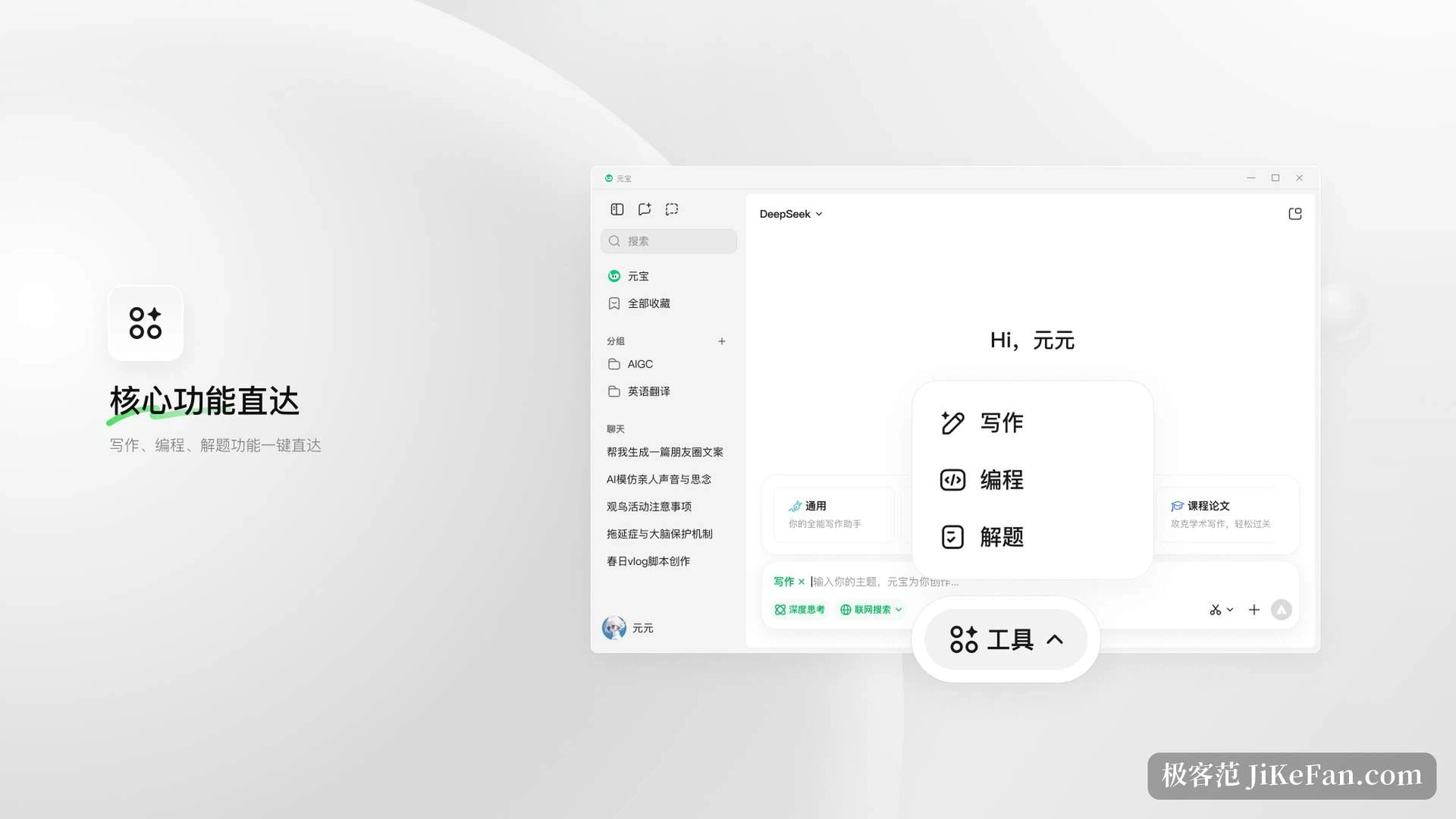
One product, two engines. The model selector sits at the top of the conversation, and switching between the in-house model and DeepSeek does not mean abandoning the session and starting again.
The division of labour between them shows up naturally over time. The in-house model answers everyday questions and produces creative writing quickly: chatting, drafting copy, turning out a seasonal poster all go smoothly. DeepSeek is stronger at mathematical reasoning and code generation, and for a complicated problem that needs to be taken apart step by step, bringing it up with the deeper thinking turned on suits better. Both support that deeper mode, and the company's own guidance is simply to pick according to the task at hand.
One thing is common to both: search can stay switched on whichever model is active, and the range is unusual. It covers the ecosystem's own published content alongside open sources on the web, and the answer marks where each claim came from.
Select a line and the panel appears
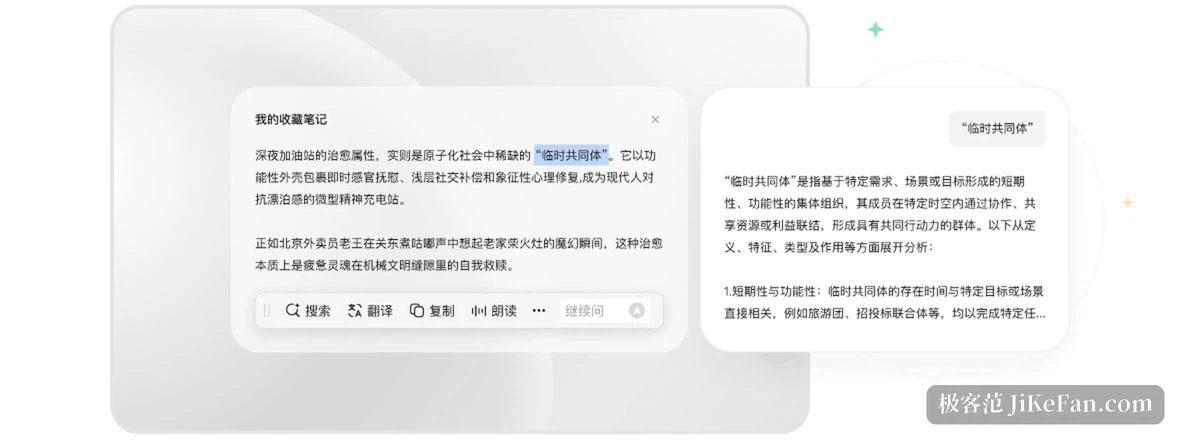
If only one feature could be kept, it would be this one. Highlight text anywhere in the system and a bar floats up beside it with four actions: search, translate, copy and read aloud. One press uses it. There is no switching to the assistant's window first and pasting the text in. Reading foreign material, checking an unfamiliar term, verifying a phrasing: what used to take two window changes now takes one selection.
The companion to it is a mini window. Press Alt and space on Windows, or Option and space on macOS, and a light panel appears over whatever is on screen. Ask, then dismiss it, without the main window standing in front of the work. Looking something up mid-document, or asking about a line of syntax while reading code, belongs in that small window.
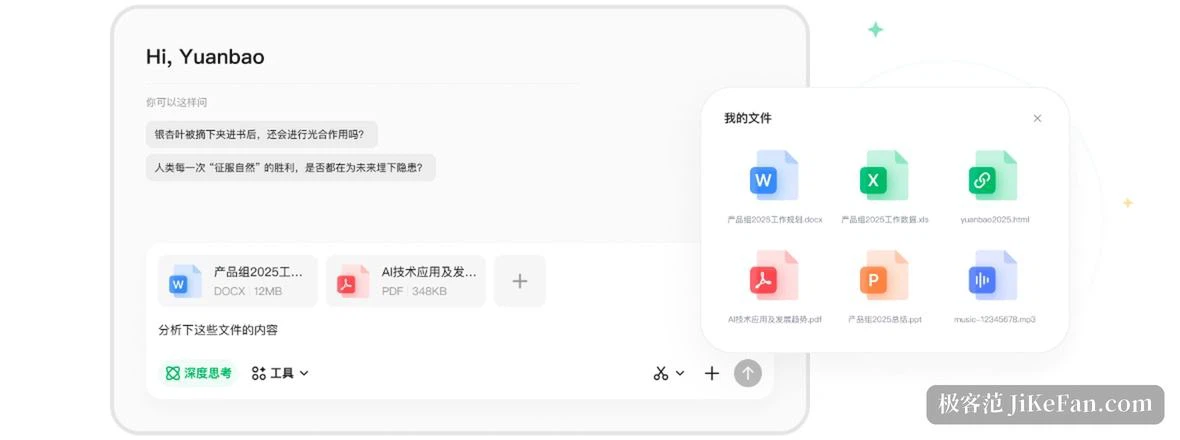
Two more gestures become muscle memory. Screenshot asking: drag a box over any part of the screen and ask what it is, which handles text and charts that cannot be selected or copied. And dragging a file or an image onto the input box and letting go, which removes the save-then-upload step in between.
What arrives through the messenger, it simply reads
This is the part that differs most from other assistants. The messenger ecosystem is wired in, so files and published articles received there can be handed over directly: a spreadsheet sent in a chat, a long piece someone shared, both are read.
The article path is especially smooth. What you want from a several-thousand-word industry piece is not to read every line but to know what it argues, which figures it carries and where the conclusion lands. Handing it over amounts to fitting that content with a ready summary and a search entry.
Format coverage for file parsing runs to thirty-six, and beyond the usual office documents it includes source files, logs and configuration, so code and technical material go in just as easily. A developer can drop in an error log or a source file and ask about it, and the same route works.
Beyond one-off parsing there are two small designs. A good answer can be saved with one press for later. A temporary conversation stays out of the history, useful for things you would rather not leave in a record.
Writing, coding, and a report that grows itself
Writing sits at the front of the product, from reports and scripts to all kinds of copy, on the principle that a clear requirement produces a draft. The text can then go straight into the company's online document for further editing, which removes the copy and paste.
The coding side does something practical: several languages run directly in place, with no local environment to configure, so a snippet is verified on the spot. For someone starting to learn, or simply wanting to try a piece of logic, that threshold drops sharply. Front end code can be previewed live as well.
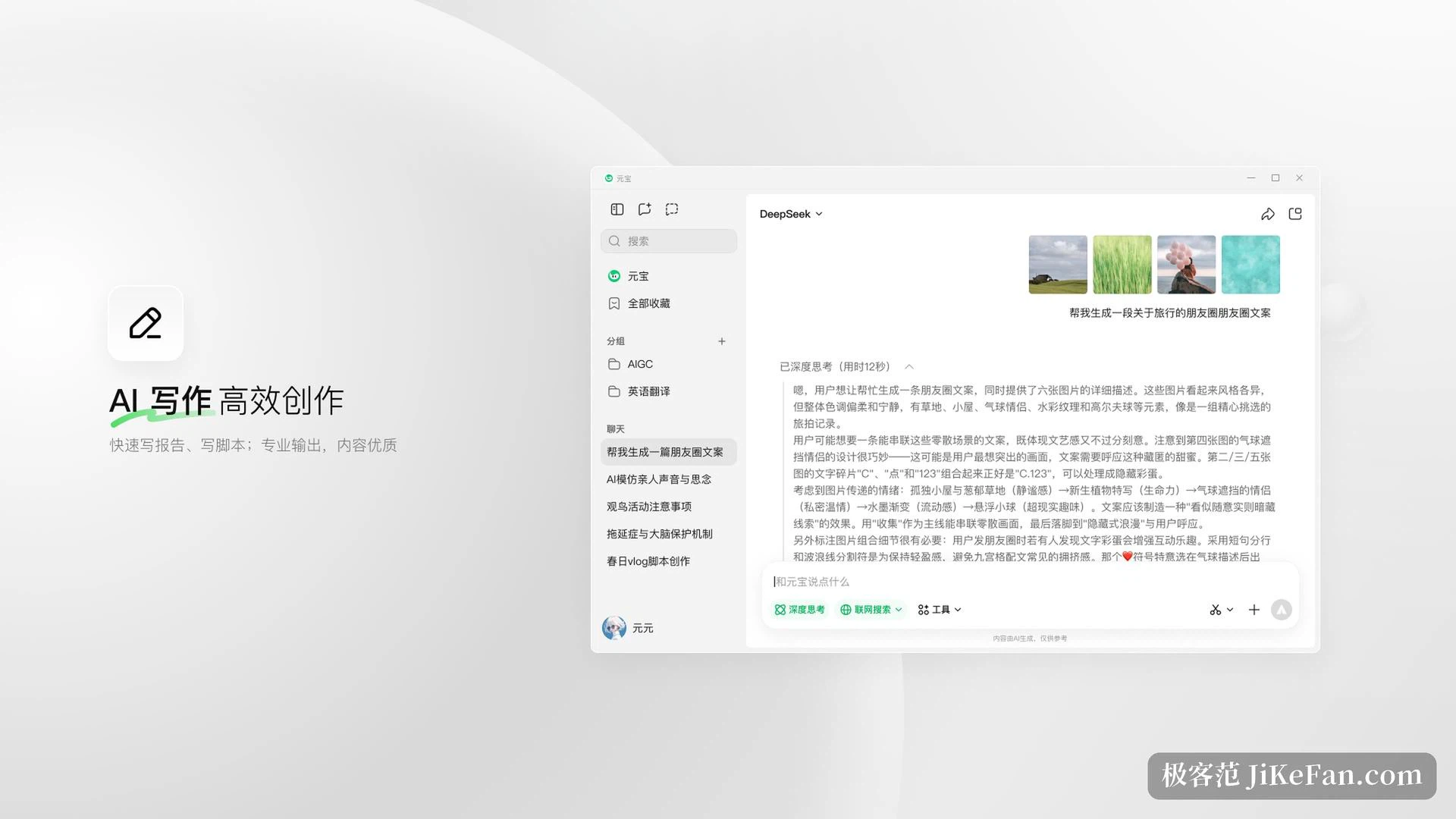
Image understanding is question-and-answer shaped: upload a screenshot, it reads what is in it and answers, and the reverse direction generates a picture from a description. For heavier demands there is an expert mode aimed at decisions with many constraints, long chains of steps and deep research. Give it a vague large goal and it asks about the details first, breaks the work into executable steps, and assembles the outcome into a report whose sources can be checked.
The recording pen
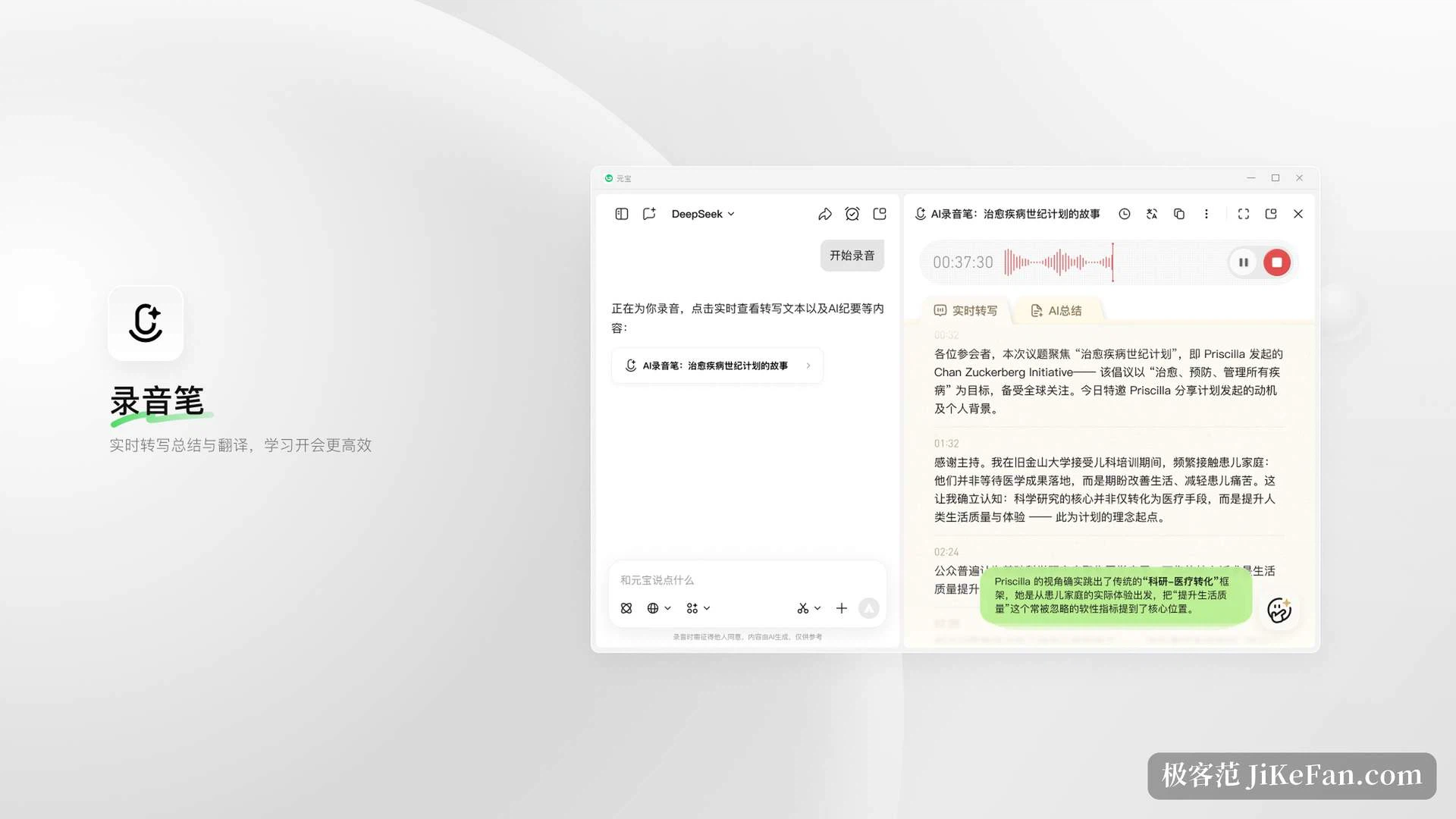
Easily overlooked and hard to give up once used. Live transcription, translation and summarisation are built into one thing: text scrolls as the recording runs, minutes are produced when it stops, and translation is available at any point.
For anyone with many meetings and interviews, this turns record now and listen later into a readable transcript at the end. In study it works the same way: a lecture turned into notes beats dragging a progress bar back and forth.
A group with the assistant inside it
The social layer lets you create a group on the desktop, invite people, and keep the assistant in the same space, so conversation and collaboration run side by side. When material is needed there is no stepping out: ask in the side panel and the answer lands beside the current discussion. Screen sharing and video calls are supported, and dedicated agents can be created and connected. In practical terms, when a group is working through a topic the assistant serves as a researcher and note taker on call; in lighter terms, running a check-in or producing a set of reaction images is also its business.
How free is free
The basic functions are free: two-model conversation, document parsing, web search, image understanding and AI video generation all sit inside the free range, and there is no feature wall, meaning no top-up or membership is needed to unlock a particular button. The difference is felt most in long text handling and coding, the places that consume more compute.
What makes it worth installing is not that it understands more than other assistants. It is that it has been put in the right place: selection keeps the panel at the cursor, files come straight out of the messenger, and the model is picked by the nature of the task. For anyone receiving files in the messenger all day and jumping between browser and documents, what is saved is real switching cost. With the basics free, trying it costs almost nothing.