
Qianwen Desktop: it opens your files, starts on your clock, obeys your phone
Summary
The difference from the browser version is narrow and decisive: a page can only talk, this one can act on the machine. It reads files on your disk, writes the finished result back to a path you name, starts itself at a time you set, and takes orders from your phone.
Recommend- Name
- Qianwen Desktop
- Version
- 2.3.2
- Pricing
- Free
- Open source
- Proprietary
- Operating system
- WindowsmacOSWebAndroidiOS
- Website
- https://www.qianwen.com
- Updated
- 2026-10-27 22:00
This is the desktop client of the company's own assistant, built on its Qwen model. The difference from the browser version is narrow and decisive: a page can only talk, this one can act on the machine you are sitting at.
As of September 2026 the download page lists the Max flagship of the Qwen line as available, and the client itself stands at version 2.3.2. Beyond the two desktop builds there is a web version, extensions for the two main browsers, and a phone app; signing into the same account keeps the conversation history in step across all of them.

It really does touch your files
The office assistant is where this release changed most. Unlike a question-and-answer box, a task started in the office mode is broken down by the assistant itself, carried out step by step with tools, and handed back as a finished file.
How far the reach goes: it reads files on the local disk and writes the processed result back to a path you specify. It also connects to the main messaging, collaboration and document platforms, and to the reminders, notes and calendar on the machine itself. The published description is local file operation with cross-application work.
A scene most people will recognise: several departments send in spreadsheets in different shapes. Rather than opening each one, reconciling definitions and fighting the formulas, the whole set goes in and comes back cleaned and merged.
Scheduled work: it starts by itself
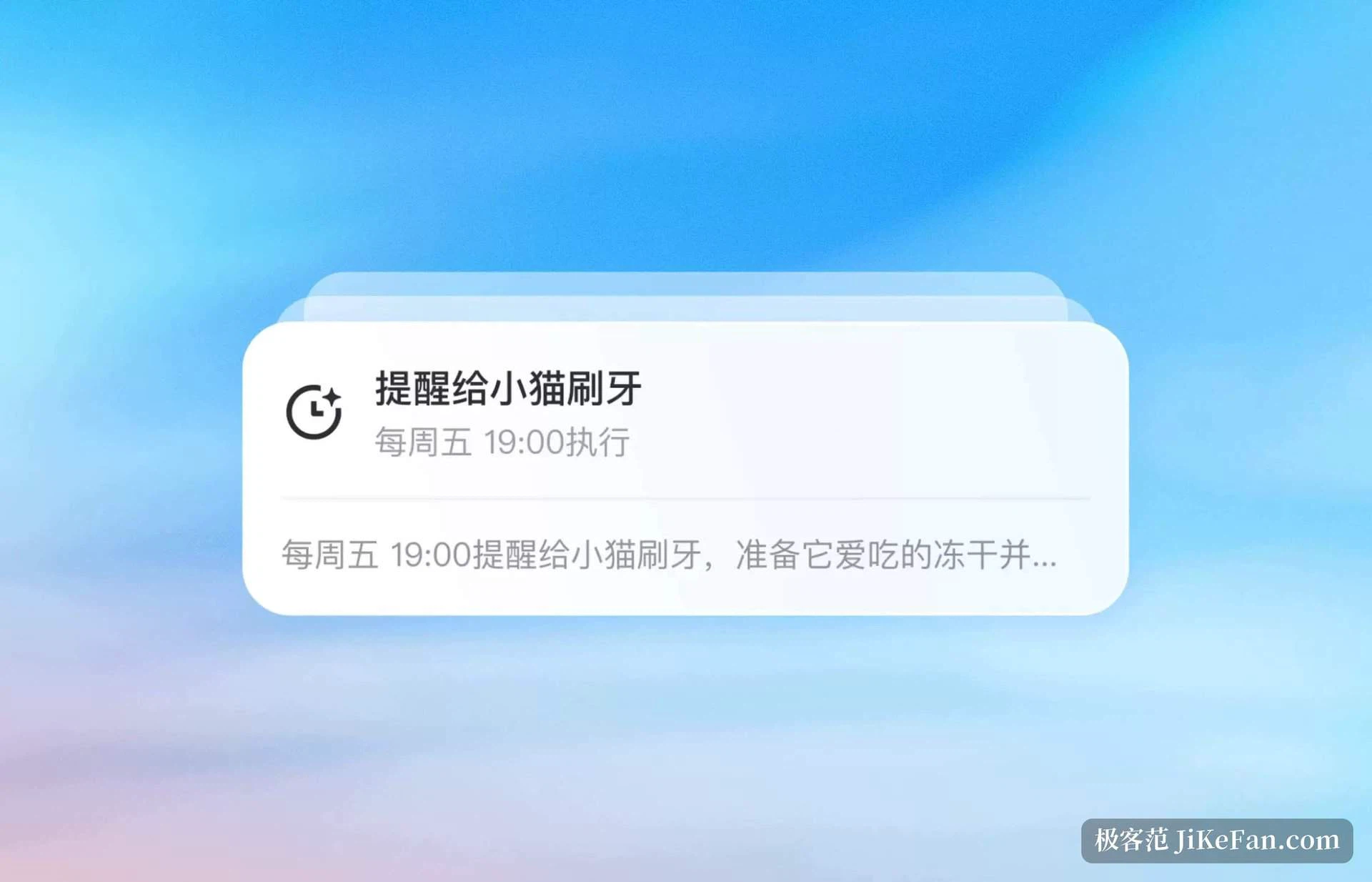
This is the feature that saves the most trouble. The requirement is stated in the conversation, a time is set, and at that time it runs on its own and delivers the result. The official phrasing is set a scheduled task and the result is delivered automatically when the time comes.
The useful patterns are straightforward: pull news from one field at a fixed hour and hand over a short summary, or tidy the desktop folder on a schedule so nobody has to sort it by hand.
Driving the computer from the phone
The phone app has the same office assistant, wired to the desktop. A cloud task created on the phone is synced down and executed on the computer, and a task already running on the computer can be managed from the phone: ask a follow-up, watch the progress, or switch to the local machine and take direct control. The published line is remote control from the phone, work from anywhere. When you are away from the desk but the task has to keep moving, the design fits.
Selecting text, speaking, and recording minutes
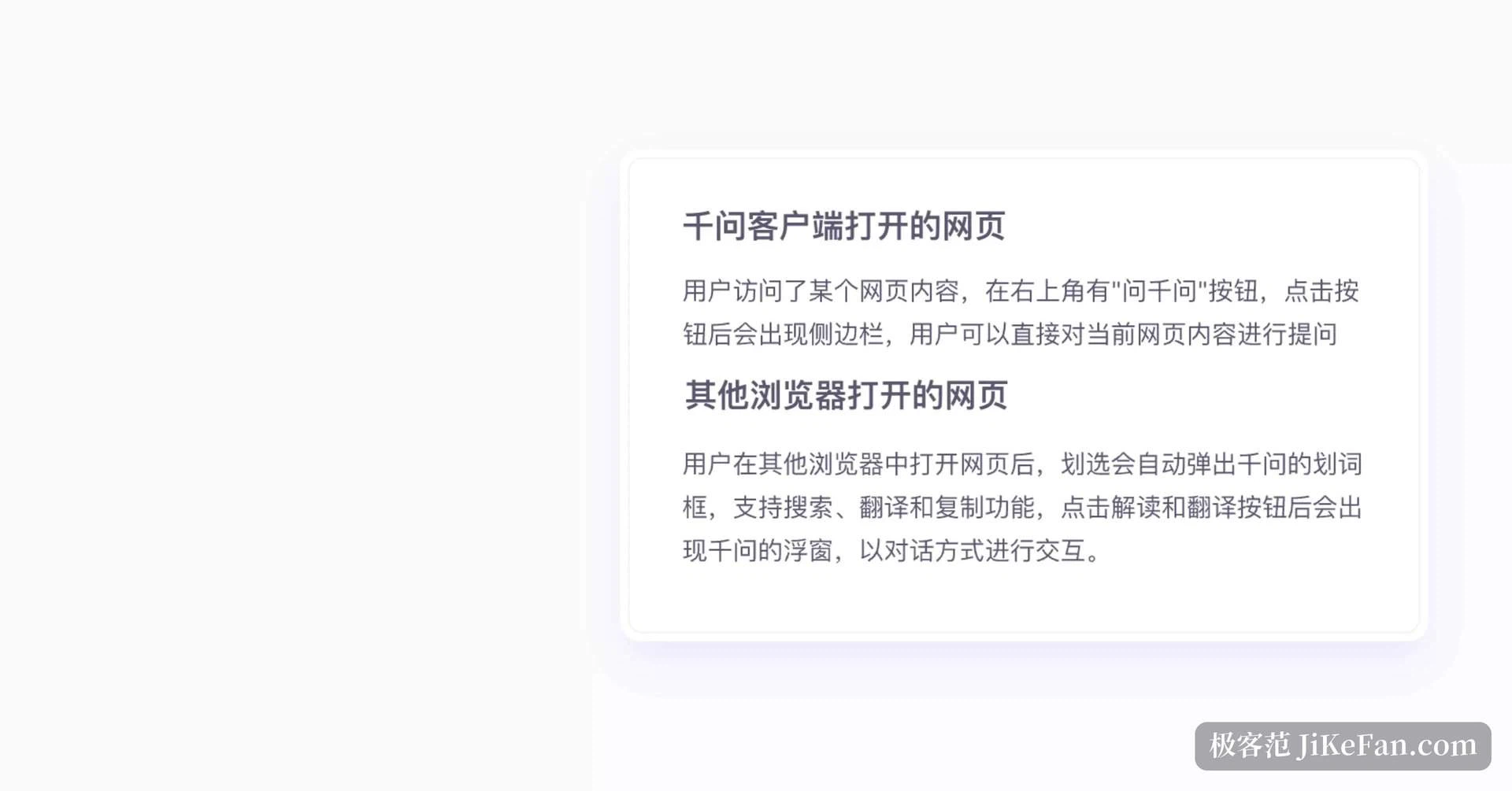
Selecting a passage brings up a small window anywhere on the system: highlight text in any application and a panel offers an explanation or a translation, with no switching back and forth. Reading foreign material, the gesture flows naturally.
Voice input has two shortcuts, and one press versus two are different things. A long press on the right Alt key on Windows, or the right Command key on macOS, starts voice input and turns speech into text live. A double press switches from voice input to instruction mode, where you hand over a job directly, for instance looking up a set of figures and filling them in at the cursor.
Recording minutes deserves separate mention. It is tied to no meeting application: it records system sound and microphone at the operating system level, so a meeting is captured whichever program it happens in. When recording stops, the minutes are produced automatically and can be exported as an editable document, a portable document, plain text, markup or subtitles. The published claim is stable recording even without a network.
How free is free
For individual users the basic functions on the web and in the client are free, and several channels say the same thing: no count and no quota, and no payment method required. Recording minutes works the same way, with no limit on length or number.
Only one place is noticeable: very high frequency, very long context calls in succession may trigger light throttling. Everyday office work, writing and code tinkering rarely come near it.
What makes it worth installing is not that it can talk. It is that it is willing to act: reading your local files, starting at the hour you name, letting you keep directing it from the phone. With personal use free, for anyone who deals with documents and spreadsheets daily and would rather not pile up another dozen tools, trying one costs nothing.