
Perplexity on the desktop: research becomes an assembly line that ends in your files
Summary
Every key claim carries a numbered citation, and the number opens onto the page it came from. That single decision turns the output from plausible-sounding into traceable line by line, and it shapes the desktop version: not another chat box but a line running from question through reading to a finished document.
Recommend- Name
- Perplexity
- Version
- 2026.9.12756
- Open source
- Proprietary
- Operating system
- WindowsmacOSWeb
- Website
- https://www.perplexity.ai
- Updated
- 2026-10-27 22:00
If search still means typing a few keywords, scrolling ten pages of links and assembling the answer yourself, this desktop version offers a different experience. It calls itself an answer engine rather than a chatbot, and every key piece of information in a conclusion carries a numbered citation that opens the original page for checking.
That design moves the output from sounding reasonable to being traceable item by item, and it decides the shape of the desktop build: not one more conversation box, but a line that runs from the question through retrieval and reading all the way to a deliverable.
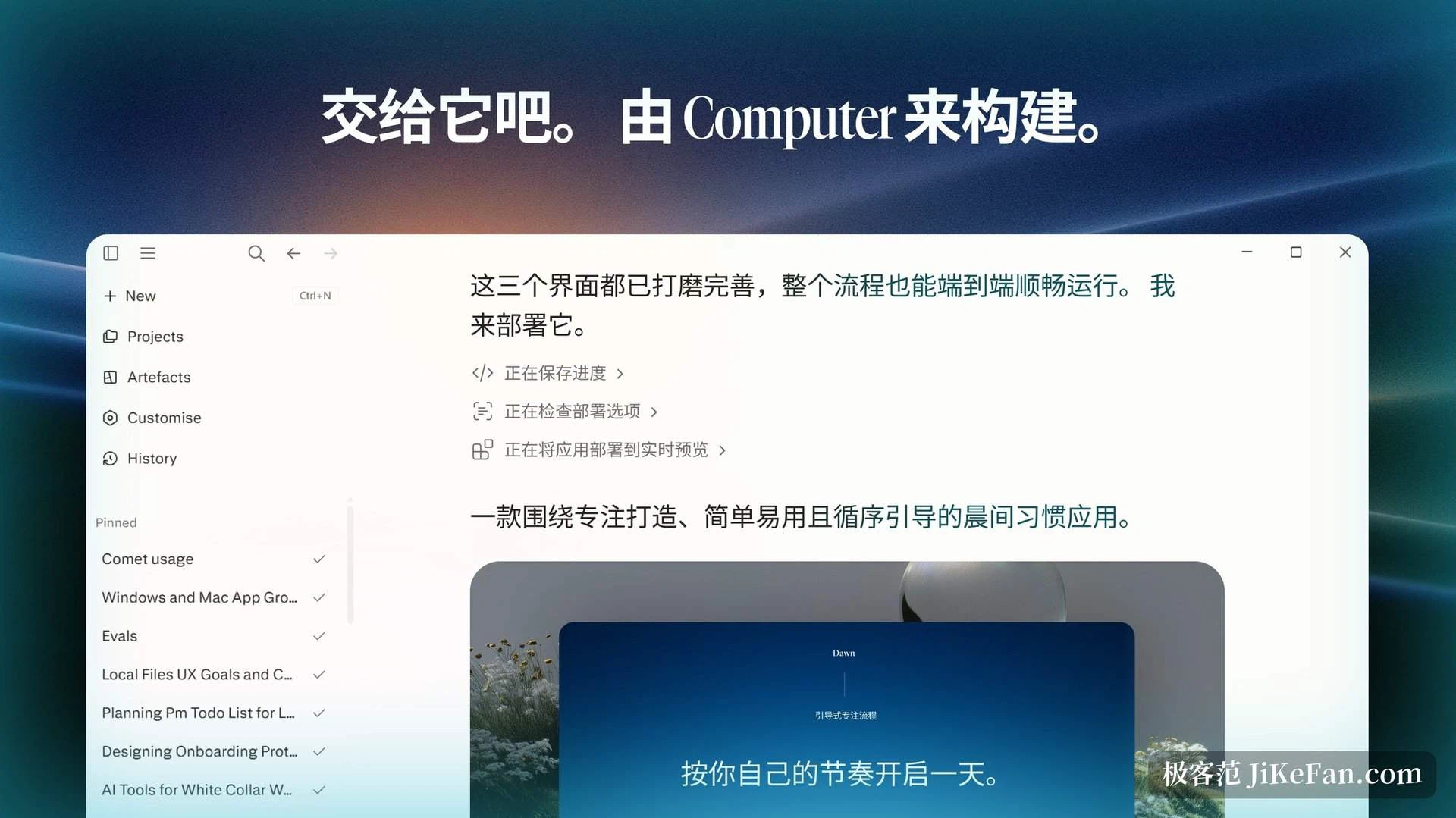
The baseline is that it can be checked
The published description draws a clear distinction. A search engine hands over links, a chatbot hands over generated text, and an answer engine retrieves across the open web in real time, merges several sources into one structured answer and marks the sources beside the specific claims. The store listing puts it plainly: every answer comes with its citations.
For anyone who has to cite material, the change is concrete. The expensive part of asking an assistant to look something up was never the asking but the checking afterwards: where a statement came from, whether it had been distorted, usually rebuilt by hand. Citation marks compress that from a full review into a spot check, and only the figures and conclusions that will actually reach a report or a decision need checking.
A citation is not the truth, though. Sources vary in quality, and a model merging a set of them can produce a real citation with a distorted paraphrase. The safe habit is to treat it as a retrieval accelerator: it finds, gathers and screens, while judgement stays with you.
Deep research as an assembly line
The feature closest to that description is deep research. According to the company's own notes, it takes a question, runs several dozen searches on its own, reads through a hundred or more sources, reasons over the material, corrects its own research plan as it goes and ends with a complete report, typically in two to four minutes. The process resembles how a human researcher works: sketch a frame, revise while reading, write it up at the end.
A finished report exports as a portable document or an editable one, and can be turned into a shareable page. The company states that deep research is open to everyone: subscribers get a high allowance, those without a subscription get a limited number of runs a day. It is no longer a taste behind a paywall but a tool for daily use.
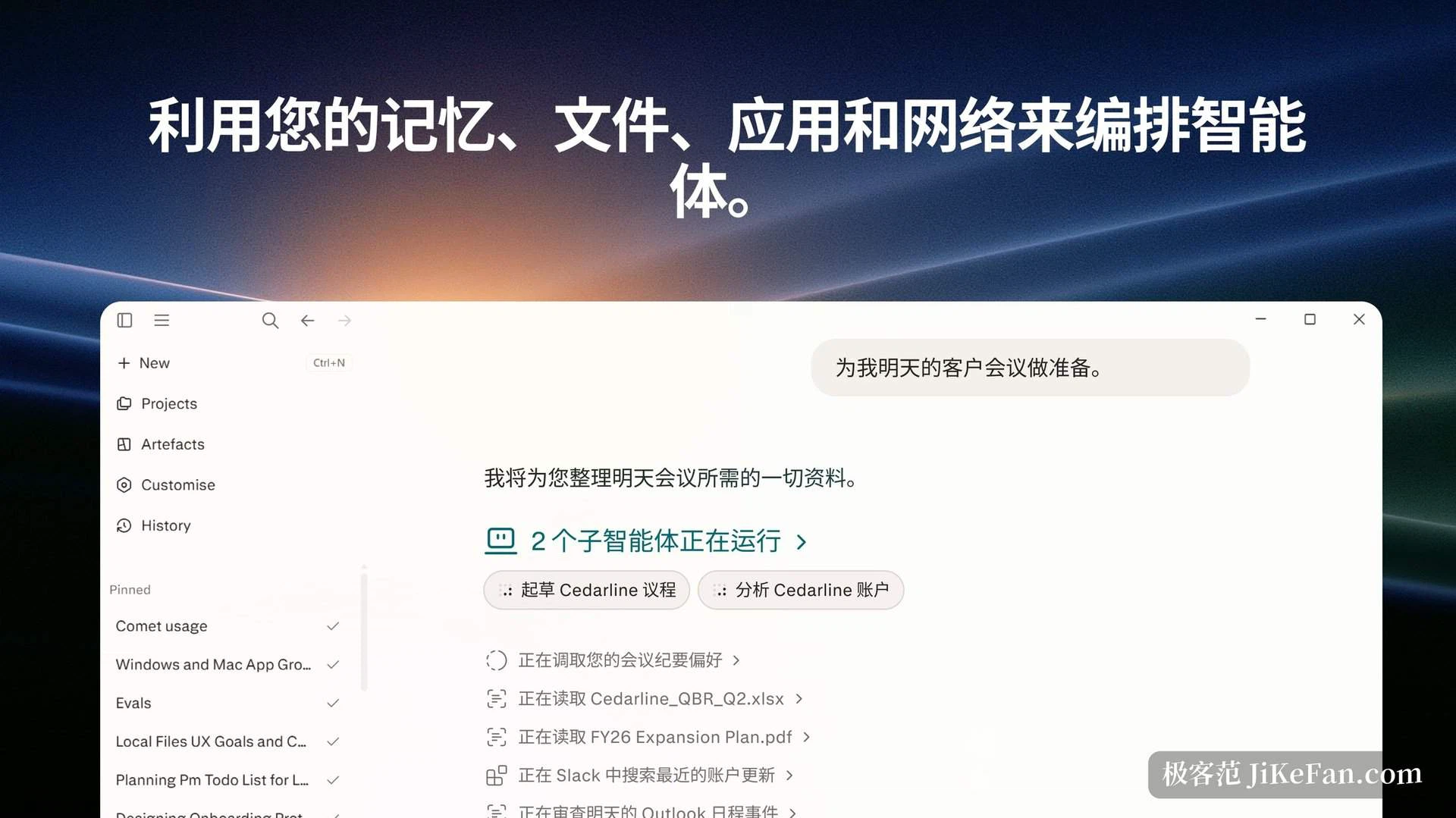
The parallel structure deserves attention. In the task view a goal is split into several subtasks running separately, each reading a different kind of material, a spreadsheet, a document, a discussion record inside a collaboration tool, and then merging back into one workflow. For pulling material scattered across five or six places into a single conclusion, that split is far handier than a single-threaded exchange.
Research no longer stops in the browser
Where the desktop build really separates itself is that it is not content to hand the answer over. It tries to write the answer into the file you are already working in.
Registered for the main office suite, it drafts reports, proposals, summaries and meeting notes in the word processor; analyses tables, sums up trends and generates formulas and structured tables from plain instructions in the spreadsheet; and organises outlines, key points and narrative threads in the presentation tool. It can also reference context across documents of all three kinds, stringing them into one shared working background. This integration needs a paid tier.
The version for team communication behaves more like a digital colleague. According to the certification listing it runs research, analysis, report generation and multi-step tasks, connects to several thousand enterprise tools across customer records, knowledge bases, analytics and data warehouses, and can call on more than twenty models. It handles personal conversations, group discussion and channel topics, takes attachments and understands thread context. For a team already working inside those tools, the value is not one more assistant but an assistant sitting where the workflow already is, with no extra tab to open.
Connectors and local files
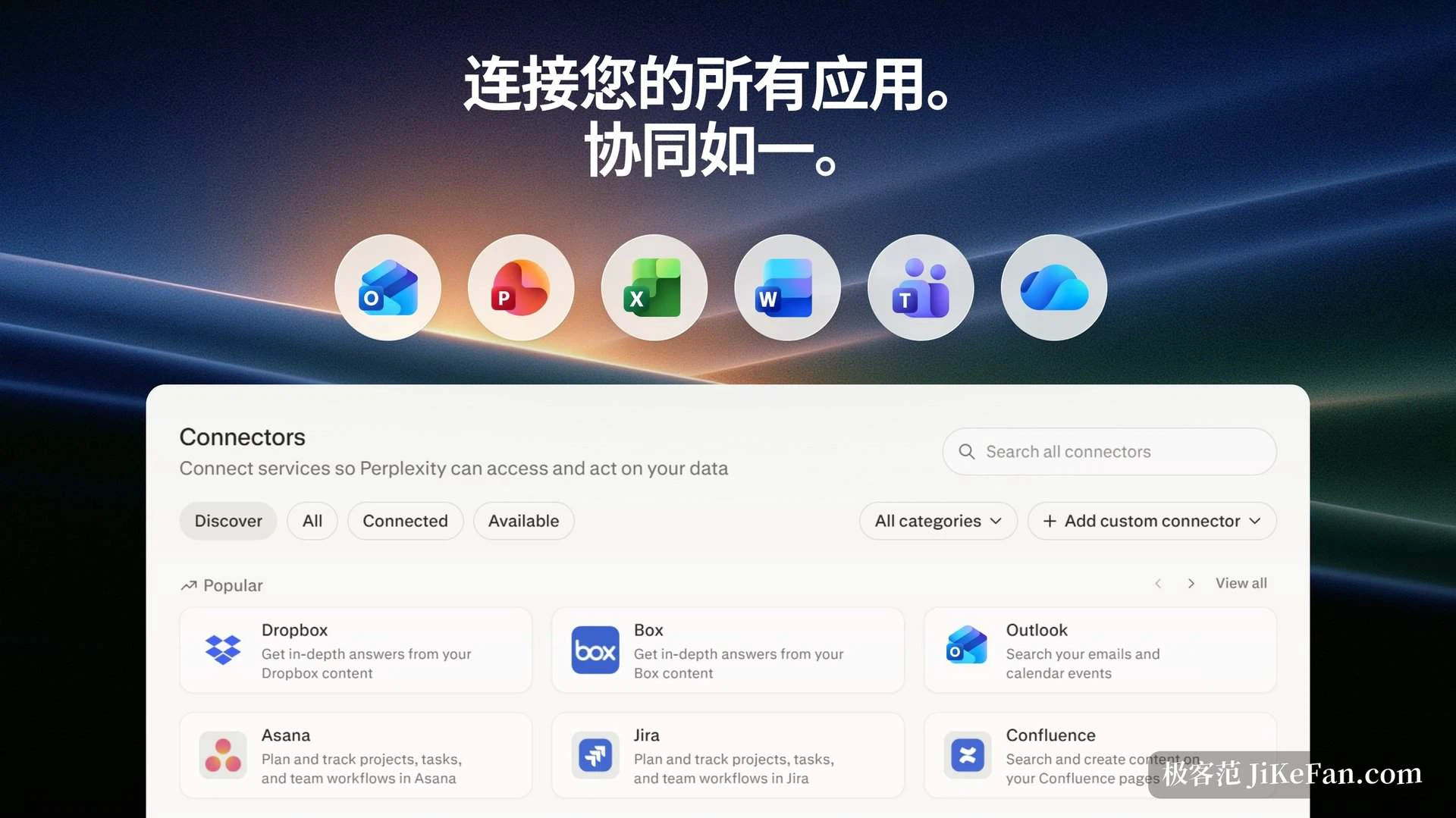
Public web pages are not enough to ground research in a real business. Connectors bring third-party services into the retrieval chain, and the desktop build has one panel to manage those authorisations: storage, mail, project tracking and ticketing among them.
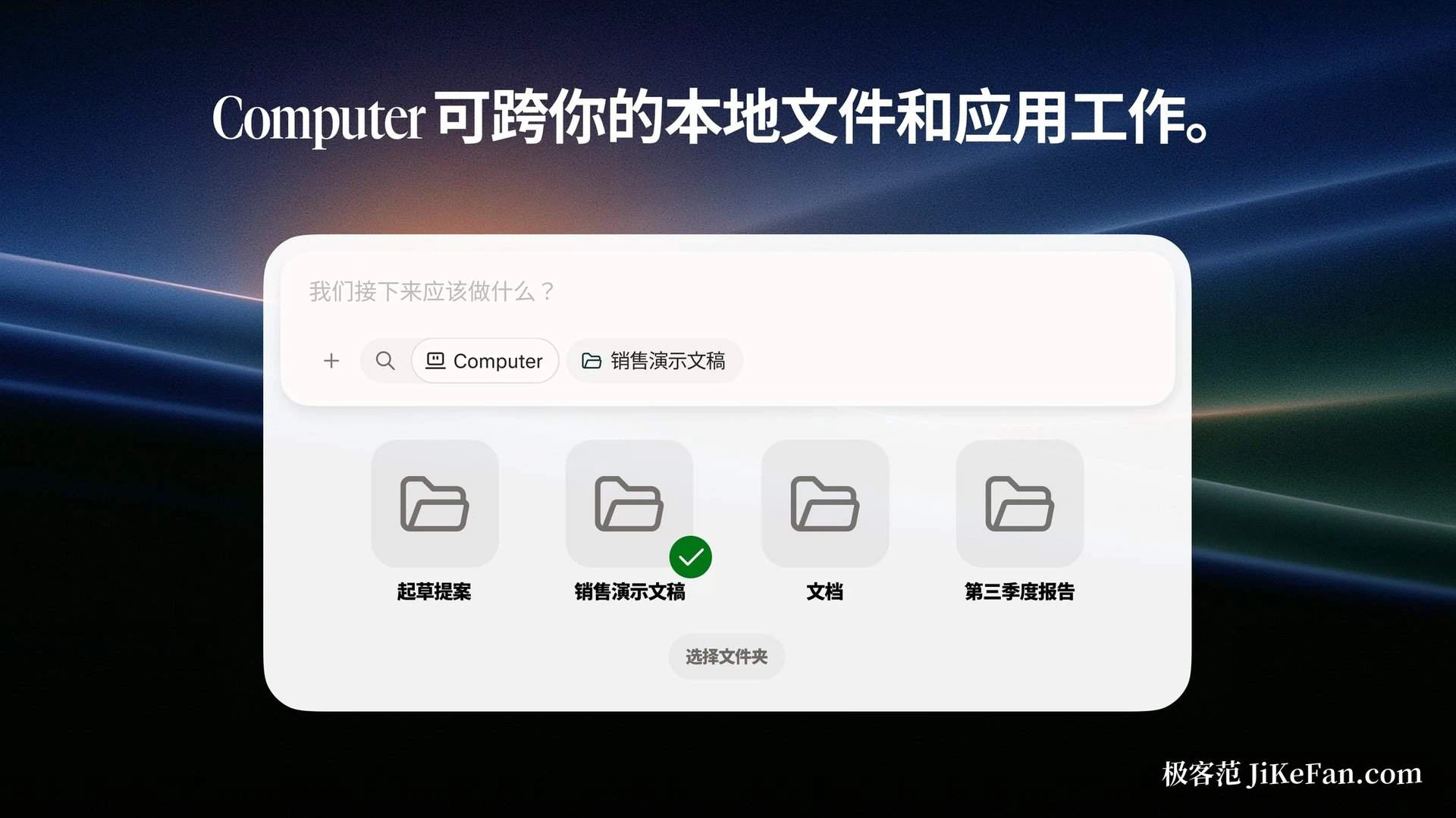
The other route is local files. On Windows, reaching local files requires configuring a sandbox first. On macOS, beyond the client itself the companion browser must be installed, and accessibility, screen and system audio recording, and full disk access must be granted, after which the folders and applications it may use are connected explicitly. Official documentation also mentions starting work remotely from a paired phone, or approving a sensitive action there.
The wider the permissions, the more it can do, and the larger the surface to watch. Especially when it is allowed to operate a browser or fill in forms, actions that change state outside the machine, the scope is worth deciding before letting it move.
How far the free tier reaches
The boundary is stated fairly clearly. Basic search is unlimited, professional search and deep research have a daily allowance, and the paid tiers mainly raise the volume of those two, widen the choice of models and open up automation.
As for the desktop build itself: Windows users get it through the official store catalogue or a package from the website that still installs and updates through the store mechanism, while the macOS edition installs from a disk image. The catalogue records Windows 10 version 1809, internal build 17763, or newer, a download of roughly 618 megabytes, and features inside the app covering deep research, voice or typed questions, follow-ups, citations and a library.
The point of a desktop client is probably not fitting a web page into a window. When research can read the spreadsheets on your disk and the records in your team's tools, and land the conclusion as a report or a set of slides, it is closer to filling the gap that used to sit between the browser and the office suite.
What it deserves credit for is the chain: question, retrieval, reading, delivery, with every link checkable. What it deserves caution for is the same chain reaching into your disk and your accounts, which is why the scope of permission is the first thing to settle, not the last.