
XPlayer: a free phone player that opens the file the system refuses
Summary
A free video player for Android from a team known for a video editing tool: the usual container formats open without conversion, high resolutions decode smoothly, subtitles are fetched and styled, private clips sit behind a password, and playback continues in a floating window or in the background.
Recommend- Name
- XPlayer
- Version
- 20260615
- Pricing
- Free
- Open source
- Proprietary
- Operating system
- AndroidWindows
- Updated
- 2026-10-25 22:00
The player that ships with a phone is a compatibility promise written in small print. The file you actually have is the test.
Two irritations, one product
The film finished downloading an hour ago and the system player announces that the format is unsupported, which is a strange thing to say about a file it can plainly see. So you install a third-party player, and it opens with a five-second advertisement, keeps a banner across the bottom half, and interrupts the middle of the film to sell something. Two irritations, and between them most evenings of watching on a phone are decided.
This player was built for exactly that gap. It comes from the team behind a well-known editing application, covers the encodings people actually encounter, and costs nothing — which in this category is a claim worth checking rather than repeating.
What opens, and how well
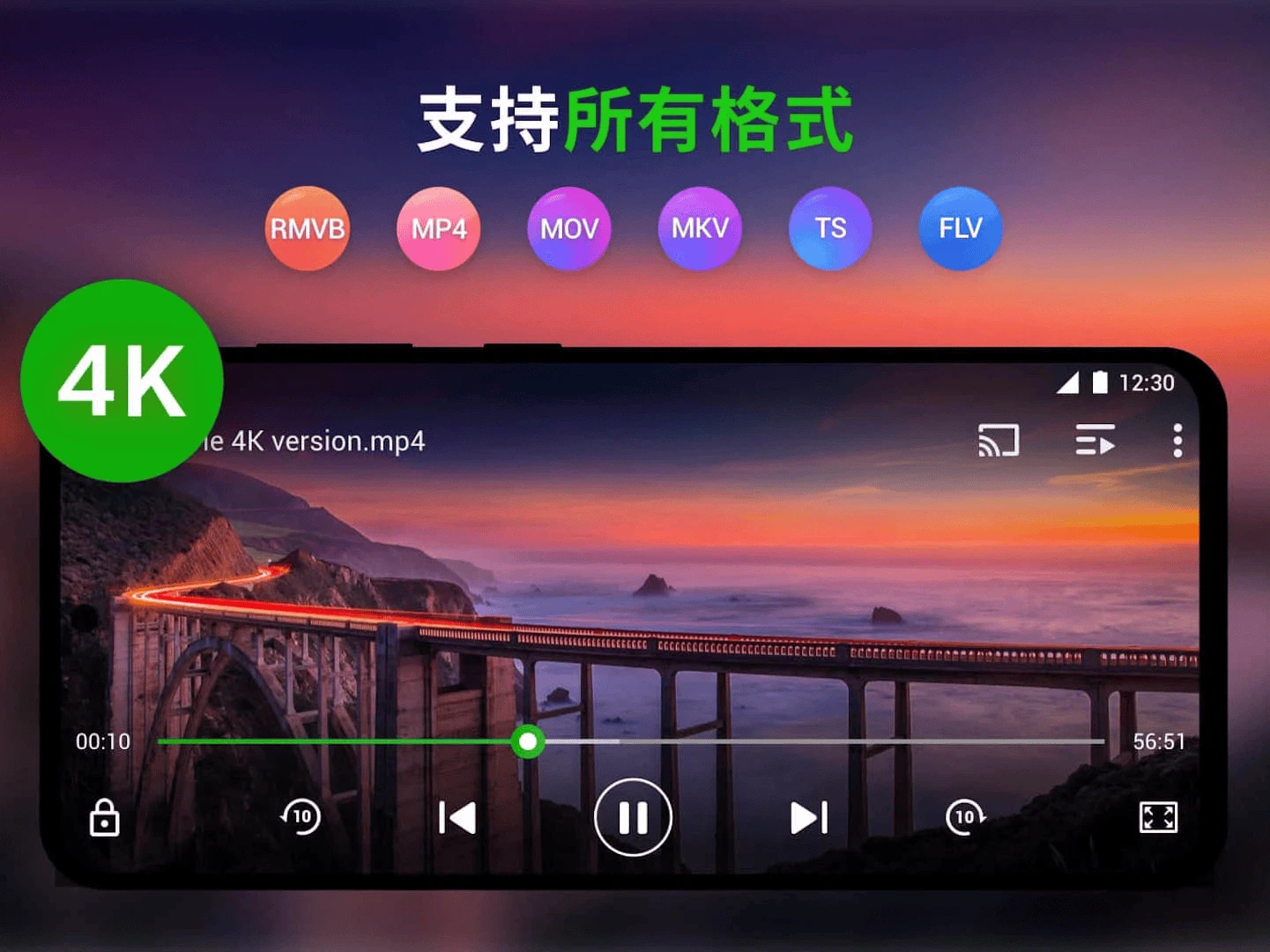
The list of container formats reads like a refusal to refuse: the common ones, the older ones, the ones that arrived from a download site with a name nobody recognises. A file that plays on a desktop generally plays here, without a conversion step on a computer in between.
High resolutions are handled with hardware decoding, so a large bitrate file does not turn into a slideshow with the sound running ahead. In practice the test is whether the picture and the speech stay together for ninety minutes, which is a lower bar than the specification suggests and a higher one than many players clear.
What sits on top of playback
The private folder is the feature people mention first, because it solves a social problem rather than a technical one: put the clips you would not want a colleague to swipe past behind a password, hand the phone over for photographs, and stop worrying. Subtitle matching searches for a file online and applies it, with the typeface, size, colour and position adjustable, which removes the ritual of hunting for a matching subtitle file on a computer and copying it across with the right name.
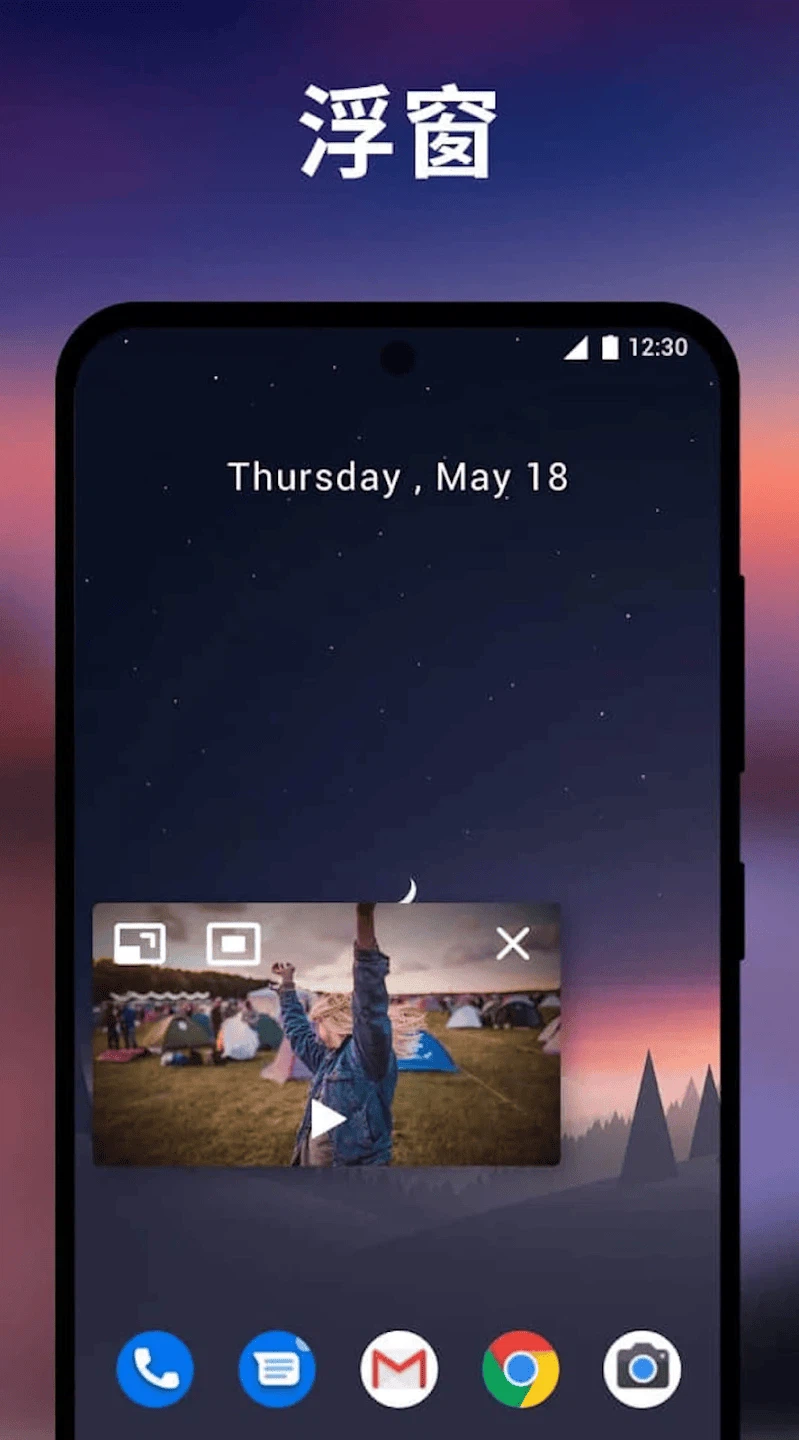
Background playback turns a video into audio, which is the correct behaviour for a lecture, a recorded talk or a concert film: turn the screen off and the sound continues. A floating window keeps the picture on top of another application, so a message can be answered without stopping the film. Casting sends the picture to a television. A sleep timer stops playback at a set moment, which is the difference between falling asleep to an episode and waking up to the end credits of a whole season.
Gestures do the small adjustments: a vertical swipe for brightness or volume, a horizontal one to move through the timeline. Nothing remarkable individually, and collectively the reason the interface does not need a row of buttons over the picture.
What it reports about your data
The store listing carries a data declaration stating that nothing is shared with third parties, that collection is limited to performance information and a device identifier, that transfers are encrypted, and that deletion can be requested. In a category where free means advertising-funded more often than not, a declaration of that shape is at least specific enough to be checked, which is more than most offer.
Honest comparison, and the limits
Against the player that dominated this platform for years and then buried itself in advertising, this is the calmer choice. Against the veteran open source player, which is extremely capable but looks its age, this is the tidier one. It sits between them: format coverage, subtitles, casting and privacy in one place, with an interface that stays out of the way, at no cost.
The limitation is architectural and worth stating plainly: this is a local player. It does not speak streaming protocols, so a film stored on a home server must be copied to the phone first. If your library lives on a server and you expect to browse it from the sofa, an open source player built for network sources will serve you better — and that is a real fork in the road, not a footnote.
It is not the most technical player on Android and does not claim to be. It is the one that stops arguing with the file you already have, which for most people is the whole job.