
Jellyfin serves films to every screen and transcodes on the server
Summary
A self-hosted open media server that files films, series and music into a library for playback on many devices, supports server-side transcoding and plugins, and can give each person in the household their own account; the current release is 12.2.
Recommend- Name
- Jellyfin
- Version
- 12.2
- Pricing
- Free
- Open source
- Open source
- Operating system
- WindowsmacOSLinux
- Website
- https://jellyfin.org/
- Updated
- 2026-10-13 11:54
Keeping the files on a machine that is always on, with everything else only playing, is not the hard part; making it pleasant to use is.
Raising the server yourself
Films and music at home usually live one of two ways: scattered across everyone's computers, or gathered on one device that stays on. The second works better, but sharing a folder directly gives little: no artwork, no descriptions, no sign of where you stopped, and a new device means finding the place again.
Jellyfin fills exactly that gap. The official description calls it a media solution developed by volunteers that hands control back to the user, and in form it is a server program plus a set of clients. The server runs on equipment you own or rent, so the media files and the viewing record stay inside an environment you assembled, at the price of one machine that stays on and some configuration work.
Deployment is flexible. The official download page offers server installers for Windows, macOS and Linux, and a container route as well. Putting it in a container makes upgrades and moving cleaner: configuration and data sit separately, so a new machine only needs the directory carried over, with no reinstalling in the new environment.
Library, transcoding and separate accounts
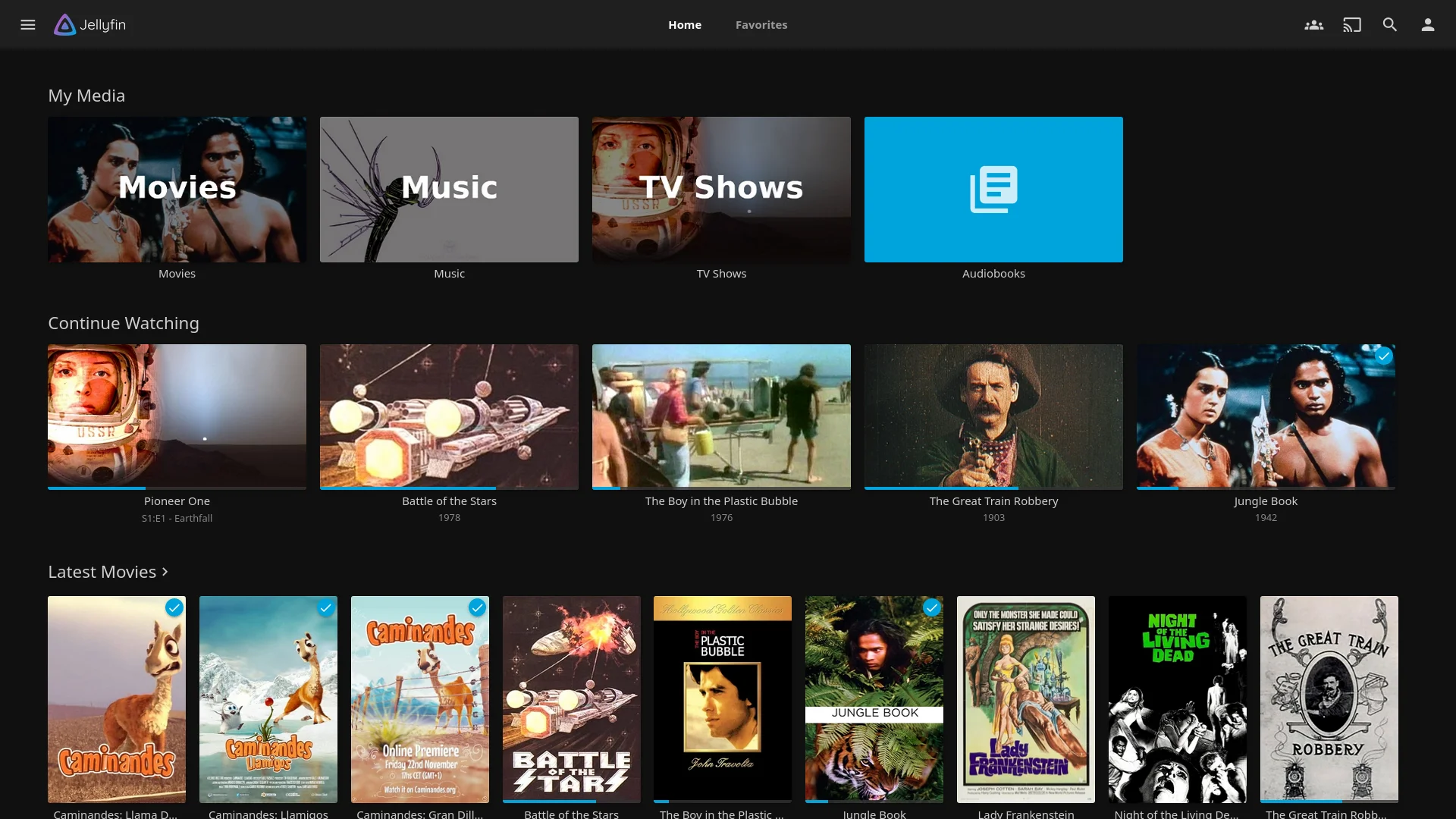
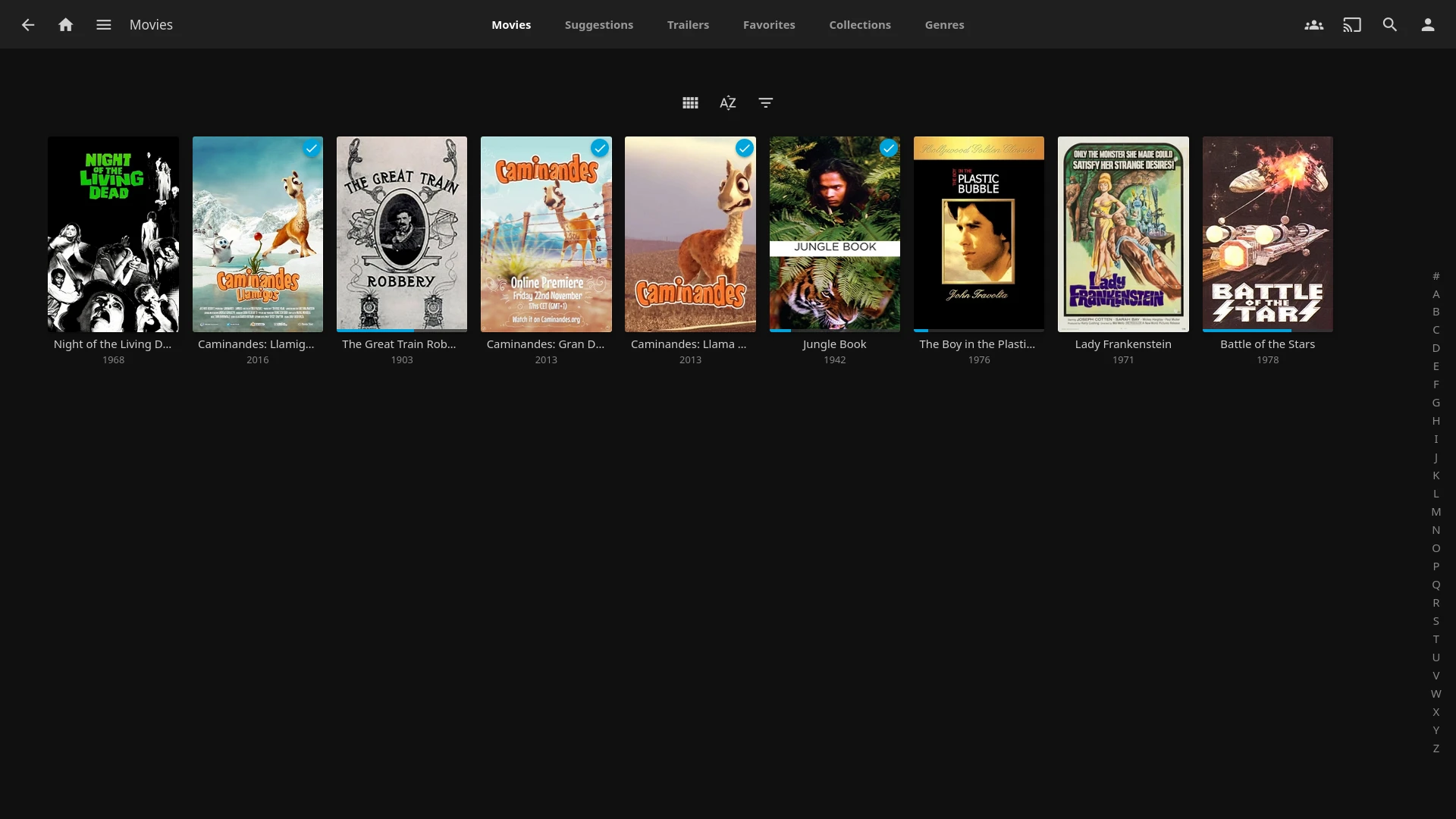
Once a directory is added, the server scans the files inside and fetches metadata, sorting films, series and music into the library. What you browse is a wall of posters, and opening one shows a description with episodes listed by season, close to a familiar video site. The same files open to the same content on any device, so nothing has to be reorganised when the device changes.
The playback side reaches widely. The download page lists clients by device type, with applications for the web, phones, tablets, televisions and desktop systems. When a player has limited capability and cannot handle the original format, the server can transcode into something the other end plays directly, which avoids the awkward case of a picture opening with no sound. The cost is that transcoding draws on server performance, which is worth weighing when choosing the machine.
Where several people share one server, separate accounts earn their place. The official notes say individual accounts can be created, with control over which libraries each may reach. Viewing progress stays apart, and what is visible to whom can be set separately, with no need to build two environments just to keep things apart.
Versions and extension
The release notes list versions in reverse order with the scope of changes and points to watch when upgrading. The newest release is 12.2. Reading the notes before crossing a major version is the calmer habit; a point release in the same series mostly fixes, with far less risk.
Functions extend through plugins, installed from a catalogue the community maintains, covering roughly metadata sources, interface appearance and added abilities. Community contribution means plenty of choice, and also that maintenance has to be judged: a glance at the last update before installing saves a round of troubleshooting. The project is published under GPL-2.0, which allows running, studying and redistributing it, with modified versions keeping the same terms.
Item
Official note
Current version
12.2
Form
a self-hosted server plus clients for many devices
Server platforms
Windows, macOS and Linux, plus container deployment
Main abilities
library organisation, playback on many devices, server-side transcoding, per-account permissions
Extension
plugins from a community maintained catalogue
Licence
GPL-2.0
Keeping the data in your own hands costs the configuration hours; what it buys is not having to explain anything to anyone.
A practical note: put the media on a dedicated data disk, apart from the system disk, so an upgrade or a reinstall leaves the material alone; tidy the file naming before the first scan and metadata matching improves noticeably; and when the server is modest, let players decode common formats directly and go through transcoding only when necessary.