
mpv: A Minimal Command-Line Player With Serious Video Output
Summary
mpv is a free open source cross-platform media player built around the command line, with a deliberately minimal interface and video output covering colour management, interpolation and HDR. Version 0.41.0 makes gpu-next the default.
Recommend- Name
- mpv
- Version
- 0.41
- Pricing
- Free
- Open source
- Open source
- Operating system
- WindowsmacOSLinuxAndroid
- Website
- https://mpv.io/
- Updated
- 2026-10-11 20:24
A player reduced to a picture and a thin strip of controls needs a harder kind of confidence behind it.
A player that starts from the command line
mpv is a free, open source, cross-platform media player. The official description does not soften the point: it is a player built around the command line, with support for a very wide range of media file formats, audio and video codecs, and subtitle types. Playback is the player's job, and control belongs to the command.
The interface follows the same logic. Officially the player itself is deliberately minimal, a full graphical interface is not the design goal, and only a small controller is drawn over the picture for basic operations. That trade keeps size and startup cost down, and it lets configuration live in a file that travels with you.
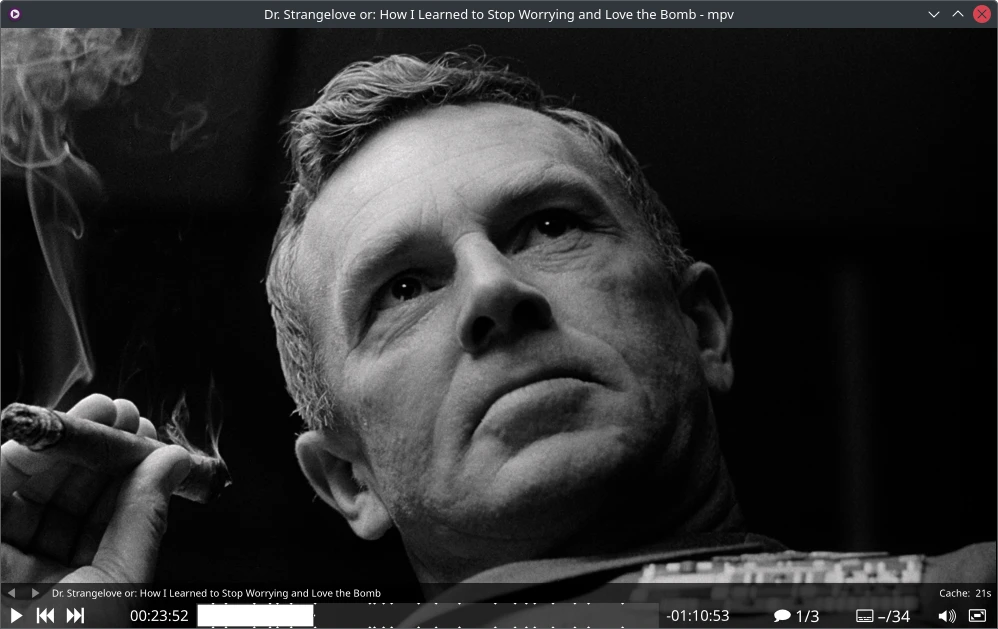
What the picture side actually does
Image quality is where mpv spends its effort. The official list names three graphics APIs, OpenGL, Vulkan and D3D11, and says the output covers the capabilities enthusiasts care about: scaling with mainstream high quality algorithms, colour management, frame timing, interpolation and HDR. Change the display and these settings change with it, without changing the player.
Hardware decoding is the other line. Officially it can call most hardware decoding interfaces on each platform, and hardware decoding can be switched on at runtime without recompiling or restarting. On a laptop that point decides power draw and temperature during long playback. Configuration living in text files also makes it easy to version or to carry between machines, so a second computer gets your profile instead of a fresh search for every option.
Item | Official notes |
|---|---|
Interaction | Command line first, only a small controller over the picture |
Formats | A very wide range of media formats, codecs and subtitle types |
Video output | Built on OpenGL, Vulkan and D3D11 |
Picture features | High quality scaling, colour management, frame timing, interpolation, HDR |
Hardware decoding | Most platform interfaces, enabled at runtime |
Default in 0.41.0 | gpu-next on libplacebo, hardware decoding through Vulkan |
Meant to be modified, and meant to be embedded
Scripting turns the player into a programmable tool. The official text calls the scripting powerful enough to make the player do almost anything, with a large collection of user scripts kept on the project wiki. Context menus, key bindings and playlist behaviour can all be filled in with scripts.
Embedding goes further. The C API was designed from the start so that mpv could be used as a library, which makes integration into other applications straightforward. It runs standalone and it can also sit inside other software as a playback core. Version 0.41.0 makes the libplacebo-based gpu-next the default video output, sends hardware decoding through Vulkan first, and asks for FFmpeg 6.1 or newer together with libplacebo 6.338.2 or newer.
The value of a player that leaves its interfaces wide open is usually not in the player, but in what others build with it.
Practical notes. Put the parameters you use constantly into a configuration file instead of typing them each time. On a laptop, confirm hardware decoding is enabled at runtime before tuning image options. And when you need batch processing or embedding in your own program, read the command and C API chapters of the official documentation rather than third-party tutorials, because it saves time.