
Xiezuocat proofreads, rewrites and continues Chinese text, free on the web
Summary
A Chinese-language writing platform from Shanghai: it underlines typos, grammar and collocation problems in different colours, rewrites sentences, continues drafts, translates between Chinese and English and suggests images. The web version is free; the App Store prices differ from the web prices.
Recommend- Name
- Xiezuocat
- Version
- 1.0.31
- Open source
- Proprietary
- Operating system
- WebiOSAndroid
- Website
- https://xiezuocat.com/
- Updated
- 2026-10-06 17:17
The moment it aims at
Anyone who writes Chinese has met this moment: the draft is finished, you read it through, and something in the wording feels slightly off, yet you cannot say where the fault is. Xiezuocat is aimed squarely at that gap. It is a Chinese writing assistant built by a Shanghai company, and the official App Store description puts the positioning plainly: a writing aid made for the Chinese-speaking population. The subtitle on the page is five characters long, and it translates roughly as know the mistake, be able to fix it.
The company and the model behind it
The developer was founded in April 2018 and is headquartered in the Xuhui district of Shanghai, in a district set aside for AI companies; the official site claims tens of millions of users. The more relevant point for anyone assessing the tool is the model. The company's own large language model, MetaLLM, passed China's generative model filing in 2023, in the second batch of registrations, and also passed the algorithm filing in the same batch, under the reference number Shanghai-MetaLLM-20231106.
That matters because the filing information is published on the official site, where it can be checked on the spot. For a writing tool handling internal documents, being able to verify the compliance record without asking anyone is worth more than a badge on a marketing page.
Proofreading is the core skill
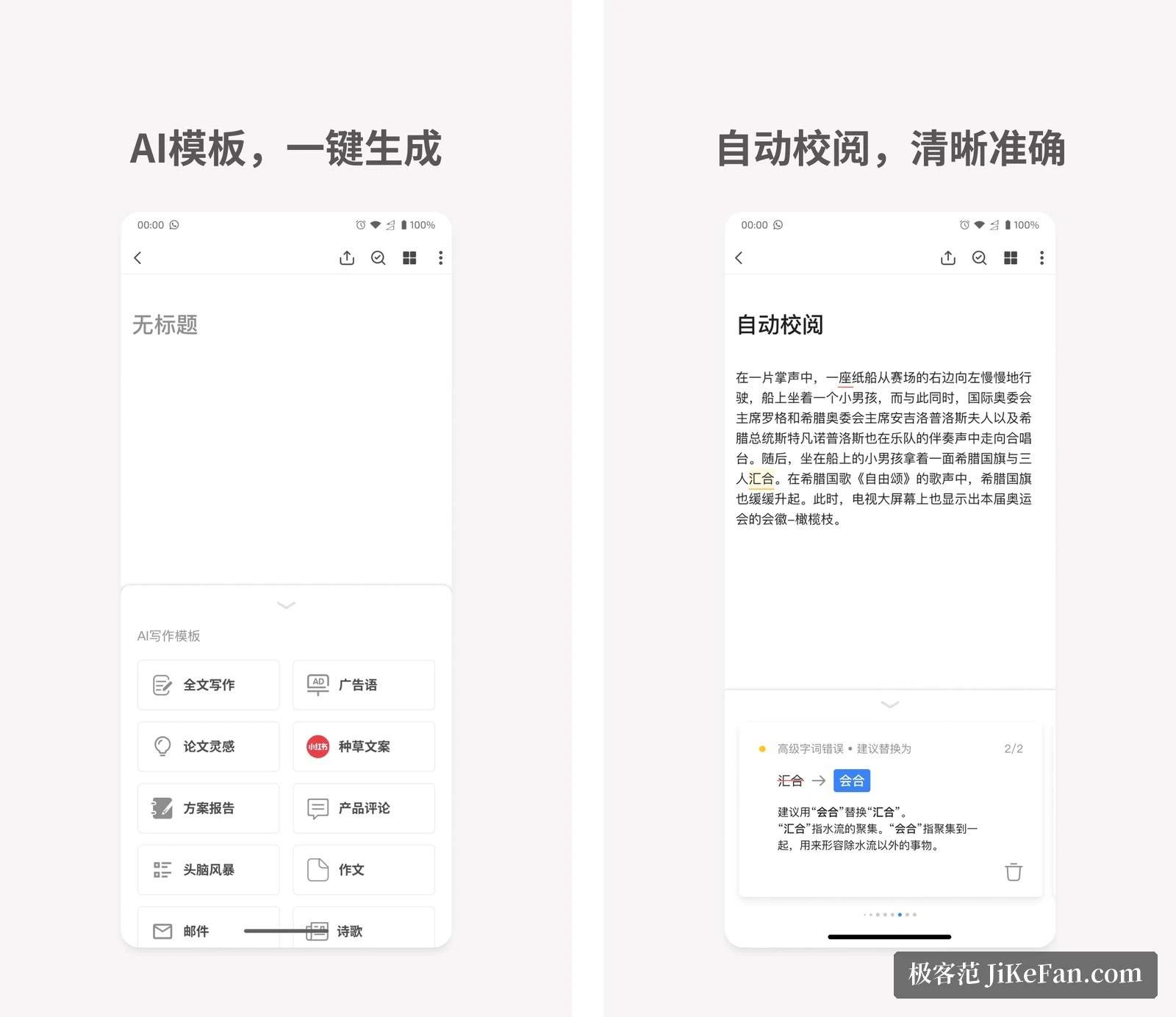
The official release notes describe the proofreading in concrete terms. While you write, the text and its meaning are analysed, and places with character, punctuation or grammar problems get underlines in different colours. Click one and a suggestion appears; accept it and the card applies the change in a single click. Third-party directories describe the same behaviour: typos, wrong punctuation, grammar and collocation problems are found quickly and marked in colour.

For a writer, the value of colour-coding by type is that the fixing has an order. Typos, grammar and collocation arrive as separate lists, so it is obvious which category to clear first instead of hunting through a paragraph of red wavy lines.
Write, rewrite, continue, translate, illustrate
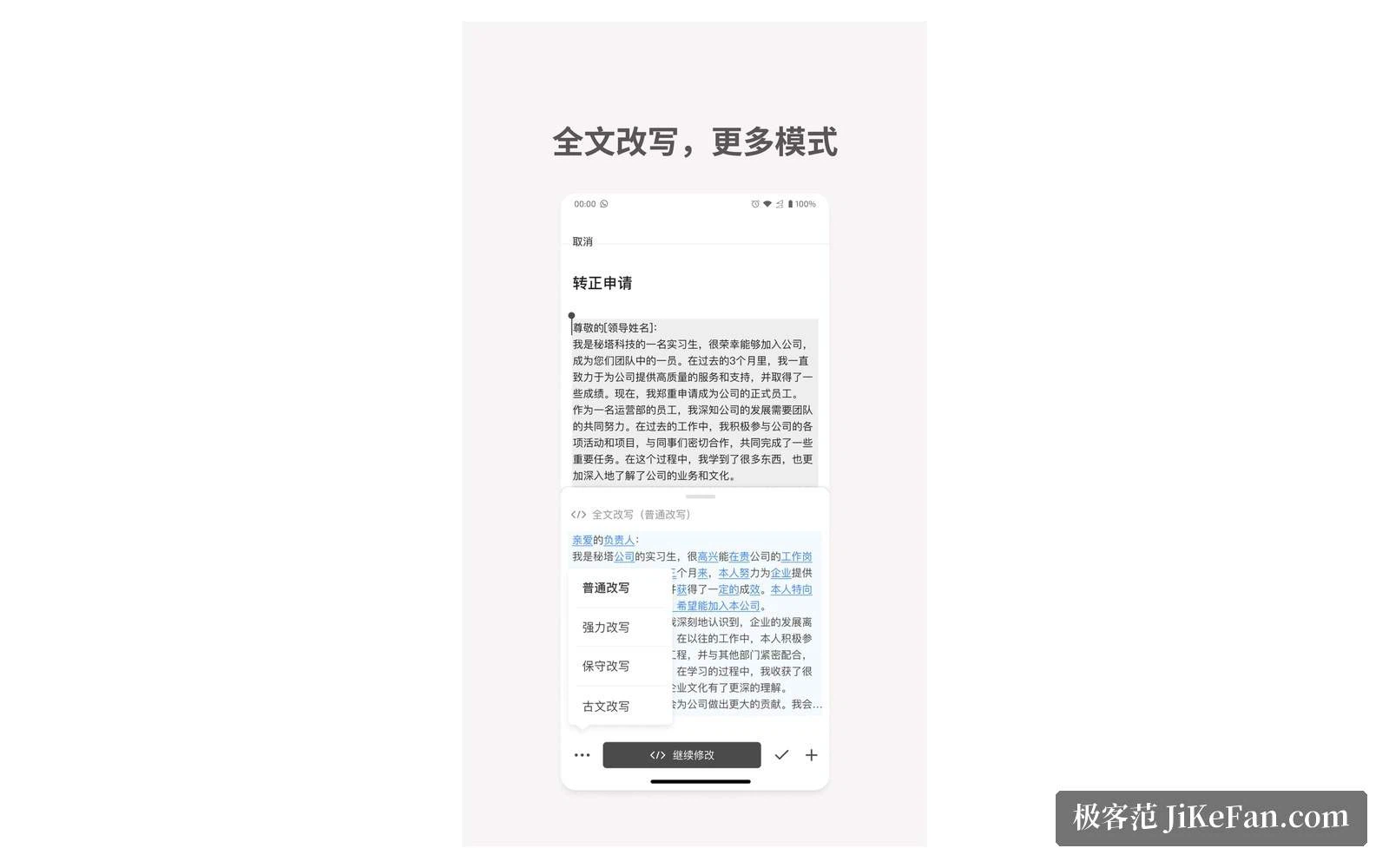
Beyond proofreading, the official notes list four more capabilities in their own words. Continuation analyses the text and proposes sentences that could follow. Rewriting offers several ways to express the same meaning, for a whole document or a single sentence, to make the writing smoother, clearer and easier to read. Translation turns Chinese into English and back, and lets you locate each original against its translation. Image search takes a selected passage and matches pictures to it, drawn from public stock libraries and usable directly.
Third-party directories add two more: a de-duplication mode that suggests how to rework passages that need changing, and collaboration, so a team can work on the same document and share it with a colleague in one step. Generating, proofreading, rewriting and illustrating happen in one flow instead of being shuttled between four or five programs, and that is the real difference from a single-purpose checker.
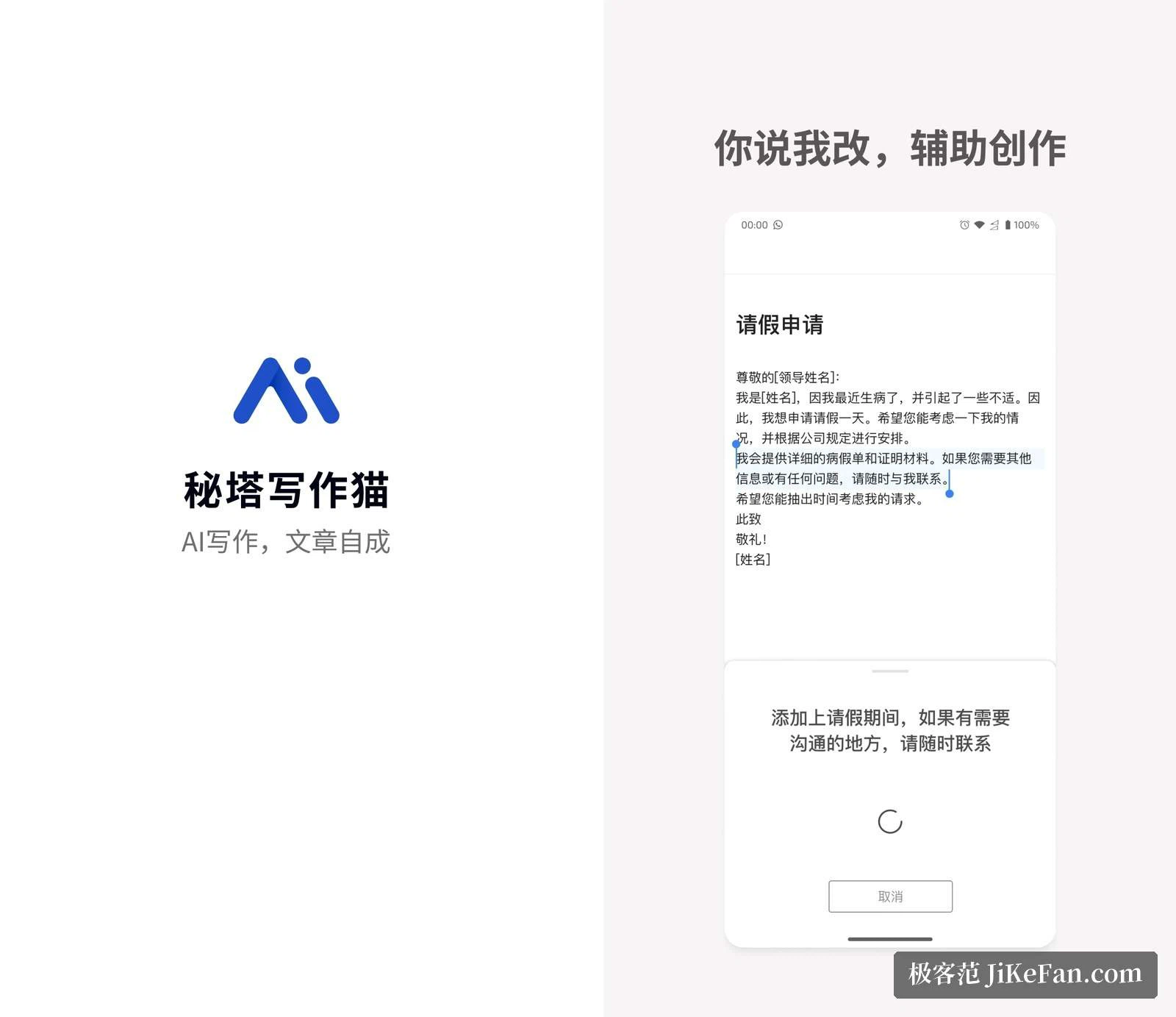
Saying it out loud instead of typing it
The home page leads with a slogan about not needing to type, and a second line about giving instructions aloud while the AI expands, polishes and finishes the draft. This voice-instruction feature is available on the free plan according to third-party documentation. Paid membership raises the allowance: the basic tier corresponds to 5000 characters a month and the advanced tier to 20000. For people who speak faster than they type, it is an entry point unlike anything a conventional proofreading tool offers.
Where it runs
Third-party directories list a web version, a Chrome extension, a mini program and a Word add-in. The App Store entry requires iOS 11 or newer and notes that Macs with an Apple M1 chip can run it too, while the Android listing gives version 1.0.31 and an installer of about 42 MB. The web version is the fullest; mobile suits catching an idea or editing in spare minutes; the Word add-in serves the habit, common in administrative work, of proofreading a document where it already sits.
Two sets of prices
This point has to be split in two. The web pricing collected by third-party directories reads: free at 0 yuan a month, with the basic Chinese and English correction model allowing 8000 characters a day and translation 2000 characters a day; a basic tier at 24 yuan a month and an advanced tier at 48 yuan a month, with the allowance rising by tier. The App Store in-app purchase list tells a different story: 48 yuan for one month of the personal basic tier, 96 yuan for one month of the personal advanced tier, plus 288 yuan a year for basic and 498 yuan a year for advanced, and character packs starting at 19 yuan for 10000 characters.
The two channels do not agree, so before paying, open the membership page on the web and the in-app purchase page in the app, compare the current quotes, and buy through whichever entrance you actually use.
Data handling, and who it suits
On data, the privacy section of the official site states that traffic is protected with the industry-standard TLS protocol over HTTPS, that user files are protected with 512-bit RSA asymmetric encryption and stored on proprietary file servers with full-disk encryption, and that the access control model ensures a user can only reach files they own. For anyone handling official documents or contracts, those sentences deserve a read in the original before paying.
As for who benefits: people who write a lot of papers, long-form posts and work reports gain most directly, because proofreading catches the low-level errors, rewriting supplies another phrasing, and image suggestions save a separate search for pictures. Two caveats belong here as well. First, AI proofreading is not perfectly accurate, and technical terms, personal names and quotations still need a human pass before the text is final. Second, the App Store listing shows mixed reviews of the mobile version, so if the phone is your main workplace, try the web version first to set expectations before installing the app.
The value of a proofreading tool is that it takes your attention off hunting for typos and gives it back to the thing that matters, which is getting the argument straight. The machine holds the floor; the ceiling is still in the writer's hands.