
MaxAI review: several models in one sidebar, three Pro chats a day on the free plan
Summary
Eight abilities stand behind one rule: never leave the page. The free plan gives unlimited ordinary chat and three Pro conversations a day, while the paid plan lifts that cap and opens the higher model groups.
Recommend- Name
- MaxAI
- Version
- 20260918
- Open source
- Proprietary
- Operating system
- Web
- Website
- https://www.maxai.co/
- Updated
- 2026-10-06 21:08
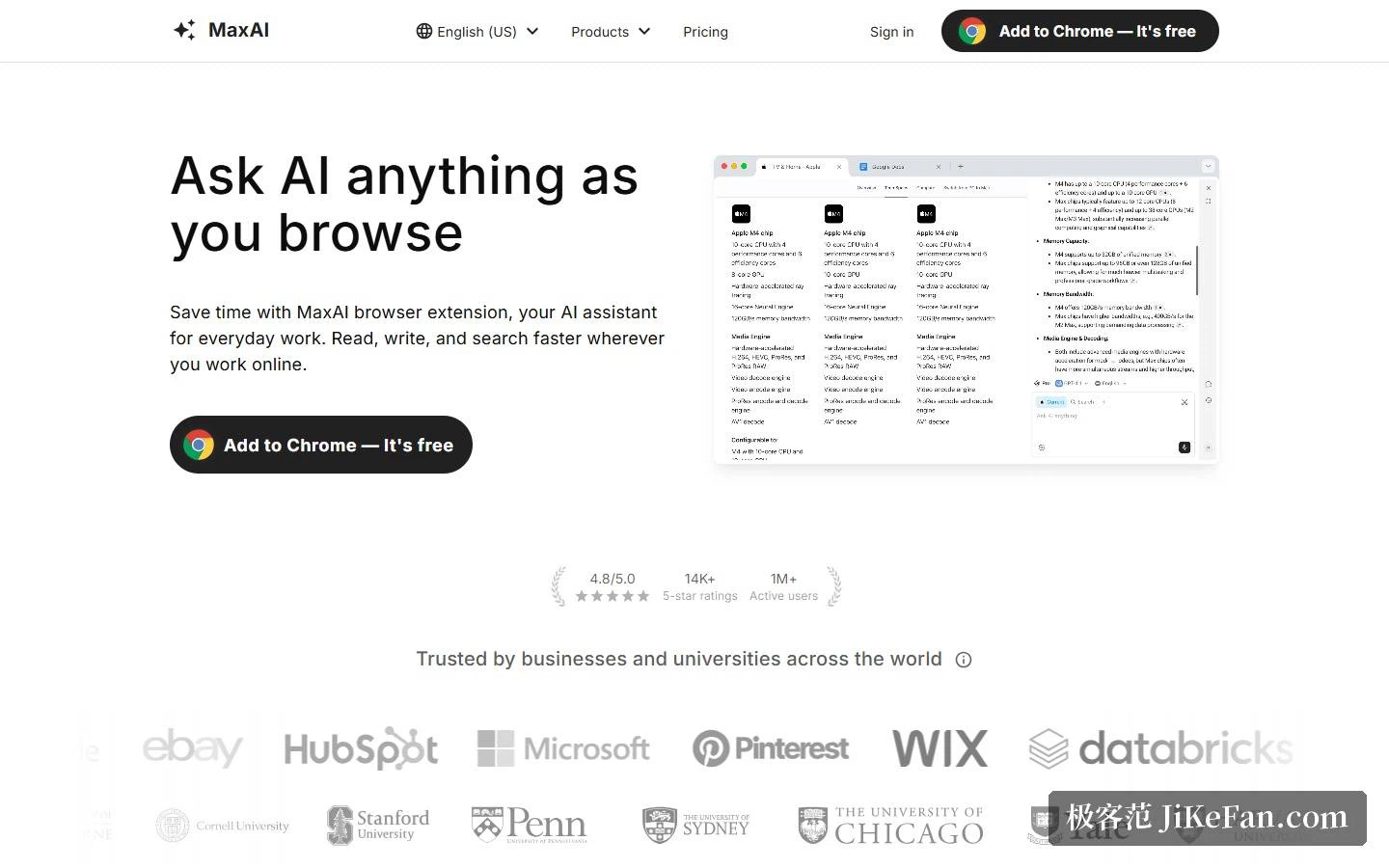
Two earlier entries in this browser-assistant line both took the sidebar as their doorway. MaxAI takes a plainer route: put the assistant inside the browser, so a half-read page can be questioned, rewritten or translated on the spot, and a reply can be drafted without carting the text somewhere else first. The homepage states it as asking while you browse and positions the product as an assistant for the working day, reading faster, writing more smoothly, searching more precisely.
Eight abilities, one premise
The homepage lists eight core abilities: a sidebar that removes tab switching; the mainstream models gathered in one place, so one question can go to all of them; contextual questions about whatever page is open, with no copying; answers that carry their sources; writing help that improves the whole page in one click; bilingual translation with original and rendering side by side; prompts saved for reuse and called up in a click; and image generation. Behind all eight sits a single premise, which is not leaving the current page.
Copy and paste is named as the action to be abolished, and three of the eight point straight at it. That is a narrower ambition than it first looks, and a more honest one: the promise is not a cleverer model, it is one detour fewer.
The scale figures sit below the fold: a rating of 4.8 out of 5, 14000 five-star reviews or more, and over a million active users. Under them runs a row of company and university marks, offered as evidence that institutional customers use it. The arrangement says something about the positioning, since this reads less like a toy for enthusiasts than a tool for shaving time off a working day.
Scenarios: from a long article to a line of code
Use is sorted into eight categories, writing, research, learning, marketing, data analysis, productivity, translation and coding, each with one concrete task attached: drafting a long blog post, summarising a video, explaining a complicated idea more simply, brainstorming slogans for an event, explaining a chart in plain words, turning messy notes into an actionable to-do list, translating a foreign article in place, and walking through unfamiliar code line by line. The spread runs across content production, classroom learning and engineering reading, which is wider than an office assistant usually claims, and deliberately so, because the product refuses to confine itself to one job title.
User-reported numbers back the claim: more than 40 hours saved per person per month, a 300 percent gain in the quality and depth of comprehension, research five times faster, 80 percent less time spent writing and editing, 120 percent better writing quality, and 1000 dollars saved per employee per month. Every figure carries an attribution, and two badges hang beside them, a weekly first place on a well-known product discovery site and a statement that privacy is the entire focus.
Free plan against Pro
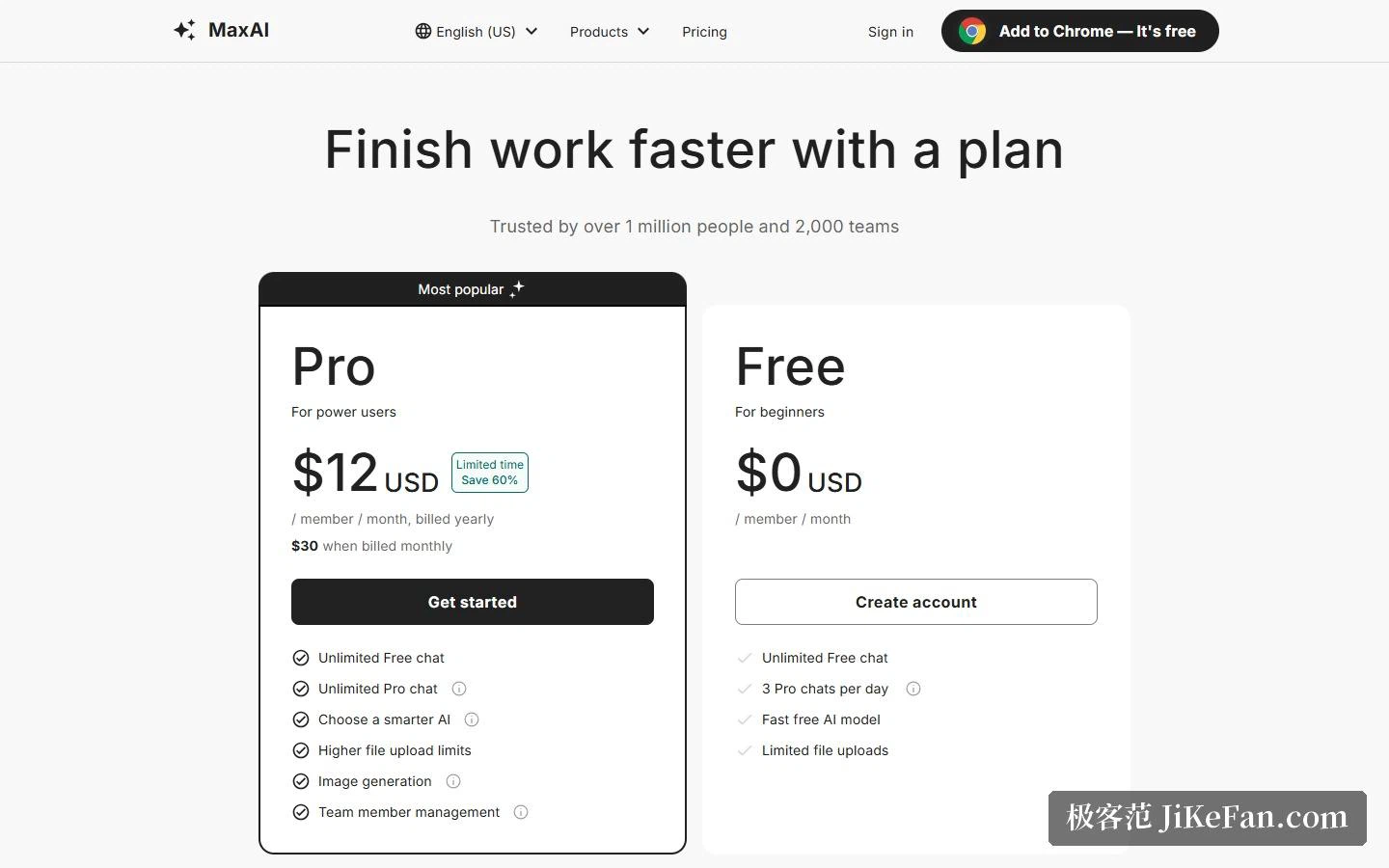
Pricing has two columns only. The free plan sits at 0 dollars and is aimed at people starting out: unlimited free conversations, 3 Pro conversations a day, the fast free models, and a capped file upload. Pro is 12 dollars per person per month on annual billing, flagged as a limited-time 60 percent saving, with 30 dollars the monthly price; it brings unlimited free conversations, unlimited Pro conversations, a choice of smarter models, a higher upload ceiling, image generation and team member management. A line above the table says a million people and 2000 teams use it.
The comparison table goes finer. Pro adds five times the web search sources, deep source analysis, advanced reasoning, more accurate answers, customisable replies and voice input, plus unlimited use of asking several models at once, an item capped at three a day when nothing is paid. Ordinary conversation is unlimited on both sides, so the real dividing line is whether the higher model groups can be called at all, not how many conversations are allowed.
Models sorted into three groups
The pricing page arranges the selectable models in three groups. The fast group holds the small, inexpensive ones; the smart group the larger flagships; the thinking group the reasoning variants that take longer and cost more. Pro marks every one of them unlimited. Sorting by purpose is more useful than dropping a list of version numbers on the reader, since everyday questions belong in the fast group and long analysis or hard reasoning one step up.
One inconsistency is worth flagging. The feature page still lists a roster from an earlier moment, plainly out of step with the pricing table. It is not so much an error as pages updated at different times, and where the two disagree the pricing page is the safer reference.
Material, rewriting, replies, translation
What can be questioned is listed wide: web pages, video, PDFs, mail, files, images and audio all go in. Rewriting is a row of buttons, improve the writing, fix spelling and grammar, adjust the length, change the tone, simplify, paraphrase, and beside them sit explain, answer, summarise and pull out action items. Search is sold on timely, trustworthy answers with links to sources attached.
Replies run longer still, covering mail, a professional network, the large social platforms and the messaging services where the day actually gets spent, a dozen surfaces in all. The suggested use is a quick reply to mail, a social post or a message, built from a few bullet points. Translation takes two forms: select text and translate in place, or put the whole page side by side. Image generation draws on several image models, unlimited on Pro as well.
The web version and the free tools
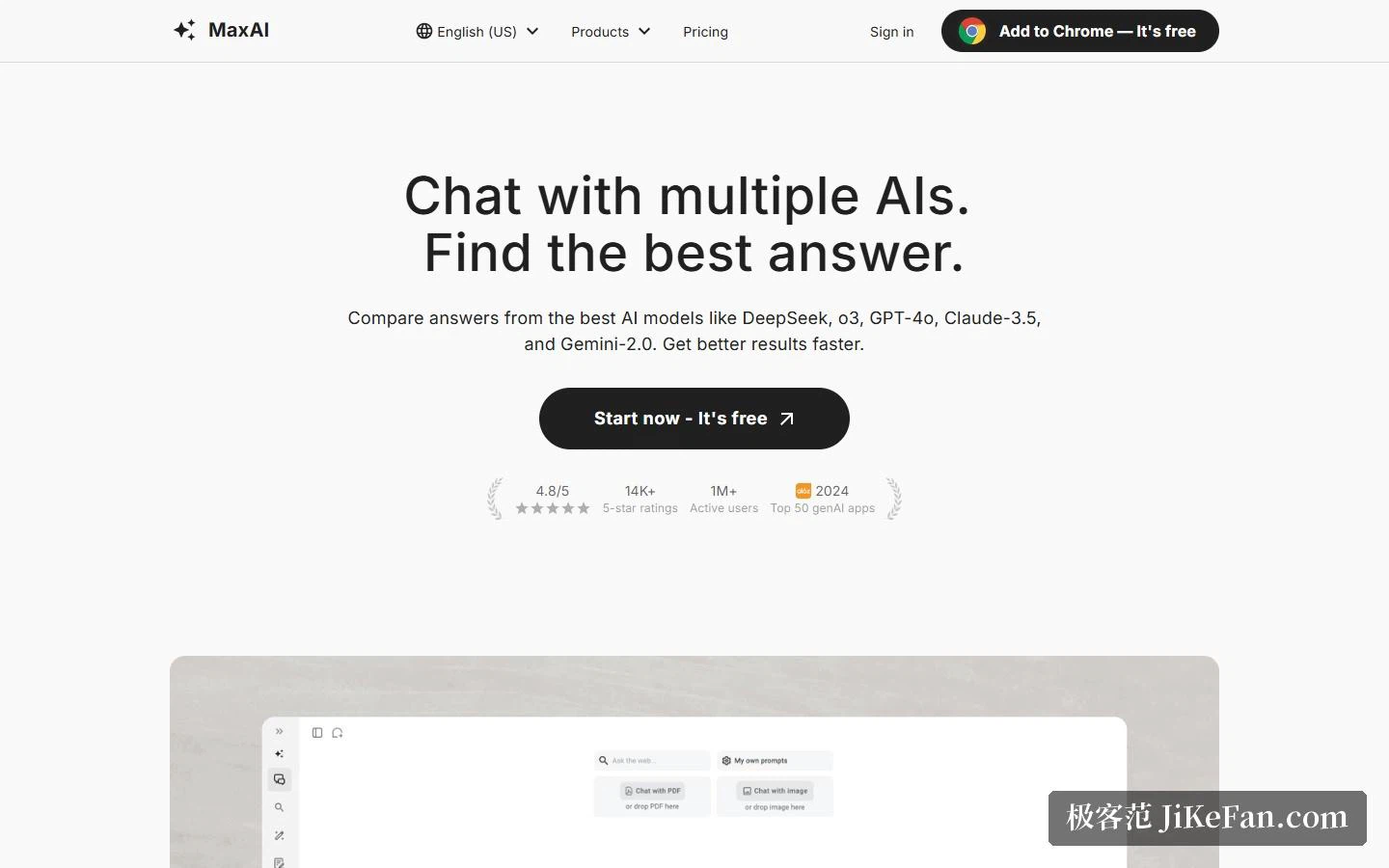
The extension and the web version run separate feature lists. The extension side claims nine, an assistant, a summary, conversation with a video, with a PDF and with an image, search, translation, rewriting and replies. The web side claims five: chat, search, writing, image generation and PDF conversation. There the headline feature is putting one question to several assistants and comparing the answers, and the page title says exactly that.
A free tools area sits alongside, split into five columns for AI, PDFs, images, files and text, with 218 writing tools called out separately. None of it needs the extension installed, which quietly makes the tools area a front door for anyone who wants to try before committing.
The terms, and what to watch
The terms are blunt enough to be worth reading first: subscribing starts automatic billing, cancellable or manageable through the payment provider's customer portal on the plan page; the service is for normal personal use, with account sharing and programmatic routes around the official interface both forbidden; payments are not refunded; and losses caused by breaking the agreement leave the door open to claims. For an individual the first two change little, but for anyone planning to share an account across a team or drive it from a script, those lines are an explicit wall.
Two practical cautions. The free plan is for trying, since unlimited ordinary conversation covers everyday questions, while 3 Pro conversations a day and a capped upload mean long documents and image material only open up on Pro. And the multi-model idea takes some thought, because the same question produces very different results depending on the model and the price gap sits exactly there; work out which ability you actually need before deciding where to spend the allowance.
What separates browser assistants is often not how strong the model is, but whether it saves the person one more copy and paste.