
Otter.ai transcribes meetings live and hands back the decisions, with 300 free minutes a month
Summary
An assistant for meetings: live transcription in several languages with speakers told apart, a summary of decisions, action items and insights after every call, and a chat that can be questioned across the whole archive. The free tier includes 300 minutes a month.
Recommend- Name
- Otter.ai
- Version
- 20260917
- Open source
- Proprietary
- Operating system
- WebWindowsmacOSiOSAndroid
- Website
- https://otter.ai/
- Updated
- 2026-10-06 03:19
A bot that joins, or a machine that listens
Going back through a recording to find what was decided is the slowest way to review a meeting held in English. Otter exists to remove that step. Its own framing has moved past transcription: the notetaker is now pitched as a conversational knowledge engine, which makes the transcript raw material and puts the value in being able to search it and question it later.
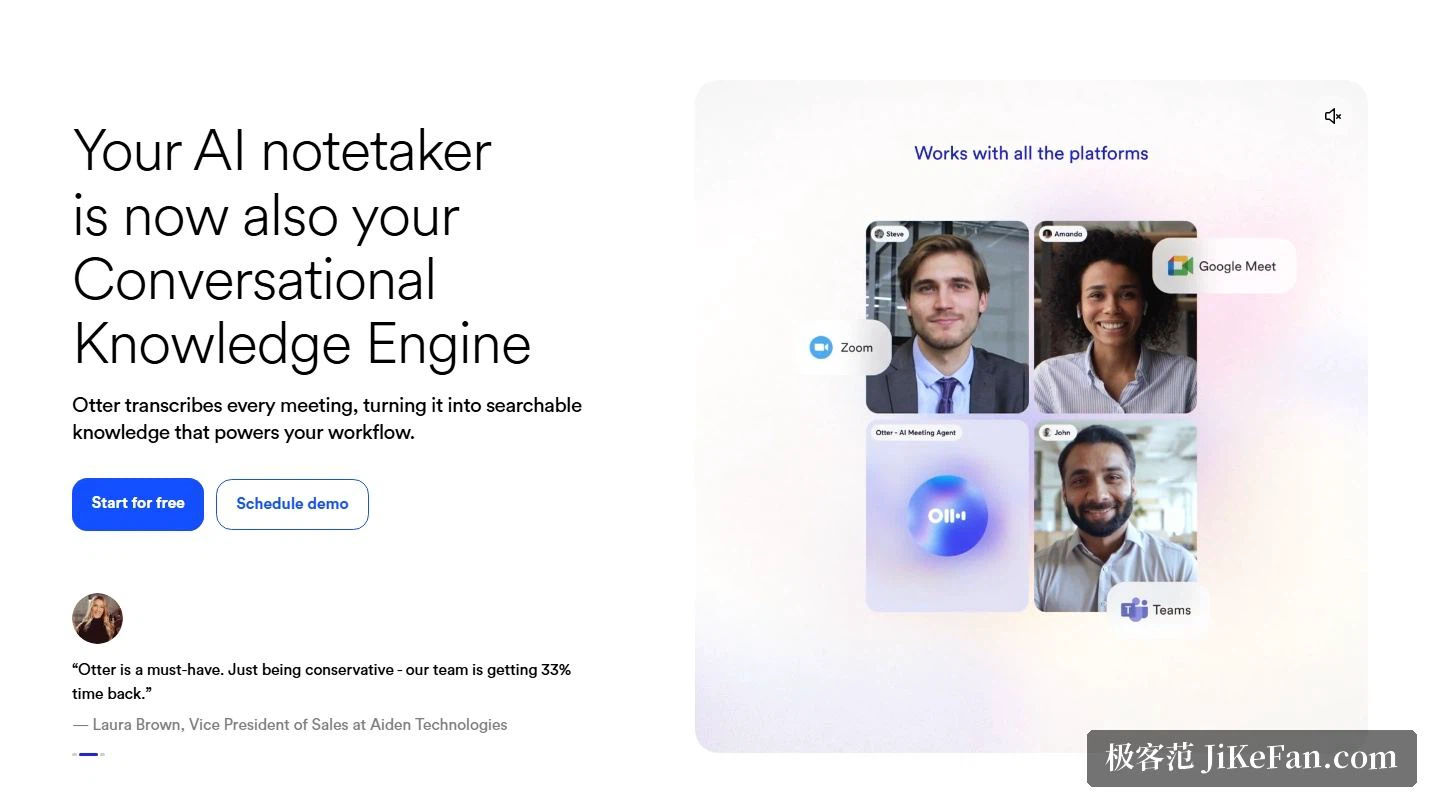
There are three ways to capture a conversation. The assistant can be sent into a Zoom, Microsoft Teams or Google Meet call as a participant; it can record locally from the Mac or Windows desktop application, which the vendor calls bot-free meetings because nothing joins the call; or it can capture from a phone. The first screen of the site states that it works with all the platforms, with the three major meeting services shown side by side.
Words as they are spoken, then the summary
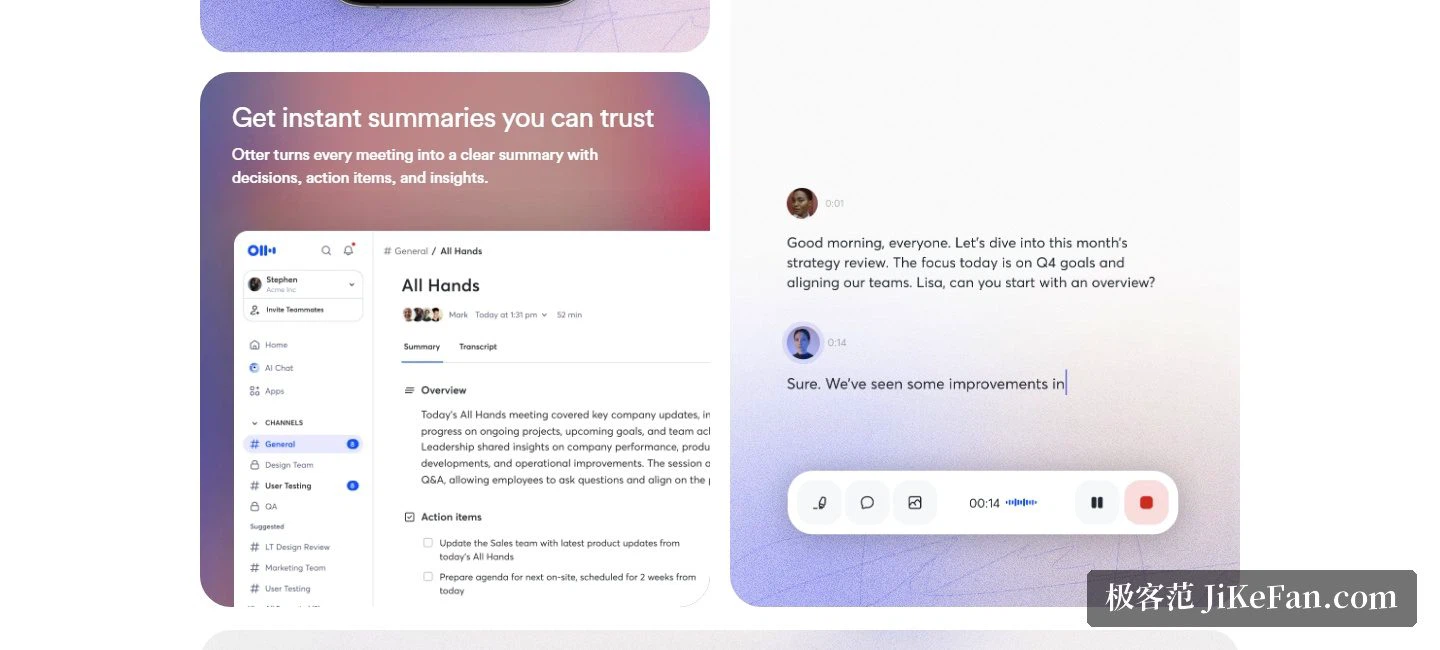
Live transcription runs across several languages with speaker identification, so the text appears while people are still talking. The vendor says the language engine is largely its own work and holds up in noisy rooms and against heavy accents; treat that as a claim rather than a benchmark. The part that actually saves the meeting is the summary: every conversation produces a short record of decisions, action items and insights, and a separate feature pulls the next steps out and assigns them to people.
Asking the archive questions
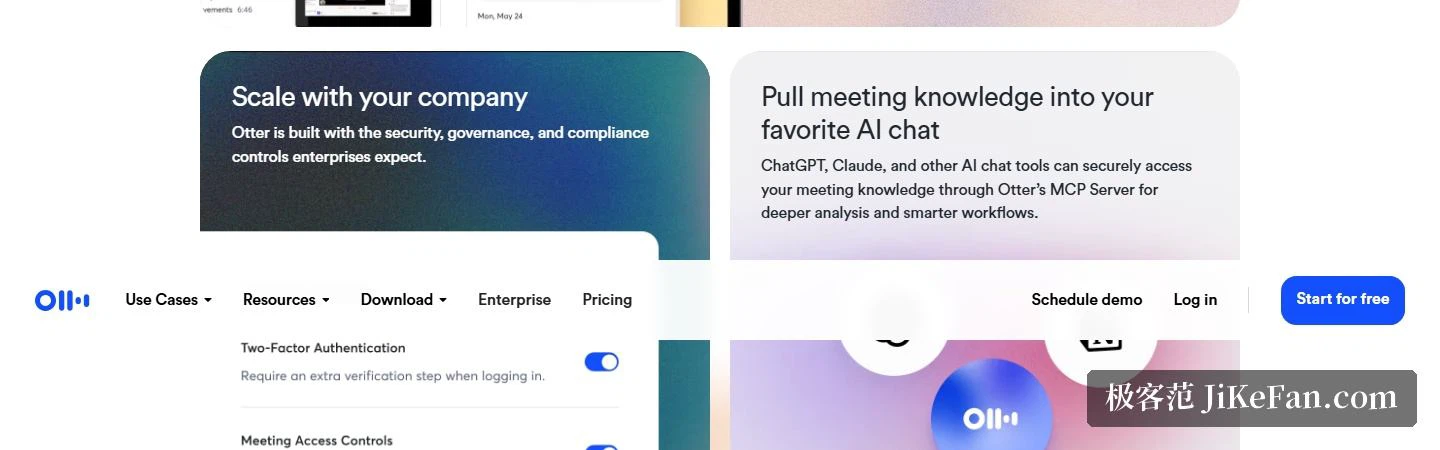
Recorded meetings are only worth keeping if they can be interrogated. Otter AI Chat searches across meetings and connected applications, answers on the spot, and helps draft the follow-ups, reports and content that come after; the help centre adds that it can translate a conversation and be asked questions in another language. The further step is an MCP server: chat tools such as ChatGPT and Claude reach the meeting knowledge through it, which is how a stored archive becomes input for deeper analysis and for workflows outside the product.
The integration list is long — Zoom, Microsoft Teams, Google Meet, Slack, Salesforce, Claude, Google Calendar, Google Docs, Dropbox, HubSpot, Jira, Notion, Glean, Asana and more. A calendar link lets the meeting agent join calls on all three major platforms automatically; audio and video dropped into Dropbox is transcribed into searchable text; on the sales side, deal details, notes and next steps are extracted and pushed into the CRM. The conversations themselves are grouped through Channels by team, project or topic, and recordings and collaborative documents sit in one shared space. The vendor also states that the product is built with the security, governance and compliance controls enterprises expect.
Which languages, exactly
The help centre is the authority: transcription covers English, Spanish, French, German, Japanese and Chinese in its simplified form. Live transcription for French and Spanish was announced on 23 October 2024, and what shipped was transcription — translation is handled through Otter Chat. For a multilingual meeting the safe pattern is therefore two steps: transcribe first, then ask the chat to translate.
Four tiers, priced on the official page
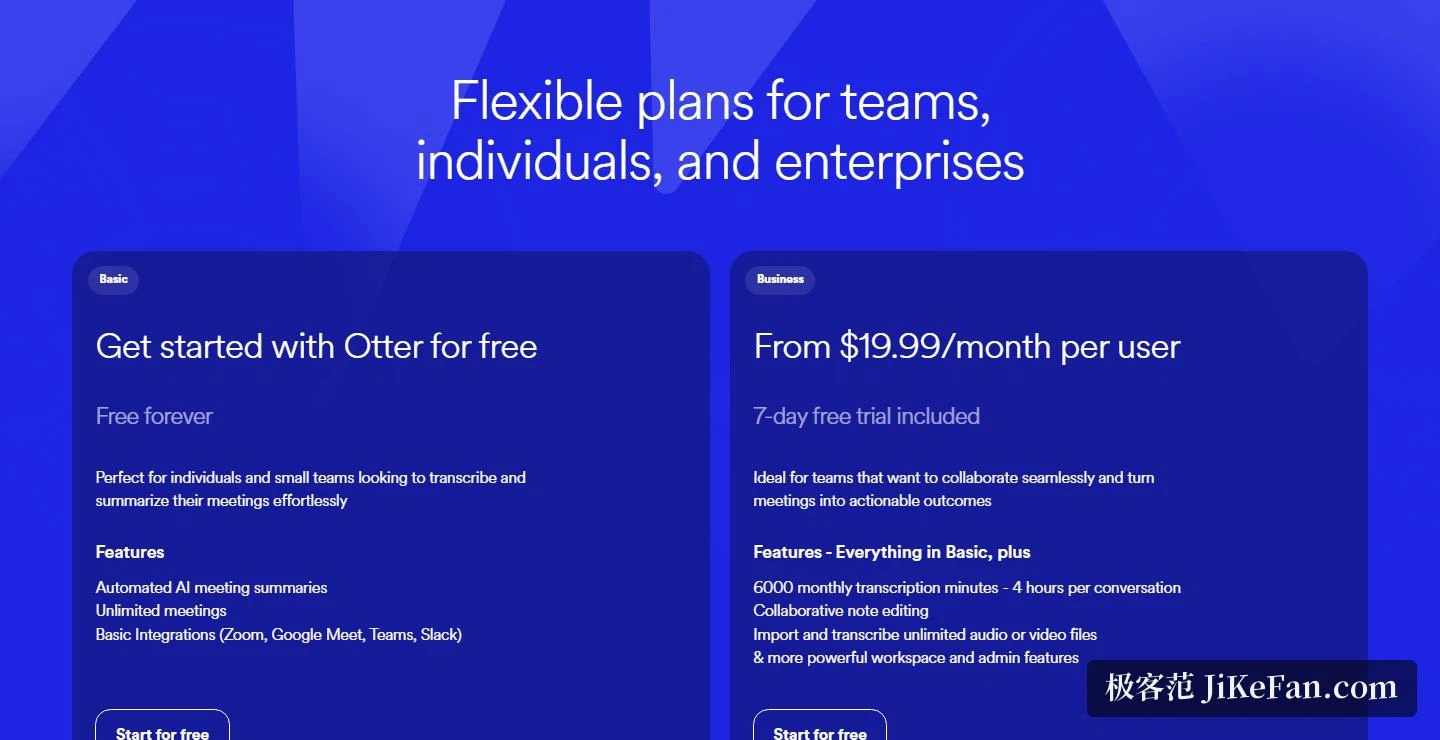
Basic is free forever: 300 minutes of transcription a month, 3 audio and video imports for the lifetime of the account, cross-meeting chat, the MCP server, multilingual support, the mobile applications, integrations with the three meeting platforms, and speaker identification.
Pro targets individuals and small teams at 16.99 dollars per person per month, or 8.33 dollars per person per month billed annually: 1200 minutes of in-app recording, 10 file imports a month, meetings of up to 90 minutes, unlimited storage, a team vocabulary, taggable speakers, plus Salesforce, HubSpot and Zapier integrations. Business is 19.99 dollars per person per month billed annually, or 30 dollars month to month: unlimited meetings and in-app recording, sessions of up to 4 hours, 3 meetings joined at once, stronger administration and priority support. Enterprise is quoted for large teams and adds SSO and SCIM, domain capture, HIPAA compliance as a paid add-on, and the API with webhooks.
Who it suits
The vendor maps it onto five job functions: sales calls captured with live coaching prompts, courses and seminars turned into searchable notes in education, interviews converted into transcripts and quotable lines in media, plus one agent that assists interviews in recruiting and another that runs automated product demos for sales development.
The scale figures come from the vendor's own 2025 recap: more than 35 million users, more than a billion meetings processed, and annual recurring revenue above 100 million dollars. The company is based in Mountain View, California.
Two honest notes. Transcription covers the six languages the help centre lists — Chinese included, in simplified form — but anyone with a strong accent or specialist vocabulary should test the free tier before committing. And the free plan caps minutes, session length and file imports, so heavy users should price their own volume against the page first. The product strings recording, transcription and questioning into one line. Which action item gets followed up is still a decision taken after the call.
A transcription tool turns a meeting from something heard into something searchable. Turning that text into action is still the job of the person who was in the room.