
Mapify turns a PDF, a web page or a video into a mind map in seconds
Summary
Reading turned into looking: drop in a document, a link, a recording or a scanned page and a structured map comes back, with timestamps that jump into the video and source links attached to the branches.
Recommend- Name
- Mapify
- Version
- 20260917
- Open source
- Proprietary
- Operating system
- WebmacOSiOSAndroid
- Website
- https://mapify.so/
- Updated
- 2026-10-05 21:46
Material piles up, retention goes the other way. Mapify answers that with a change of medium: instead of reading, look. Its own label is an AI mind map summariser, and it takes video, PDFs, links, podcasts and meeting recordings and returns a structured map within seconds, running on mainstream large models underneath.
Six ways in
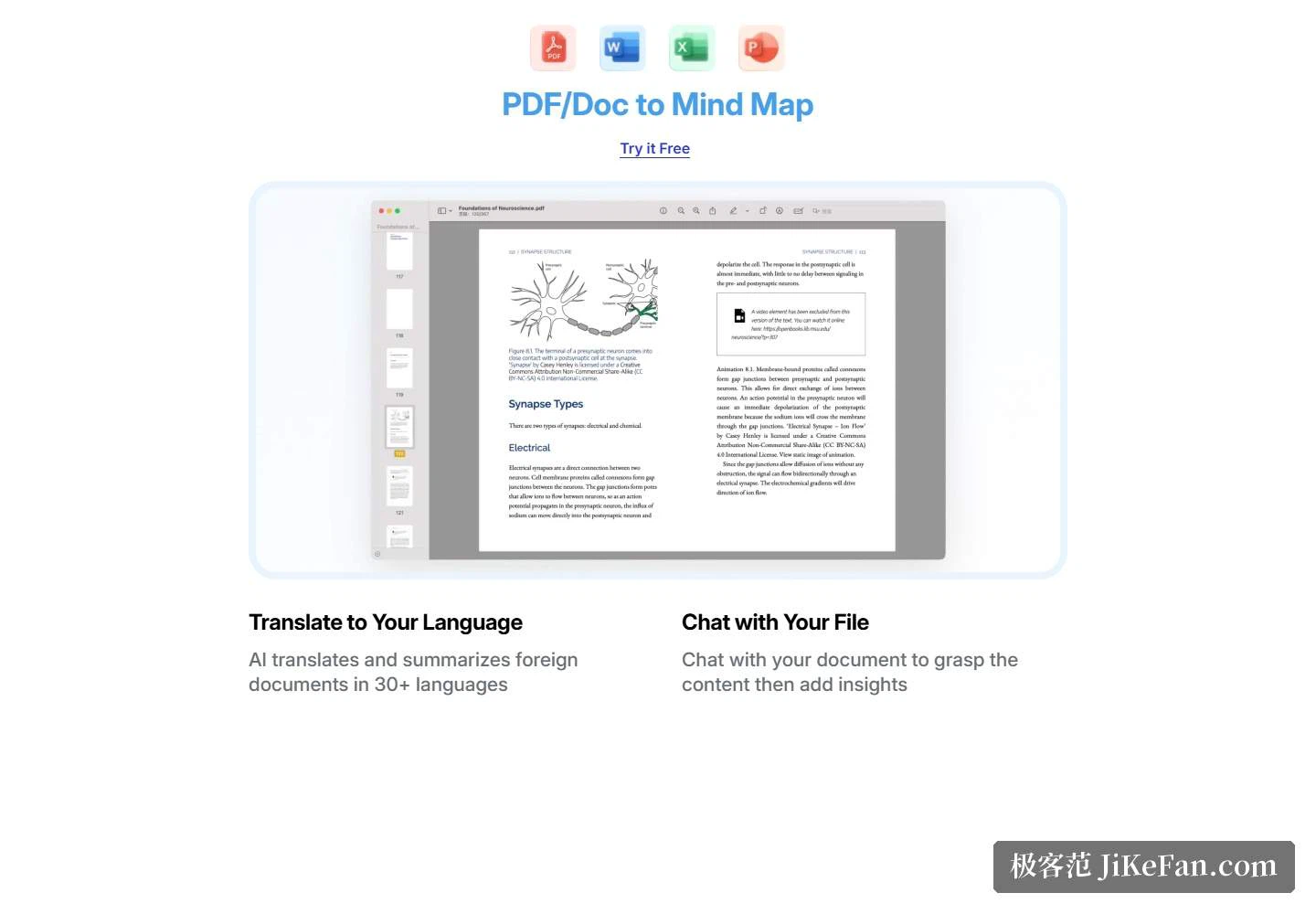
The homepage breaks the promise of a single click into separate entry routes. A PDF or a doc converts directly. A document in another language gets translated and summarised across more than 30 languages. Chat with your file lets you question the document first, grasp it, and then add your own reading on top. News pages become fast summaries, and any block of long text pasted in returns a compact visual digest. Drop in a recording or a podcast and the key points are pulled out. Upload a photo, a chart or a scanned notebook and the content is read off the image and turned into a map.
Video, search and the branches in between
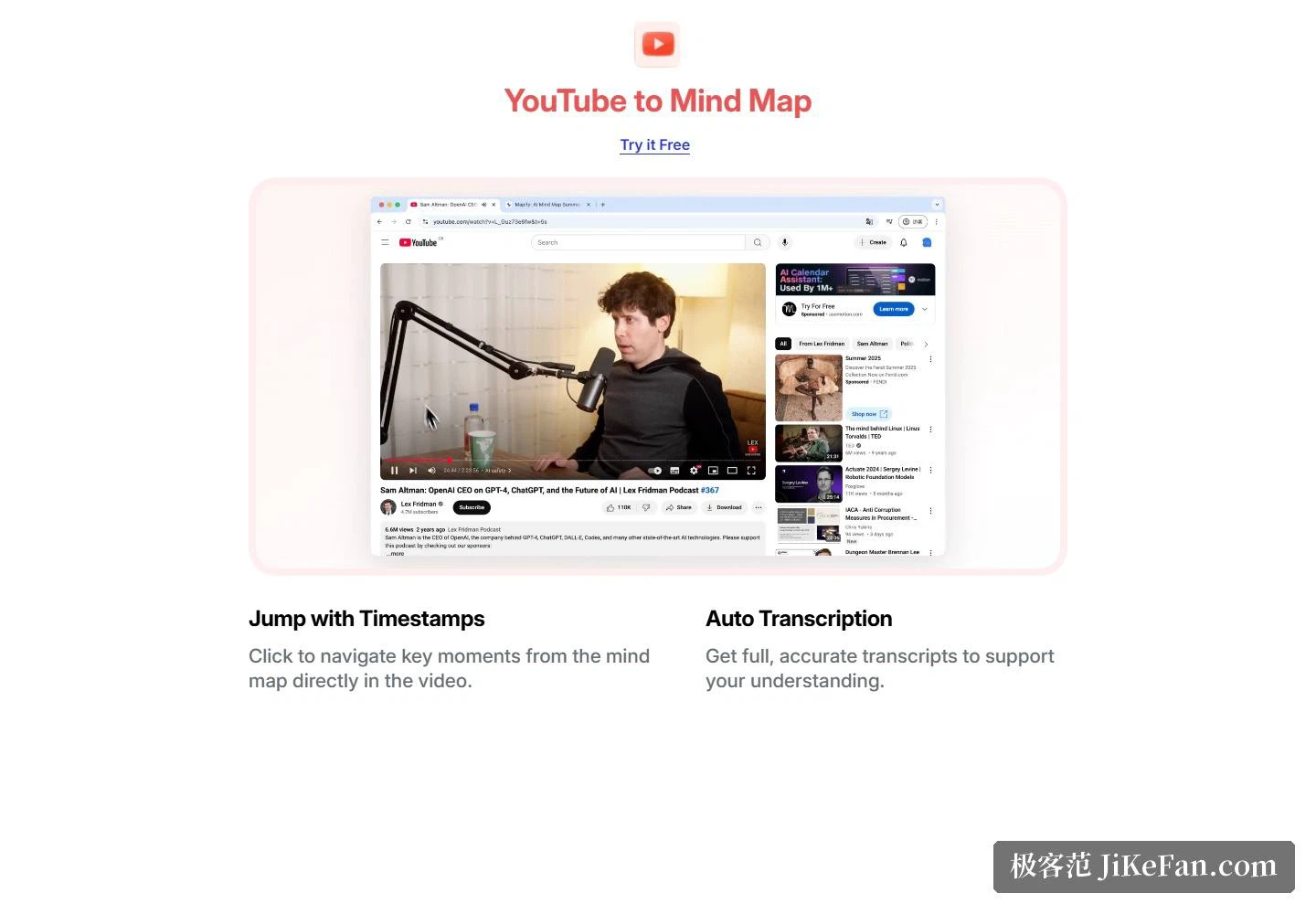
Video is where Mapify invests most. Nodes carry timestamps, so a click lands on the exact moment in the video; automatic transcription produces a full subtitle text alongside the map, giving two results from one source. On the research side the page lists a web-powered search: switch it on and the map arrives with source links attached, with asking, searching and mapping on one chain. When a line of thought stalls, one click expands any branch into further angles.
Making the map is the start
Editing is described concretely: keyboard shortcuts or direct clicking to rearrange structure and layout. Finished maps are shared by link or exported as an image, a PDF or Markdown. The framing is learning, working and thinking faster, with four labels — research, learning, brainstorm, analyse — each mapping to its own entry point.
Free at the start, four tiers above
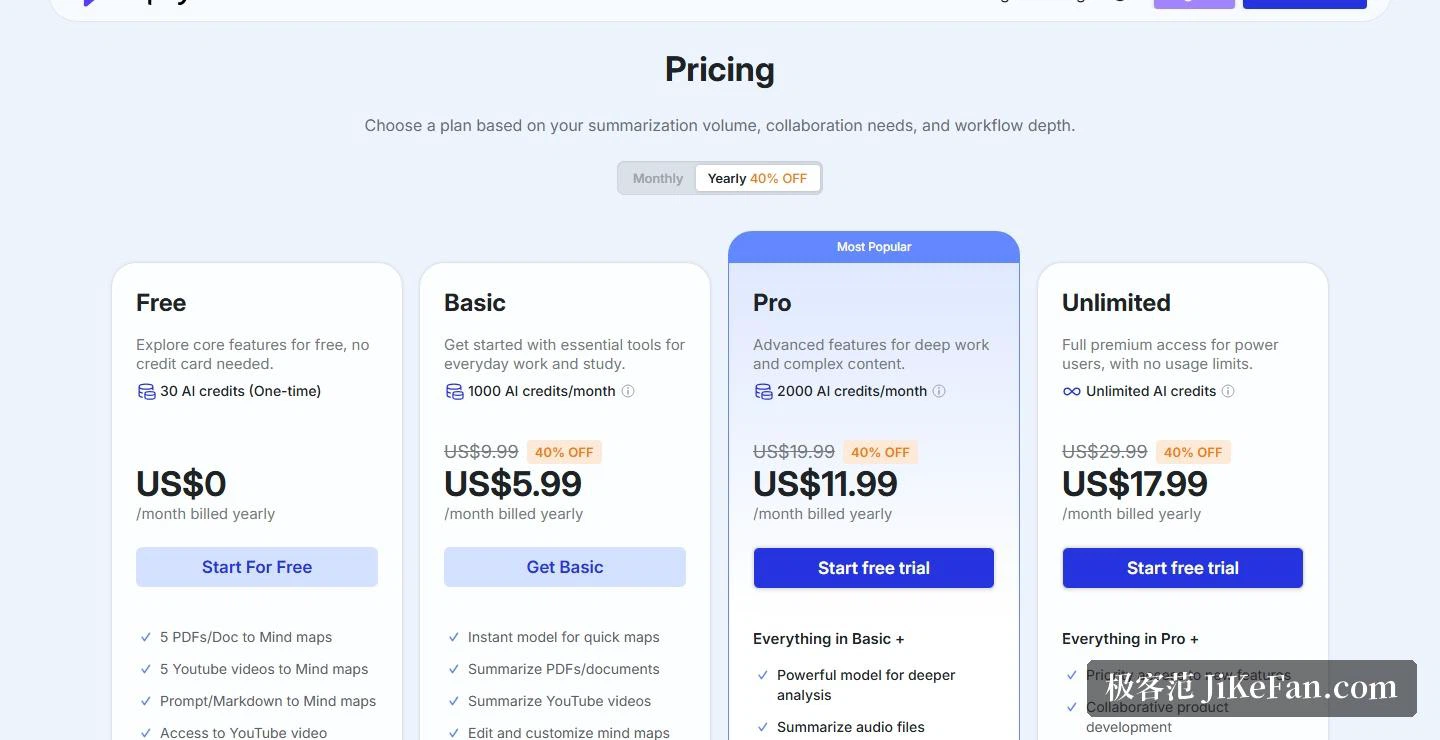
The official pricing page puts the free plan at US$0: a one-off 30 AI credits, enough for 5 PDFs or docs and 5 videos, prompts or Markdown turned into maps, plus access to video subtitles, with no card required.
Paid tiers separate on credits. Basic gives 1000 AI credits a month at US$9.99 monthly, or the equivalent of US$5.99 a month billed yearly at 40% off, with PDF, Markdown and SVG export and maps presented as slides. Pro raises that to 2000 credits at US$19.99, or US$11.99 a month yearly, adding deep research, files of ten million words, audio and video timestamps, text-to-image and AI conversation. Unlimited drops the credit ceiling at US$29.99, or US$17.99 a month yearly, with early access to new features and priority support. Teams can ask sales for a custom arrangement.
Extras, and who makes it
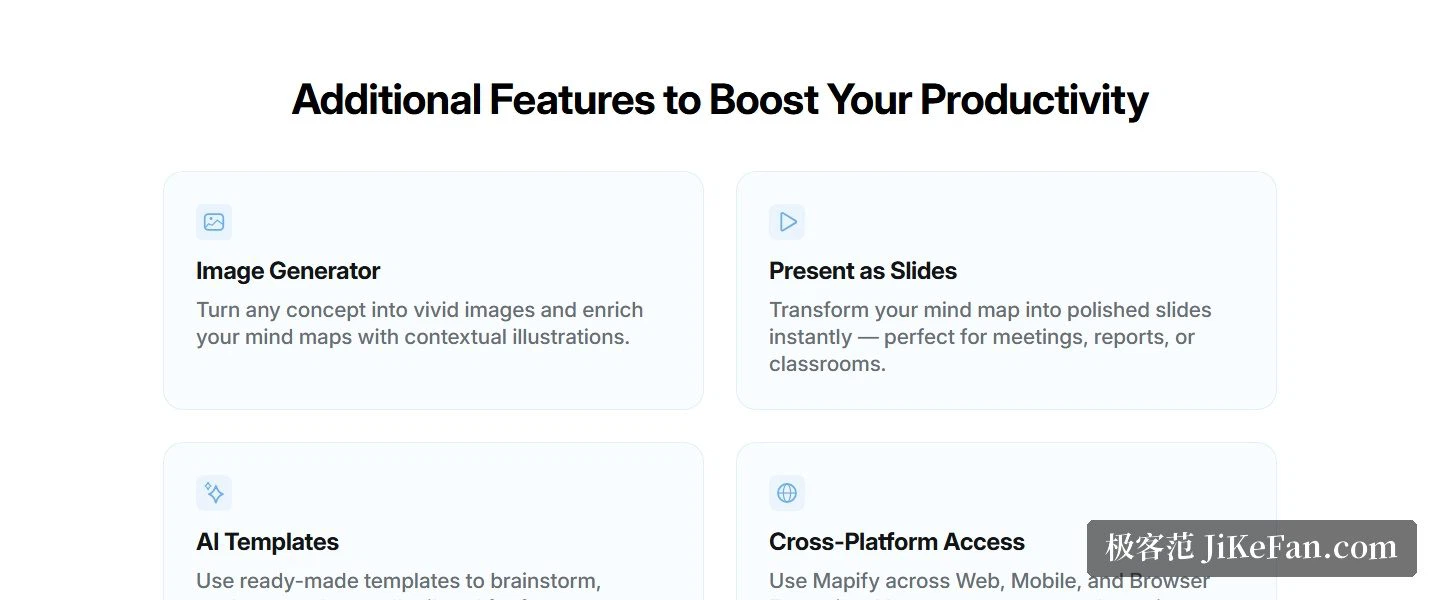
A short list of add-ons sits beside the core: an image generator that turns concepts into illustrations for the map, a present-as-slides switch that lays a map out as a deck, ready-made templates, and data kept in sync across web, mobile and a browser extension.
The FAQ is direct about the maker: Mapify is developed by Xmind, with the summarising of documents, articles, videos and pages built up as its speciality. One subscription covers web, the browser extension and the iOS, Android, iPadOS and macOS apps; students and educators get 30% off; the site states ISO/IEC 27001:2022 certification.
Who it suits
The pictures the site paints are ordinary ones: a student uploads a lecture handout of several dozen pages and gets a structured map in seconds; someone at work drags in an hour-long meeting recording and finds the points spread across a single sheet; a creator faces a long video and uses the map as a table of contents to jump around.
Two honest notes. First, the 30 AI credits are a one-off allowance; after that a subscription carries the load, and since yearly billing is close to half the monthly price, work out your own volume against the pricing page before choosing. Second, a generated map may still need human adjustment in its hierarchy and detail — which is why the editing tools are so heavily built out. The map is the beginning; reshaping it is the daily work.
When any material can become a clear map in seconds, the scarce skill steps back from organising information to asking a good question.