
Feishu Minutes turns a one-hour meeting into a one-minute read, transcript included
Summary
An AI meeting minutes tool from the Feishu team: audio and video transcribed precisely, summaries shaped to the kind of meeting being held, and action items pulled out automatically. The official claim is an hour of meeting read in a minute.
Recommend- Name
- Feishu Minutes
- Version
- 20260917
- Open source
- Proprietary
- Operating system
- WebWindowsmacOSiOSAndroid
- Updated
- 2026-10-06 13:11
The recording already exists; the reading is the work
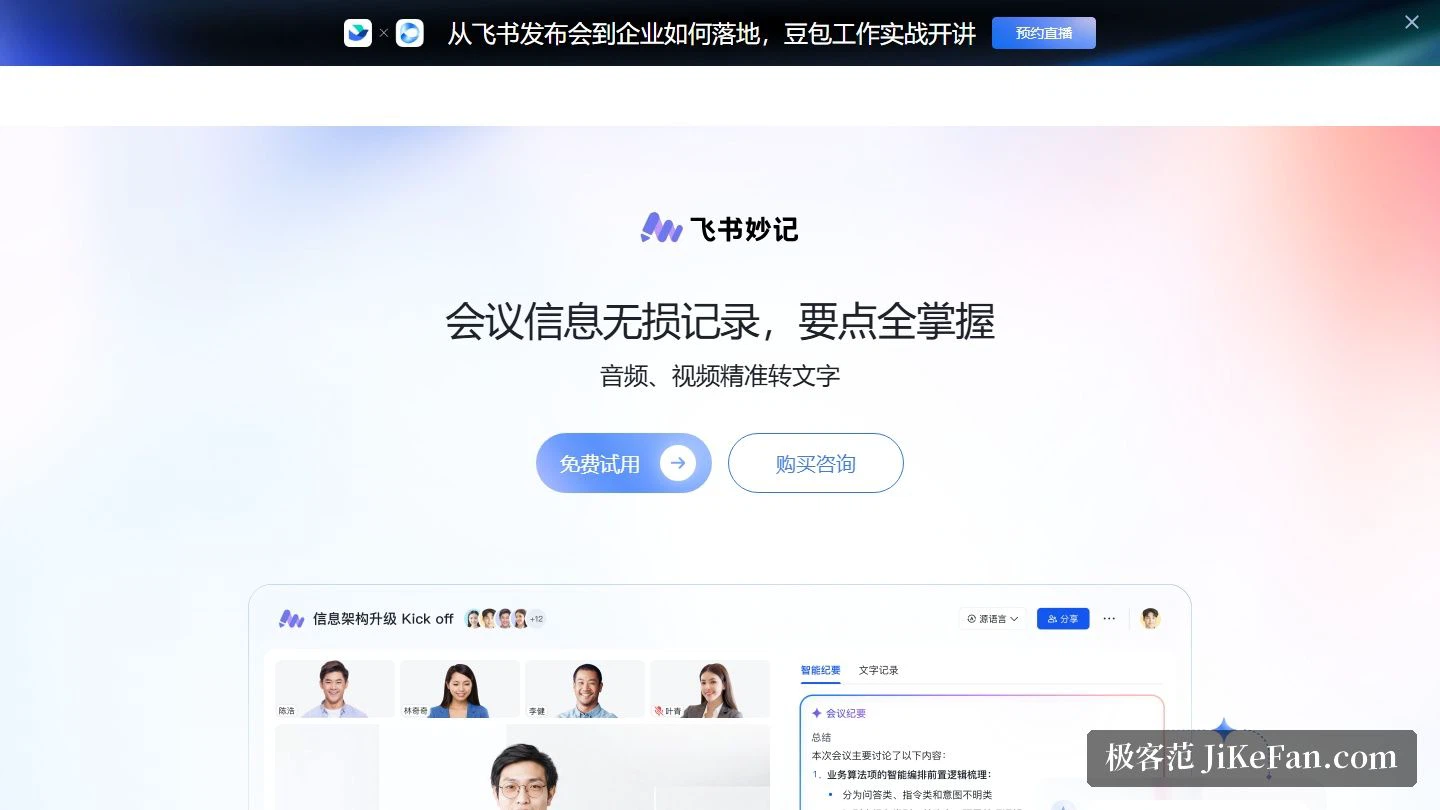
Teams that meet online already have the audio somewhere. What costs time is the step after: going back through the recording to find what was decided, who promised what, and which of the open threads actually needs a follow-up. Feishu Minutes, built by the Feishu team, takes over that stretch. It transcribes audio and video and then assembles the minutes around the transcript, and the product page frames it as quick AI speech-to-text that also produces minutes and follow-ups. The order of operations is stated plainly: hold the meeting in full, then pull the key points out of it.
How the material gets in matters as much as the recognition quality. In Feishu the host starts the recording from inside the call; anyone else who wants a copy has to ask the host for it. When the meeting ends, the host receives the recording from the video meeting assistant, and the link opens the transcript view directly. Permissions are split by role, and nobody has to switch tools between the call and the notes.
The minutes arrive first as a draft
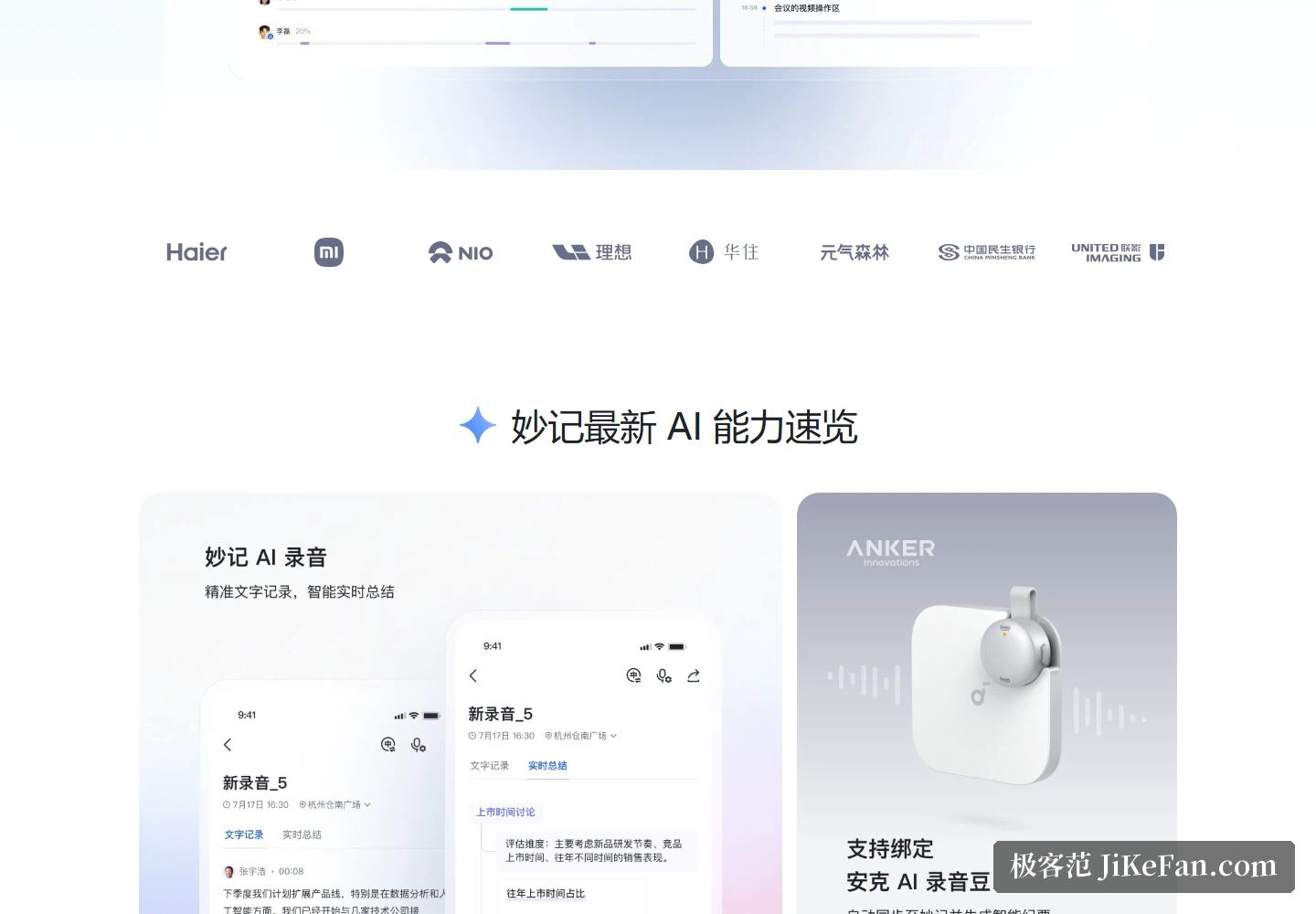
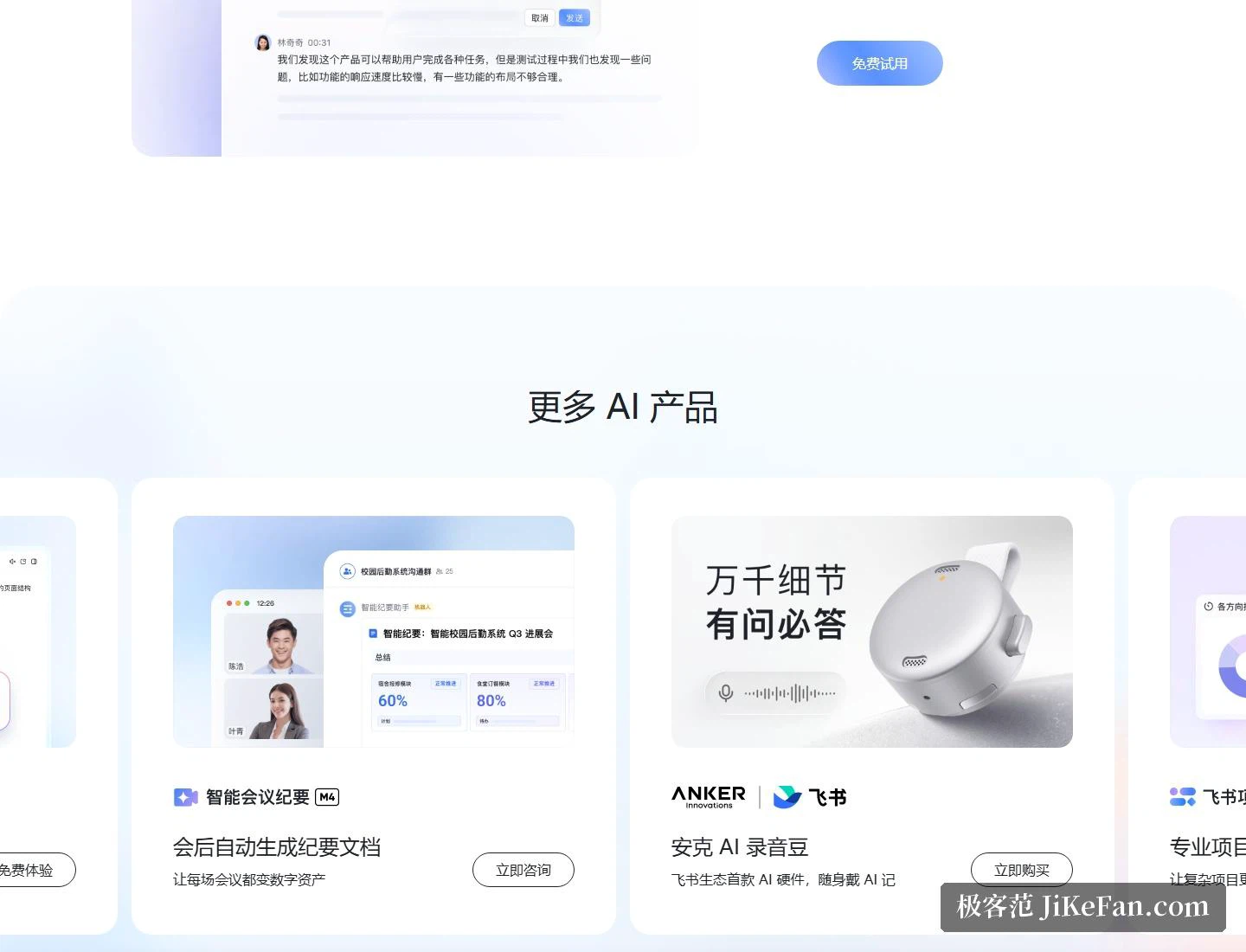
The outline is the first thing most people open. The AI summary generates section headings, lays the meeting out in a structured form, and flags the action items it recognises along the way. The official promise is that a one-hour meeting becomes a one-minute read: what was discussed section by section, which decisions were taken, and who picks up what next are separated out before a human starts editing. Editing still happens — the button sits right there — but it starts from a draft rather than a blank page.
The product page also makes a claim about fidelity. Files shared during the call are collected into a related-links panel at the lower left of the transcript, and the system identifies who is speaking. The shared deck and the attribution therefore both survive the transcription, which is exactly what rots when someone reconstructs minutes from memory a day later.
Text that follows the audio
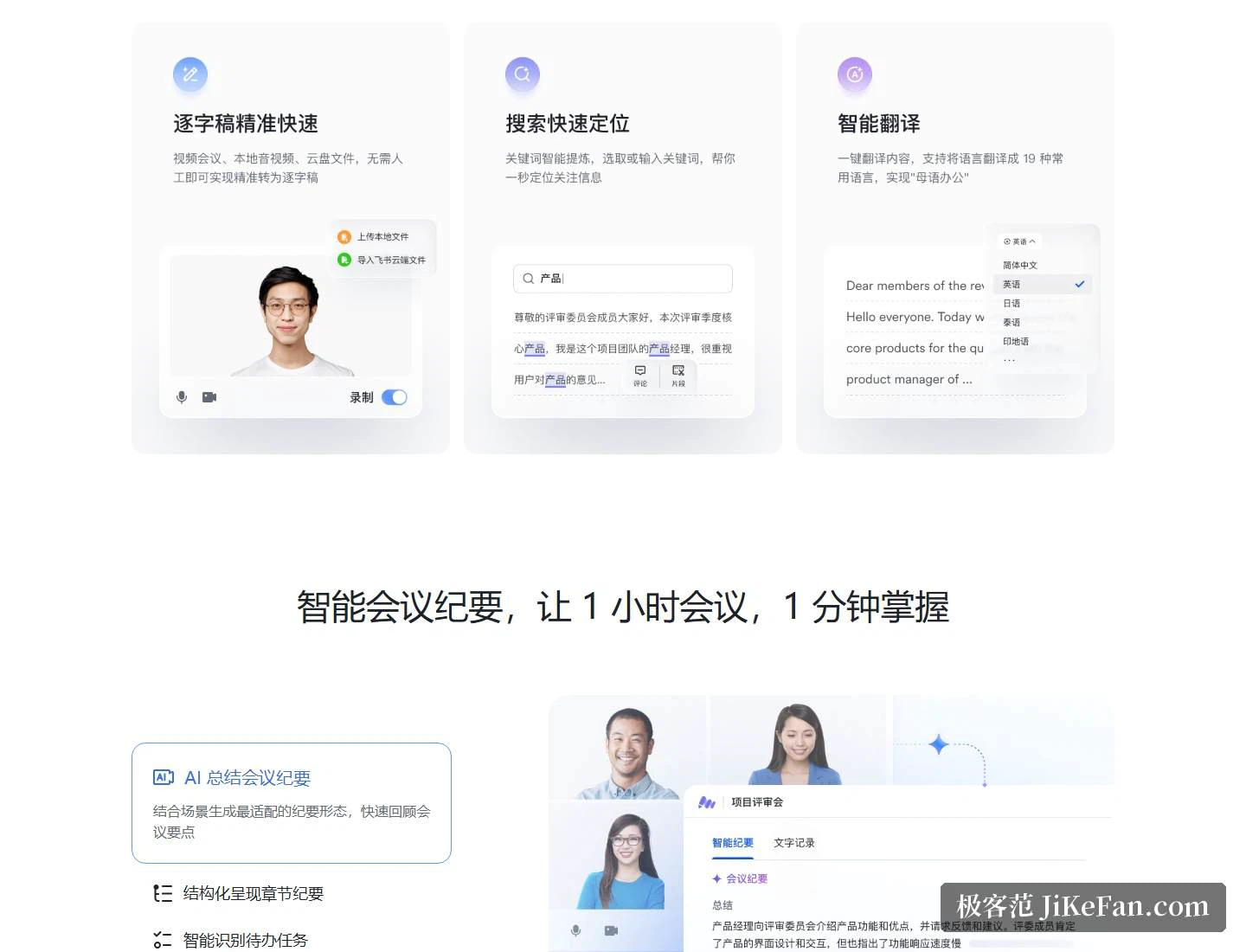
Two details make the review cheaper. The first is alignment: while the recording plays, the matching lines of the transcript light up, so the sentence you hear is the sentence you see. The second is search — type a keyword and land on the passage, instead of dragging a scrubber through an hour of audio. The official phrasing for the combined effect is ten minutes to review a one-hour meeting, and what makes that plausible is the keyword list the system extracts on its own: the key terms are pulled out automatically, and an edit button lets a person fix a wrong term or a line attributed to the wrong speaker.
Reading one meeting in two languages
Translation has its own tutorial on the official side, aimed at the bilingual case. A single click renders the transcript in Chinese, and hovering over a paragraph shows the source language beside it, so the same passage can be checked against the original without opening a second window. Record an English call and you read the two versions on one screen.
The transcript as a place to talk
Because the transcript is a shared surface, it also becomes the place where the discussion continues. People who missed the meeting comment on a paragraph instead of listening to the whole recording, and an @ mention notifies the colleague who needs to answer. Minutes can be shared like any other item in the workspace. For a team spread across time zones, that is the difference between catching up in five minutes and blocking out an hour to re-listen.
What the editions cost
Access follows the Feishu edition rather than being sold separately, which makes the pricing page the place to check. The free edition is listed at 0 yuan per user per month and covers messaging, cloud documents, video meetings, multi-dimensional tables and a free mailbox, for up to 100 users. The Business Standard edition is 50 yuan per user per month and adds 24 hours of video meeting time, meetings of up to 50 participants, 1500 GB of total storage, permanent chat history, and — the point that matters here — transcription in Minutes with no length limit, for up to 500 users.
The Business Professional edition is 80 yuan and raises the meeting size to 100 participants and the storage to 5 TB, and adds the advanced table features along with a customised workspace. The Business Flagship edition at 120 yuan goes to 500 participants and 15 TB of storage, and adds SSO single sign-on, advanced account security and advanced watermarking. The page notes that every edition is billed annually, and that the enterprise tier is quoted separately for large organisations that need higher usage quotas and enterprise-grade compliance.
Set against the rest of the suite, Minutes is one component of a bundle the vendor describes as one-stop collaboration covering chat, documents, meetings and workflows, and the AI layer is positioned as bringing AI into enterprise knowledge and business processes. A free trial entry sits on the same page.
Who it suits
Teams that already hold their meetings in Feishu get the shortest path: the recording chain is inside the call, and the minutes, the action items, the comments and the sharing all live in the same place. Anyone who reviews English-language calls gets the bilingual view without extra setup, and progress tracking changes shape — from re-listening to searching a term and reading the highlighted passage.
Two notes worth stating plainly. Unlimited transcription length is an entitlement that starts at the Business Standard edition, and the gap in usage between the free and paid tiers is wide enough that the edition page deserves a look before signing up. And the translation tutorial the vendor promotes covers the Chinese-English direction; for other languages, the official page is the source of truth. The tool records, transcribes and structures the meeting. Which follow-up is worth scheduling remains a judgement call.
Minutes save the tidying, not the deciding. Once an hour of discussion is compressed into a one-minute read, what still deserves attention is the short list of items someone has to own.