
Unigine Superposition drives a graphics card to its limit and reports the frame floor
Summary
A GPU benchmark built on a dense indoor scene with ray traced global illumination, reporting score, lowest frame rate, temperature and clock, free for personal use with a paid tier for higher presets.
Recommend- Name
- Unigine Superposition
- Version
- 1.1
- Open source
- Proprietary
- Operating system
- WindowsLinux
- Updated
- 2026-10-05 05:13
A load that comes close to filling the whole machine
Superposition comes from UNIGINE and exists to test graphics cards, power supplies and cooling rather than to entertain. It renders a dense indoor scene continuously on the UNIGINE 2 engine, holding the graphics pipeline near its upper range while recording frame rate, card temperature and core clock. A run can be made at stock settings or alongside an overclock, which is how you find out whether the cooling and the power supply actually keep up with the higher numbers: whether the image stays stable and whether the temperature and clock curves stay smooth are the reading, not the score alone. Repeating the run several times checks longer term stability, and each pass ends with a total score and a lowest frame rate, so the gap between quality presets is visible without any arithmetic.
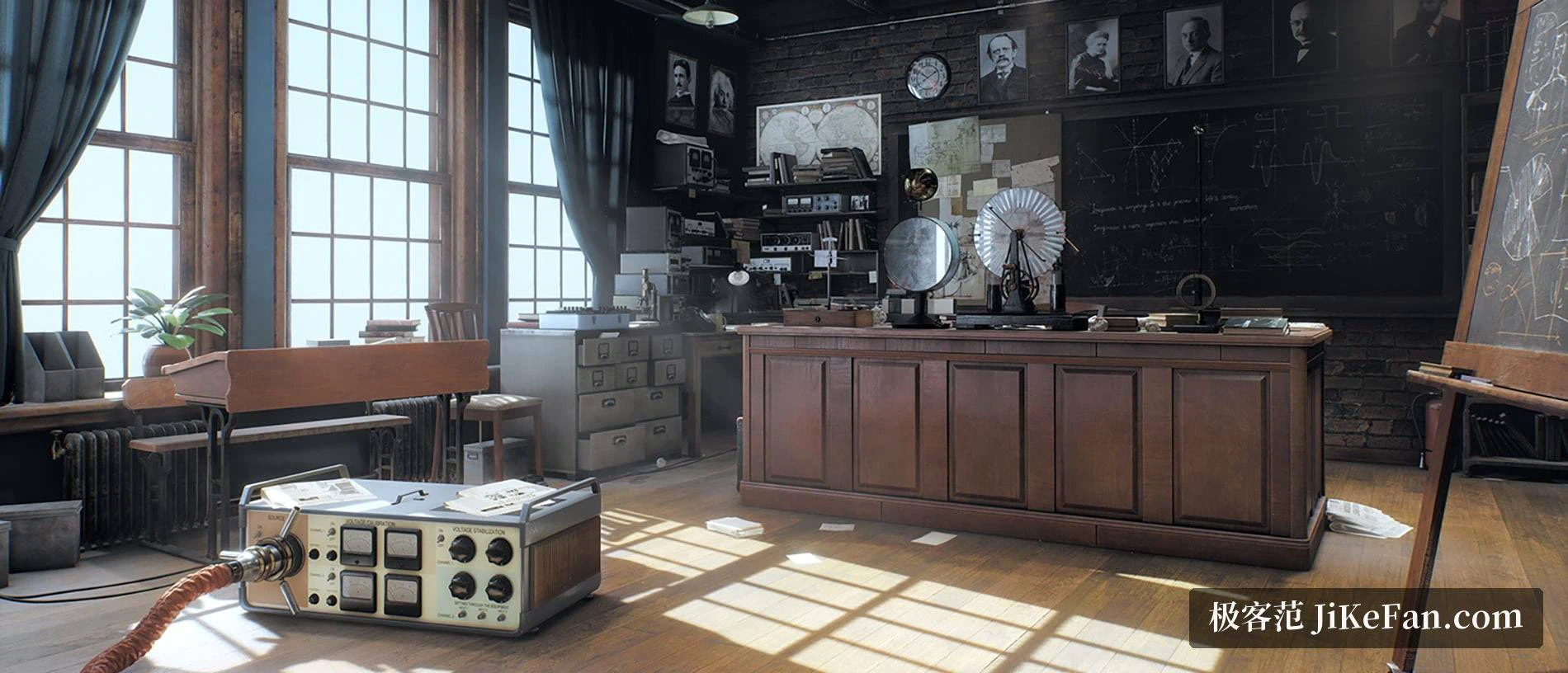
Ray traced light in a scene you can walk through
The technical point of the scene is screen space ray traced global illumination, which lets light bounce more than once in a way that resembles the physical room. Desk lamps in a dim classroom, metal instruments and the reflection on a floor all pick up indirect light, and the result looks less like layered textures than a space somebody actually lit. Beyond the fixed benchmark there is a free exploration mode holding over 900 interactive objects along with several small diversions, so the scene can be inspected slowly rather than only measured. With a headset the same scene opens in virtual reality, which is another way to feel what the card is carrying. Results also collect on a leaderboard, which is what makes a comparison against a similarly equipped machine possible without running anything twice.
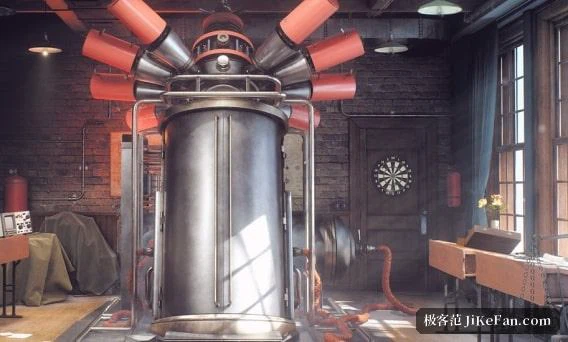
Two editions, and what the machine has to have
The software is split in two. The basic edition is free and covers personal use, custom settings, GPU monitoring, the interactive mode and uploading results to the leaderboard, and its 1080p preset is enough for a complete first experience. The advanced edition unlocks higher resolution presets, the virtual reality mode, looping stress runs, command line automation and frame by frame analysis reports, and permits commercial use. The installers are not small: about 1.2 GB on Windows and about 1.5 GB on Linux. The stated minimum is a GeForce GTX 6xx, a Radeon HD 7xxx or Intel HD 5xxx and newer, with 2 GB of video memory suggested and at least 5 GB of disk space. The current release is 1.1 for Windows and Linux, and because the test runs from an installed copy it can be removed afterwards instead of occupying a disk for months.
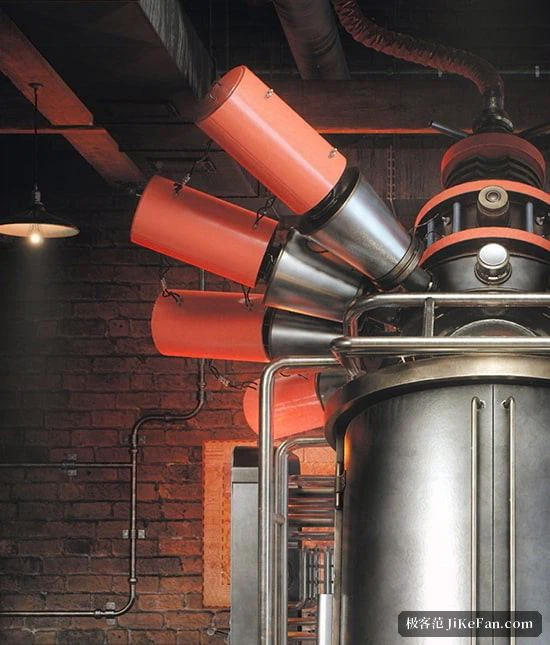
The detail in the scene was placed by hand, which is why brick walls, glassware and old furniture read differently as the camera moves closer, and why the demands on video memory and fill rate sit closer to a real workload than a synthetic test usually manages. Dropping to a lower preset makes the run lighter and takes that detail away with it; what the card still holds at a higher preset is the question worth asking.
Who runs it, and what it does not tell you
Anyone building a machine, swapping a card or tuning an overclock wants a number that can be compared, and this gives one within minutes; putting results from several settings side by side shows which adjustment actually did something. Shops that check assembled systems use it as a common standard, and reviewers often pair it with other benchmarks rather than relying on it alone. A single standard run is enough to place a card roughly, with no need for an overnight session. Two cautions belong here. The load is genuinely heavy, so an older platform or a laptop with modest cooling should have its temperatures checked first. And the scene and the engine have not received a major update in years, which keeps it dependable as a long term reference while making it a poor single judge of whatever feature a new card has just introduced.