
Tropy: photo research for people who work in archives, not in albums
Summary
Tropy turns ordinary photographs of documents into research items with provenance and metadata, merges multi page scans into one entry and exports the whole project.
Recommend- Name
- Tropy
- Version
- 1.17.3
- Pricing
- Free
- Open source
- Open source
- Operating system
- WindowsmacOSLinux
- Website
- https://tropy.org
- Updated
- 2026-10-06 16:14
Anyone who has done archival research knows the moment. A few hundred photographs are taken in a reading room in one afternoon, and back home they sit there with camera file names, impossible to tell apart, one of them perhaps the page that everything else depends on. Tropy exists for that moment. It turns an ordinary photograph into a research item with a title, a provenance and a set of metadata, so that any document can be found again quickly while the writing is happening. The tool was built by a team of historians and software engineers, and it is free and open source. It does not retouch the images, it does not read the writing on them, and it makes no attempt to guess what a document is; the judgement stays with the researcher, which for this kind of work is an advantage rather than a limitation.
Several pages, one entry
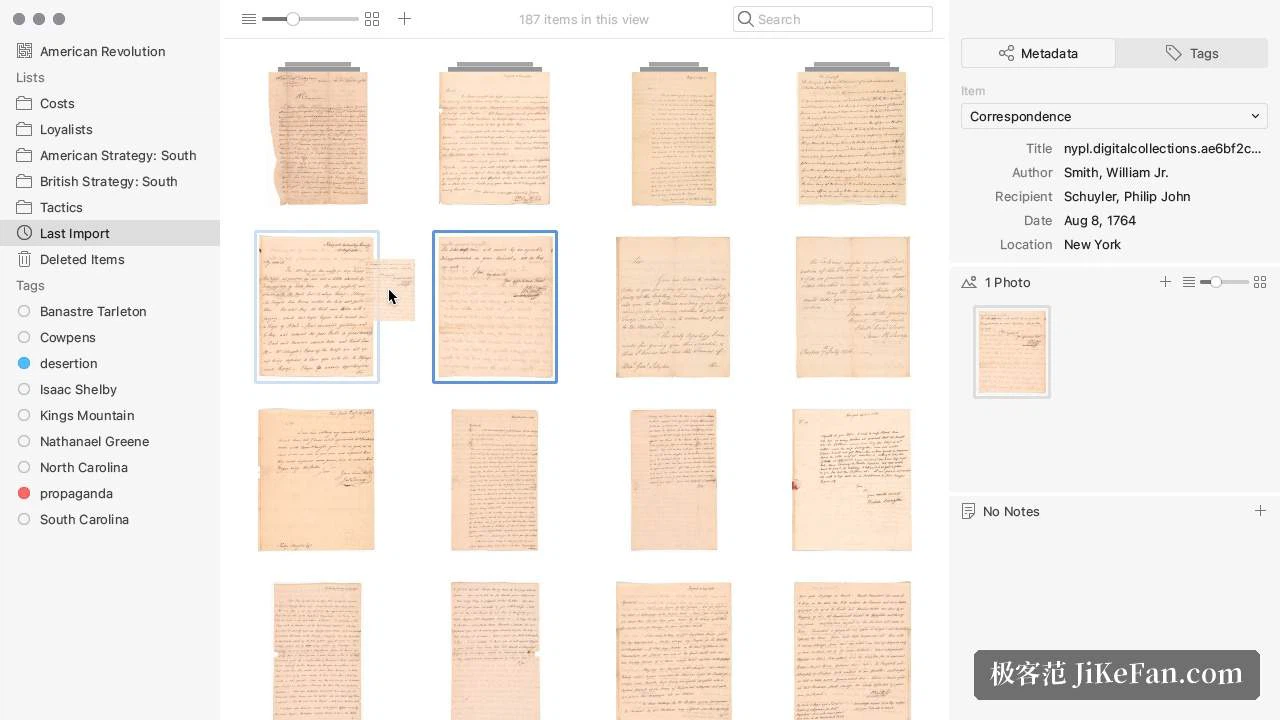
Archival material rarely fits on a single page. The front and the back of a letter, or five consecutive leaves of a manuscript, belong together and are useless apart. Tropy merges them under one item, inside which the photographs are managed page by page, so reading through feels like turning the original rather than browsing a folder. The workflow is short: select a group of photographs, drag them into the project, assign them to an item. In a few gestures the loose pile acquires the structure of a document, which is the whole point, because provenance is what turns an image into evidence. A photograph carrying a title, a repository and a date is a citation waiting to happen, while the same photograph without them is an anonymous image that has to be identified again every time it is opened.
Metadata templates that match the discipline
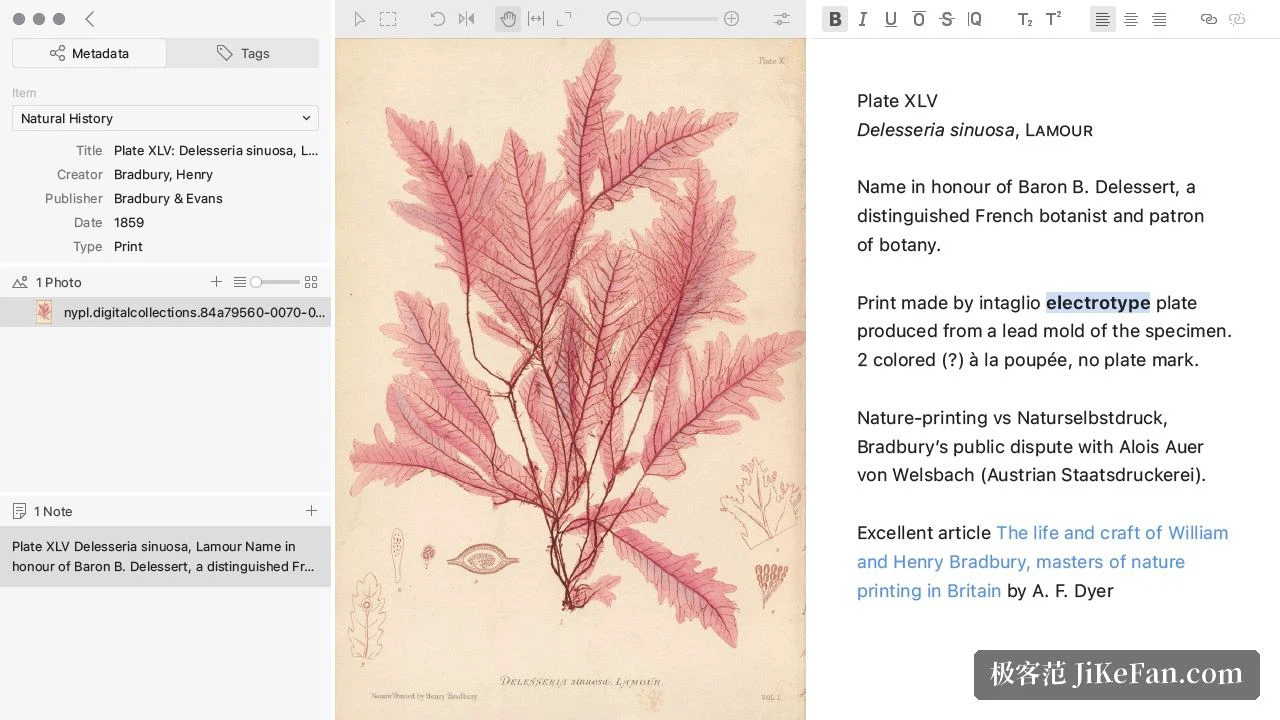
Different fields care about different things. A historian wants the reference number of the file and the institution that holds it; someone working on art history wants the material and the dimensions; a genealogist wants names and dates and nothing else. Templates for metadata can be customised, fields can be designed per project and applied to items in bulk, so the columns on screen are the ones that matter to this piece of work rather than a fixed list that has to be worked around. Title, author, date and holding information stay visible at a glance, and a table view gives an overview of the whole project with sorting and filtering that behave as expected.
Tags, lists and annotations, arranged the way you think
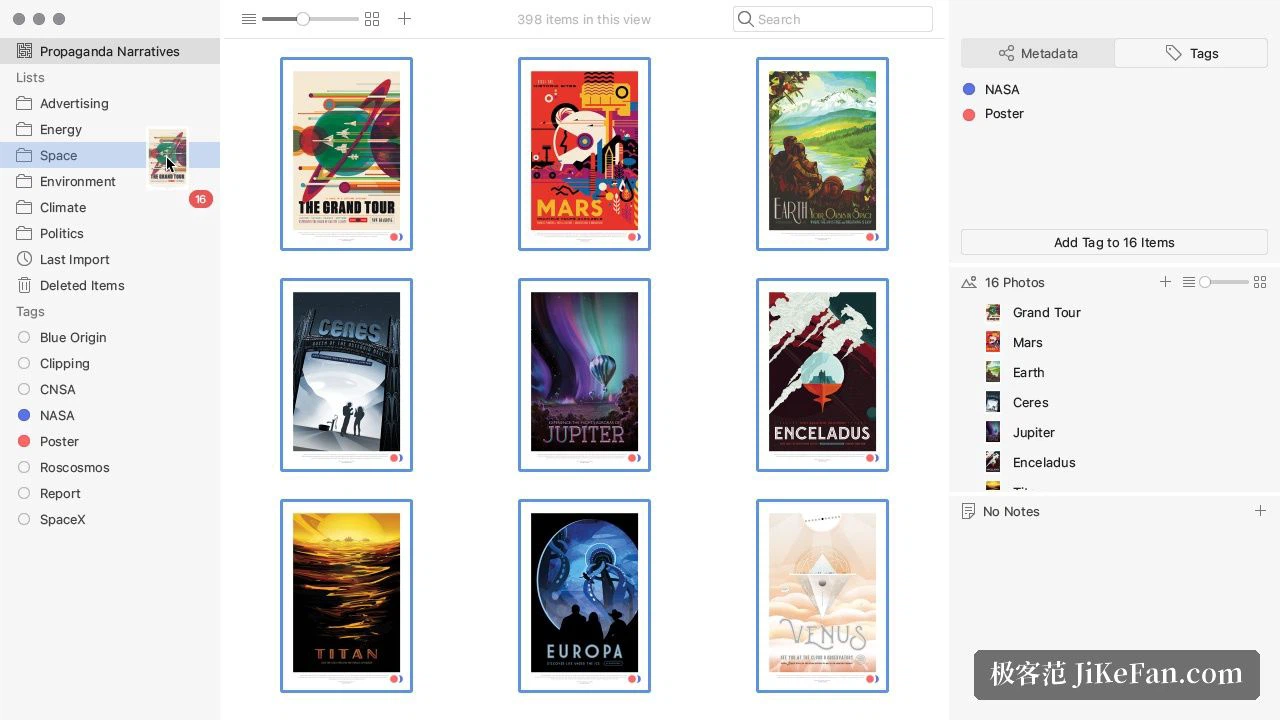
Once freed from the logic of a physical filing cabinet, items can be organised in more than one way at once. Tags and lists do this without conflict: the same photograph can sit in a list of things to verify and in a list of citations for chapter two, and it does not have to choose. An annotation tool works directly on the image, letting a detail be circled, a passage transcribed, a note attached next to the place it refers to. When the writing starts, annotations and metadata leave together, which saves the usual round of reopening files to check what a note was about. A project exports as structured data such as JSON-LD or CSV, and can go straight into a collections publishing platform.
Free, open, on all three desktop systems
As of 2026-09 the latest stable release is 1.17.3, published under the AGPL-3.0 licence, free for individual use. Project data is stored in SQLite, a format that a major national library also recommends for long term preservation, which matters more than it sounds: research data should outlive the application that produced it. Builds are offered for Windows, macOS and Linux. Anyone who works regularly with scans and archival photographs will find it earns a permanent place on the desktop. Nothing here is ambitious in the fashionable sense, and that is precisely why it can be trusted with material that has to last.