
Basilisk: a browser for people whose extensions still have to work
Summary
Basilisk runs on an independently maintained XUL platform and its own engine, keeps XUL and overlay extensions alive, and still follows modern standards and security fixes.
Recommend- Name
- Basilisk
- Version
- 2026.06.12
- Pricing
- Free
- Open source
- Open source
- Operating system
- WindowsLinux
- Website
- https://www.basilisk-browser.org
- Updated
- 2026-10-06 03:50
Desktop browsers have spent a decade converging on one shape: a single release channel, frequent redesigns, an interface that rearranges itself once a year whether or not anyone asked. A good number of people never wanted that. What they want is a program that starts quickly, behaves the same way next month, and keeps the extensions they installed working. Basilisk is aimed at precisely that wish. It is built on the Unified XUL Platform, maintained independently, with the Goanna engine underneath, and it is organised around long term usability, predictable behaviour and deep customisation. As of 2026-09 it is still shipping releases and still following security fixes, which for a project of this kind is the entire argument.
The part that matters most to anyone who has been using the same add-ons for fifteen years is that the XUL and overlay extension system is still there. Mainstream browsers dropped that model one after another; Basilisk kept it, so the extensions that have been part of a working routine since before the word application was applied to a browser do not have to retire. That single decision is why the project has an audience at all.
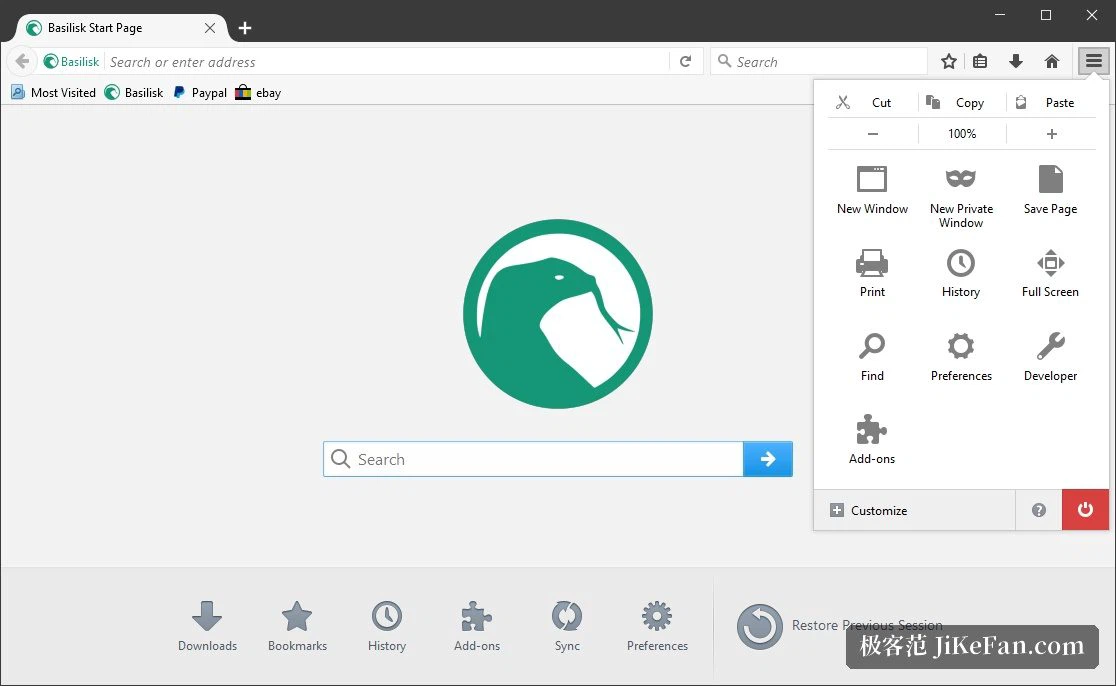
An independent engine, and a slower kind of decision
Basilisk is not a skin over somebody else product. It sits on UXP, a unified XUL platform, and renders with Goanna, an engine forked long ago from the code line a well known browser carried before its engine rewrite, and maintained on its own ever since. The practical consequence is that it does not inherit the architectural direction of the mainstream, so it can decide at its own pace what to adopt and what to refuse, instead of receiving both in the same package.
The team behind Basilisk states plainly that although the platform is shared, the project direction, the release decisions and the day to day maintenance are its own. That independence produces something concrete: updates arrive deliberately rather than out of inertia. A feature, a fix or a change shows up after it has been weighed, and the aim is to avoid breaking a workflow that already works. For anyone who treats a browser as a production tool, that predictability is worth more than a list of novelties. The same outlook shows in what is absent: no mandatory account, no mandatory cloud sync, preferences and data staying on the machine for those who would rather own their profile.
The last stage for a whole class of extensions
Support for XUL and overlay extensions is the central point. Extensions of that kind can alter the browser interface and its behaviour directly, reaching a depth a content script cannot approach. For people whose work depends on the old ones, a download helper that intercepts requests, a toolbar rebuilt to taste, a set of aids for web development, this is a realistic way to keep using them rather than archiving them.
NPAPI plugins are supported as an option as well, which covers a set of special and inherited situations. Because of those two things Basilisk is fairly widely used in web archiving, retro computing and software maintenance circles, the places where old web technology has to keep running inside a controlled environment, and precisely the corner modern browsers have been steadily withdrawing from. One consequence follows from the freedom: extensions are not force-signed and there is no central gatekeeping, so the judgement about where an extension came from rests with the user. Preferring trusted sources is not a slogan here, it is the whole security model.
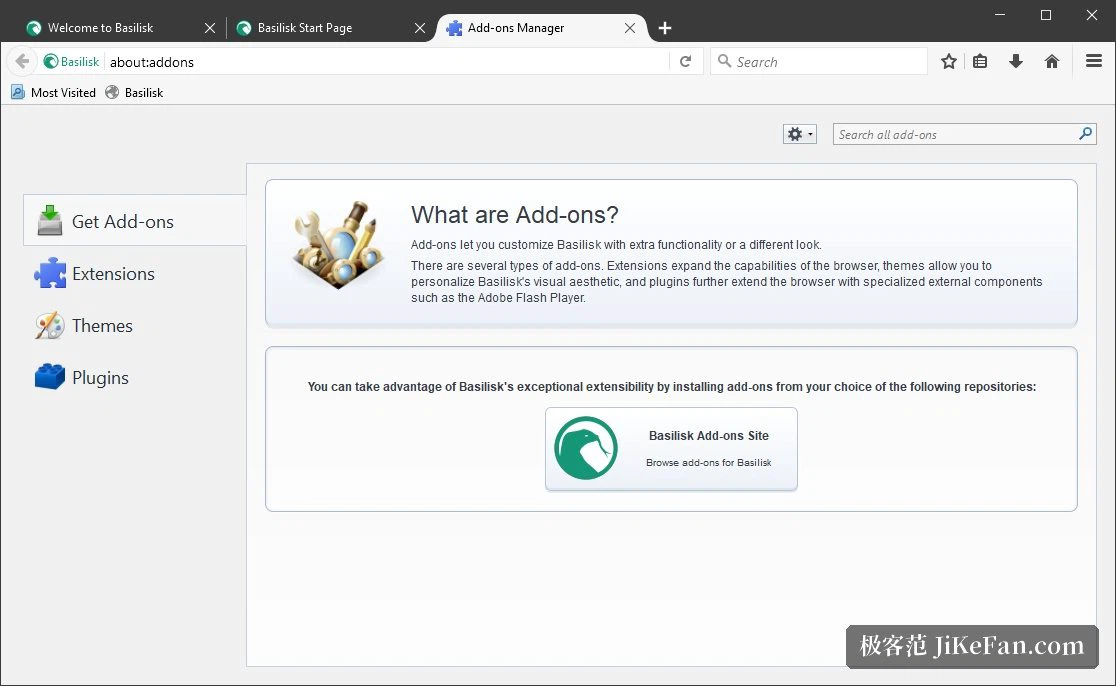
Old interface, current web
Keeping old technology alive does not mean living in the past. The modern stack is covered: current JavaScript, HTML5, modern CSS including variables and the min, max and clamp functions, WebRTC, WebAssembly, and secure network protocols. Ordinary browsing, video and the web applications people actually use every day all work, which is the difference between an archival curiosity and a browser that can serve as someone primary browser.
The release published as 2026.06.12 shows the pattern well. It brought CSS colour spaces, preference parameters for WebGL contexts, hardware decoding for AV1 video through a dedicated decoder, the ES2024 additions to arrays and strings, and WASM JIT compiler support across several processor architectures. On the security side the cryptographic component was updated and a large audit was carried through, closing dozens of potential holes. The pace is not quick, but neither of the two lines, modern standards and security maintenance, has been abandoned.
Small, adjustable and portable
The interaction is the classic desktop one: a menu bar that can be shown, toolbars that can be dragged wherever they are wanted, appearance and behaviour preferences that go considerably deeper than the current fashion allows. There is no tutorial layer draped over the interface, so anyone who learned to use a browser before it became an appliance has almost nothing to learn. The architecture is comparatively lean, which shows up as a modest download and restrained use of memory; on a machine that is not new, that is the difference between workable and painful.
Official builds cover Windows and Linux in both installed and portable form, and the Linux side includes several builds for less common architectures. The portable version unpacks and runs without leaving anything behind on the system, which is the version to reach for when the machine belongs to somebody else.
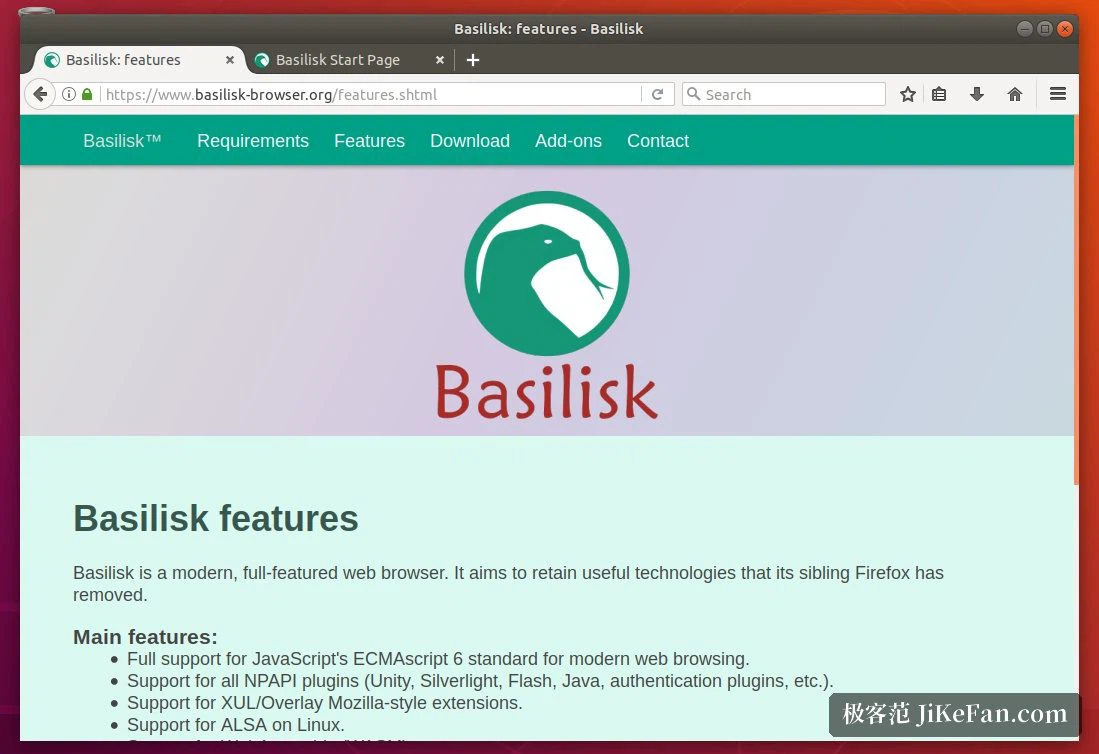
Who it is for
Four kinds of people, roughly. Those who depend on old extensions and cannot replace them. Those who put stability first and would rather not have the interface change under them every few months. Those who maintain a particular situation, a legacy intranet, an old web technology, a controlled network, and need a browser that still speaks to it. And those who simply enjoy tuning a browser until the toolbars, the menus and the details of behaviour sit exactly where they want them.
Getting in is easy. On the first start, bookmarks and data can be imported from whatever browser was used before, so the move is not a fresh beginning and nothing has to be rebuilt by hand. The software is open source and free for individual use, which makes trying it cost nothing beyond an afternoon, and charging nothing is the appropriate price for a tool whose argument is patience.