
tldraw: an infinite canvas that also ships as a component
Summary
tldraw is a whiteboard on an infinite canvas with hand drawn lines and live collaboration, and the same engine is published as an SDK other products can embed.
Recommend- Name
- tldraw
- Version
- 5.4
- Pricing
- Free
- Open source
- Proprietary
- Operating system
- Web
- Website
- https://www.tldraw.com/
- Updated
- 2026-10-06 23:17
A canvas without edges, and lines that look drawn
Whiteboards tend to fail in the same place. The board fills up, someone drags a frame to make room, and the diagram that took twenty minutes ends up squeezed into a corner. An infinite canvas removes that failure by removing the boundary: the surface grows in every direction, and zooming out reveals the whole map instead of a cluttered page.
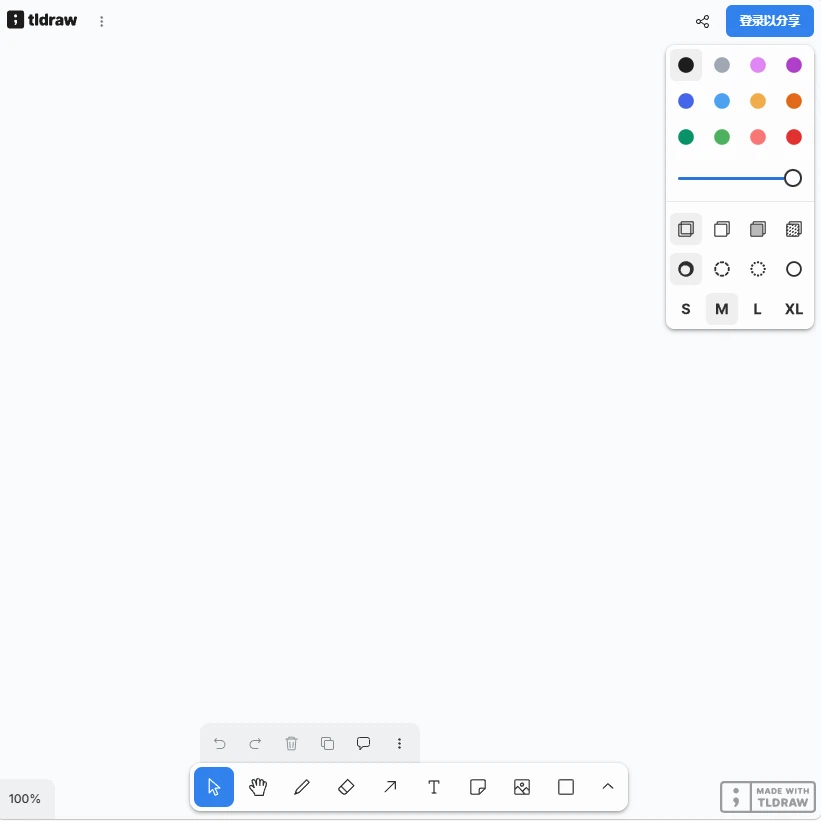
tldraw does that, and then adds the detail people notice first. The strokes look hand drawn rather than mathematically smooth. Arrows bend like arrows drawn on paper, text sits naturally, and shapes feel slightly imperfect in a way that makes a hurried sketch look intentional. It is a small aesthetic decision with a large effect on how willing someone is to sketch in public during a meeting.
Collaboration is part of the fabric
Multiplayer is not a mode that gets switched on; cursors of other people are simply there, with their selections and their names, and edits appear as they happen. For a distributed team this changes the meeting itself: instead of one person sharing a screen while others describe what they would like changed, everyone draws on the same surface. That shift sounds minor until it happens, at which point the screen share ritual looks obviously wasteful.
The board supports the objects a thinking session actually needs: sticky notes, frames that group a region, arrows that stay attached when things move, images, embeds, and a hand tool for panning. Version 5.4 is the current release, and the project is published under the MIT licence, which matters for the next part.
The half that is a developer product
tldraw is unusual because the whiteboard and the library are the same thing. The canvas engine is shipped as an SDK, so a product team can embed an infinite drawing surface into their own application rather than building one from scratch, and the version released in 2025-09 pushed that side forward. For anyone who has spent weeks on pan, zoom, selection and undo behaviour, buying or borrowing that layer is an obvious trade.
The MIT licence and self hosting options matter here. A company that cannot send its diagrams to a third party service can run the sync layer itself, and the code being open means the canvas is not a black box in the middle of a paid product.
The honest trade off is scope. tldraw is a canvas, not a project management platform; there are no swimlanes templates, no built in retrospectives, and no enterprise permission maze out of the box. Teams that want a full workshop suite will find it thin, and teams that want a fast surface to think on will find exactly the right amount.
What a session on a canvas like this actually looks like is worth describing, because it differs from a slide based meeting. Someone opens a frame, writes the question, and the group fills it with notes. Arrows get redrawn as the argument changes shape. Halfway through, the whole frame is moved aside and a second one starts, and at the end the map shows both the conclusion and the path taken to it, which is exactly what a slide deck deletes.
The cost is discipline. An infinite surface invites sprawl, and a board with forty loose notes is worse than a page with five. The frames and the zoom are the answer, but using them well is a habit, not a default.
tldraw takes the whiteboard seriously as an object: infinite space, drawn lines, live cursors, an open engine. Whether it is used as a meeting surface or as a component inside another product, the same care is visible.