
Recraft outputs editable SVG vector art instead of pixels
Summary
The vector variant writes editable SVG files rather than raster images, a handful of references can lock an entire brand style without training, and text length and placement stay under control.
Recommend- Name
- Recraft
- Version
- v4.1
- Pricing
- Free
- Open source
- Proprietary
- Operating system
- WindowsmacOSiOSAndroid
- Website
- https://www.recraft.ai/
- Updated
- 2026-10-06 22:22
One gap in image generation has never really closed: it hands you pixels, not artwork. If you want an icon or an illustration that can go on packaging, into a brand manual, or into a layout someone will keep editing, you generally run a tracing tool over the raster image first, and the paths come out rough with anchors scattered everywhere. Recraft made that gap its main battlefield. Its own documentation states plainly that the vector variant produces editable SVG files directly rather than raster images.
Vector is the native output, not a trace
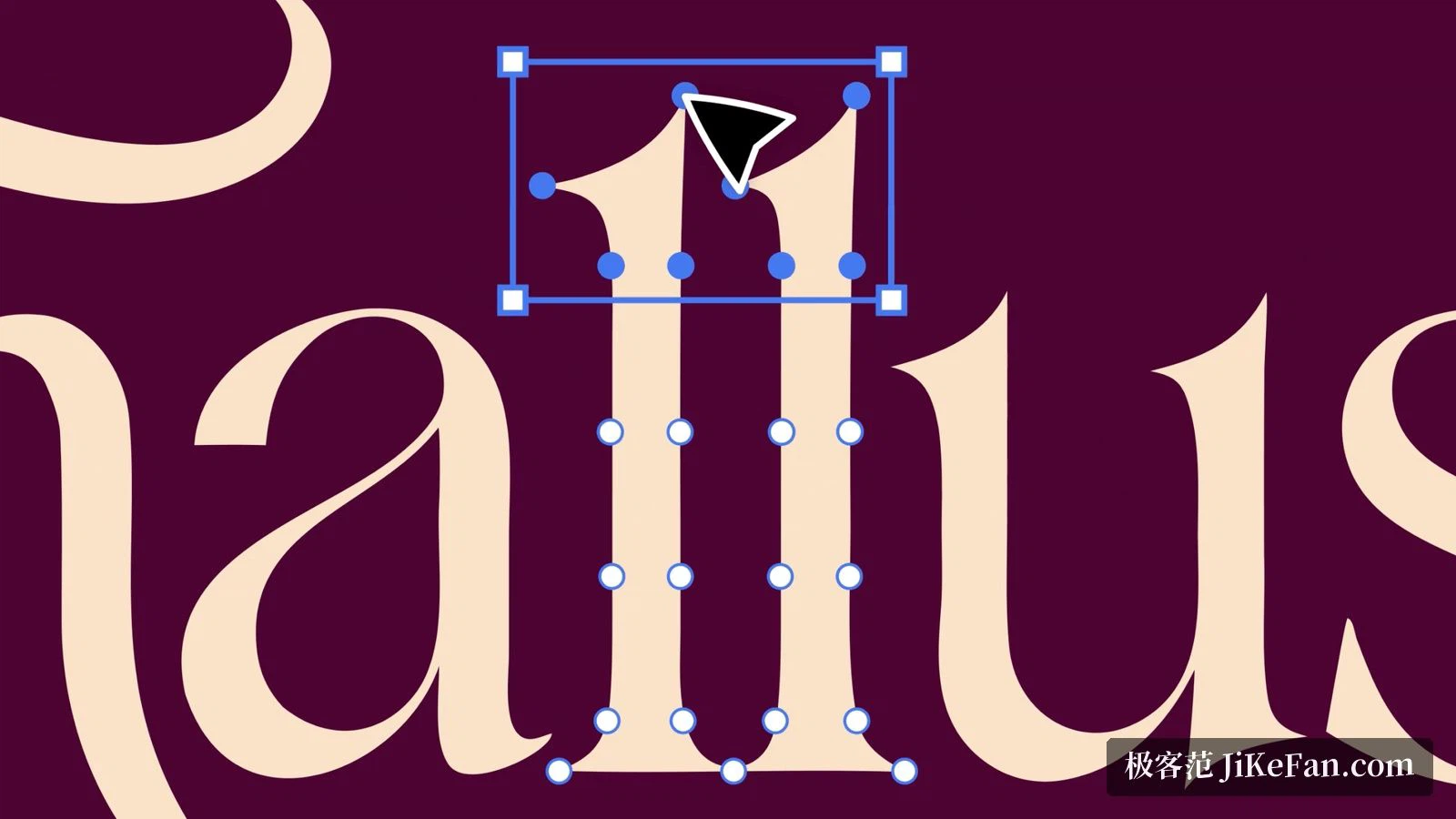
This is the most fundamental difference. The production-ready SVG vector sits at the top of the capability list on the official site, described as a precise vector file with professional-grade detail that scales across print, web and brand design. A vector editor comes with it: a generated shape can be selected on the canvas, its anchors adjusted, and the result exported as SVG with paths, shapes and strokes still editable, so it drops into a conventional design workflow without friction.
Locking a style takes a few references
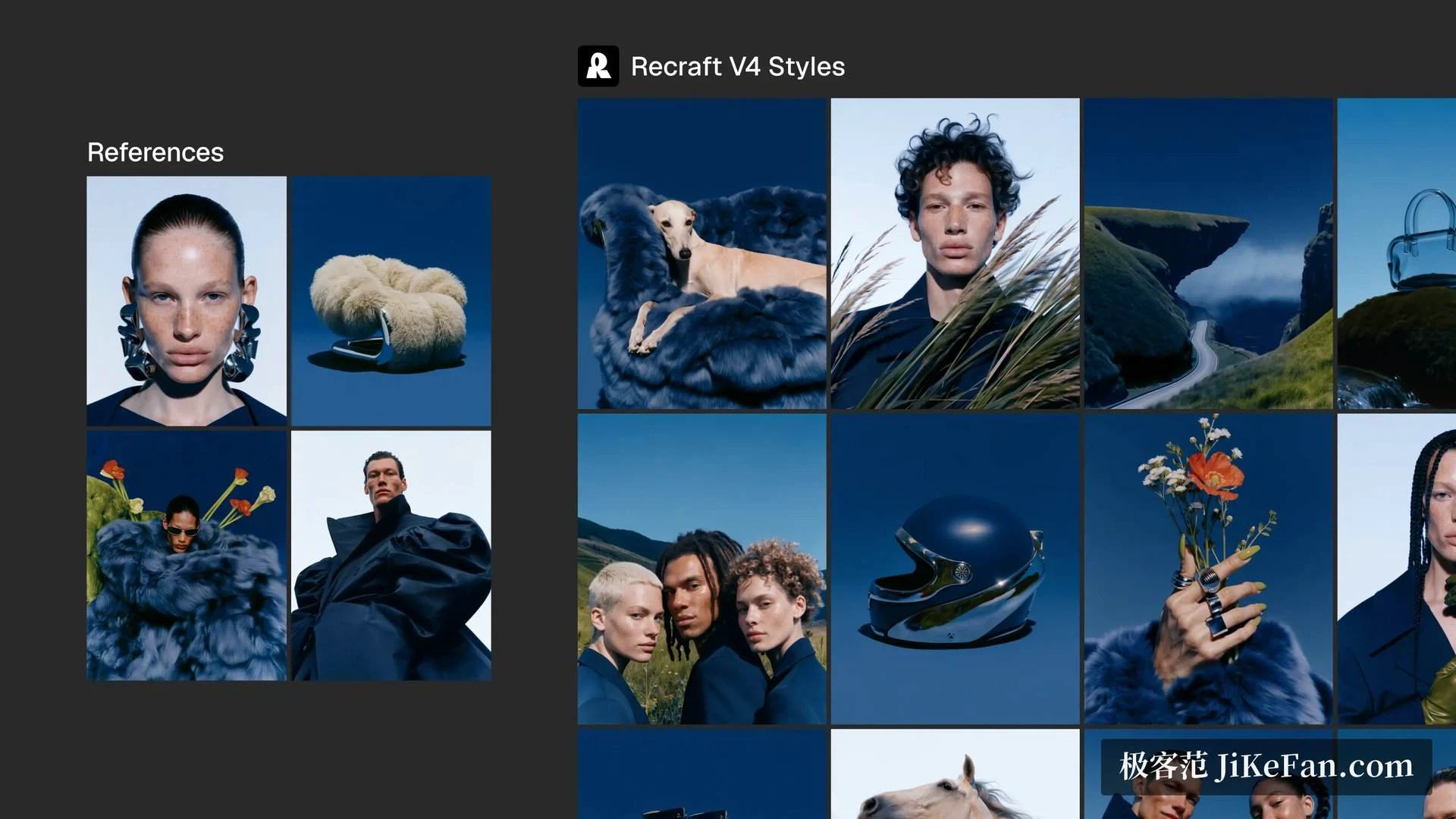
The second capability is consistency. The current style feature accepts one reference image and up to ten, and the model locks the whole construction of a picture — texture, palette and rendering method, not just a general mood — with no training step needed. The documentation also points to a blind comparison run by a third party, in which the precise mode of that feature finished ahead in more than nine head-to-heads out of ten against several mainstream image models. For a team that has to produce an entire set of assets in one go, making every piece look like it belongs to the same series is usually harder than making any single piece look good.
The model matrix and the four variants
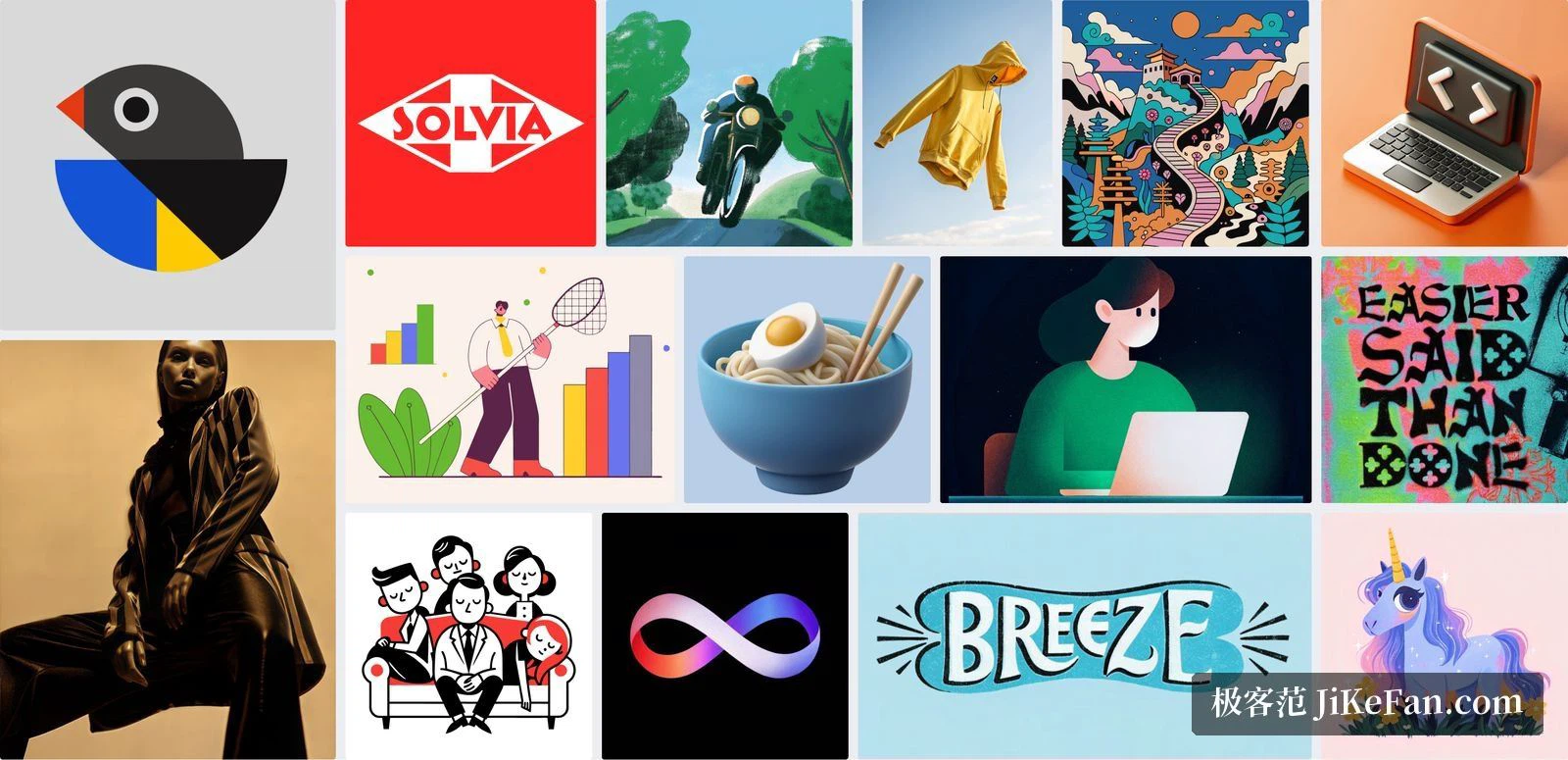
Four generations of in-house models have shipped. The newest is the current one: more photographic realism, sharper vectors and illustrations, good results from very short prompts, and the first generation to introduce a utility variant. The previous generation remains a dependable default for everyday raster and vector work, with a stronger stylised leaning. The one before that costs less per image and generates faster, and puts its weight on style consistency, precise text placement and artistic hierarchy control. The oldest is the cheapest, aimed at vector icons that need a fixed appearance and a uniform stroke width.
Variants are a second layer of choice. The standard one is the default raster model. The pro variant outputs higher resolution for print-grade and large-format material. The vector variant generates editable SVG instead of raster. The utility variant exists only in the newest generation, uses flat lighting and a straight-on composition, and is built for mockups and product shots rather than creative exploration. The upshot is that one prompt can be routed to different output forms by purpose: print goes to pro, a layout goes to vector, a product shot goes to utility.
Text, canvas and the toolset
Generating text of any size and length is listed among the core strengths. Lettering inside an image has long been the weak spot of most generators; here the claim is not only long passages but, together with the graphic design generator, the ability to place text and other elements at exact positions in the frame. The studio side offers an infinite canvas for live collaboration, with an image generator, a vector generator, a mockup generator and an ad generator on the creation side, and a vector editor, background removal, SVG conversion, upscaling, prompt-based retouching, an eraser and format conversion on the editing side.
Where copyright and billing stop
This part is the most easily overlooked. The pricing notes state that images made on the free plan belong to Recraft, appear publicly in a community gallery, and carry no commercial licence — the example given is that they usually cannot be uploaded to stock platforms that require proof of ownership. A paid plan grants full ownership and commercial rights over images generated during the subscription, usable for marketing, branding and product packaging, and the images stay private rather than appearing in the gallery. Cancel the subscription and they remain private and yours.
On billing, subscription credits come with the plan, reset at the start of each billing cycle, and do not carry over. Top-up credits are bought separately, never expire, and switch on automatically once the monthly allowance runs out; they can be added on the basic, pro and team plans alike. An API covers image and vector generation, editing, background removal, inpainting and outpainting, batch jobs and asynchronous processing, across every generation from the oldest to the newest. Anyone who wants generation inside their own pipeline has a route.
Who it is for
The audience the company draws for itself is specific: professional designers, illustrators and marketers. Its about page states more than three million users across two hundred countries and regions, with more than three hundred and fifty million images generated. It is not trying to win the most-photographic race; the effort goes into vector output, brand consistency and the join with a design workflow. If your week is spent producing icons, illustrations and brand assets inside one visual system over and over, those three are exactly the parts that eat the time. If you only need an accompanying picture now and then, much of the capability will go unused.
One closing warning: images from the free tier are public and carry no commercial licence, so before anything goes into commercial material, confirm the account is on a paid plan.