
Jimeng AI settles images, video and a canvas behind one entrance
Summary
Image generation, video generation and a canvas that keeps the result editable share one entrance, both the opening and closing frame can be pinned, and the workflow is built around Chinese prompts.
Recommend- Name
- Jimeng AI
- Version
- seedance-2
- Pricing
- Free
- Open source
- Proprietary
- Operating system
- WindowsmacOSiOSAndroid
- Website
- https://jimeng.jianying.com/
- Updated
- 2026-10-06 21:41
Tools that make pictures and tools that make footage are usually two separate purchases, and editing what comes out means opening a third application. Jimeng AI takes a different line. Its own positioning is a one-stop creative platform: image generation, generative video and a canvas that lets you keep working on the result all sit behind a single entrance, with a community gallery alongside for ideas.
Images: not just text to picture
Generation accepts text or an image as the starting point, and a short prompt is enough. The more useful part is what it does to a picture you already have. You can specify that the appearance of a person or an object be preserved, and then have the model swap the background, carry a style across, hold the art direction, or keep the pose. For repetitive work like changing the backdrop of a product shot or restyling an avatar, that saves describing the subject from scratch every time.
Footage: both ends of the shot are yours to pin
On the video side, text and images both work as input: give it a script or a still and it produces a clip. The published claims are for coherent motion, natural flow, controllable camera movement and adjustable speed changes. The control feature worth calling out separately is the pair of frame slots: supply an opening frame and a closing frame, pin both ends, and let the model fill what lies between. That is much closer to the shot in your head than a single sentence of description. The other claim is about language: the system is built to work from Chinese prompts and understands them better, which helps with set phrases, proper nouns and the tone of a piece of copy.
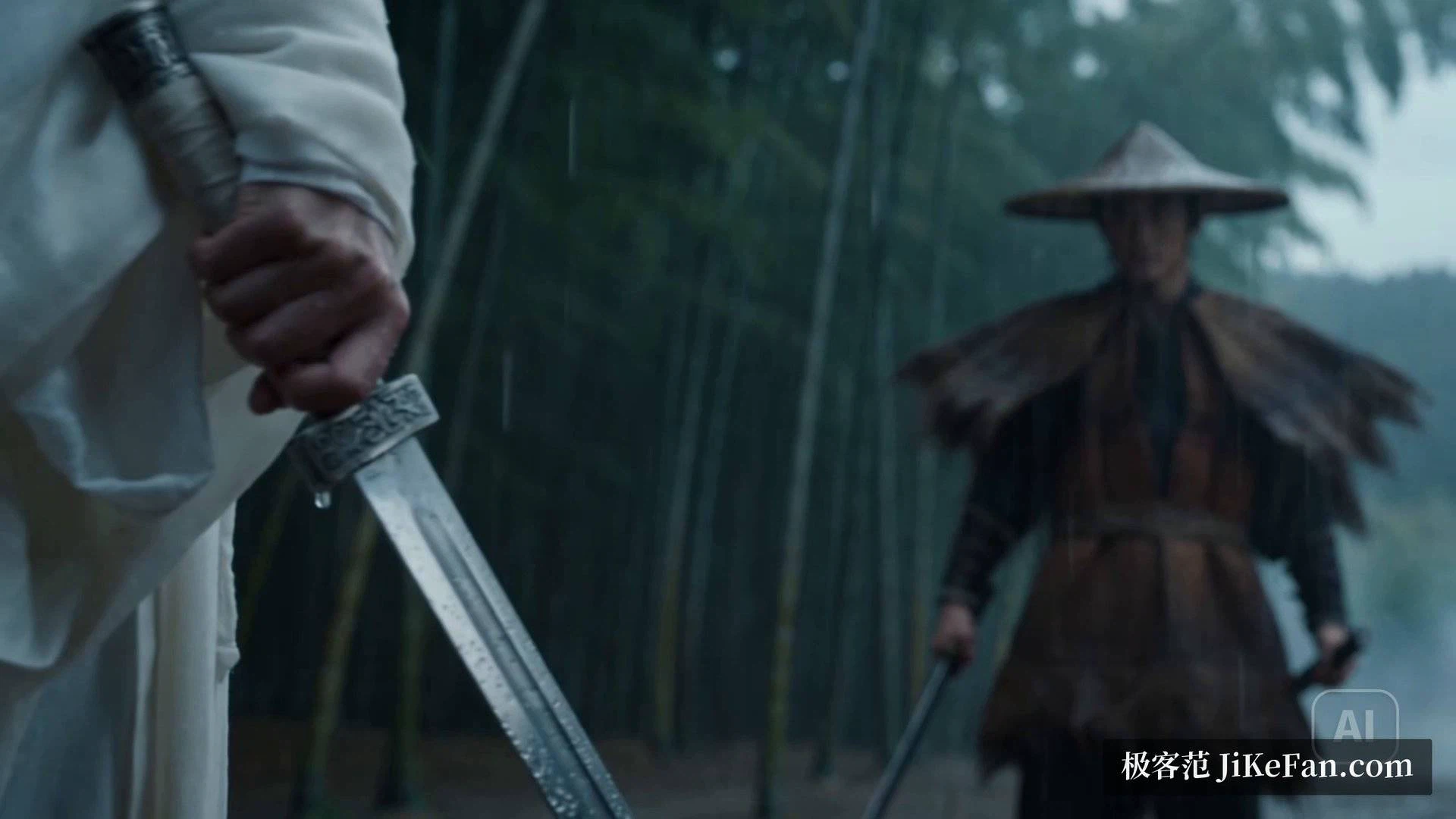
The second generation and its references
The video behind the service comes from the Seedance line. The development team's release note states that the second generation has gone live, and that compared with the previous one it holds up better in complex interaction and fast movement, with physical accuracy, realism and controllability noticeably improved — closer to what industrial production needs.
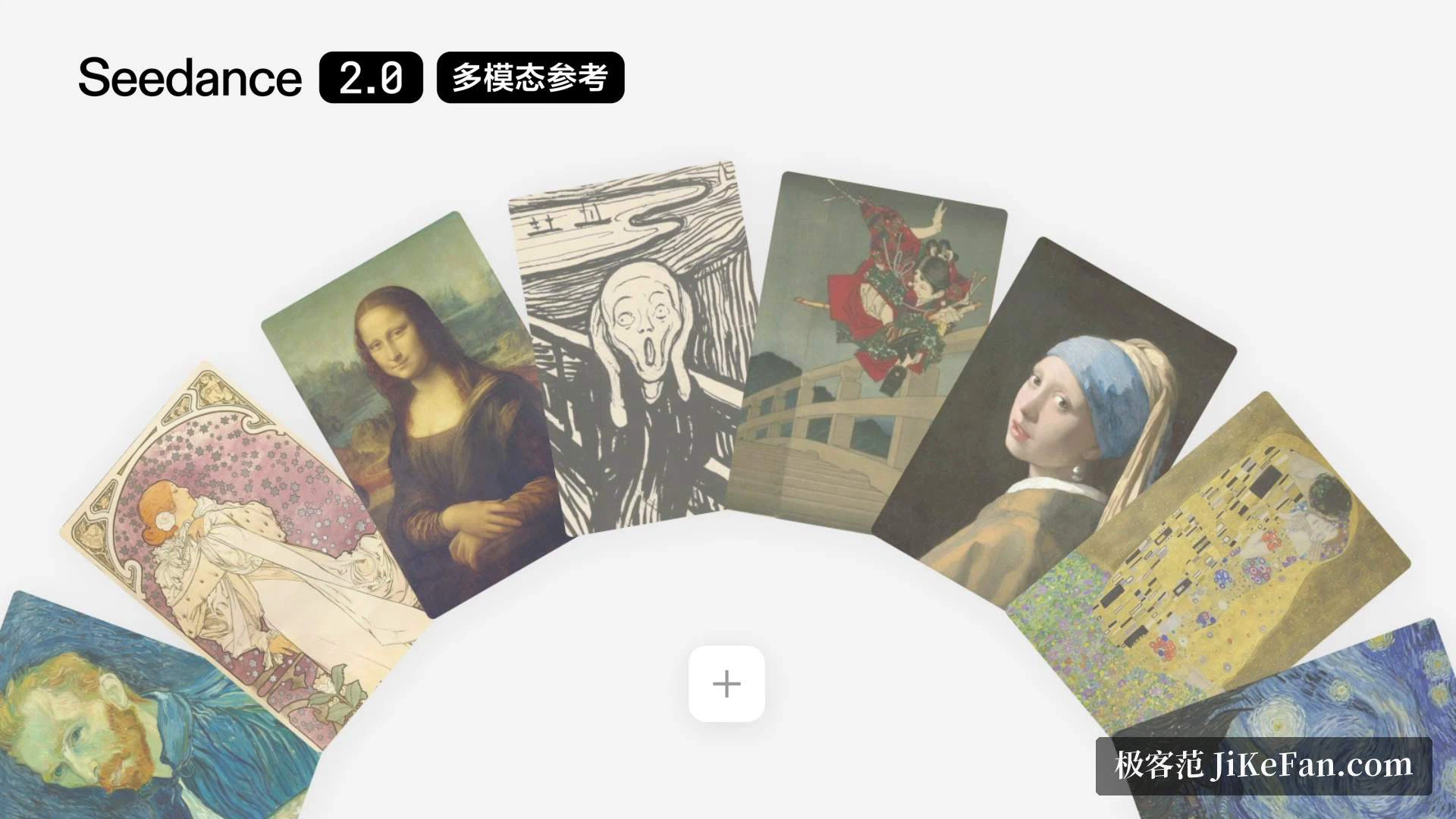
The headline is multimodal reference. Text, images, audio and video can all be supplied at once, up to nine images, three video clips and three audio tracks in a single request, and the model draws on the composition, motion, camera work, effects and sound in that material. Handing it a storyboard and asking for the scene becomes an executable instruction rather than a figure of speech. On output, fifteen seconds of multi-shot video with audio is supported, with two-channel sound, so music, ambience and narration can run on parallel tracks and stay aligned to the cut.
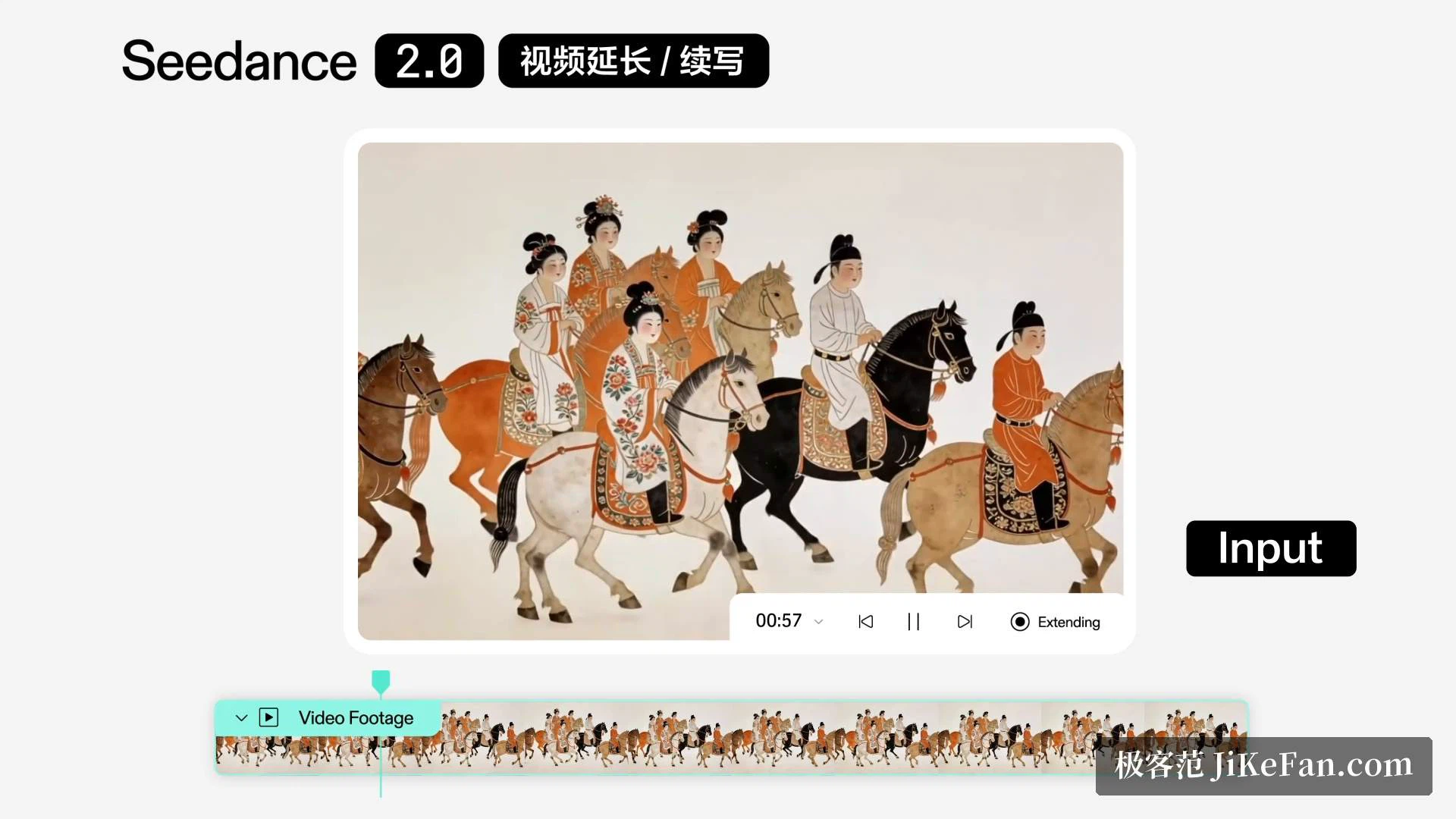
It can be changed, and it can be continued
Generation is only the first step. The release note adds an editing capability that targets a specific segment, character, action or plot point for revision, and an extension feature that grows continuous footage from a prompt — the phrasing used is that it does not only generate, it keeps shooting. Combined with the two frame slots, the level of control sits near the front of this class of tool.
The canvas keeps the fixing in one place
The canvas is the module people mention less. It carries a composition generator along with local repainting, outpainting in a single step, object removal and cutout. Several elements can be joined seamlessly on one surface so the result keeps a single visual style, and multi-layer editing allows finer control. In other words, the part you are unhappy with can be fixed where it was made, without exporting files back and forth between a generator and a retouching application.
The limits, stated plainly
The team's own evaluation does not dodge the problems. Detail stability, realism and the liveliness of motion still need work, mouth movement in multi-person shots is not yet reliable, and the audio occasionally distorts. Those are things to know before choosing rather than discover afterwards. There is also an explicit note on using a real person as a reference subject: the person in the material must either be AI-generated or already licensed, and a genuine portrait requires that person's own verification or prior legal permission.
To sum up: the strength here is not any single capability but the fact that image generation, video production, fixing and model choice sit in one workflow, with explicit support for Chinese as the working language. Anyone who wants a Chinese-language studio they can put to work should try it first. Anyone who needs the occasional picture will find most of it surplus.