
Rainmeter 4.5.26: a free open source desktop that you assemble yourself
Version 4.5.26
Summary
Rainmeter 4.5.26 is a free open source desktop customiser under the GNU GPL, laying skins on the desktop that range from hardware usage meters to full audio visualisers, on Windows 7 and later.
Recommend- Name
- Rainmeter
- Version
- 4.5.26
- Pricing
- Free
- Open source
- Open source
- Operating system
- Windows
- Website
- https://www.rainmeter.net/
- Updated
- 2026-10-06 12:03
Rainmeter is a free open source desktop customiser for Windows, released under the GNU GPL version 2, and the current build is 4.5.26. The core action is simple enough to describe in a sentence: lay skins over the desktop and the empty background becomes an information panel. The official framing goes further, saying that everything from hardware usage meters to fully formed audio visualisers is within reach, and that what finally grows there depends on the imagination and the persistence of whoever is arranging it.
What can sit on the desktop
This is the most obvious part of it. Once installed, a handful of customisable skins appear on the desktop, and size, position, colours and the displayed content can all be changed. The usual example is the hardware meter: processor load, memory in use, disk reads and writes, network traffic up and down, drawn as rings or bars and pinned into a corner. The other end of the range is the audio visualiser, where whatever is currently playing becomes a shape that rises and falls with the beat.
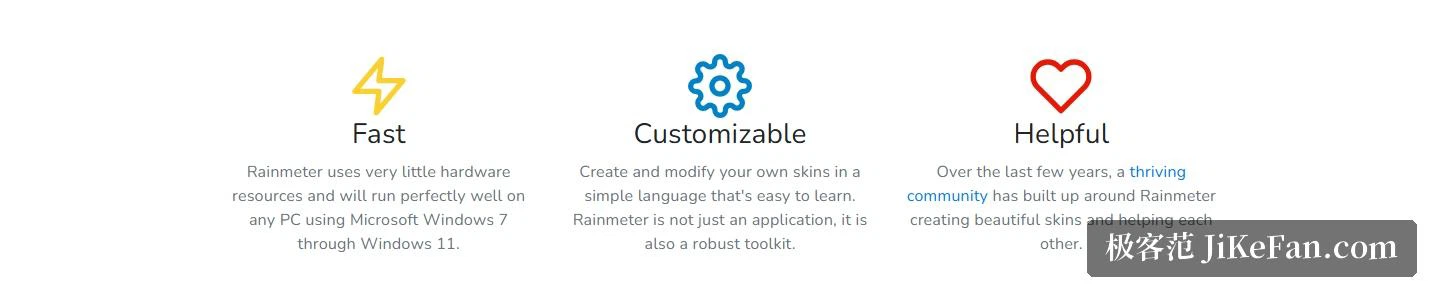
The documentation insists that this is not only an application but a toolkit. What that means in practice is that skins are things you make, not only things you download. Rainmeter supplies a skin description language that is not hard to pick up, so somebody who has never written a full program can still rearrange a layout until it belongs to them rather than to whoever published the skin. That is the difference between choosing from a catalogue and building the thing.
Where the skins come from
A few simple skins ship with the program. They are usable and no more than that; nobody would call them handsome. What actually holds the project up is the community, and the official front page says so directly, noting that the largest part of that community consists of the skins that get installed into the system. The pieces shown in the front-page carousel come from different authors and cover the spread: a deliberately minimal set, a plain-text reading panel, a weather block, a text clock, and a circular visualiser for sound.
For finding something new, the official discovery page gathers the usual places. A large art-and-resource community site holds a very big library of skins; a discussion board is good for looking at other people's desktops and talking to people who do the same thing; the official forum is where the freshest work tends to surface first; and there are an unofficial chat group and a technology blog's dedicated section as well. The same page adds a warning worth taking seriously: skins downloaded from unofficial sources deserve the ordinary caution.

Version and where to get it
Version 4.5.26 was released on 2026-05-20, revision 3894. The download is marked as requiring Windows 7 or later, mirror addresses are offered alongside it, and the page carries entries for release notes and the version history, so every change can be read one entry at a time.
Read through that history and the recent rounds have concentrated on stability and on security. 4.5.25 corrected how a registry measure returns and handles a value when something goes wrong, and added certificates and digital signatures to the executables and libraries inside the installer to cut down on antivirus false positives. 4.5.24 fixed problems with Lua scripts, linear gradients, string measures and wireless state readings, and refreshed the Italian and Serbian translations. 4.5.26 itself adjusted how a string measure behaves when it starts out disabled or paused, tidied the look of the version dialog, and moved the language file links onto an encrypted protocol.
What it needs, and where to ask
The official claim is that it uses very little in the way of hardware resources and runs well on any machine from Windows 7 through Windows 11, which is part of why it gets recommended for older computers that have nothing else to do with their desktop. A first run is best started with the getting-started guide and then a pass through the documentation. When something does not work, the official forum is the main door, with an unofficial chat group and an IRC channel on a public network as the other two.
Rainmeter turns the desktop into a surface that can be programmed: hardware usage, audio visualisation, time and weather all become skins, the skin language is quick to learn, the community supplies more material than anyone can use, and it is GPL version 2, free and open. Version 4.5.26 still runs on Windows 7 and later, which for people who enjoy fiddling with a desktop is a considerable amount of freedom.