
TaskbarX 1.7.8: centred taskbar icons, 42 animations, acrylic
Summary
TaskbarX slides the taskbar icons to the middle of the screen with a smooth animation, adds transparent, blurred or acrylic backgrounds, and offers 42 animation styles with per-monitor settings. Portable and free, no installation and nothing written to the registry. Version 1.7.8, still the usual pick on Windows 10, though newer Windows 11 builds may block the centring.
Recommend- Name
- TaskbarX
- Version
- 1.7.8
- Pricing
- Free
- Open source
- Open source
- Operating system
- Windows
- Updated
- 2026-10-06 19:36
A taskbar that behaves a little like a dock
Anyone who has spent time on a desktop where the program launcher sits in the middle of the bottom edge knows the feeling of coming back to a row of icons crammed into the left corner. This small free tool addresses exactly that: it slides the taskbar icons to the centre of the screen, animates the movement when you switch programs, and can replace the bar's background with something transparent, blurred or frosted so the whole thing reads as one piece instead of a strip bolted onto the desktop.
That is the entire ambition, and it is a sensible one. A taskbar is on screen for the whole working day, so a change that makes it calmer is felt constantly, which is more than can be said for most of what passes as customisation.
The settings people actually use
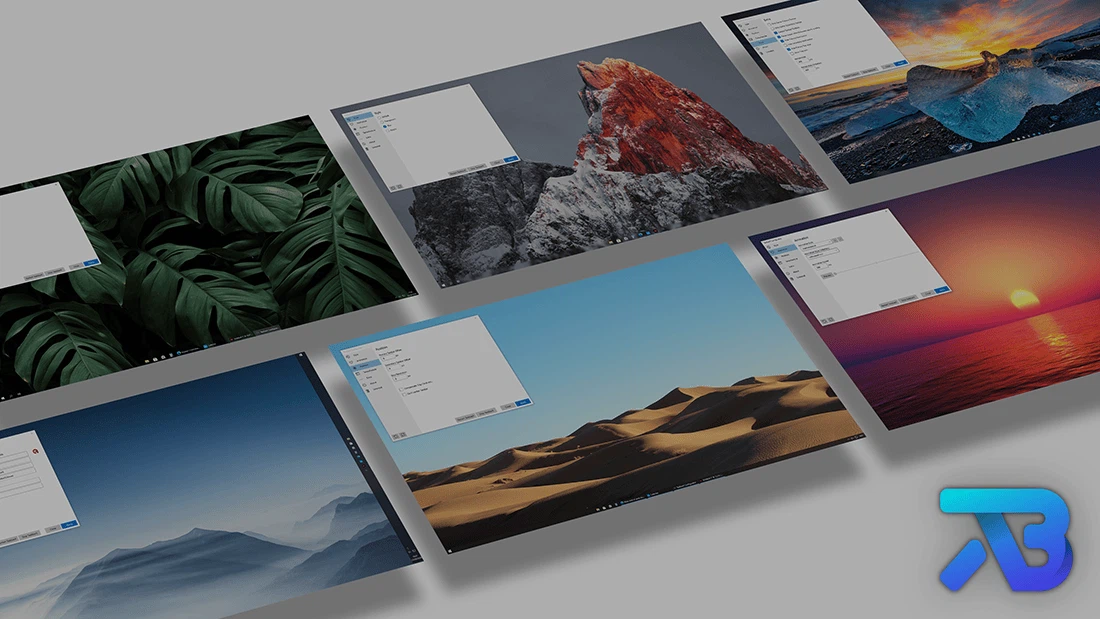
There are forty-two animation styles built in, and the speed and the offset can both be adjusted, which matters more than the count: the wrong easing curve makes every window switch feel slightly sticky. Each monitor can have its own position and its own animation, so a wide screen and a laptop panel do not have to share one compromise. Vertical taskbars are supported as well, for the people who keep the bar on the side and are usually forgotten by tools like this.
A configurator is included, and inside it an editor for building an animation of your own if none of the forty-two fits. That is the difference between a set of presets and a tool: presets run out, an editor does not.

What actually changes in practice
The visible effect is small and the functional one is smaller, and both are worth being precise about. Nothing gets faster and no workflow is transformed; what changes is where the eye lands when a window loses focus. With the icons in the middle, the distance from the centre of the screen to the thing you want to click is shorter, and the row stops shifting sideways every time a program with a longer title opens. On a wide monitor that second point is the one people notice after a week.
Portable, and clean about it
Nothing is installed. The archive is unpacked, the program runs, and it does not write to the registry, so a machine can be tried and left exactly as it was found. Starting it with the system is done through the task scheduler rather than a startup entry, which keeps the arrangement out of the usual lists where such things accumulate. To undo everything, the program is closed and the folder is deleted.
For software that lives this close to the shell, that is the right design. System tweaks that scatter files and registry keys across a machine are difficult to remove completely, and the residue is often the reason a machine starts to behave oddly a year later. A folder you can delete is a promise the program can actually keep.
Status, and one warning worth taking
The project is released under a permissive open licence, and the current build is 1.7.8. It should be said plainly that the repository was archived in June 2025 and the author moved on to a new project, so future development depends on someone from the community taking it over. That is a real limitation, but a different one from abandonment in the usual sense: the tool is feature-complete for what it does, and on Windows 10 it remains the first choice in its category.
The warning concerns newer systems. Recent Windows 11 builds have tightened the interfaces this kind of tool relies on, so the centring effect can simply stop working there. Anyone on Windows 11 should test it on a virtual machine or a spare machine before making it part of a daily setup — a tweak that silently does nothing is more annoying than one that never ran.
Two minutes to make a taskbar look better is a fair trade. An archived repository is not a broken tool, and 1.7.8 is stable enough to keep using; just go in knowing that this is a finished product whose state is roughly what you see now.