
Doubao on the desktop: writing, translation, images and video in one box
Summary
Most people keep three tabs open for this: one to ask, one to translate, one to find a picture. This puts the entry point at the edge of the screen instead, and the writing, the translation, the image and the video all finish in the same input box.
Recommend- Name
- Doubao
- Version
- 2.28.13
- Pricing
- Free
- Open source
- Proprietary
- Operating system
- WindowsmacOSWeb
- Website
- https://www.doubao.com
- Updated
- 2026-10-27 22:00
Ask a question in one browser tab, look the translation up on another site, switch once more to find a picture. By the time the third window opens, the sentence you had just worked out is gone. The desktop build of this assistant pushes the entry point to the edge of the screen instead.
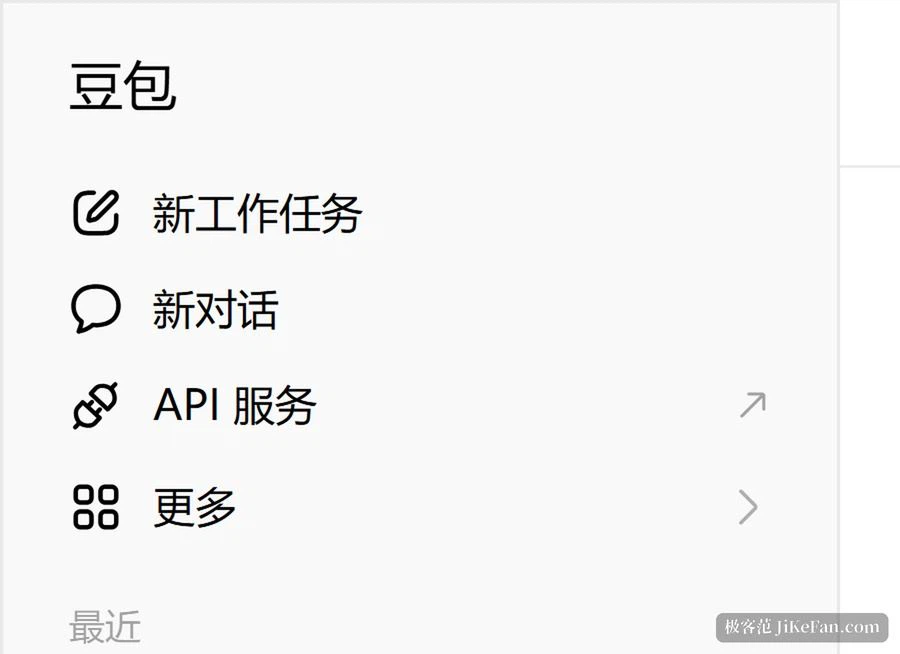
Once it is running, a floating ball stays on the desktop. One press brings up the conversation without switching to a browser and without taking over the main workspace. Two shortcuts go with it, one to start a new work task and one to start a fresh conversation, so the hands need not leave the keyboard.
Selecting text is the other entry
In a browser, in a document editor or in any application at all, highlight a passage and release: translation, search, explanation or a summary is offered on the spot. What this removes is the three-step ritual of copy, switch window, paste, and the difference is most obvious when reading foreign material or working through a long document.
Writing, slides, translation and research share one box
The home screen lays out a row of entries: conversation, work, slide generation, image generation, help me write, video generation, translation, deep research and recording transcription. They share the same conversation window and the same context, so asking it to check a figure halfway through a report and then carrying on leaves the earlier text remembered.
The writing entry drafts reports, mail, papers and speeches, and does drafting, rewriting, polishing and translation in one pass. Slide generation takes a topic and a structure and returns an editable, downloadable presentation. Translation covers several languages in both directions and handles text, speech, photographs, documents and web pages. Deep research goes online itself, gathers from several sources and returns a full report with its sources attached. Recording transcription follows a meeting live and tidies up minutes, action items and sections, and can keep going across several meetings in a row.

Files already in hand can be dropped straight in. The published limit is fifty files at a time, across the common formats, documents, spreadsheets, presentations, plain text, data tables, markup and e-books among them. A long document can be summarised, or questioned about a specific part of it.
Images and video sit on the same row
The creative side rests on two models built in house. The image model handles several aspect ratios and styles, accepts several reference images to set the tone, and after generation allows marking up an area to change it, extending the frame, erasing and cutting out a subject, so producing and retouching are one continuous motion. It also does information visualisation, turning data, text or a set of points into a laid-out visual.
The video model covers both text to video and image to video, with a single clip up to thirty seconds, and the company reports better shot-to-shot storytelling and character consistency than the previous generation. For early style exploration or a quick visual proposal, describing it in the conversation box is enough, with no jump to another tool.
It is also in the browser
A less discussed entry is the extension, available for the three main browsers. Installed, it translates a whole page side by side, or translates a highlighted passage line by line with the original and the translation next to each other. Beyond translation it summarises the body of a page, and pulls the key points out of a video that carries subtitles.
Anyone who would rather not install anything has the web version, which opens and works immediately, with the same conversation history as the desktop and mobile builds.
Start on the phone, continue at the desk
What syncs is not only the history. A question begun on the phone can be continued on the desktop, and everything said earlier is still recognised. As of September 2026 the desktop client stands at version 2.28.13, with builds for both major desktop systems. The free allowance covers everyday conversation, writing and translation; heavier models and larger generation counts are what a subscription is for.
What makes it worth installing is not the length of the feature list. It is that none of those features asks you to change windows: one press on the floating ball, one sweep of the cursor, and writing, translation, image and video all finish in the same box, with the phone and the computer still talking to each other.