
ProtoPie makes a prototype feel like the product
Summary
A wireframe rarely persuades anyone. Something you can tap, swipe and feel does. ProtoPie sits between a static mockup and a line of code: triggers and responses build the logic, variables and conditions handle the branches, and gyroscope, microphone or fingerprint can be simulated so the prototype feels close to the finished thing.
Recommend- Name
- ProtoPie
- Version
- 20260922
- Pricing
- Free
- Open source
- Proprietary
- Operating system
- WindowsmacOSiPadAndroidiOS
- Website
- https://www.protopie.io/
- Updated
- 2026-10-06 20:53
Making a prototype behave like the product
A wireframe is an argument made of rectangles. It can describe a layout, and it can suggest a flow, but it cannot answer the only question a stakeholder actually has, which is what it feels like to use. That is why review meetings so often end with a sentence beginning with the words it would be nice if, and why the same meeting happens again two weeks later. ProtoPie exists to end that loop. Its position in the toolchain is precise: further than a static mockup, cheaper than writing production code.
The construction model is what makes that position workable. Interaction logic is assembled from building blocks rather than typed out. A tap, a swipe, a key press or a timer is a trigger. A move, a change of opacity, a shift in a data value is a response. Stack them, add variables and conditional checks, and a flow that used to require a developer to explain becomes something you can build in an afternoon: a form that validates as you type, a card that expands while the header shrinks, a multi step checkout where the progress bar tells the truth.
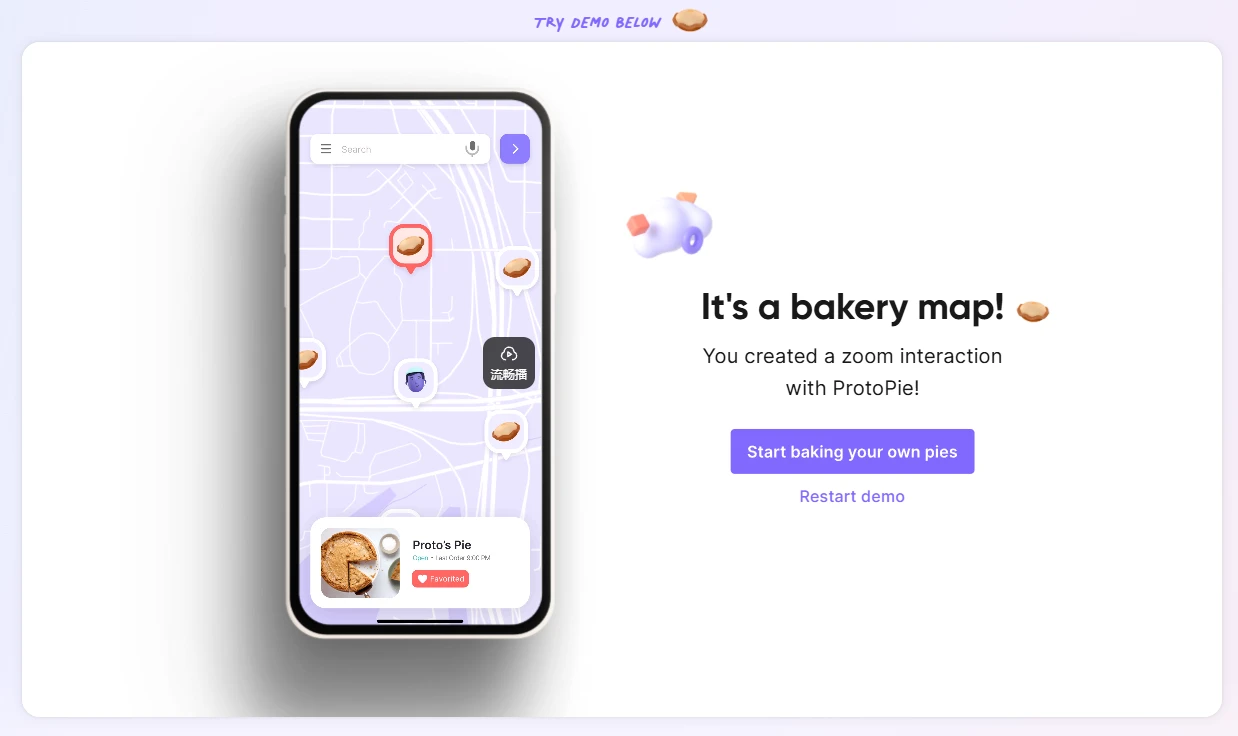
What pushes the result past a clever animation is the ability to imitate the hardware. Gyroscope, microphone and fingerprint recognition can all be simulated, so a prototype can respond to a tilt, listen for a level of noise, or gate a screen behind a biometric check. Those are exactly the interactions that a flat design file cannot discuss, and exactly the ones a team argues about for weeks without evidence.
On device preview and team review
High fidelity in this tool is not only about logic. Installing the player on a phone mirrors whatever is being edited on the desktop onto real hardware, live, so the feel of a swipe and the rhythm of an animation are settled by hand rather than described in prose. Scenarios that span more than one device can be scripted inside the same prototype, a phone driving a tablet or two screens passing a task between them, which is the class of interaction that most design tools simply cannot express.
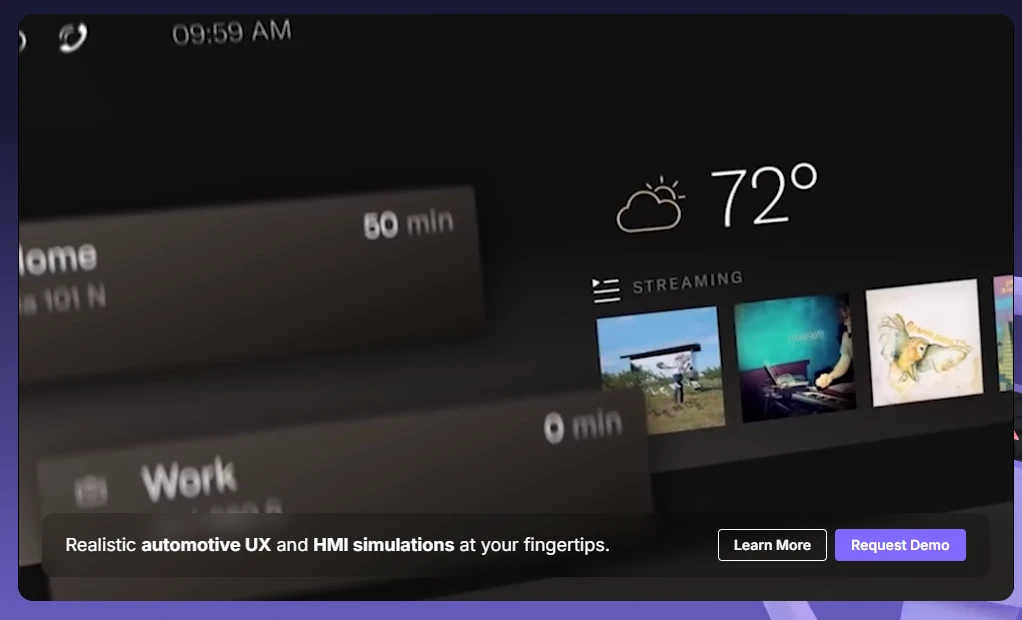
Once a flow works, a link shares it with the team and with testers, and feedback attaches to the prototype rather than to a screenshot in a document. That single change of medium alters the quality of the discussion. A note that says the transition feels slow is an opinion; a note attached to the transition, on a build everyone can tap, is a bug with a location.
There is a second audience for this kind of prototype, and it is not the design team. It is the person who has to estimate the work. A flow that can be tapped is a flow whose awkward states have already been discovered, and the difference between an estimate drawn from a static screen and one drawn from a working build is usually the difference between a surprise and a plan. Handing over a prototype is not decoration; it removes an entire class of questions from the kickoff meeting.
Worth noting too is what the tool deliberately does not do. It is not a production environment, and nobody should try to ship from it. Its value is in the questions it forces early: what happens when the network drops mid flow, what a disabled state looks like, whether the second tap is even reachable with one hand. Those are cheap to answer in a prototype and expensive to answer in a sprint.
It fills the gap between design and development where language runs out: an interaction stops being a description in a meeting and becomes something a person can hold. A good prototype argues its own case.
The free tier covers what an individual needs to start, while team collaboration and the advanced capabilities sit behind a subscription, which is a reasonable shape for a tool that a studio adopts gradually. For designers arriving from Axure or from Figma prototypes, the learning curve is gentle, mostly because the mental model of triggers and responses matches how they already think about interaction.
Where it belongs is easy to state. Interaction designers, product managers and motion minded interface designers are the core users. For pure visual mockups, Figma alone is enough and nothing is lost. The moment the question turns to a complex flow or a sensor, this is the tool to open. It runs on Windows and macOS, and the free tier is ready on install.