
Pixelorama: A Free Pixel Art Editor Where Every Pixel Is a Decision
Summary
Pixelorama is a free, open-source pixel art and animation editor built on the Godot engine, with layers, an animation timeline, onion skinning, tiled and mirrored drawing, and spritesheet export for game work.
- Name
- Pixelorama
- Version
- v1.1
- Pricing
- Free
- Open source
- Open source
- Updated
- 2026-10-06 20:54
Pixel art is a constraint, not a low-resolution photograph
Pixelorama is a free, open-source drawing tool from Orama Interactive, built on the Godot engine and aimed at people who make pixel art and at developers who need sprites for games. The thing worth understanding before the feature list is that its subject is not a style but a constraint. In a photograph, a pixel is whatever happened to land there. In pixel art, every pixel was placed by a person, which means every pixel carries intent, and the tools that help are the ones that make intent easy to express and hard to smear.
That is why a pixel editor is not simply a small image editor. A brush that softens edges, a rotation that resamples, a filter that blurs — all the ordinary comforts of raster painting — are precisely the operations that destroy the medium. What a tool like this needs instead is control at the level of the individual cell, and the discipline to never quietly interpolate anything on the user's behalf.
Two tools on two buttons is an old idea that still wins
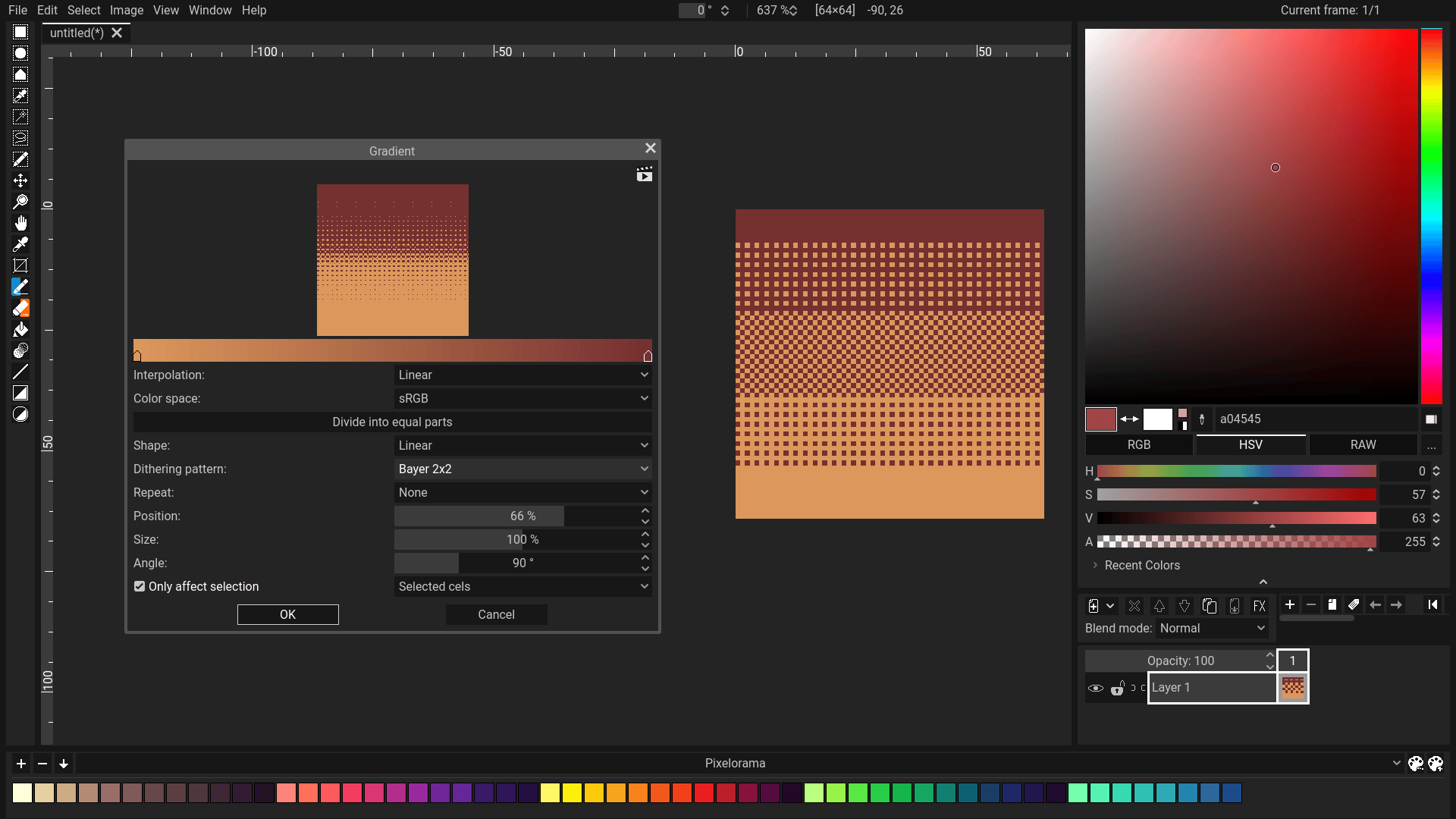
The tool set is deliberately conventional: pencil, eraser, fill bucket, lighten and darken, colour picker, rectangular selection. What matters is that each can be mapped to the left and right mouse buttons separately. It sounds like a small convenience and it is in fact the central ergonomic decision of the whole program, because it means drawing and correcting do not require leaving the canvas. Paint, erase, sample a colour, fill a region — all without moving the hand to a toolbar.
The pixel-perfect mode belongs to the same philosophy. Freehand strokes in a pixel grid tend to produce doubled corners and stray diagonal pixels, because a hand moves in curves while a grid moves in steps. A mode that removes those artefacts as you draw is not a filter applied afterwards; it is the program agreeing with the medium about what a line is.
Layers stack in space, frames stack in time
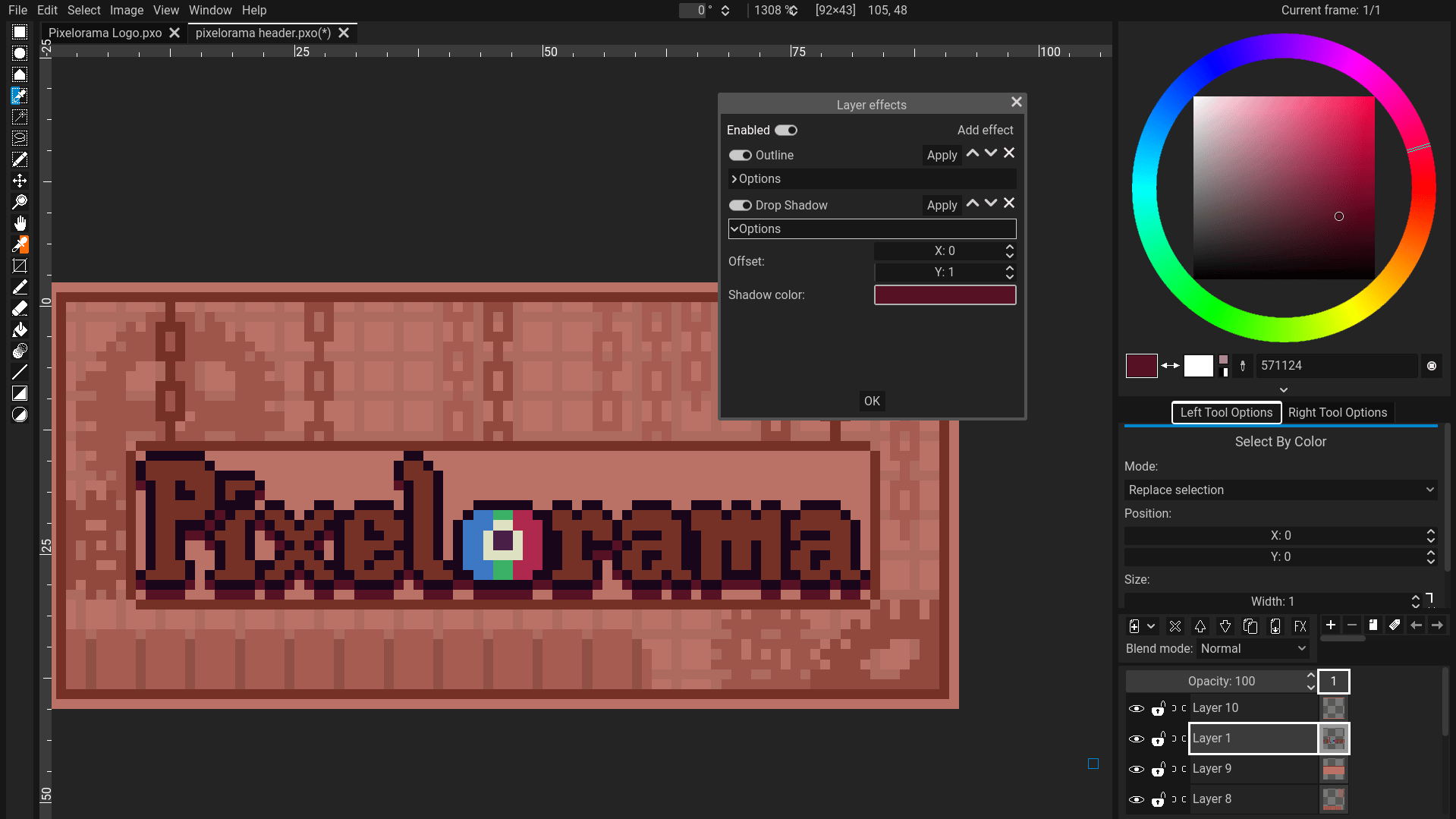
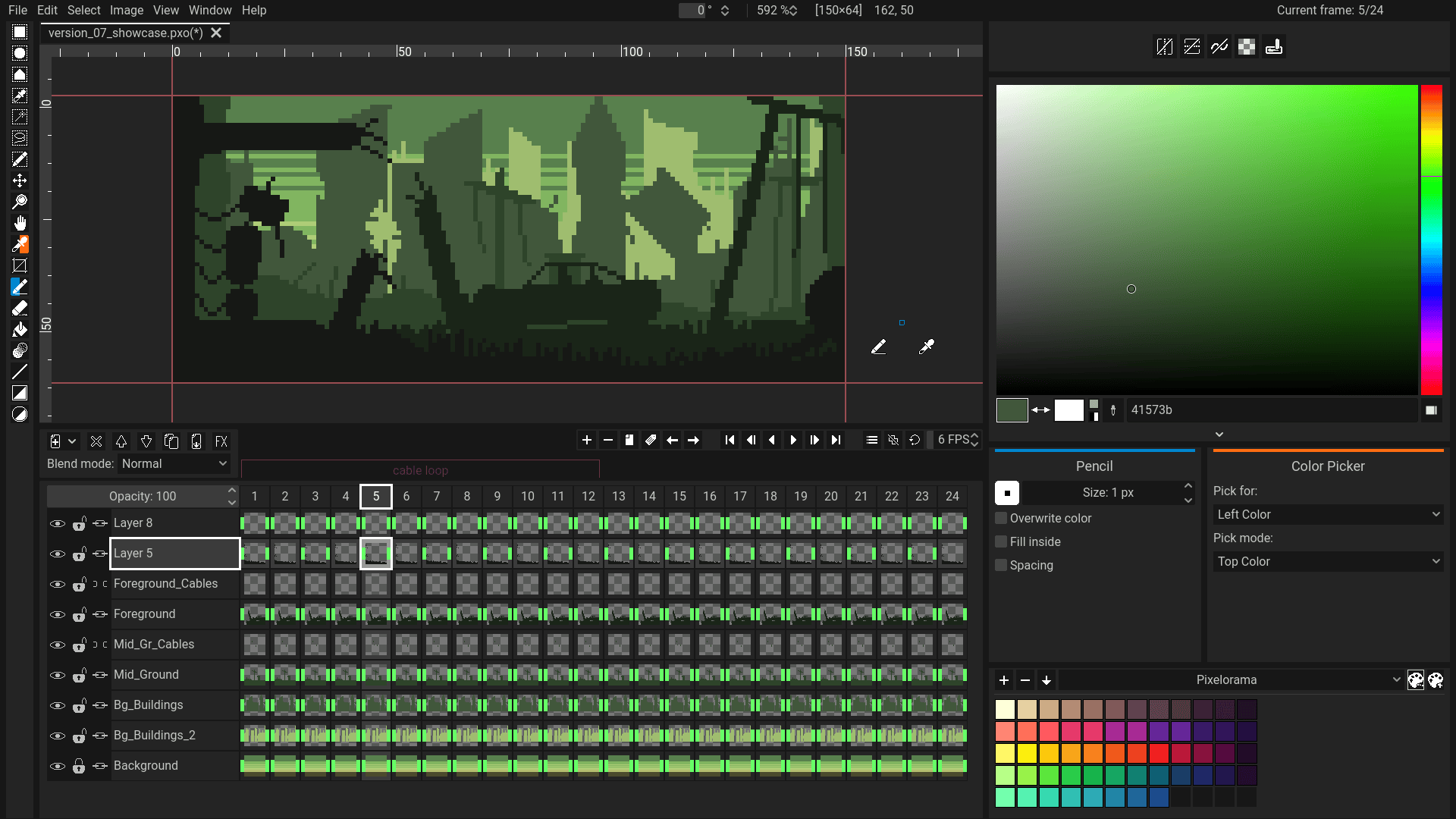
Layers can be added, deleted, moved, cloned, merged and given an opacity, which covers the spatial dimension: what is in front of what. The animation timeline covers the temporal one: what exists at which moment. A sprite sheet is what you get when both are flattened, and a great deal of the workflow is deciding which dimension a given change belongs to — a shadow under a character is a layer, a blink is a frame, and confusing the two produces a file that is painful to revise.
Onion skinning is the feature that makes animation in this medium tractable. Showing the previous and next frames faintly behind the current one turns the hardest question in frame-by-frame work — how far did this move — into something the eye answers directly. It is also a good example of a feature that only makes sense here: a video editor has no use for it, and a general painting program has nothing to register the ghosts against.
Custom brushes, including ones that refuse to repeat
Being able to define your own brushes matters more in pixel art than it sounds, because much of the craft is repetition: the same three-pixel dither pattern, the same tuft of grass, the same rivet. A brush turns a decision made once into a stroke made many times, which is how a style stays consistent across a large sprite.
Random brushes are the interesting counterexample. A brush that produces a different result each time is, strictly speaking, the opposite of a reusable stamp — and that is exactly why it is useful for foliage, gravel, dust and texture, where the eye notices repetition long before it notices anything else. The pair of features covers the two ways a surface can look wrong: inconsistent where it should be consistent, or mechanical where it should be organic.
Mirrored and tiled drawing are structural, not cosmetic
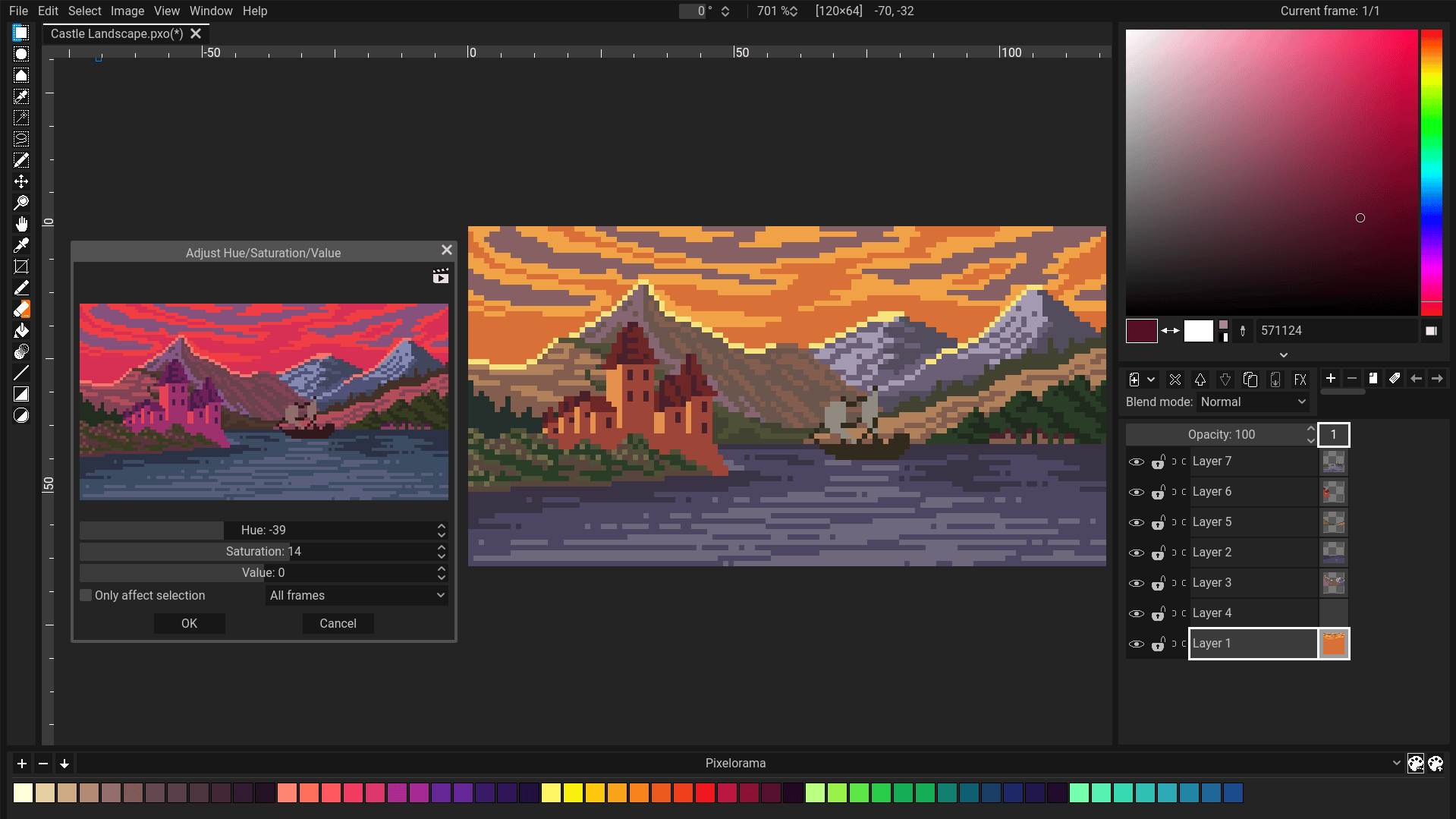
Horizontal and vertical mirroring, tiled mode, split-screen preview and multiple grid types — rectangular and isometric — read like a list of extras, and they are actually the features that connect the program to the kind of thing it is used to make. Mirroring is how a symmetrical character, a face or a building is built in half the time. Tiled mode is how a seamless texture is made, because the seam is only visible when the edges sit next to each other, which is what the mode shows you while you draw.
Isometric grids and, in recent versions, a tilemap layer exist for the same reason: games built on tiles need art aligned to a lattice that is not the screen's. A tool that understands the lattice can help; a tool that does not forces the artist to count pixels by hand and hope. Split-screen preview belongs here too, not as a curiosity but as the answer to the practical problem of working on a sprite larger than the window.
Export formats are where art meets an engine
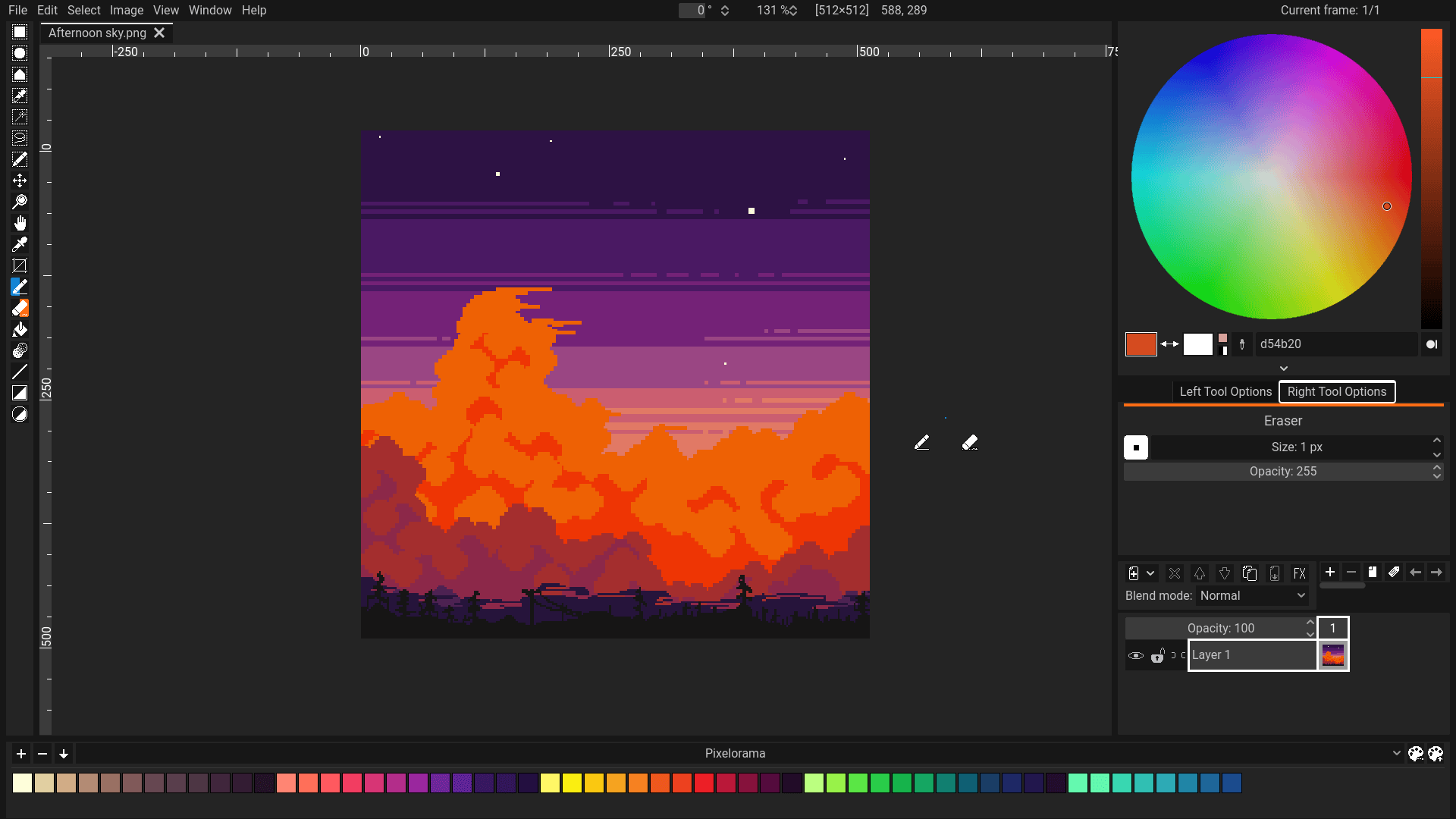
PNG export is the obvious case; spritesheet export is the interesting one. A game engine does not want twenty files, it wants one image and a table of coordinates, so that everything can be uploaded and drawn in a single batch. Being able to produce that layout directly, with frames in the right order and at the right spacing, removes a step that is otherwise done by hand in another program and re-done every time an animation gains a frame.
The project's own format is the other half of the same thought. A PNG is a result; the project file is the reasoning behind it — layers, frames, palettes, timing. Keeping the two separate is what allows an animation to be revised months later instead of rebuilt because only the flattened output survived.
Import has a quiet but very practical behaviour: several imported images can arrive as separate animation frames. That is what makes it possible to bring in a sequence rendered by something else, or a set of stills that were drawn outside the tool, and continue working on them as an animation rather than as a pile of pictures.
Built on a game engine, which explains a lot
The program is built on Godot, an open-source game engine, and that choice explains several properties at once: it runs on Windows, macOS and Linux from one codebase with an interface that behaves the same everywhere; it starts quickly and asks very little of the machine; and the interface can be drawn entirely by the application, which is why a canvas application can have custom panels and a timeline without fighting a native widget set. The cost is the usual one for engine-based tools — a little more memory than a hand-written native program, and interface conventions that are the application's own rather than the operating system's.
The interface is available in many languages, which is a smaller point than it sounds and a larger one than it is usually given credit for: a creative tool is used for hours at a time, and hours of reading menus in a second language is a tax paid continuously.
Where it fits
It fits the independent developer who needs sprites and does not want to buy a tool, the hobbyist learning animation on a laptop that is not powerful, and the artist who wants a program that treats a pixel as a decision rather than as a sample. It is not a general painting application and should not be asked to be one; it does not composite photographs and it does not attempt smooth illustration. Within its constraint — a grid, a palette, a timeline — it is unusually complete, and free and open source is not a discount here, it is the reason the tool can be used for a decade.